ERR_CONNECTION_CLOSED: what it is and 3 ways to fix it
Sep 17, 2026
/
By Noviantika G.
/
6 min Read

ERR_CONNECTION_CLOSED indicates that the connection to the website is disrupted because of a server or hosting service flaw. The target host cannot process the request and instead sends the ERR_CONNECTION_CLOSED response.
| Error code | Connection refused |
| Error type | Network communication protocol error |
| Error causes | Network problem Incorrect SSH installation Wrong credentials Security system configuration |
Some common causes of the connection closed error include:
- Null route – the server or host may experience downtime, making the system unavailable.
- Hitting server limits – the current hosting usage may overload the server resources.
- Internet connection – slow or unstable internet may interrupt the network connection.
- Browser or DNS cache – corrupted cache may cause connectivity issues.
- Virtual Private Network (VPN) service issues – settings inside the VPN software may block specific sites.
Start with these client-side fixes. This video walks through each one step by step, from clearing your cache to changing DNS servers:


What Does ERR_CONNECTION_CLOSED Mean?
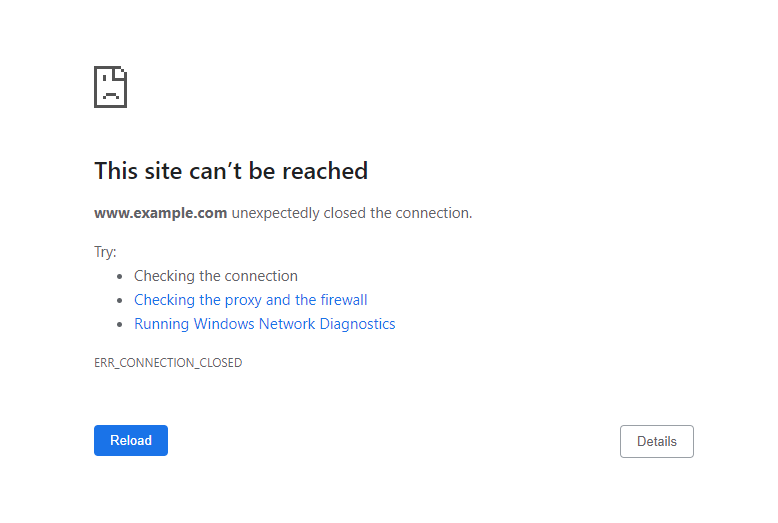
ERR_CONNECTION_CLOSED is a Chrome error that indicates that the browser fails to connect to the web server. The connection is closed, and the error occurs.
3 effective methods to fix ERR_CONNECTION_CLOSED
First, you should ensure the error is not just a temporary glitch. Here are several simple solutions to try:
- Check your internet connection by accessing other websites.
- Restart your internet router to fix connectivity issues.
- Check if the website is just down for you or everyone else. This will show whether the issue is with the server or the device you’re using.
- Delete browser cache via Chrome settings to clear browsing data and history.
- Disable your VPN service or proxy server since it may block the website you’re trying to access.
- Flush the DNS cache to remove all existing DNS lookup records and establish a new connection.
- Access the website using a different network connection to ensure your Internet Service Provider (ISP) doesn’t block the site you’re trying to visit.
- Temporarily disable the firewall system or antivirus software as it may block specific websites.
- Reset Chrome settings to default. Doing so will also remove all the installed extensions, cookies, and other temporary site data.
- Use the Google DNS.
- Reinstall Chrome.
If none of the above fixes resolve the error, proceed to the following methods.
1. Check the hosting IP address
The ERR_CONNECTION_CLOSED error may occur if the web hosting is experiencing a null route. The most convenient way to check whether the server is up and running is by using the ping command.
The ping command will send a data packet to the target host and transmit it over the network’s switch and router. The command usually submits four to five pings at once to ensure the result is valid.
Upon receiving a data packet, the machine with the specified address returns a pong reply, confirming that it is online.
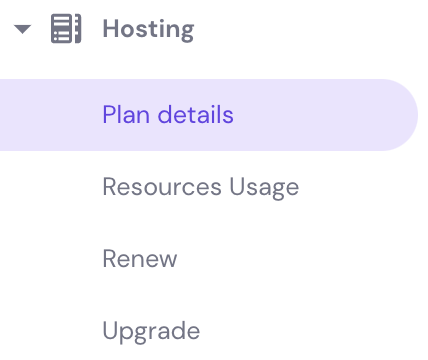
Before running the command, make sure to know your hosting’s Internet Protocol (IP) address. If you’re a Hostinger user, you can find it in Hostinger dashboard → Hosting → Plan details.
Here’s how to ping an IP address on Windows:
- Open Command Prompt by typing in the search field on the taskbar. Alternatively, use the keyboard shortcut WIN + R, type in cmd, and press Enter.
- Run the ping command along with the domain name or IP address you want to check. For example, we will ping 8.8.4.4.
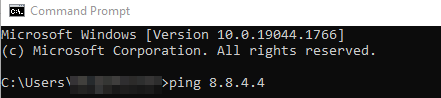
- Press Enter. The pong reply will appear four times.
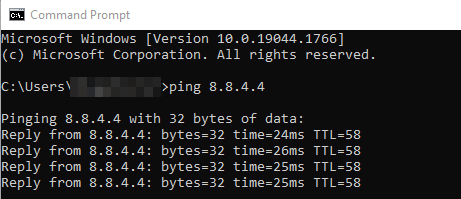
The command prompt will show the ping statistics at the end of the fourth reply.

Follow these steps to ping an IP address on macOS:
- Access Terminal by clicking the Launchpad icon in the Dock and typing in the search field. Alternatively, select Finder, open /Applications/Utilities, and double-click on Terminal.
- In this example, we will enter ping 8.8.8.8.
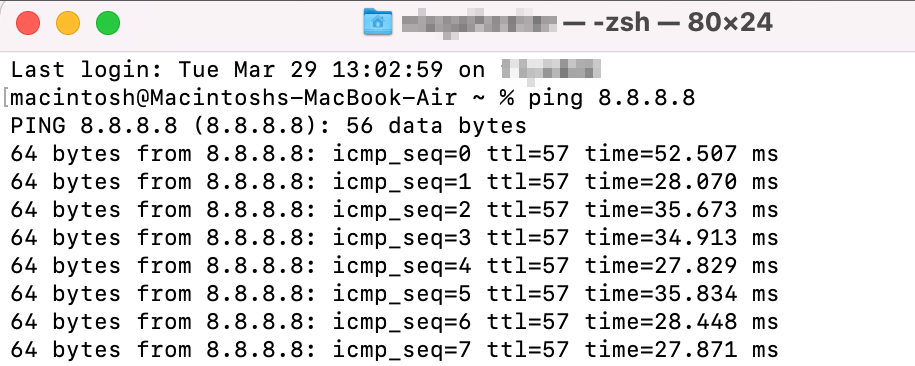
- To stop the ping command from running, press Ctrl + C. The ping statistics will show once the connection is closed.

Here’s how to ping an IP address on Ubuntu:
- Open Terminal using Ctrl + Alt + T shortcut. Alternatively, click the Show Applications button on the bottom-left corner of your screen and type in Terminal.
- Run the ping command followed by the IP address you want to check.
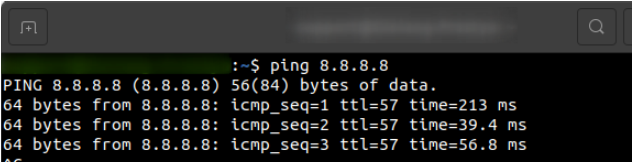
- Hit Ctrl + C to close the connection, and the ping statistics will appear.

Pro Tip
The ping command in Linux lets you modify the packets sent to the server. For example, you can set a specific number of packets or change the interval.
Alternatively, you can check the state of the website server using online ping tools, such as DNSChecker, ping.eu, and PingTool.org.
If the host doesn’t send a pong reply, it may be causing the ERR_CONNECTION_CLOSED issue.
2. Check the hosting resources
The ERR_CONNECTION_CLOSED error may occur if your hosting is hitting its resource limits. To prevent this issue, we recommend continuous monitoring. This includes CPU, memory, processes, entry processes, inodes, and disk usage.
Note that hitting the resource limits can also cause the 503 Service Unavailable error message.
Here’s how to check the Order Usage for Hostinger users:
- Log in to your Hostinger account.
- On the Hostinger dashboard dashboard, select the Home tab and find the Hosting section.
- Choose the hosting you want to check and click Manage.
- On the Hosting Account, go to Hosting → Resources Usage.
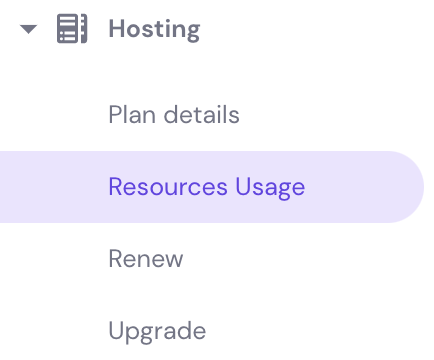
- See the CPU, Memory, NPROC, and Entry Processes tab. Check if any of them has reached your plan’s maximum capacity.
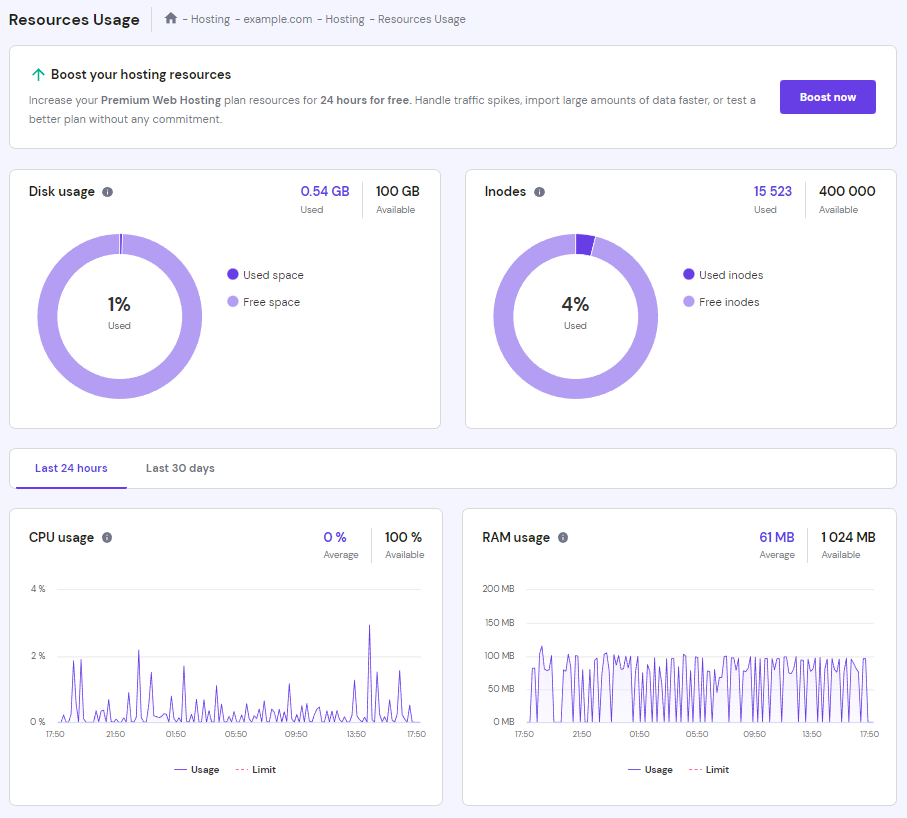
- If either NPROC or Entry Processes hit the limit, scroll down to find the Stop running processes option and click Stop. However, this is only a temporary solution. You still need to find the root cause by disabling certain plugins and reducing the number of running cron jobs.

- If most parameters inside Order Usage are constantly high, try to optimize the website.
- If there are sudden spikes in both Order Usage and Total Requests, the error may be caused by DDoS attacks. To solve this issue you’ll need to work on your website security.
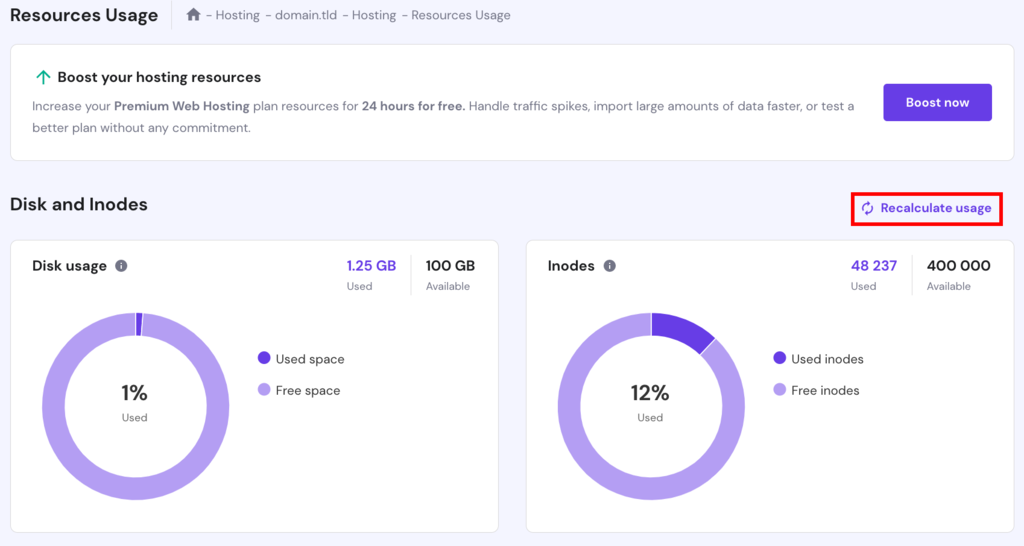
Alternatively, check the disk and inodes usage to determine the root cause of this error message. You can check them on the same Resources Usage page.
If one or both statistics hit the limits, remove unnecessary files using File Manager to reduce the resources used. After that, hit the Recalculate usage button on the Resources Usage page:
If you have checked your hosting resources and they are still well within limits, performing a server transfer is best. Our Customer Success team can assist you with the procedure.
3. Contact support
Since the connection closed error occurs on the server side, it can be tricky to solve it from the client side. Although there are methods to try on that end, most require prior technical knowledge.
So if the earlier solutions can’t fix ERR_CONNECTION_CLOSED on the website, we suggest contacting your hosting or internet service provider for help.

Other error messages similar to ERR_CONNECTION_CLOSED
Here are five common error messages similar to the connection closed error:
ERR_CONNECTION_TIMED_OUT
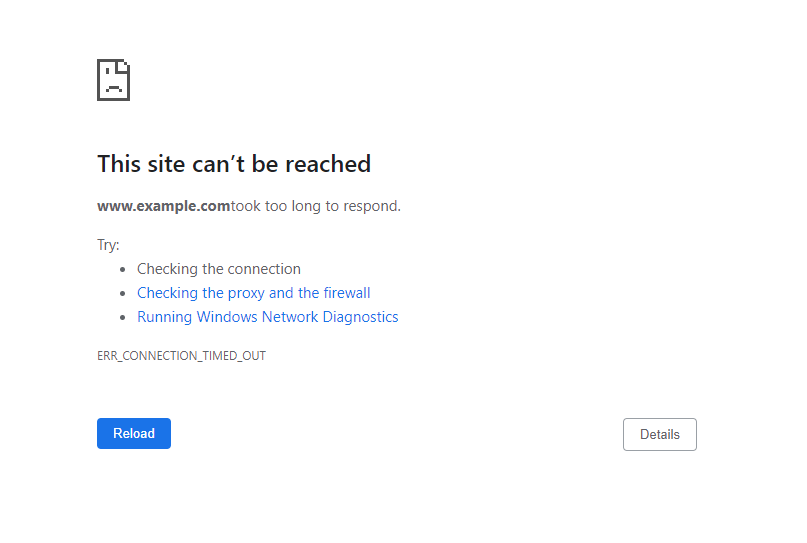
ERR_CONNECTION_TIMED_OUT indicates that the browser is trying to load more than the server can handle, thus overloading the system.
This problem may occur for many reasons, such as exceeded hosting resource limits, incorrect internet settings, VPN connection issues, or faulty proxy server configuration.
Aside from that, the error message may occur if your internet is slow. The system can’t establish a reliable connection with the server and takes too long to respond.
ERR_CACHE_MISS
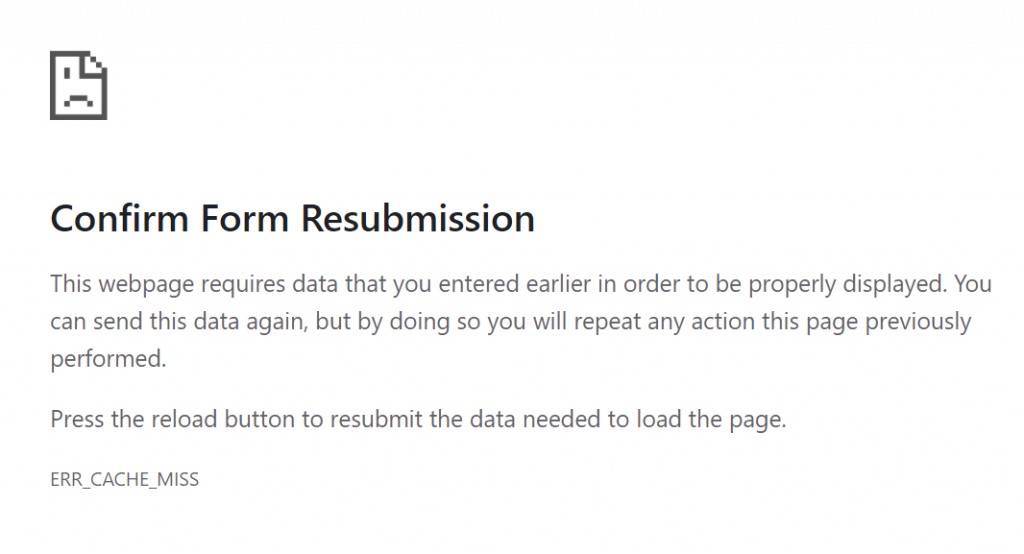
ERR_CACHE_MISS is a common Chrome browser problem that indicates a caching-related issue or incorrect DNS settings. However, it is more of a warning than a standard error.
The Confirm Form Resubmission message may appear when a user reloads a web page or clicks the back button after submitting a form to a site. It usually occurs alongside the ERR_CACHE_MISS error.
This warning’s purpose is to stop the Google Chrome browser from unintentionally duplicating information entered on a web form.
ERR_NAME_NOT_RESOLVED
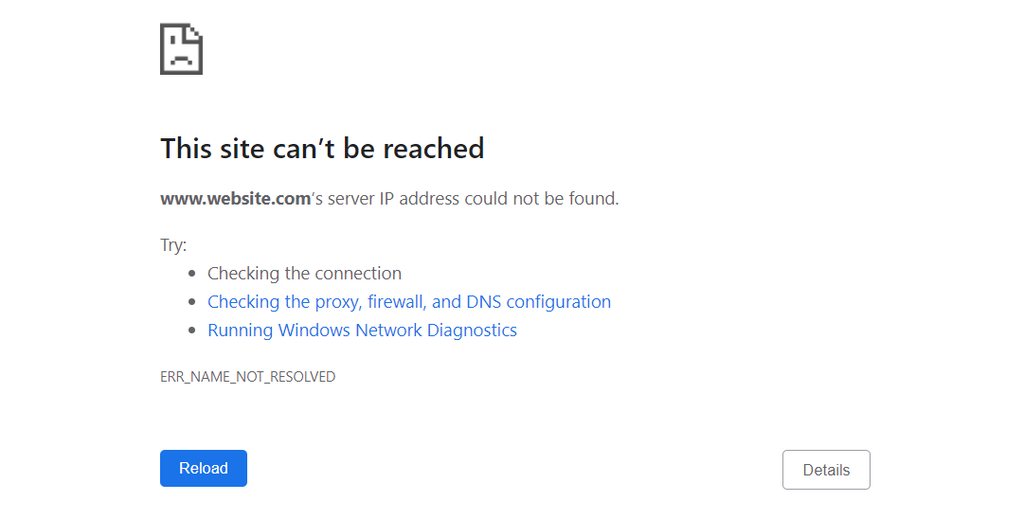
When visiting a website, your computer sends a DNS request to get the server’s IP address.
Sometimes, the website may have moved to another address, but the system still cached the old one. Since the browser can’t find the IP address of the domain you want to visit, it throws the ERR_NAME_NOT_RESOLVED error message.
Possible causes of this issue include problems with the DNS settings or cache, local network configurations, a flaw with the firewall system, and DNSSEC issues.
ERR_CONNECTION_REFUSED
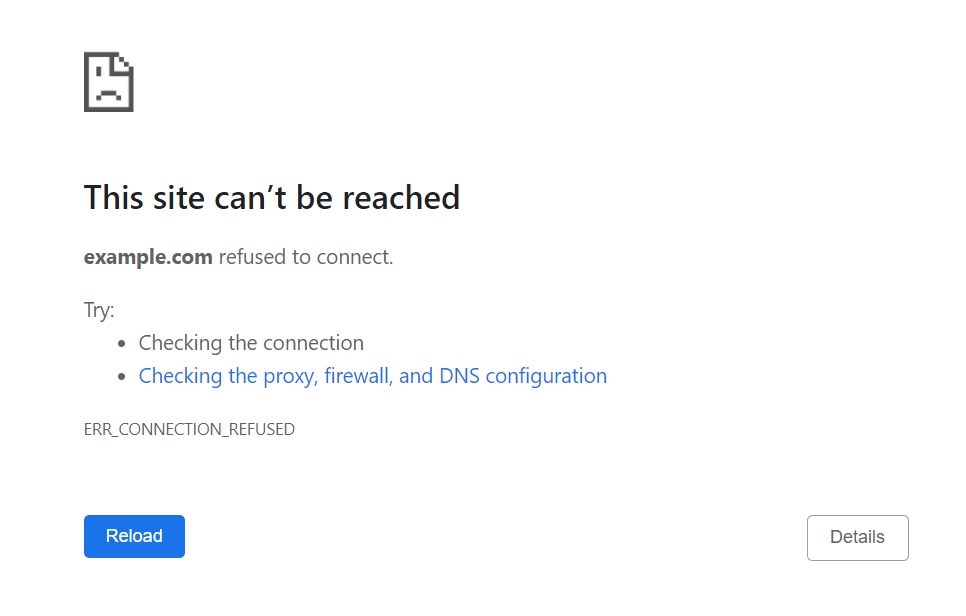
ERR_CONNECTION_REFUSED is an error that indicates a browser’s attempt to connect to a website is being refused.
Usually, it is a client-side issue related to local network settings, browser extensions, synchronization, or third-party applications. In rare cases, it can be caused by server downtime.
This error also appears on other browsers. Microsoft Edge shows “Hmmm…can’t reach this page”. Meanwhile, Mozilla Firefox displays the “Unable to connect” message instead.
ERR_CONNECTION_RESET
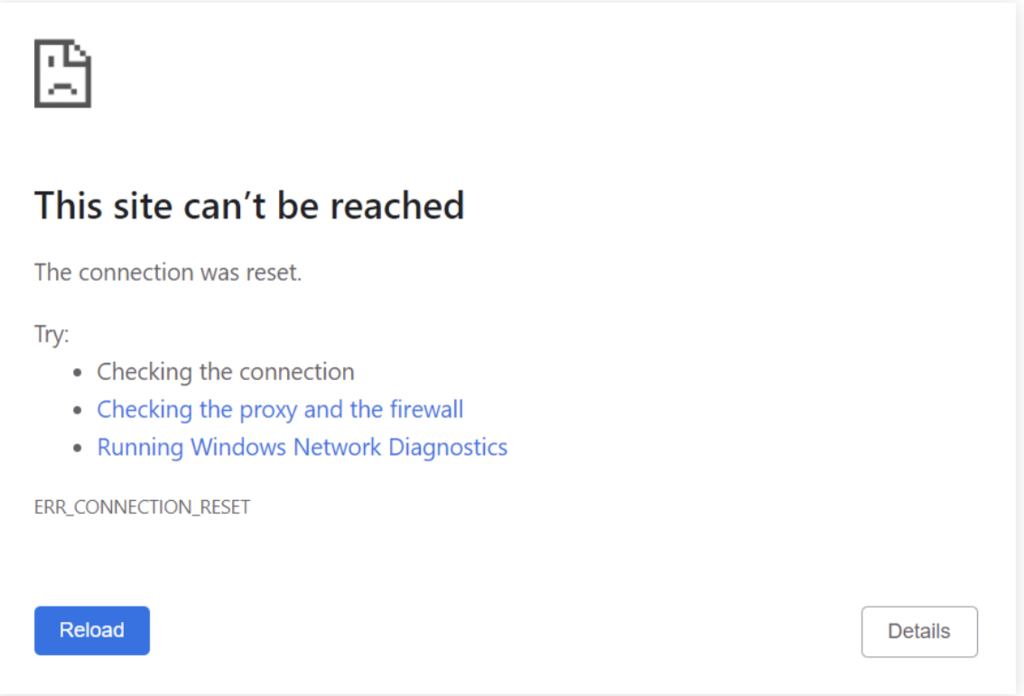
ERR_CONNECTION_RESET is a frequent Chrome error that occurs when the browser fails to connect with a target host. In this case, the server cannot process the request or send the data back to the browser.
Identifying the exact reason for this error message can be tricky. In most cases, the root issue lies with the client’s side. This could include incorrect Chrome settings, third-party software interference, outdated browser cache, network device problems, or bad proxy.
Conclusion
ERR_CONNECTION_CLOSED is a Chrome error that indicates the connection between the browser and the server is closed. Since the target host fails to process the request and send the data, the browser can’t load the website.
Before examining the server state, try simple fixes first:
- Check your internet connection.
- Disable the proxy server.
- Reset Chrome settings.
- Clear cache.
- Use a different network
- Restart the internet router.
- Reactivate the firewall system.
- Flush DNS.
If the above fixes don’t work, verify if the IP address is online, check the hosting resources, and contact your hosting’s support team.
We hope this article has helped you solve this Chrome error. Feel free to leave a comment if you have any questions or suggestions.
ERR_CONNECTION_CLOSED FAQs
Take a look at the following frequently asked questions.
What causes an ERR_CONNECTION_CLOSED?
ERR_CONNECTION_CLOSED is an error that occurs when the web browser is unable to establish a connection to the web server. Also, when the server abruptly terminates an existing connection. Some of the causes include network connectivity issues, server overload, and misconfigured firewalls.
How can I prevent ERR_CONNECTION_CLOSED?
To prevent ERR_CONNECTION_CLOSED errors, ensure that the internet connection is stable. Also, check that the web server is accessible and properly configured.
What other problems can ERR_CONNECTION_CLOSED cause?
ERR_CONNECTION_CLOSED can cause various problems while browsing the internet. These include the inability to access websites, incomplete or corrupt data transfers, and failed downloads. It can also impact the performance and stability of web applications, resulting in degraded user experiences or disrupted business operations.
This article is a localized version of ERR_CONNECTION_CLOSED: what it is and 3 ways to fix it, originally published in English.

Noviantika is a web development enthusiast with customer obsession at heart. Linux commands and web hosting are like music to her ears. When she's not writing, Noviantika likes to snuggle with her cats and brew some coffee.