No-code vs low-code: Understanding the key differences
Sep 18, 2026
/
By Aris S.
/
7 min Read
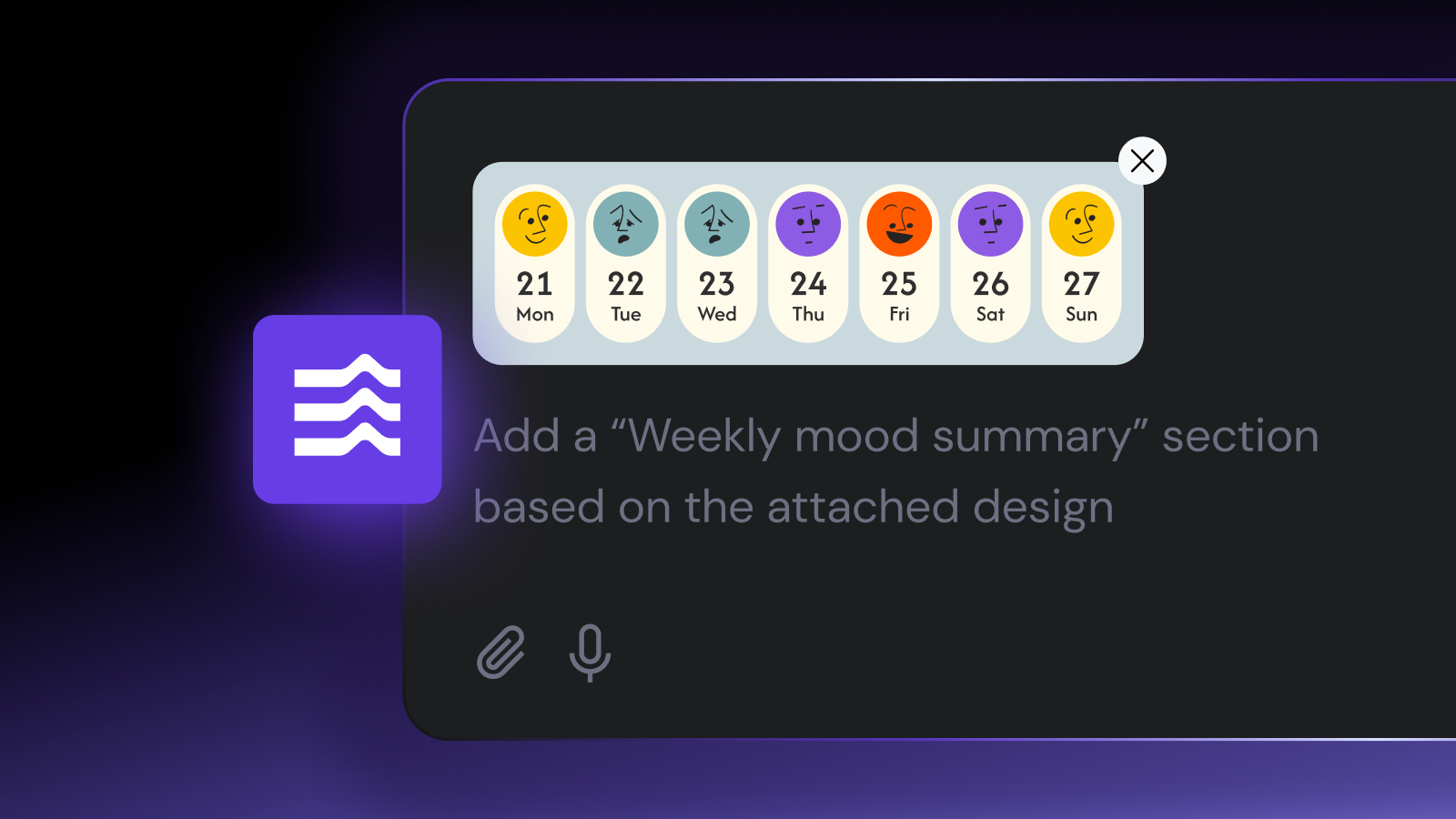
No-code development tools provide pre-configured components and features to simplify the application creation process. Low-code platforms are similar, except you still need manual coding to extend your project.
While almost identical, there are important distinctions between low-code and no-code platforms, making them suitable for different users and use cases.
In this tutorial, we will compare the concept of low-code vs. no-code development in several aspects. You will learn their definition, benefits, and platform examples.
What is no-code
No-code is a rapid application development approach that enables you to fully build working software without writing any code.
This allows users with no coding experience to become citizen developers – someone who builds software with minimal to zero technical skills.
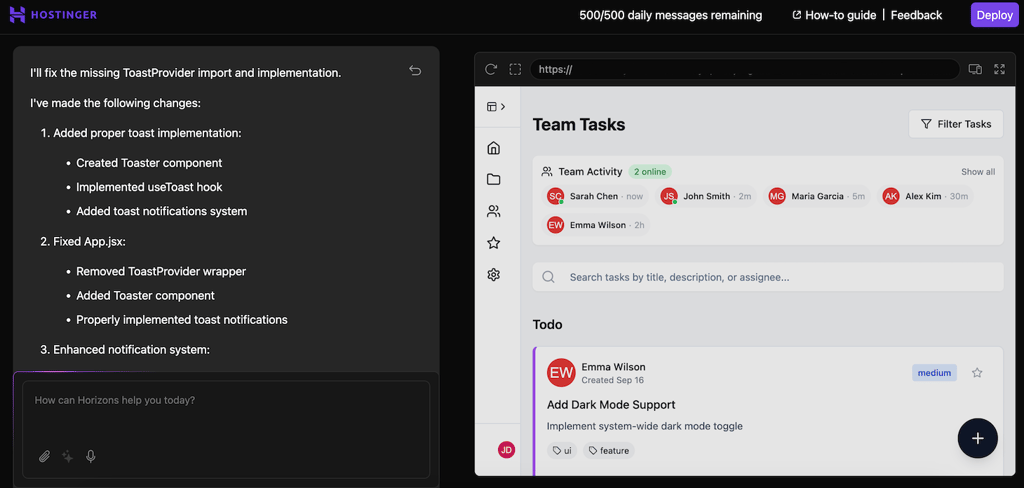
No-code platforms provide built-in tools and features to handle all aspects of your software development, from creating the application’s layout to integrating the back end.
Commonly, no-code development platforms offer visual, drag-and-drop interfaces without the option of custom code.
Pros and cons of no-code development
Here are some of the advantages of no-code development:
- Simplicity – no-code platforms are straightforward and come with pre-built tools that help streamline the entire development process, making them easier to use.
- Beginner-friendly – beginners or non-technical users with zero coding knowledge can use no-code platforms to develop a fully functional application.
- Real-time testing – no-code platforms commonly provide a real-time preview of the application for testing and troubleshooting.
- Less prone to errors – the pre-built components and not having to add custom code leave less room for error.
- Cost and time efficiency – you can develop an application without hiring professional developers or learning programming, saving both time and money.
However, no-code development has the following disadvantages:
- Platform limitation – the absence of custom code means you are limited to what your platform offers, resulting in lower flexibility and integration.
- Smaller use cases – due to platform constraints, no-code development may not be suitable for custom web applications with complex features.
- Scalability – scaling a no-code application is more difficult since you don’t have full control over its architecture and codebase.
Examples of no-code platforms
There are various no-code platforms with different features. Here are some examples and their main selling points:
- Hostinger AI Builder – an AI-powered no-code platform that can automatically write your application from scratch based on simple prompts. It handles all aspects of the development process, including the development, error troubleshooting, and deployment.
- Xano – a no-code builder with extensive integration and application programming interface (API) support. With API, you can create custom endpoints to connect services, handle database operations, and set up authentication.
- Bubble – this no-code app builder offers a what-you-see-is-what-you-get (WYSIWYG) interface and drag-and-drop functionality. Via its visual interface, you can easily design your application, create custom logic, and collaborate with up to 40 people.
- Backendless – a highly flexible no-code development platform that lets you easily configure your application’s back end with SQL-like storage and a visual schema modeler. It also features a front-end builder with pre-configured logic blocks and various app blueprints.
- Thunkable – an intuitive no-code mobile application builder with a drag-and-drop interface, pre-built logic blocks, various visual components, and a built-in testing tool. It integrates with Play Store as well as App Store, allowing you to publish the web app immediately after development.
- Google AppSheet – a basic no-code builder that lets you create the operational logic and data structure of your application by simply adjusting the setting. You can create a blank application, build it using Gemini, or select a pre-configured template.

What is low-code
Low-code development is similar to the no-code one in that you have pre-configured components for building your application. However, you still need to write some code to extend your software functionality.
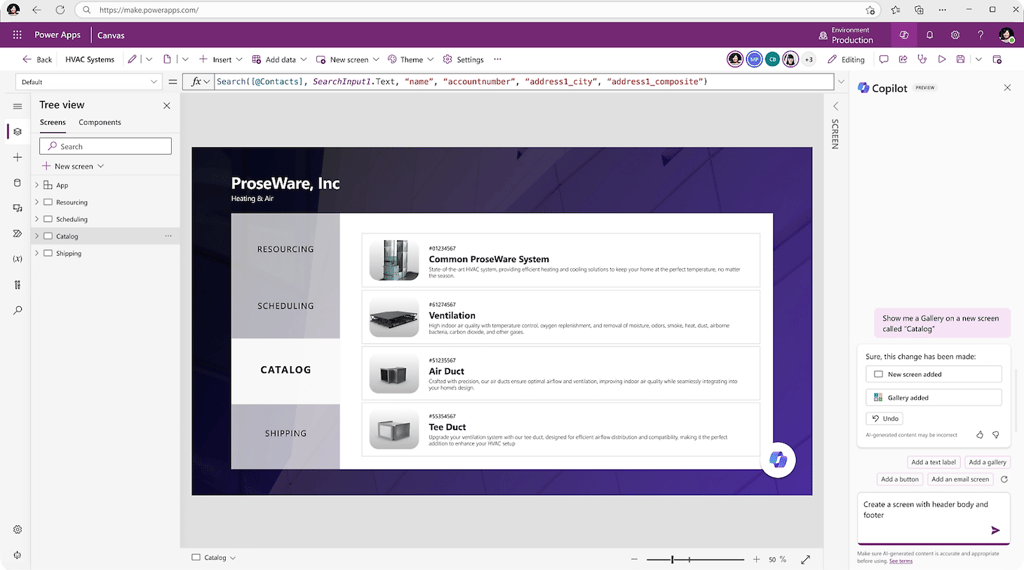
These pre-built components usually serve as replacements for basic code that is often reused across different projects, like layout and routing. Still, you need to manually develop complex areas like business logic, integration, and security configuration.
Businesses typically have very specific requirements regarding these complex areas that you can only create using code. For example, they might use legacy services that modern platforms can’t integrate by default.
Pros and cons of low-code development
Here are the benefits of low-code development:
- Scalability – developers can easily optimize their low-code application performance, extend functionality, and add support for more users by adding custom code.
- Integration – compatibility with code lets you integrate your application with any custom APIs, external tools, and third-party services.
- Customizability – since you can add code, you can freely modify any aspect of your application without platform restrictions.
- Wider use cases – the ability to add code enables you to develop a wider range of applications with custom workflows, automation, and structure.
- Higher control – developers have deeper control over their applications, including their code and database structure, which provides a higher level of security and maintainability.
Despite the benefits, low-code development brings the following disadvantages:
- Longer delivery times – since low-code development involves coding, the application creation, testing, and troubleshooting process takes longer.
- Higher cost – building an application with a low-code platform typically costs more since you need to hire developers to write and maintain the custom code.
- Complexity – low-code applications contain custom code, complex logic, and unique features, making them more difficult to develop and manage.
Examples of low-code platforms
Here are some of the popular low-code development platforms and their key features:
- Microsoft Power Apps – an AI-powered low-code tool that lets you create an application manually, using Copilot, or with custom YAML templates. Its distinguishing feature is interoperability with various Microsoft services, like VScode, Azure, Dataverse, and GitHub.
- Zoho Creator – this low-code development platform supports Zoho’s Deluge custom scripting language, which is highly flexible and responsive. You can use write code to create custom events, automation, real-time validation, and custom widgets.
- OutSystems – a low-code platform suitable for full-stack deployment. It is an all-in-one solution with pre-built component modules, an integrated DevOps tool for custom deployment, a cloud-native architecture, and plug-and-play integration with various services.
- Quickbase – a simple, straightforward low-code development platform. It uses an Excel-like formula for data storage, supports custom automation, offers built-in app templates, and integrates with various services, including other Quickbase apps.
- Mendix – a comprehensive low-code platform with a built-in integrated development environment (IDE), custom Model SDK, Git integration, and automatic debugging tool. It also features a collaboration tool with a Kanban-style task management dashboard.
- Oracle APEX – this platform can be a no-code or low-code, depending on whether you want to extend its basic functionality. Oracle APEX offers a drag-and-drop functionality, a WYSIWYG editor, a single-file codebase, and the Advisor code analyzer.
No-code vs low-code: Which one should you choose
No-code and low-code development each have their own benefits, making them suitable for different users. To help you choose, consider the following considerations.
| No-code | Low-code | |
| Expertise level | Low, since you don’t need to write any code | Medium, considering you still need to write code for specific configurations |
| Development cost | Cheaper, as you don’t need to pay for developers | More expensive since you need to hire developers to handle the technical parts |
| Development time | Quicker since all the features are either pre-built or automatically created | Slower as you need to write code manually to extend the basic functionality |
| Scalability | More difficult to scale as you might not be able to edit the code directly | Easier, given you have control over the application’s code |
| Use cases | Depends on the platform, but typically not suitable for complex apps due to platform restrictions | Wider, allowing you to build enterprise-level applications based on specific requirements |
| Security | Limited to the no-code platforms’ built-in features and configuration | More flexible as you can adjust the code to meet your security standards |
| Integration | Limited, especially with legacy services or tools, since you can’t adjust the code accordingly | Wider because you can connect external services, including legacy ones, using custom code |
After checking the comparison table, consider the following questions:
- Do I need a complex, enterprise-level application with unique features?
- Will I integrate a lot of external services, including the legacy ones?
- Am I willing to spend time learning to code or allocate my budget to hire developers?
- Do I, or my business, have very specific security requirements?
If the answer to all the questions above is No, a no-code platform is more suitable for you. It is more efficient and affordable, but you have a lower level of customization.
Conversely, the low-code approach is excellent if you answered most of the questions above with a Yes. While the cost to build the web application is higher, the end product is more flexible and customized.
That said, it also depends on the platform. Some no-code tools let you add code and build customized business applications, giving you the benefits of low-code development with the simplicity of no-code platforms.
Also, consider whether you want to build a web or mobile application because your platform of choice might not be suitable for both. For example, Hostinger AI Builder can be a great choice for web apps, while Thunkable is more suitable for mobile.
Not sure which one to choose?
If you are unsure whether no-code or low-code fits your needs, we recommend going with a no-code platform first.
If you see the end product needs more adjustment and fine-tuning with code, then switch to a low-code platform. Some tools offer a demo or trial, allowing you to try them without commitment.
Why no-code development is the future
Studies show that the future of web app development will shift towards the no-code approach, with 75% of new business applications using such a platform.
This shift is mainly due to the benefits that no-code and low-code platforms bring to business in several areas, particularly efficiency.
No-code and low-code development are more affordable than traditional development because you can work with smaller development teams.
You can also tap into existing non-technical workforces, as such platforms require zero to basic coding skills. This enables employees to get more hands-on in development, complementing their expertise in other areas like marketing and product knowledge.
Moreover, no-code and low-code development are more time-efficient. This allows businesses to reduce the time to market their products and update their applications to meet changing customer demands.
Conclusion
Both no-code and low-code platforms provide pre-built components that let you build applications without writing code from scratch. This makes the development process simpler, more efficient, and more agile.
Low-code platforms are more straightforward and beginner-friendly, making them suitable for users without coding skills. An example of such a tool is Hostinger AI Builder, an AI-powered tool that handles the web app creation, troubleshooting, and deployment process.
If you want more customization and flexibility, low-code platforms are more suitable because you can add custom code to extend your application’s functionality. One popular example of such a tool is Microsoft’s Power App.
After understanding the differences between no-code and low-code, we hope that you can decide which platform is suitable for you. If you are still unsure, try to build a web app with Hostinger AI Builder AI app builder to see if the level of customization meets your needs.
This article is a localized version of No-code vs low-code: Understanding the key differences , originally published in English.

Aris is a Content Writer specializing in Linux and WordPress development. He has a passion for networking, front-end web development, and server administration. By combining his IT and writing experience, Aris creates content that helps people easily understand complex technical topics to start their online journey. Follow him on LinkedIn.