What Is WYSIWYG Editor: How It Works And Best WYSIWYG Web Builders
Mar 10, 2026
/
Noviantika G.
/
8 min Read
A “what you see is what you get” (WYSIWYG) editor is a software application containing an interface that enables users to see the content’s final output while editing. It is commonly used in word processors, website builders, content management systems (CMSs), and customer relationship management (CRM) software.
Compared to other editors, WYSIWYG applications let you edit content visually without coding. It gives users pre-made design and formatting options to add elements, such as pictures, text, and videos, by dragging and dropping the item anywhere on the page.
In this article, we’ll discuss how a WYSIWYG editor works, along with its advantages and disadvantages. On top of that, we’ll cover the five best website builders that use WYSIWYG software, including their pros and cons.

What Is WYSIWYG?
WYSIWYG stands for “what you see is what you get,” and it is when the content on an editing interface exactly matches the final output. The software enables users to manipulate any element without using commands or code. It helps speed up publishing, streamline workflows, and ease web design.
How WYSIWYG Works
There are many WYSIWYG editors, but how they work varies depending on their features and capabilities. In general, these platforms include the following:
- Graphical user interface. Provides a visual editor with formatting options, buttons, and menus for creating or manipulating elements such as tables, lists, images, written content, and links.
- Live content creation. As you work on the content, such as adding pictures or modifying the format, you can see them rendered on the editor screen in real time.
- Auto-generated code. A WYSIWYG editor generates code or markup languages like CSS and Hypertext Markup Language (HTML) according to the user’s modifications.
- Preview page and publish. Many WYSIWYG editors have a preview feature that lets you see the content’s final look before going online. Once you’re happy with the results, you can publish with a single click.
WYSIWYG Advantages and Disadvantages
In this section, we will discuss the advantages and disadvantages of WYSIWYG editors.;
By considering these factors, it will become easier to determine whether different content management systems, customer relationship management applications, or other software are suitable for your needs.
WYSIWYG Web Builder Advantages
Here are the four main benefits of WYSIWYG editors:
No-Code Editing
A WYSIWYG editor offers a no-code interface that lets you make, format, and modify elements visually. With a shallow learning curve, that makes it perfect for users without technical knowledge or any coding skills.
User-Friendly and Design-Focused
A WYSIWYG editor lets users focus on creating a stylish website appearance easily without paying attention to the specific HTML code. It usually comes with pre-made layouts or templates that you can modify to make your website stand out from competitors.
Efficient Workflow
With a WYSIWYG editor, you can build and edit web elements online, making it excellent for collaboration. Moreover, mistakes can be easily resolved by modifying elements without unpublishing and republishing, streamlining workflows.
Quick Publishing
Publishing is faster using a WYSIWYG editor as you don’t need to format the site content manually from scratch. It includes an easy publish feature that automatically releases the final product online.
WYSIWYG Website Builder Disadvantages
On the other hand, a WYSIWYG editor can have some drawbacks, including:
Generates an Excessive Amount of Code
Many WYSIWYG editors tend to generate excessive or non-compliant code. With the former, it usually contains bloated and poor-quality code that may cause your page to load slowly. Meanwhile, non-compliant code can break website conventions and affect usability.
Limited Design Functionality
Some WYSIWYG web builders provide limited design features, only enabling you to create a standard website. As such, those building complex sites may need to use CSS or custom code to extend functionality, as it may not be possible using the provided tools.
Limited Search Engine Optimization Opportunities
With some WYSIWYG web builders, you can’t explicitly include heading tags or alt attributes. This may make it difficult for your website to get recognized by search engines. However, more modern WYSIWYG editors have built-in search engine optimization (SEO) capabilities.
Suggested Reading
Check out these tutorials to learn more about the fundamentals of web design:
How to Design a Website
Web Design Web Practices
Top 5 WYSIWYG Website Builders
In this section, we list the top five WYSIWYG editors that you should consider checking out.
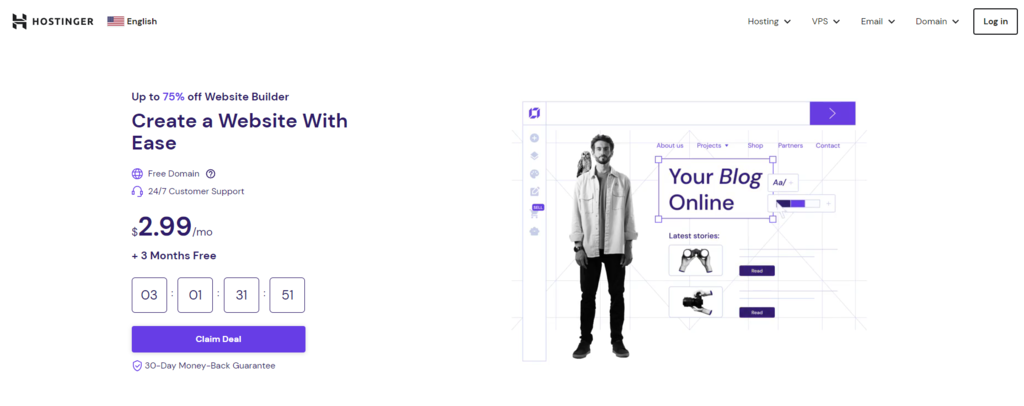
1. Hostinger Website Builder
Hostinger Website Builder Stats:
- Rating: 4.9/5
- Best for: users who want to build a professional website hassle-free
- Price: starts at CA$ 4.19/month
Hostinger’s website creator comes with built-in WYSIWYG software and is an all-in-one solution for creating a professional-looking website quickly. As such, it is a great option for users of all skill levels, from beginners to web professionals.
Some standout features of this WYSIWYG editor are:
- An AI Builder that can generate a website in a few minutes, with content and web pages included. All users need to do is write a few sentences about their brand and the type of website they need.
- User-friendly and intuitive drag-and-drop no coding editor with a clean interface, helping you format and design a fully-functioning website quickly.
- AI tools include a text generator, logo maker, and heatmap analysis.
- Round-the-clock support from Hostinger’s Customer Success team via email and live chat.
In addition, Hostinger Website Builder comes with hosting and a free domain name. It also offers free SSL certificates and a malware scanner to protect users’ sensitive data and encrypt website traffic.
Key Features:
- Websites built using Hostinger Website Builder are SEO-ready by default due to the tool’s built-in alt text editor, sitemap generator, and URL customizer.
- Robust security with Cloudflare-protected nameservers and automatic backups.
- Customizable designer-made website templates give you full control over the site’s appearance.
Cons:
- This platform only offers premium plans, but users can check out Hostinger Website Builder’s demo before purchasing.
- It doesn’t enable multiple users to edit content simultaneously.

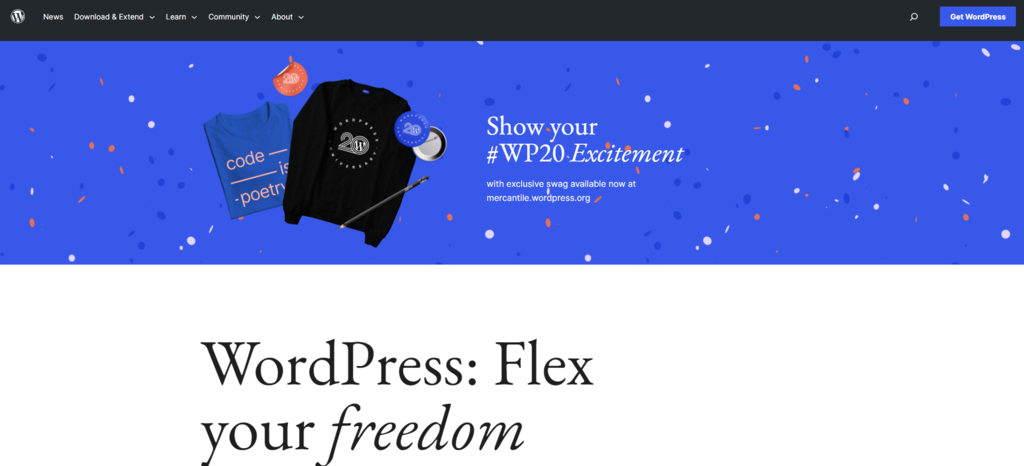
2. WordPress
WordPress Stats:
- Rating: 4.5/5
- Best for: all website types and users wanting ultimate customizability
- Price: freemium (Hostinger’s WordPress Hosting plans start at CA$ 4.19/month)
WordPress is the most popular content management system, powering over 43% of websites on the internet. It also works as a WYSIWYG editor due to its software capabilities, such as preview functions and a block editor that reflects changes on the front-end interface.
This CMS offers many other advantages, such as:
- A built-in drag-and-drop editor with individual blocks makes adding and modifying all parts of your website easy.
- Thousands of themes and plugins to extend your site’s functionality.
- Open-source software gives users access to the source code.
To use this WYSIWYG editor, you’ll need to purchase a domain name and web hosting. Some providers bundle both items in one plan, such as Hostinger’s WordPress Hosting packages, offering advanced capabilities like staging tools and object cache.
Key Features:
- The freedom to upload custom code and third-party extensions.
- User permissions and roles to distribute access and control workflows.
- File importer and exporter that lets you move content from one platform to another.
Cons:
- The block editor has a steeper learning curve than most website builders.
- Lacks in-house customer support as it relies primarily on community forums.

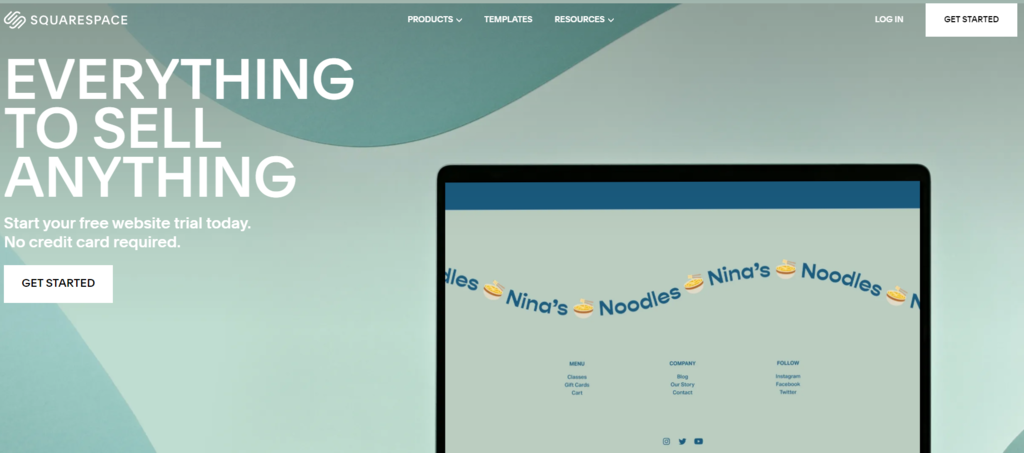
3. Squarespace
Squarespace Stats:
- Rating: 4.3/5
- Best for: image-rich websites, such as a visual portfolio
- Price: paid plans start at $16/month
Squarespace is a web builder with WYSIWYG features, such as an HTML editor and a graphical interface to edit and create content. Like other web builders, it provides marketing, content management, and analytics tools.
On top of that, this WYSIWYG HTML editor has other capabilities, such as:
- Pre-built layouts with pre-designed web page structures, such as Contact and About.
- The ability to duplicate written content or an entire page to speed up the web-building process.
- Comment management, including threaded comments, content moderation, and reader feedback to flag spam.
Squarespace also has a marketplace where users can hire a professional web designer to help build an outstanding website. With this solution, you can browse prospective talents yourself or let the platform’s partner, 99designs, find a suitable expert for your project.
Key Features:
- The Squarespace Analytics panel displays metrics to help review your site’s performance.
- Built-in marketing mechanisms include email campaigns, social selling, banners, and promotions.
- Squarespace Scheduling to sync appointments with multiple calendars, including Google and iCloud.
Cons:
- The service costs are higher compared to Squarespace’s alternatives with similar benefits.
- The WYSIWYG HTML editor has a relatively steep learning curve.
4. Wix

Wix Stats:
- Rating: 4.2/5
- Best for: beginners who want to build eCommerce sites
- Price: freemium (paid plans start at $4.50/month)
Wix is one of the most popular WYSIWYG website builders and best HTML editors. It includes an easy-to-use and intuitive interface packed with features to make a stylish website. Like WordPress, Wix offers more than 800 free and paid templates that let users easily craft their web appearance.
Other than that, it provides the following benefits:
- With Wix Artificial Design Intelligence (ADI), users can make and edit a website quickly by answering a few questions about the site’s goal, functionality, and style.
- The App Market has 3,000+ web applications, services, and additional functionality to add to your website.
- Wix’s SEO Setup Checklist includes important actions, such as structured data markup and meta titles, to help your website rank well on search engines.
- If you have a large-scale business, you can opt for a custom plan to unlock resources and features specifically for your needs.
Additionally, this WYSIWYG HTML editor offers a free plan that comes with basic web-building tools, including 500 MB of storage.
Key Features:
- User-friendly and responsive editor.
- An AI design tool to build a website in a few clicks.
Cons:
- Users cannot easily transfer website data from one template to another.
- Site owners cannot connect a custom domain with the free plan.
5. Weebly

Weebly Stats:
- Rating: 4.2/5
- Best for: users who want to create a simple website
- Price: freemium (premium plans start at $10/month)
Weebly is a website builder and WYSIWYG editor that lets users create a basic site in minutes. It uses blocks so that site owners can add and edit content easily. Each editor block has formatting options to adjust fonts, colors, and spacing.
This WYSIWYG site builder also offers:
- Advanced eCommerce features if you choose to build an online store upon registration.
- Blogging capabilities enable you to use the built-in RSS feed and make custom contact forms.
- A customer support team that is available 24/7 and reachable via live chat, phone, and support ticket.
Those with a web development background can use the Weebly code editor to edit any element’s source code to further personalize and design the website.
Key Features:
- Users have the ability to choose a suitable editor for their project – either the classic or eCommerce version.
- Advanced eCommerce capabilities, like shipping labels, abandoned cart emails, and online store performance insights.
- A form builder helps users make, manage, and adjust contact forms easily.
Cons:
- Limited visual customization options compared to other builders like WordPress.
- The lack of built-in SEO features makes it difficult to optimize your site for search engines.
Conclusion
WYSIWYG stands for “what you see is what you get,” and it refers to an HTML editor that enables you to see how the final product looks in real time while you make and edit content. With it, you can use pre-made templates without manually writing the source code.
Furthermore, a WYSIWYG HTML editor generally has a graphical interface, making it a good option for beginners without technical knowledge. With intuitive tools, it can help users work efficiently and publish visual and written content quickly.
However, a WYSIWYG HTML editor can have several drawbacks, like generating excessive code and lacking advanced design functionality. Even so, this type of editor is still a preferred tool for many site owners today due to its ease of use.
There are many web builders and content management systems that implement WYSIWYG technology. Such platforms include Hostinger Website Builder, WordPress, Squarespace, Wix, and Weebly.
We hope this article has helped you understand more about what a WYSIWYG HTML editor is and decide which platform suits you best. If you have any questions or suggestions, please leave them in the comments section below.
WYSIWYG FAQ
Here are some of the frequently asked questions about a WYSIWYG HTML editor.
What Are the General Features of a WYSIWYG Web Builder?
A WYSIWYG HTML editor generally comes with a graphical user interface that lets you visually edit content without coding. It comes with intuitive formatting tools as well as preview and publish buttons for easy launching.
What Are the Alternatives to WYSIWYG Website Builders?
You can use a CMS such as WordPress or Joomla as an alternative to WYSIWYG web builders. It mostly contains similar capabilities as a WYSIWYG editor, such as a user-friendly HTML editor, design tools, and formatting options.
What Is the Difference Between HTML and WYSIWYG Editors?
HTML editors use text files with specific syntax and naming conventions to build and structure web pages. You need some programming knowledge to use it since you have to write the code from scratch. On the other hand, WYSIWYG editors let users create sites using WYSIWYG interfaces that will automatically display the final look of the design without coding.

Noviantika is a web development enthusiast with customer obsession at heart. Linux commands and web hosting are like music to her ears. When she's not writing, Noviantika likes to snuggle with her cats and brew some coffee.