8 best WordPress survey plugins
Mar 10, 2026
/
By Leonardus N.
/
8 min Read

WordPress survey plugins are tools that let you create interactive surveys and polls directly on your website, helping you gather user feedback, improve engagement, and make informed business decisions. Whether you’re building a customer satisfaction form or collecting leads, choosing the right plugin is essential to optimizing data collection and enhancing user experience.
In this article, we compare eight top WordPress survey plugins, highlighting their key features, customization options, pricing, and best use cases. These include:
- WPForms
- YOP Poll
- RafflePress
- Poll, Survey & Quiz Maker Plugin by Opinion Stage
- Quiz and Survey Master
- Survey Maker
- Form Maker
- Formidable Forms
By the end, you’ll know which plugin best fits your site’s needs — whether you’re focused on ease of use, advanced logic, integrations, or analytics.
1. WPForms
WPForms is one of the best WordPress plugins for building various forms, including surveys.
The Surveys and Polls add-on includes robust reporting and smart survey fields for creating custom survey forms. You can create basic surveys with multiple choices to customer satisfaction surveys with the Likert scale.
WPForms offers many pre-built form templates with customizable fields to streamline the design process. The drag-and-drop form editor makes building surveys easy, even for users with no technical knowledge.
You can embed surveys and polls anywhere on your WordPress website and display the results immediately after users submit their answers. The plugin produces interactive, real-time survey reports with customizable visual charts.
Other WPForms add-ons include user registration, form permission, and post submission. They let you collect user-submitted content and assign access privileges to logged-in users.
The plugin also supports online payment integration and digital signatures to aid business operations on your WordPress website.
WPForms comes in free and premium versions. Notable premium features include conditional logic and spam protection to reduce invalid survey submissions.
Unfortunately, survey features are only available in the Pro and Elite plans, costing $199.50/year and $299.50/year, respectively.
The cost of the premium version may be on the higher end, but it can be a great investment if you leverage the non-survey features. You won’t have to install another form builder plugin to create different forms.
2. YOP Poll

YOP Poll is a good survey plugin for beginners and small to medium-sized website owners who prioritize affordability and ease of use. You can integrate surveys and polls in posts and pages and manage them from your WordPress dashboard.
The free version packs essential survey tools to help you get started. You can schedule each poll’s start and end date, run multiple polls simultaneously, and display the results in various formats.
One of YOP Poll’s best survey plugin features is voting permissions. Admins can limit users’ ability to vote based on their user role, cookie, IP address, and username. Monitor user logs and set each user’s limitation preferences for one or all polls via the WordPress dashboard.
The freemium WordPress survey plugin has a sorting feature to display surveys and polls by the number of votes, voters, or dates. The archive functionality keeps a record of old poll statistics for analysis purposes. It also lets you restart a survey, so you don’t need to create a new one.
Starting at $37/license, the premium versions give you access to advanced features, such as Facebook and Google integration, pie charts, and a countdown timer. The premium version also has over 30 survey templates and visual-based question types.
3. RafflePress

Plugin Stats:
- Rating: 3.8/5
- Best for: creating WordPress surveys with incentives
- Price: freemium (paid plans start at $39.50/year)
If you want to increase survey response rates, RafflePress offers unique features only a few WordPress survey plugins have. The plugin’s giveaway features help reduce survey abandonment, encouraging more responses.
RafflePress provides a user-friendly drag-and-drop survey campaign builder and pre-built templates for various purposes. The giveaway plugin allows custom CSS for advanced customizations. All the widgets are SEO-friendly and optimized for speed.
The plugin supports social logins and fraud detection to ensure submission quality. Email marketing integration is also available for list building.
Offer extra incentives for users who follow your social accounts or share your surveys on theirs with custom referral links. This helps earn more survey participants.
The paid plans, which start at $39.50/year, come with priority support and premium features like notifications, email verification, export entries, and Pro actions, which help boost survey engagement across social networks. Upgrading to the Pro plan for $99.50/year unlocks all the survey and poll tools.
The team that created RafflePress also developed OptinMonster, WPForms, MonsterInsights, and SeedProd, a testament to the plugin’s quality. Despite not being a survey plugin, its unique features can improve your survey performance.
4.Opinion Stage

If you want flexibility in customizing and optimizing your surveys for higher engagement, this survey maker by Opinion Stage is the best WordPress survey plugin for the job.
The all-in-one form builder plugin has many free pre-built templates for creating online surveys, polls, and quizzes.
Although this WordPress plugin doesn’t have a drag-and-drop editor, you can customize your form’s color themes, fonts, and size through the Gutenberg editor or by adding custom CSS. Integrate images and videos to make your surveys and polls more interactive.
With the free WordPress survey plugin, you can create surveys using conditional logic and display the results in real time via pie and bar charts. Alternatively, export the survey results to an XLS or CSV file.
Starting from $25/month, the paid version increases the monthly response quota from 25 to at least 1,000. Paid users can also access advanced features, such as performance reports, email notifications, and call-to-action buttons.
If you buy the Business plan for $79/month or the Performance plan for $249/month, you can share the plugin dashboard with up to five users and set permissions for each user.
Furthermore, both plans let you replace Opinion Stage’s branding with your own by enabling the white label feature.
5. Quiz and Survey Master
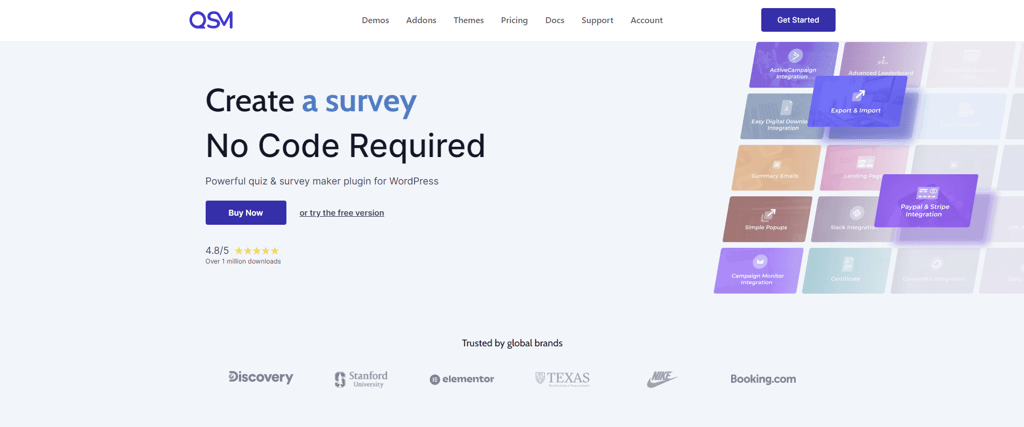
Quiz and Survey Master is one of the best WordPress survey plugins to consider due to its extensive features. Despite having an old-school interface without drag-and-drop functionality, this plugin has robust tools to build advanced surveys and quizzes.
The survey plugin for WordPress supports multiple question types to improve the data collection process. You can customize every text on your survey form, including the results page. Alternatively, use the survey builder to create contact fields for your email list-building efforts.
One of the best qualities of Quiz and Survey Master is its flexible customization. It lets you set a time limit for each try, keep track of the submission duration, and randomize the order of the questions.
This WordPress survey plugin also supports WPML integration, which is useful for multilingual websites.
Starting at $129/year, the paid plans unlock premium add-ons like Google Analytics Tracking, Mailchimp integration, landing pages, and reporting tools. The premium version offers great value for money if you want to conduct elaborate surveys and quizzes regularly.
6. Survey Maker
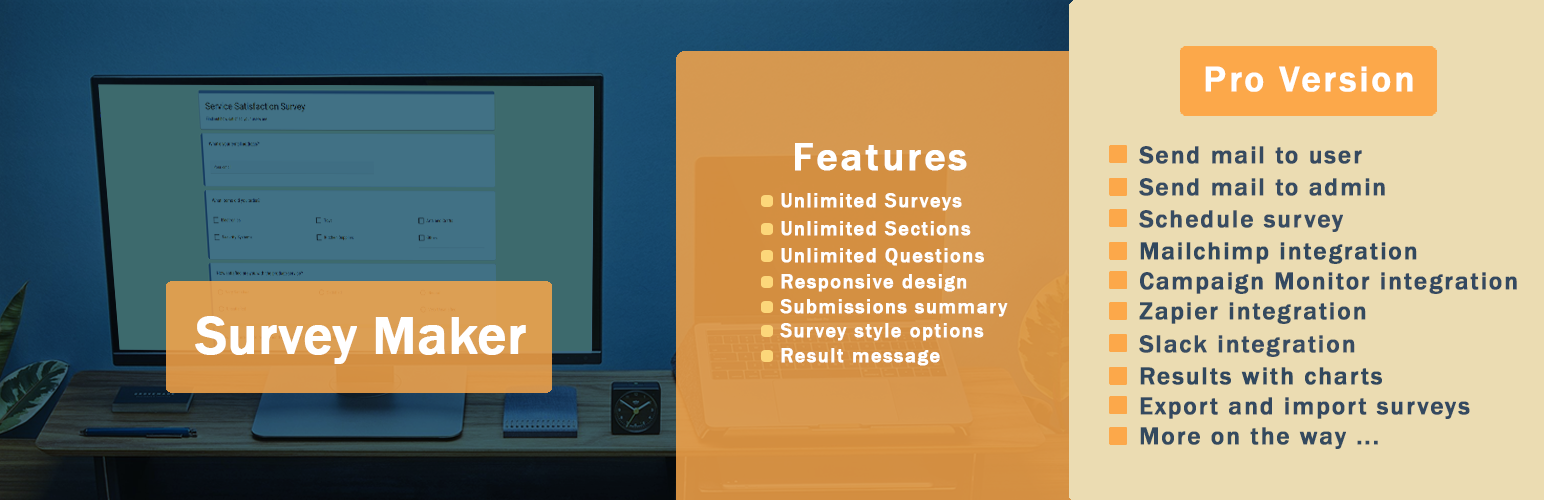
Survey Maker is a great WordPress survey plugin for beginners who want to create beautiful, engaging surveys. Its data-driven approach helps you collect quality survey statistics.
The free version lets you create unlimited surveys with endless sections and questions. You can also add images and leverage its style options to make a visually appealing survey form.
Free version users can restrict access to each survey by IP and user ID or only make it available to logged-in users. Set a redirect URL after a user submits their response to personalize the experience.
Survey Maker offers premium licenses starting at $49 as a one-time payment.
Paid users unlock additional question types, third-party email marketing software integrations, and password protection features. You can also display survey results with charts, limit attempts, and set permissions by user role.
Consider starting with the free WordPress survey plugin, which already comes with all the essential survey tools to collect feedback and other data types. Scaling up shouldn’t be hard, as the license charges a one-time payment.
7. Form Maker
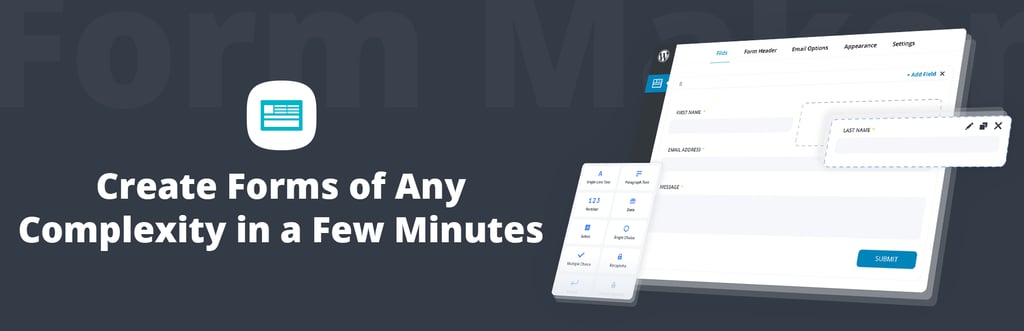
Form Maker is a WordPress plugin by 10Web for designing intuitive contact forms, survey forms, feedback forms, and payment forms. It offers five pre-built templates, over 40 field types, 15 themes, and a drag-and-drop form maker.
After creating a survey form, you can embed it into posts and pages as popups, top bars, or scroll boxes. The free plugin offers a conditional logic feature to collect more accurate results, submission management tools to keep track of each survey’s entries, and spam protection.
The free plugin only comes with basic form-building features and limited field types. The premium plans are better options for long-term uses. Plus, they also include six months of updates and premium email support.
The lowest tier plan offers over 40 field types, multi-page forms to split long forms, and the ability to publish submissions on your WordPress site for $30/website.
The Plugin Bundle is the best option for users with technical skills and a multisite network. For $100/month, you unlock 10Web’s other premium plugins, extensions, and advanced features that you can leverage across 30 WordPress websites.
With Form Maker’s premium extensions, the plugin easily integrates with Google Drive, PDF, Google Maps API, PayPal, and Stripe. Additional features include calculator functionality to automate calculations, survey data export and import, and WordPress user registration.
8. Formidable Forms
Formidable Forms provides a drag-and-drop form and quiz builder for creating all sorts of forms, from a simple customer satisfaction survey to a complex mortgage calculation form.
Hundreds of pre-built form templates and a built-in visual form styler help you create forms with unique looks.
The feature-rich WordPress plugin offers versatile survey tools. One notable feature is dynamic fields, which can populate fields with submitted entries and link data between multiple fields. If the data in the original entry changes, so do the linked dynamic fields.
Formidable Forms also provides the most calculator field types for quantitative data collection compared to other form and survey builders. You can then display the submissions on the front-end of your WordPress site in various view types, such as grid and table views.
The lite version of Formidable Forms comes with basic form-building functionality and fields. Additional features include spam protection and form autoresponders with customizable triggers. The good news is that this version lets you create unlimited mobile-friendly forms.
The paid plans, which start at $39.50/year, allow unlimited form submissions and file uploads. Other premium features like calculator field types, view types, conditional logic, and form scheduling are accessible in the premium version.
Developers on a paid plan can also integrate Bootstrap form styling to make advanced customization with CSS classes.
Formidable Forms’ extensive features might be a bit complicated for beginners. However, this WordPress plugin can be a great tool to improve your business processes if you also have needs other than collecting customer feedback with surveys.
What to look for in a WordPress survey plugin
There are many WordPress survey plugins to choose from. The best pick for you will depend on your needs and preferences. Here are some aspects and functions to consider in a survey plugin:
- Ease of use ‒ opt for a survey plugin with a drag-and-drop editor if you have little to no technical skills. The lack of coding can make your survey-building process easier and improve your workflow’s efficiency.
- Customizability ‒ check whether the plugin’s customization options meet your needs. Ideally, you should be able to change a survey’s design, position, and view type. Pre-built templates with customizable elements can save time and maintain brand consistency.
- Features ‒ Each plugin offers different features, so consider your needs. For instance, pick a plugin that supports social sharing if you want to post your survey form on social media.
- Security ‒ a good WordPress survey plugin should have spam protection to ensure the quality of your survey entries. Some WordPress plugins also let you block responses from certain IPs, which can be useful if you have a blocklist.
- Compatibility ‒ using a survey plugin that produces responsive survey forms helps you maintain user experience across various devices. It’s even better if the plugin has cross-browser support.
- Pricing ‒ consider whether a plugin’s features, resources, and support are worth its price. Certain plugins offer crucial functions as subscription-based add-ons, which can be costly in the long run.
- Form and entry limit ‒ if surveys have an important role in your WordPress site, it’s best to use a plugin that lets you create unlimited survey forms and receive unlimited entries.
Other ways to boost user engagement on your WordPress site
While survey plugins help gather user insights and improve on-site interaction, they’re just one part of a broader engagement strategy. Other effective methods include creating quizzes, adding interactive forms, integrating live chat support, or building custom contact forms to improve user trust and communication.
Adding a contact form is especially useful for converting feedback into action. Learn how to do it with this step-by-step guide on how to create a contact form on WordPress — a simple way to open new channels for support, collaboration, or feedback that complements your survey strategy.

Leo is a Content SEO Specialist and WordPress contributor. Armed with his experience as a WordPress Release Co-Lead and Documentation Team Representative, he loves sharing his knowledge to help people build successful websites. Follow him on LinkedIn.



Comments
0 responses