8 types of web applications
Sep 18, 2026
/
By Alma
/
7 min Read
Web applications are the digital tools you rely on every day to work, communicate, shop, and manage information directly through a browser. From email and online banking to dashboards, maps, and booking systems, web apps shape almost every daily digital interaction without requiring you to install traditional software.
Understanding the different types of web applications helps you make smarter choices. If you’re involved in web app development, it guides decisions around features, performance, and scalability before you write a single line of code.
If you’re a business owner or everyday user, it helps you choose tools that actually match your needs instead of paying for complexity you won’t use or struggling with apps that can’t keep up.
Most web apps follow recognizable patterns based on functionality, technology, user interaction, and where they run. These patterns are closely tied to web application architecture, influencing how fast an app feels, how it handles data, how users interact with it, and how easily it scales.
Once you understand these building blocks, comparing tools and planning projects becomes much more straightforward.
Here are 8 web application types you’ll see most often, how each one works, and where you’re most likely to encounter them:
- Static web applications deliver fixed content with minimal interaction, which makes them fast, lightweight, and easy to host. They’re commonly used for portfolios, landing pages, and documentation.
- Dynamic web applications generate content using backend logic and databases, allowing pages to update based on user actions or stored data. This model supports blogs, dashboards, and platforms that change frequently.
- Single-page applications (SPAs) load once and update content dynamically without full page reloads, creating fast, app-like user experiences. They’re well-suited for tools where users interact continuously.
- Progressive web applications (PWAs) combine standard web apps with app-like features such as offline access and push notifications. They work well for mobile-first experiences and unreliable network conditions.
- Ecommerce web applications are built to handle online selling, including product listings, checkout, payments, and order tracking. They prioritize transaction security and reliability.
- Portal web applications provide users with personalized dashboards and gated access to resources. They’re commonly used for employee portals, client dashboards, and educational platforms.
- Content management systems (CMS) focus on creating, editing, and publishing digital content without requiring technical expertise. They’re widely used for blogs, marketing sites, and media platforms.
- Enterprise web applications support large organizations with complex workflows, integrations, and strict security requirements. They’re designed for scale, governance, and long-term stability.
1. Static web applications
Static web applications serve pre-built pages to every visitor and rely on minimal server processing, which makes them simple, fast, and inexpensive to run. You use this type when the goal is to present information clearly rather than interact with users.
This approach is common for informational websites, landing pages, portfolios, and documentation. A designer showcasing past projects or a startup testing a product idea with a single-page site often starts here because there’s very little to maintain.
The biggest advantage is performance. Without databases or backend logic, pages can load very quickly and place minimal demand on servers. Static sites often reach higher PageSpeed Insights scores than many dynamic sites, because they serve pre-built HTML, CSS, and JavaScript and avoid server-side delays.
A typical example is a personal portfolio built with HTML and CSS and deployed on a content delivery network (CDN).

If your priority is speed and clarity rather than user interaction, this model fits well.
Good for – Portfolios, marketing pages, documentation
Outgrown when – You need logins, personalization, or frequent updates
If you want to compare this setup against other models, it helps to start from a general web application definition and then see how static websites differ from more interactive, database‑driven sites.
2. Dynamic web applications
Dynamic web applications generate content on the fly using backend processing and databases, which allows them to respond to users and change over time. This is the most common model once a site needs interaction, accounts, or regularly updated content.
You encounter dynamic behavior whenever you log in, submit a form, or browse content that changes based on categories or preferences. Content management systems and ecommerce platforms rely on this structure to stay flexible.
The key benefit is customization at scale. You can update content without redeploying the site, personalize experiences for different users, and expand features incrementally. Large platforms serve millions of dynamic page views daily by combining backend logic with caching and load balancing.
A familiar example of a dynamic website is a WordPress-powered blog, where pages are generated from a database based on search queries, categories, or publishing dates.
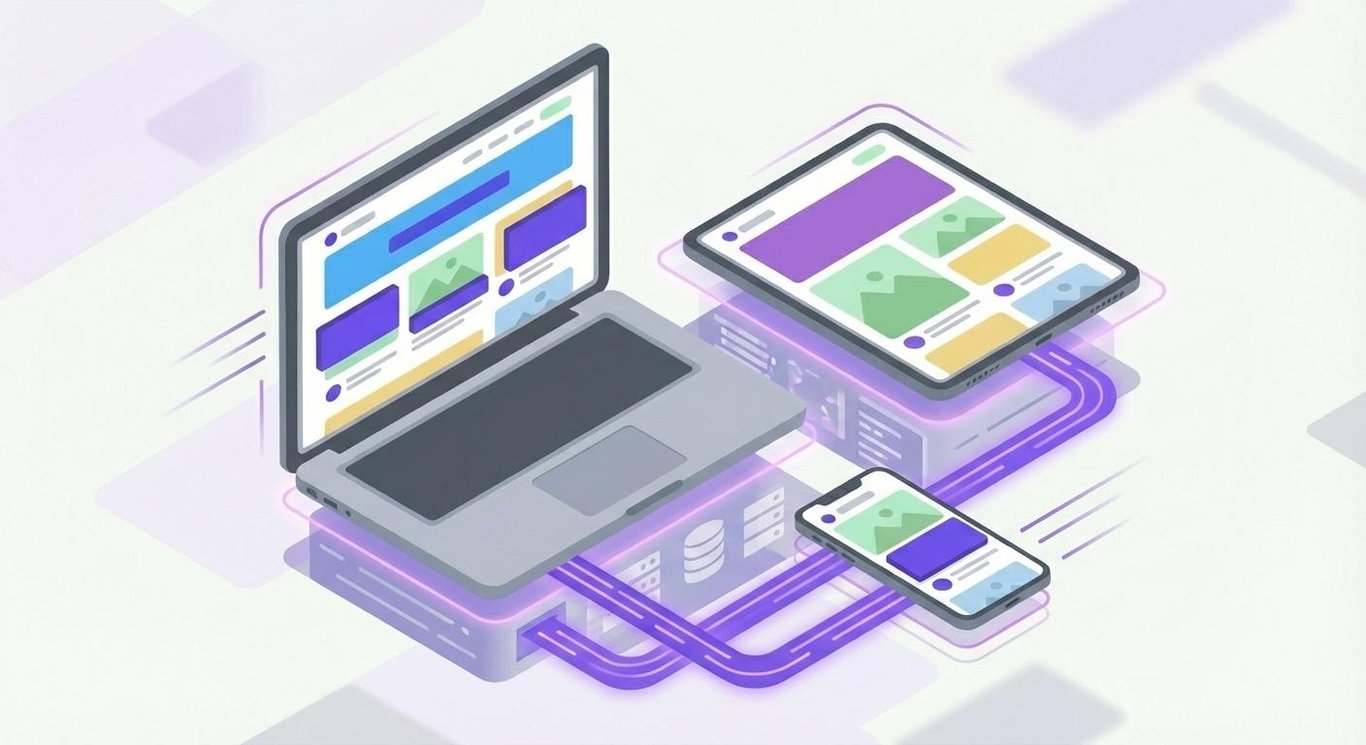
If your priority is flexibility and content updates rather than fixed pages, this approach makes sense.
Good for – Blogs, ecommerce, dashboards, member areas
Upgrade point – When traffic, performance demands, or real-time features exceed traditional server-rendered architecture
3. Single-page applications (SPAs)
Single-page applications load a single HTML page and update content dynamically without full page reloads, which creates a fast, fluid experience. You choose this model when user interaction speed matters more than traditional page-based navigation.
You’ve used an SPA if you’ve ever opened Gmail and noticed that switching emails doesn’t refresh the browser. Google Maps behaves the same way, updating instantly as you pan, zoom, or search.
This approach shifts more responsibility to the browser. SPAs rely heavily on JavaScript frameworks like React, Angular, or Vue to handle navigation and state on the client side. Once loaded, interactions feel immediate, especially for users who spend long sessions inside the app.
A well-known example is Trello, where boards, cards, and updates all happen in real time without interrupting the workflow.
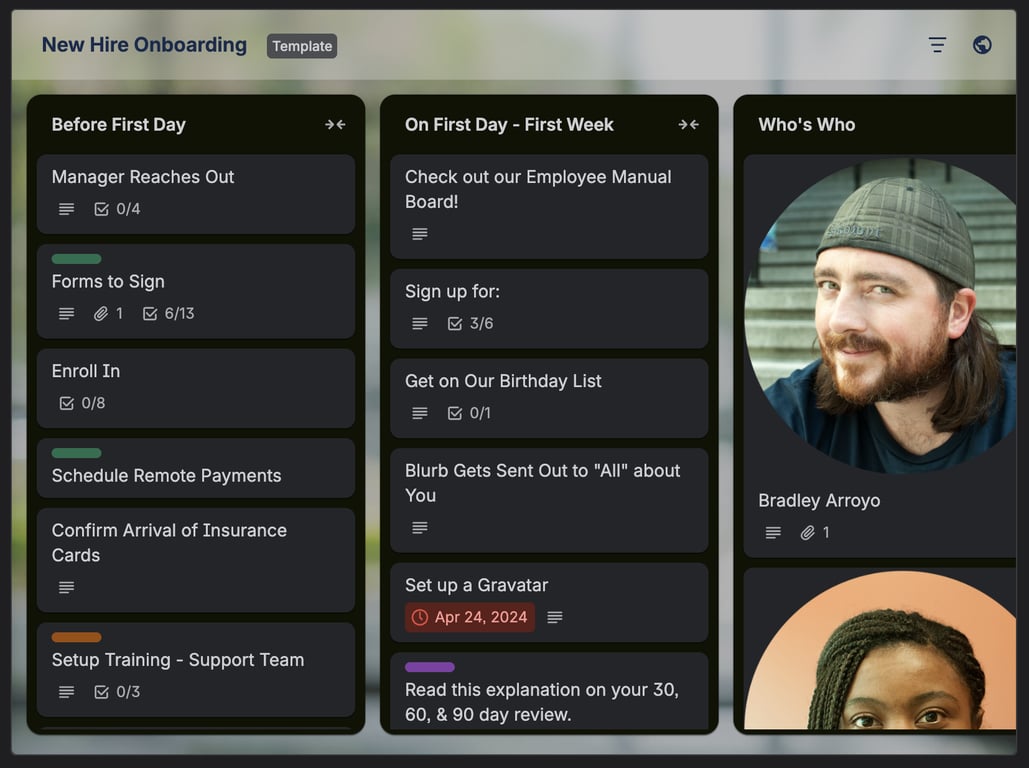
If your priority is fast, continuous interaction rather than traditional page navigation, this model works best.
Good for – Dashboards, collaboration tools, internal apps
Tradeoff – Additional SEO configuration, such as crawlable URLs and unique metadata for each route
4. Progressive web applications (PWAs)
Progressive web applications extend standard web apps with features that make them behave more like native mobile apps. They’re designed to work offline, load reliably, and deliver consistent performance across devices.
PWAs support push notifications, background syncing, and home screen installation. Industries that rely heavily on mobile users – such as retail, media, travel, and food services – often benefit the most from this model.
In practical terms, a PWA lets users browse content on weak connections or continue using an app even when they briefly lose access to the internet. Starbucks, for example, uses a PWA to keep mobile ordering fast and dependable in real-world network conditions.
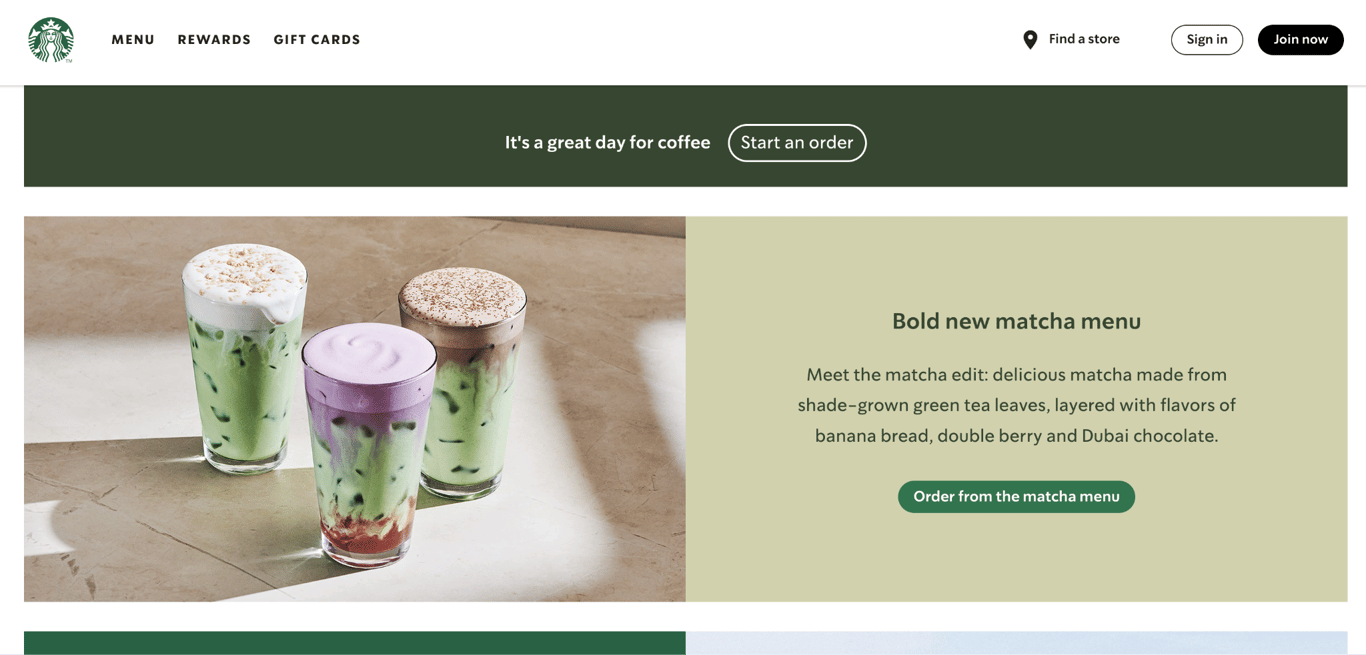
Another commonly cited example is Twitter’s Progressive Web App, originally launched as Twitter Lite, which loads quickly, minimizes data usage, and offers limited offline reading via cached content.
If you need app-like reliability without app store deployment, PWAs work well.
Good for – Mobile-first audiences, emerging markets, repeat users
Strong advantage – Reliability without native app overhead
5. Ecommerce web applications
Ecommerce web applications are built specifically to support online selling and digital transactions. They bring together product catalogs, shopping carts, payment processing, and order management in a single system.
These apps integrate payment gateways, inventory tracking, shipping providers, and tax rules. Because checkout flows handle sensitive customer data, security and user trust are core design priorities, not optional features.
Scalability becomes critical during high-traffic events like product launches or seasonal sales. Many platforms process thousands of transactions per hour during peak periods, which is why uptime and error handling matter more than visual polish alone.
Shopify-based stores and custom WooCommerce implementations are common examples of ecommerce web applications in real use.
If your priority is secure transactions rather than content publishing, this structure is the right fit.
Good for – Online stores, subscriptions, digital products
Critical focus – Security, uptime, payment reliability
6. Portal web applications
Portal web applications act as gateways that provide users with centralized, personalized access to content and services. They’re structured around authentication, roles, and dashboards rather than public browsing.
You’ll see portal apps used in companies, schools, healthcare systems, and service providers. Employees access HR resources, students check grades, and clients manage accounts – all through the same interface, tailored to each role.
User authentication and role-based access control are essential here. Two users can log in to the same portal and see entirely different tools depending on permissions.
A practical example is an employee portal that combines payroll access, internal announcements, and project management in one place.
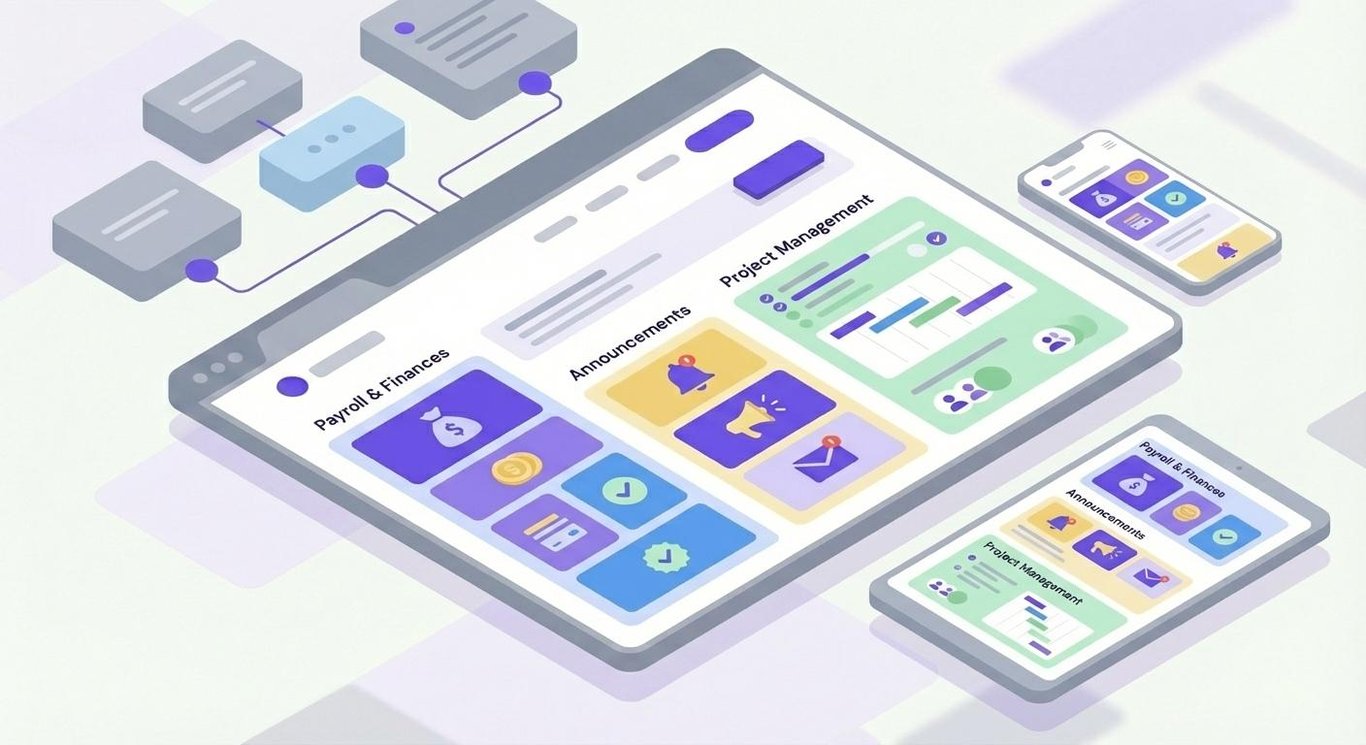
If your priority is controlled access rather than public browsing, this model fits naturally.
Good for – Internal systems, client dashboards, member platforms
Key requirement – Strong access control
7. Content management systems (CMS)
Content management systems are web applications designed to make creating and managing digital content straightforward. They allow non-technical users to publish and update content without writing code.
CMS platforms are used by bloggers, marketing teams, editors, and developers alike. Editors handle content, marketers optimize pages, and developers extend functionality through plugins and themes.
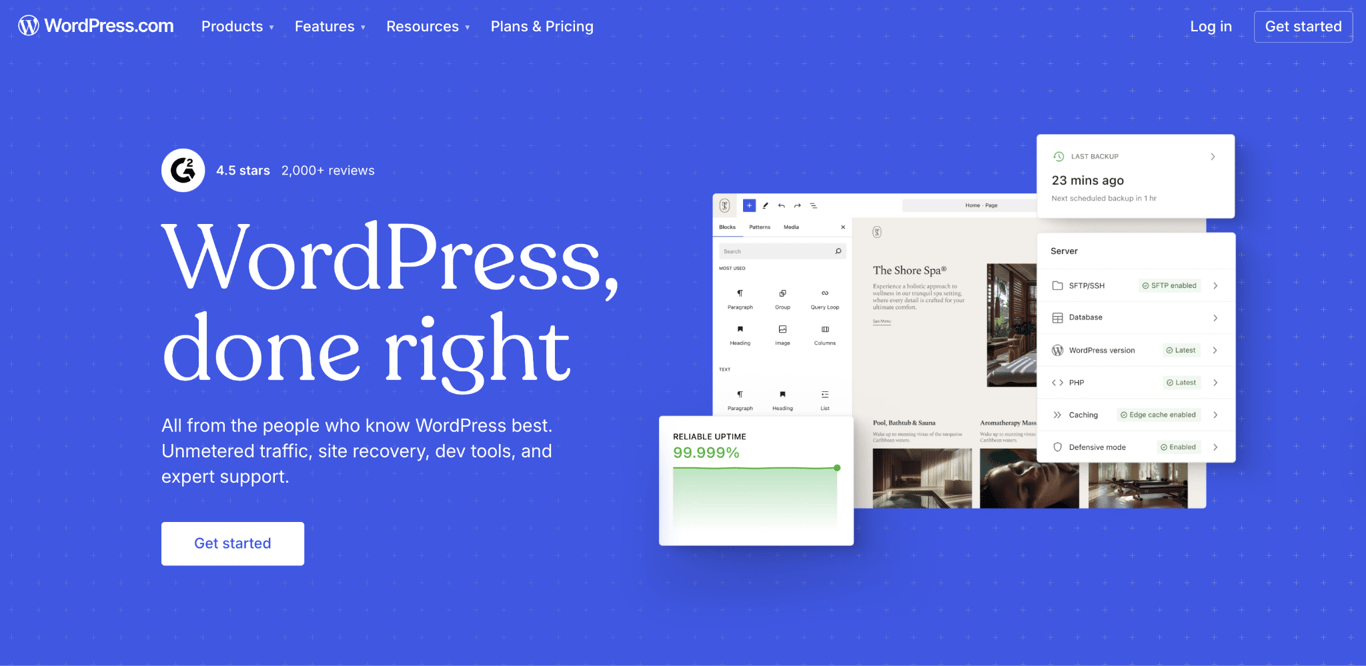
Flexibility is the defining strength. WordPress alone powers more than 40% of websites because it adapts easily to blogs, business sites, ecommerce stores, and media platforms – a level of flexibility that consistently places it among the best CMS for websites across different use cases.
If your priority is publishing and iteration rather than custom-built logic, this approach works well.
Good for – Content-heavy sites, marketing teams, scalable publishing
Strength – Extensibility without custom builds
8. Enterprise web applications
Enterprise web applications are built to support large organizations with complex workflows, strict security requirements, and deep system integrations. They operate at a different scale than consumer-facing apps.
Common examples include customer relationship management (CRM), enterprise resource planning (ERP), and human resources platforms. These systems often integrate with dozens of internal and third-party tools.
What truly differentiates them is web application architecture. Enterprise requirements demand layered architectures, access controls, audit logs, and compliance mechanisms to support long-term stability and governance.
Salesforce and SAP-based platforms are widely used examples of enterprise web applications.
If your priority is scale and governance rather than rapid experimentation, this model is essential.
Good for – Large teams, regulated industries, multi-department workflows
Non-negotiables – Security, scalability, integration
What technologies power different types of web applications?
Different types of web applications rely on different technology stacks based on performance, scale, and interaction needs. Static apps typically use HTML, CSS, and lightweight JavaScript, while dynamic apps add backend languages such as PHP, Python, or Node.js.
SPAs and PWAs lean heavily on JavaScript frameworks like React or Vue, combined with APIs and cloud databases. Many modern backends now run on serverless infrastructure, which automatically scales during traffic spikes.
Separating frontend and backend responsibilities is a core principle in modern web app development. It keeps applications easier to maintain and allows teams to evolve features without full rewrites. A solid understanding of web development technologies helps you choose the right tools for each layer of your application.
Clear boundaries between client-side and server-side logic also reduce performance bottlenecks and security risks. Knowing the differences in frontend vs backend development makes it easier to assign responsibilities, structure teams, and avoid unnecessary complexity as your project grows.
How to create your web application
You can create a web application with or without coding, depending on how much control you want and how fast you want to move. Both approaches are valid – the difference is where you invest your effort.
If you’re non-technical, a no-code app builder like Hostinger AI Builder lets you vibe code functional web apps visually, from landing pages to full MVPs. You focus on logic and layout instead of syntax, which works well for prototypes, internal tools, and validating ideas quickly.
If you’re a developer, scalable platforms such as web apps hosting or VPS hosting give you full control over frameworks, performance, and integrations. You can deploy SPAs, APIs, and databases in one environment and scale as your app grows.
Hostinger supports both paths, whether you’re launching your first idea or shipping production-ready applications. The process of how to make a web app becomes much simpler when you choose the right environment early – Hostinger AI Builder for fast visual builds, or a developer-friendly hosting plan that matches your tech stack and growth plans.

This article is a localized version of 8 types of web applications, originally published in English.

Alma is an AI Content Editor with 9+ years of experience helping ideas take shape across SEO, marketing, and content. She loves working with words, structure, and strategy to make content both useful and enjoyable to read. Off the clock, she can be found gaming, drawing, or diving into her latest D&D adventure.