Hermes Agent cost: Real monthly pricing and breakdown 2026
Jun 05, 2026
/
Bruno S. & Ariffud M.
/
7 min Read
Hermes Agent costs $5 to $80 per month to run, depending on the language model you use for reasoning.
The software is free under the MIT license, so the bill comes from two sources: VPS hosting for the agent process and LLM API calls for each reasoning step.
The full bill breaks down into four parts:
- VPS hosting. $4 to $25 per month for the server that runs the agent process.
- LLM API calls. $2 to $60 per month, depending on which model handles reasoning.
- Optional Nous Portal subscription. $0 for the free tier or $20 per month for the Plus tier with bundled tools.
- Optional tool services. Web search, image generation, browser automation, and text-to-speech when they aren’t bundled.
Compared to ChatGPT Plus at $20 per month or Claude Pro at $17 per month, a budget Hermes setup costs less than half as much. A premium setup costs two to four times more, but it doesn’t come with usage caps.
Whether the setup pays off depends on usage. At a few hundred agent sessions per month and above, the economics become more favorable. Below that threshold, a flat consumer subscription is cheaper and simpler.
VPS hosting
VPS hosting is the fixed monthly cost for the server that runs Hermes Agent. The agent process is lightweight, so a 1 GB RAM, 1 vCPU instance covers most cloud LLM setups.
Sizing guidance by workload:
- Minimum. 1 GB RAM, 1 vCPU, enough when a cloud LLM handles reasoning.
- Browser automation. 2 to 4 GB RAM.
- Local Ollama, 7B to 13B. 4 GB RAM minimum.
- Local 70B models. Serverless GPU billed per second, about $40 to $80 per month for light use. An always-on instance costs much more.
Common providers include Hostinger, starting from RM25.99/month, Hetzner, DigitalOcean, and serverless options like Modal that hibernate when idle. Most setups cost $4 to $25 per month.
Hostinger VPS with 1-click Docker setup covers the 1-4 GB RAM range Hermes Agent needs for lightweight and browser automation setups.
One budgeting pitfall is that introductory VPS pricing doesn’t last. Renewal rates typically cost more than promo rates, so budget based on the renewal price rather than the launch price. A plan that starts at $4 per month can renew at $10-$12 per month.
Hourly billing is another trap. An instance at $0.24 per hour costs about $173 per month if left on continuously. For always-on Hermes deployments, fixed monthly pricing beats hourly billing.

LLM API calls (inference)
LLM API calls are the variable cost for each model request Hermes Agent makes. Providers bill in dollars per million input and output tokens, and the agent’s reasoning loop can send dozens of requests in a single session.
Providers charge separately for the tokens you send (input) and the tokens the model generates in response (output). Here are the approximate price tiers in mid-2026:
- Budget. DeepSeek V4 Flash costs $0.14 per million tokens sent and $0.28 per million tokens generated. GPT-5.4 Nano costs $0.20 sent / $1.25 generated. Gemini 3.1 Flash-Lite costs $0.25 sent / $1.50 generated.
- Mid-range. Claude Haiku 4.5 costs $1.00 sent / $5.00 generated per million tokens.
- Premium. Claude Sonnet 4.6 costs $3.00 sent / $15.00 generated. Claude Opus 4.8 costs $5.00 sent / $25.00 generated per million tokens.
- Aggregator. OpenRouter exposes 300+ models through one API key with a small markup.
Two mechanics shape the bill beyond the headline price. The first is cache-hit pricing. For example, DeepSeek V4 Flash charges $0.14 per million input tokens on cache misses and $0.0028 on cache hits, a 98% discount.
Cache pricing matters more for Hermes than for chatbots because the agent resends a fixed payload of tool definitions on every request. That means the discount compounds over the course of a session.
The second mechanic is the compression summarizer. When a conversation passes the default 50% context threshold, Hermes sends a separate LLM call to compress the history, which adds more tokens to the bill.
How you talk to the agent also affects the bill. Hermes sends 6,000 to 8,000 tokens of tool definitions through the CLI and 15,000 to 20,000 tokens through messaging gateways like Telegram or Discord on every request.
Switching from a gateway to the CLI reduces per-request overhead by 2-3 times.
On a budget setup with DeepSeek V4 Flash, a heavy day of multi-step agent use costs only a few dollars in tokens. The same workload on Claude Opus 4.8 costs roughly 30x more, since Opus costs $5 / $25 per million tokens compared to Flash’s $0.14 / $0.28.
Nous Portal subscription (optional)
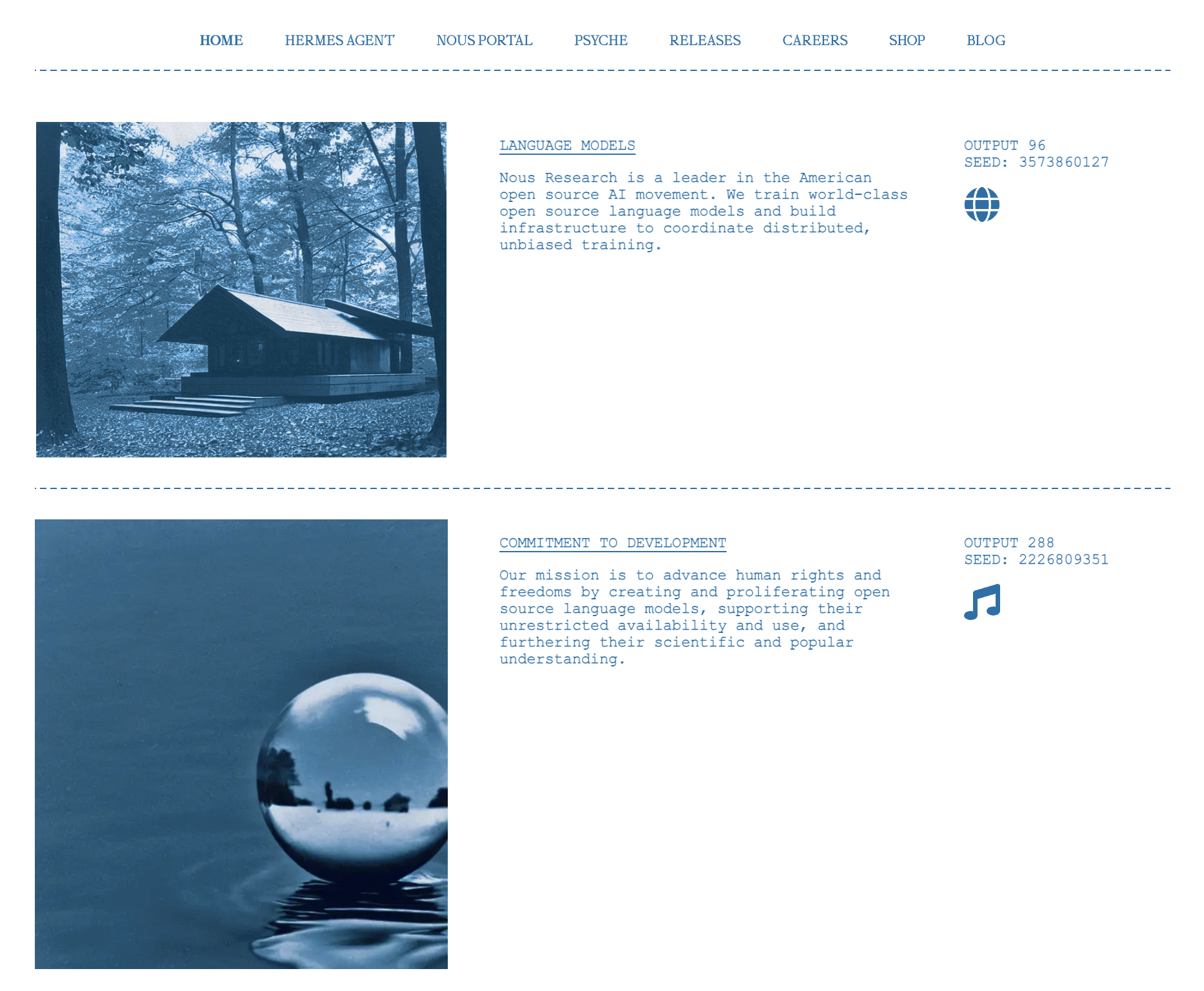
Nous Portal is an optional subscription from Nous Research. Paid plans bundle 300+ models and four core tools, web search, image generation, text-to-speech, and browser automation, into one bill.
It launched on April 27, 2026, and connects through a single OAuth setup with hermes setup –portal. The current tiers are:
- Free. $0 per month, with pay-as-you-go credits starting from $1. This is enough for a quick evaluation, but not real workloads.
- Plus. $20 per month, with $22 in monthly usage credit.
- Super. $100 per month, with $110 in monthly usage credit.
- Ultra. $200 per month, with $220 in monthly usage credit and the highest rate limits across all plans.
Each paid plan includes its listed monthly credit in every billing cycle. The free tier is the exception: it has no bundled credit and doesn’t include the Tool Gateway, so it’s better suited to a quick evaluation than sustained work.
If you’re already paying separately for web search, image generation, and browser automation, the $20 Plus tier is usually cheaper than sourcing each tool individually. Nous Portal isn’t required: OpenRouter, direct Anthropic or OpenAI API keys, and local Ollama all work without it.
Tool services (optional)
Tool services are external APIs that Hermes Agent calls when it searches the web, runs a browser, generates images, or converts text to speech. When you don’t route them through Nous Portal, each service charges its own usage-based fee.
Typical providers by category:
- Web search. Firecrawl, Tavily, Exa.
- Browser automation. Browser Use.
- Image generation. FAL.
- Text-to-speech. ElevenLabs, OpenAI audio.
- Code execution sandbox. Modal.
For light use, these services add only a few dollars per month. Heavier tool use is where the bundled Nous Portal Plus tier starts to pay off.
Browser automation uses the most CPU of any tool and often requires upgrading beyond a VPS plan with 1 GB RAM.
Local hardware path (alternative)
The local hardware path removes the monthly inference bill, but you’ll need to own the hardware and accept lower reasoning quality. Hermes Agent talks to a locally running model through the standard OpenAI-compatible API.
Hardware requirements by model size:
- 7B to 13B models. 4 GB RAM minimum, or 6 to 8 GB VRAM for GPU acceleration.
- 27B models. Apple Silicon with unified memory. For example, an M3 Pro with 36 GB can handle a 27B model at 64K context.
- 70B models. Serverless cloud GPU billed per second, about $40 to $80 per month for light use. An always-on instance costs much more.
Sensible starting points include Qwen 3 8B for budget quality and Llama 4 Maverick for stronger reasoning.
Most developer laptops can run Qwen 3 8B. Hermes Agent’s compression step needs an auxiliary model with at least a 64K context window, so you can’t reuse a default 4K Ollama config out of the box.
Local models trail Claude Sonnet on complex multi-step reasoning. They handle routine tasks well, but not those where a single wrong inference can cascade into a failed run.
How to reduce Hermes Agent cost
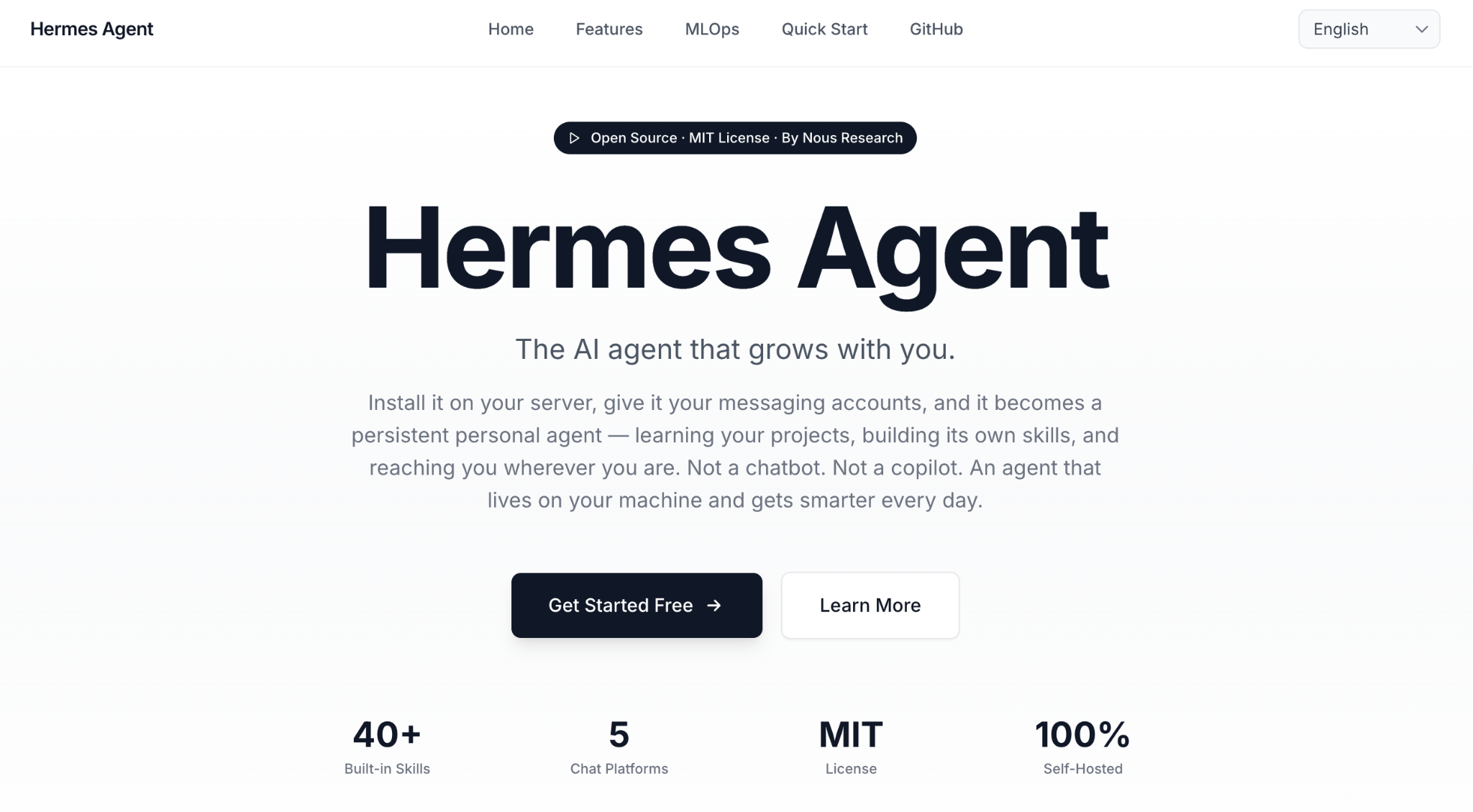
The fastest way to reduce a Hermes Agent bill is to audit your settings, not switch models. Adjusting tools, the compression model, and provider spending caps can lower costs without changing your primary LLM.
The agent’s default settings assume you want every tool enabled and conversations summarized aggressively. Those defaults can increase your costs.
Four tactics, in order of impact:
- Switch to a cache-friendly model. DeepSeek V4 Flash offers a 98% cache-hit discount, which compounds over long agent sessions. On cache-heavy workloads, the same tasks can cost half as much or less than they would on Claude Opus.
- Remove unused tools. Switching from a messaging gateway to the CLI reduces per-request token overhead by 2-3 times. Disabling tools you don’t use reduces it even further.
- Use a cheaper compression model. Hermes sends a separate summarization request once a conversation passes the default 50% context threshold. Pointing that request to a budget model such as DeepSeek V4 Flash or GPT-5.4 Nano reduces a hidden cost.
- Set provider spending caps. OpenRouter, Anthropic, and OpenAI all offer hard monthly spending limits. Set one slightly above your target budget to prevent a runaway agent loop from generating unexpected charges.
The two most common billing surprises are tool-definition overhead and the compression summarizer. If your bill spikes unexpectedly, check your gateway choice first.
Switching from Telegram to the CLI is often the fastest fix. Then check whether your primary model supports cache pricing. Moving to DeepSeek V4 Flash can reduce a Claude-heavy bill by 50% or more on cache-heavy workloads.
Hermes Agent cost vs. ChatGPT Plus, Claude Pro, and OpenClaw Cloud
Compared to flat consumer plans, a budget Hermes setup costs less, while a premium setup trades a higher monthly bill for unlimited usage. The table below compares typical monthly costs for a solo developer using public pricing as of June 2026.
Plan | Monthly cost | Cost type | Best for |
Hermes Agent (budget) | $5–8 | Variable (hosting + tokens) | Solo developers with light workloads |
Hermes Agent (premium) | $40–80 | Variable | Frontier-model workflows without usage caps |
ChatGPT Plus | $20 | Flat subscription | Single-user chat with capped usage |
Claude Pro | $17 | Flat subscription | Anthropic users with capped usage |
OpenClaw Cloud | $59 | Flat managed service | Teams that want a predictable agent infrastructure |
Choose Hermes Agent if you want full control and your workload stays below 1 million tokens per day. Choose a flat consumer subscription if you prefer a predictable monthly bill and don’t need autonomous agent workflows.
OpenClaw Cloud is the only managed alternative in this comparison. The differences between Hermes Agent and OpenClaw come down to deployment model and total cost.
Is Hermes Agent cheaper than ChatGPT Plus?
It depends on the model you use. A budget Hermes Agent setup on Hetzner with DeepSeek V4 Flash starts at around $5 per month, well below ChatGPT Plus at $20 per month. A premium setup using Claude Sonnet 4.6 costs more.
The break-even point depends on two factors. Token usage determines when a premium setup becomes more expensive than the flat $20 subscription, while session volume determines whether the time spent setting up and maintaining Hermes Agent is worth the savings.
When Hermes Agent cost makes sense (and when it doesn’t)
Hermes Agent cost makes sense when your usage is regular and workflow-heavy, not limited to occasional questions. The Hermes Agent use cases that pay off are multi-step jobs that trigger many model calls, where a standing setup can justify its cost.
Below a few hundred agent sessions per month, flat consumer subscriptions usually win on price because their fixed fees spread across usage you don’t have to manage directly.
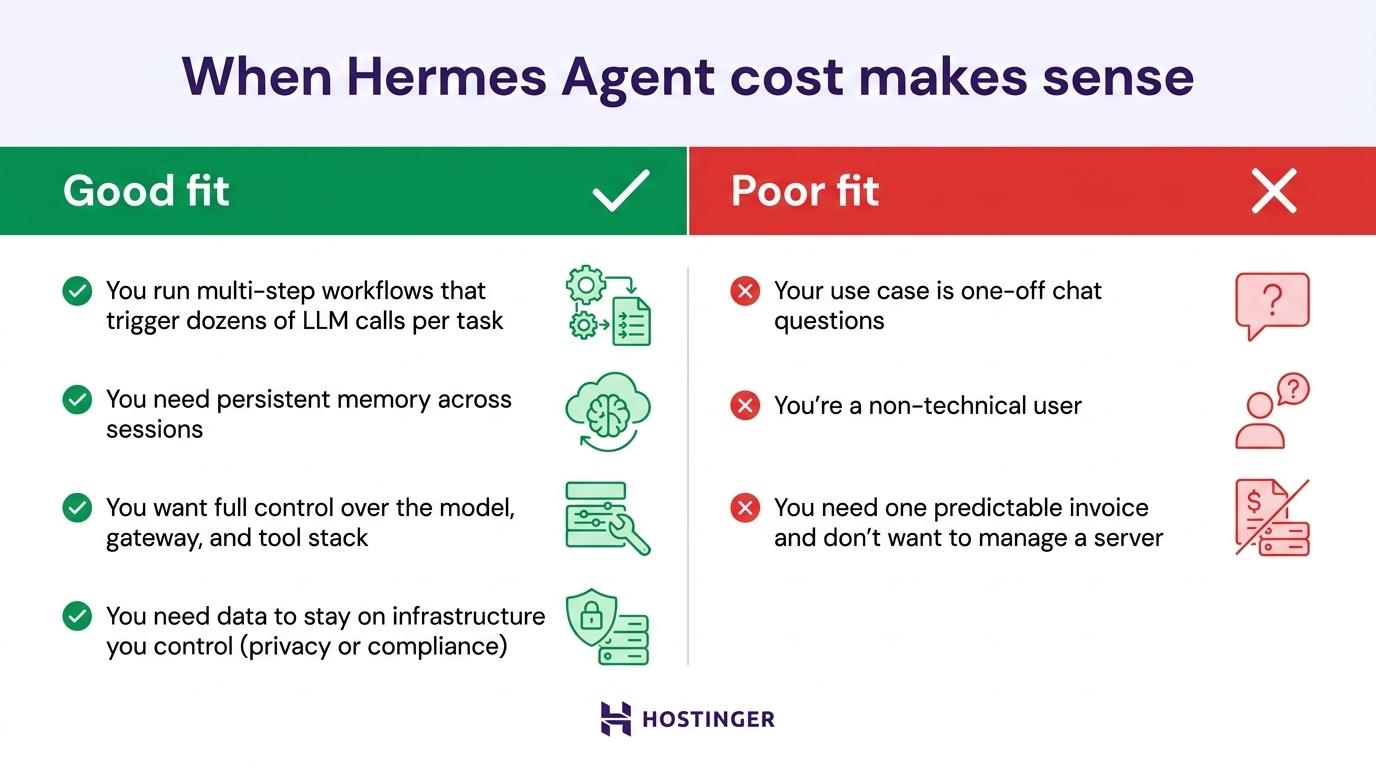
Good fit when:
- You run multi-step workflows that trigger dozens of LLM calls per task.
- You need persistent memory across sessions, which Hermes handles natively.
- You want full control over the model, gateway, and tool stack.
- You need data to stay on infrastructure you control for privacy or compliance.
Poor fit when:
- Your use case is one-off chat questions, not autonomous workflows.
- You’re a non-technical user, since setting up Hermes Agent may cost more time than it saves.
- You need one predictable invoice and don’t want to manage a server.
If your main use case is one-off questions, stay on ChatGPT or Claude. Above a few hundred sessions per month, the savings and control can justify the overhead.
Sizing your Hermes Agent budget
To size your Hermes Agent budget, choose the model before the provider. That single decision can change your monthly cost by as much as 30x, far more than any hosting choice.
A budget LLM running on a $4-per-month server and a frontier LLM running on the same server can produce bills that differ by roughly 30x. That’s why your first planning decision should focus on the model your workload actually needs.
Once you’ve chosen a model tier, watch two metrics in your provider dashboard. The first is the cache-hit ratio. On a cache-friendly model like DeepSeek V4 Flash, repeated tool definitions hit the cache and qualify for discounted pricing, so the ratio should increase over time.
The second is the per-request token count. A CLI setup typically adds 6,000 to 8,000 tokens of overhead per request. If that number jumps to 15,000 to 20,000 tokens, you may have switched to a messaging gateway like Telegram or Discord, or added a tool that routes through one.
Finally, set a reminder two weeks before your VPS renewal date so a pricing increase doesn’t catch you off guard.
All of the tutorial content on this website is subject to Hostinger's rigorous editorial standards and values.

Bruno is a Content Writer at Hostinger, focused on creating and optimizing helpful, engaging articles about web development and marketing. With a background in journalism, he combines storytelling with practical insights to make complex topics easier to understand. He has also contributed to publications like MacMagazine and Jornal A Tarde. Outside of work, Bruno enjoys exploring art, cooking, and technology.

Ariffud is a Technical Content Writer with an educational background in Informatics. He has extensive expertise in Linux and VPS, authoring over 200 articles on server management and web development. Follow him on LinkedIn.