Top 19 MailerLite alternatives: Key features and pricing
Sep 04, 2026
/
By Alma
/
27 min Read

MailerLite is an email marketing and automation platform for building subscriber lists, sending newsletters, and running basic automated sequences. It’s popular with small businesses, creators, and ecommerce brands because you can set it up quickly and start sending without adding a full CRM.
Many teams start looking for MailerLite alternatives when either pricing changes or their campaigns become more complex. In late 2025, the free plan dropped from 1,000 to 500 subscribers, and paid tiers increased, prompting many teams to revisit their budgets – especially since the core automation builder is still linear.
You can create sequences with MailerLite, but you can’t branch workflows or connect email tightly with CRM and SMS in one system. That’s where more complex campaigns start to feel constrained once you’re working with purchase data, engagement triggers, or deeper ecommerce syncing.
When you compare alternatives, focus on what will change your results and your workload – automation depth, deliverability, ease of building campaigns, integration with your stack, and how pricing scales as your list grows.
With that in mind, here are the top MailerLite alternatives compared:
- Best all-in-one marketing platform – Hostinger Reach offers advanced AI features and a low barrier to start, covering campaign creation, segmentation, and automation.
- Best for advanced automation – ActiveCampaign delivers multi-path workflows, built-in CRM, and strong deliverability for teams that have outgrown basic tools.
- Best for ecommerce – Klaviyo and Omnisend both outperform MailerLite for store owners.
- Best for creators – Kit (formerly ConvertKit) is built around audience monetization, with paid newsletters, digital product sales, and a free plan that supports up to 10,000 subscribers.
- Best for multichannel marketing – Brevo (formerly Sendinblue) and SendPulse both go beyond email into SMS, chat, and messaging apps, with Brevo offering the stronger overall deliverability and CRM tools.
- Best free plan – Sender covers 2,500 subscribers and 15,000 emails per month at no cost – the most generous free tier in this comparison.
- Best for enterprises and CRM alignment – HubSpot Email Marketing suits mid-market B2B teams that need full sales-marketing integration, while Zoho Campaigns is the better-value choice for teams already in the Zoho ecosystem.
- Best for developers – Mailjet and Elastic Email both offer robust APIs and transactional email infrastructure.
1. Hostinger Reach
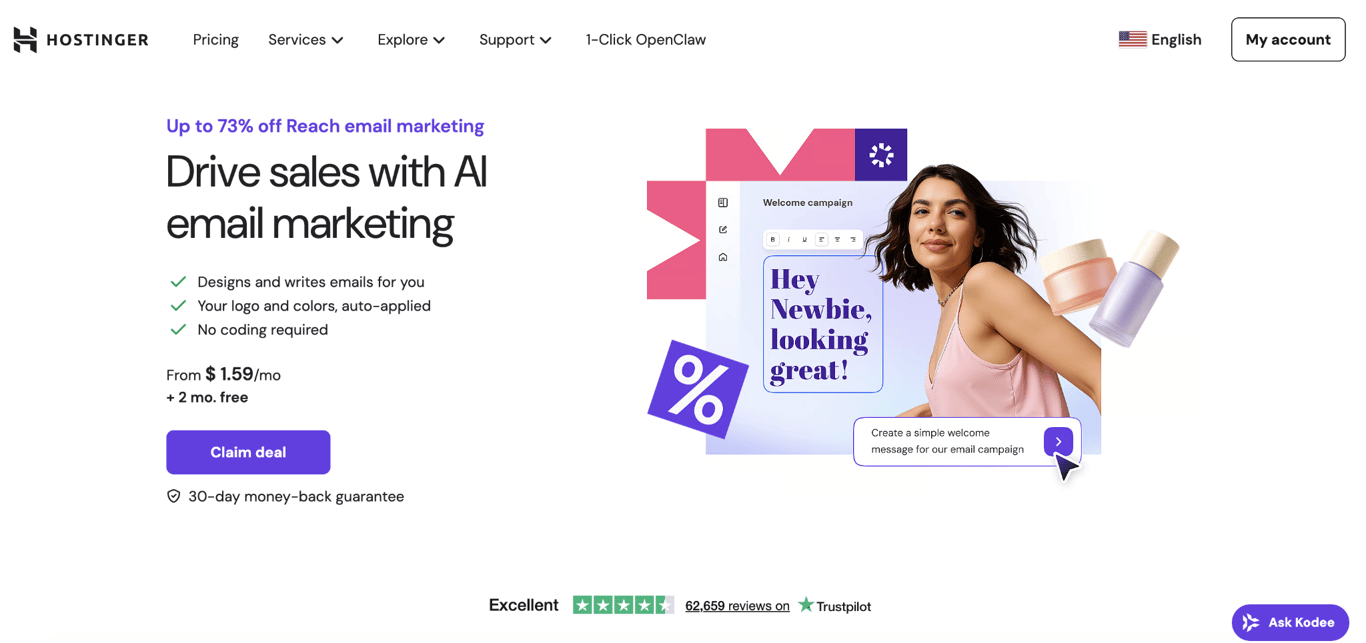
Hostinger Reach is the most direct MailerLite alternative if your priorities are simplicity, low cost, and getting started quickly. Launched in June 2025, it reached 150,000 customers and one million emails sent per week within its first six months – a strong early-adopter curve for a new email marketing tool.
The defining difference from MailerLite is how you create emails. With Reach, you describe your campaign goal in a prompt, and the AI generates a complete, mobile-ready email: content, layout, and design included.
The AI also handles subject line suggestions, contact segmentation through natural-language queries (“show me contacts who haven’t opened in 60 days”), and a builder that pulls your brand colors, logo, and product details directly from your website.
Hostinger Reach is best for beginners, solo entrepreneurs, and existing Hostinger customers who want to send professional emails without a learning curve.
Hostinger Reach pros
- AI generates complete emails from prompts – you describe the goal, Reach builds the email (content + layout), which is faster than template hunting in MailerLite.
- Beginner-friendly segmentation – natural-language segmentation (“show contacts who…”) lowers the learning curve for list management.
- Tighter setup inside the Hostinger ecosystem – simpler brand pull (colors/logo/site details) compared to rebuilding everything manually.
- Unlimited contact storage on paid plans – helpful if you want to store contacts without paying purely for database size.
- 24/7 support – useful when you’re setting up your first campaigns and something breaks at the wrong time.
Hostinger Reach cons
- No third-party integrations yet – no Zapier, Shopify, or Stripe, which is where MailerLite can be more practical.
- Automation is basic – limited branching and no in-workflow A/B testing.
- No landing page builder – if landing pages are central, other tools on this list fit better.
- Free plan is small – best treated as a starter sandbox rather than a long-term free solution.
Hostinger Reach pricing
Hostinger Reach has a free plan that lets you send up to 200 emails to 100 unique subscribers each month, with core AI features included. Paid plans start at 0 per month and scale based on subscriber count and AI message limits.
Higher tiers – such as 25 or 50 AI message plans – increase both contact capacity and monthly send volume to match growing needs.
All paid plans include email automations, AI-generated templates, campaign scheduling, and performance tracking. There’s no feature gating between tiers, unlike MailerLite, which reserves advanced automation features for higher-priced plans.
2. ActiveCampaign
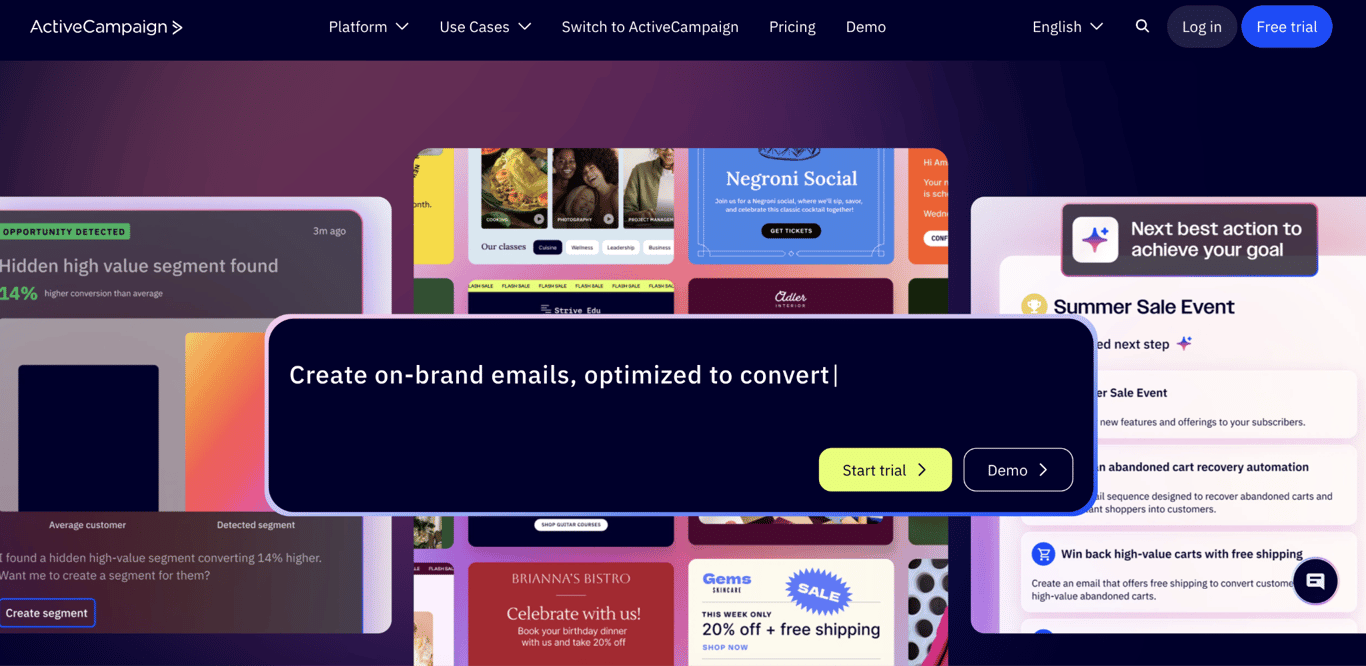
ActiveCampaign is the go-to platform if you’ve outgrown simple sequences and need automation that reacts to how your contacts actually behave. It combines email marketing, a built-in CRM, and sales automation in one platform – a scope that MailerLite doesn’t match.
The real advantage is the automation builder. You can trigger emails based on purchase history, page visits, lead scores, or CRM deal stages.
ActiveCampaign pros
- Automation depth that exceeds MailerLite – conditional logic, branching paths, lead scoring, and CRM-triggered actions in one builder.
- Built-in CRM – you can manage deals, contacts, and email campaigns from the same platform without a separate tool.
- Behavioral tracking – site tracking and event tracking let you trigger campaigns based on what contacts do on your site or in your app.
- Scalable for growing teams – role-based access and team collaboration features that MailerLite lacks at scale.
ActiveCampaign cons
- Higher starting price than MailerLite – the Starter plan begins around $15/month for 1,000 contacts, and costs rise sharply as your list grows.
- Steeper learning curve – the automation builder is powerful, but it takes time to map out workflows correctly. Expect a longer onboarding than MailerLite.
- CRM is functional but not deep – if you need a full sales CRM, a dedicated tool like HubSpot or Salesforce will serve you better.
ActiveCampaign pricing
ActiveCampaign uses tiered, contact‑based pricing across four plans: Starter, Plus, Pro, and Enterprise. For around 1,000 contacts, pricing looks like:
- Starter – roughly $15–19/month
- Plus (includes CRM and landing pages) – around $49–59/month
- Pro – around $79–89/month
- Enterprise – around $145–159/month
By contrast, MailerLite’s Advanced plan is about $30/month for 1,000 subscribers, with lower tiers available at even cheaper price points. But while ActiveCampaign is more expensive across the board, you’re paying for deeper automation, built‑in CRM, and sales‑aligned workflows that go beyond what MailerLite is designed to handle.
3. Brevo
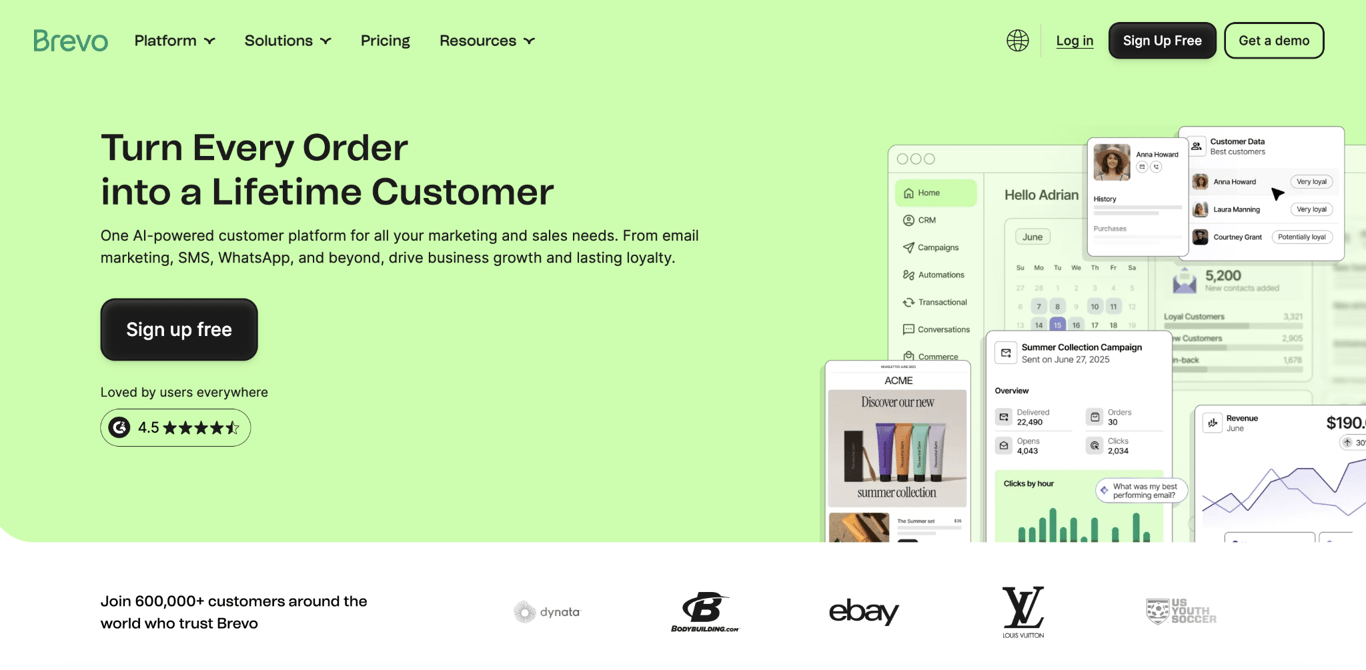
Brevo (formerly Sendinblue) is a strong alternative to MailerLite if email is only part of what you send. It combines email, SMS, WhatsApp, and transactional messages in a single platform – and it prices by the number of emails you send rather than the size of your list.
If you have a large contact database but send campaigns infrequently, Brevo keeps costs low in a way that MailerLite’s subscriber-based plans don’t. You can store unlimited contacts on all plans and pay based on monthly send volume instead.
Brevo pros
- SMS and WhatsApp natively included – channels that MailerLite doesn’t offer, useful for cart recovery or time-sensitive promotions.
- Transactional email support – order confirmations and password resets handled in the same platform as your marketing campaigns.
- Generous free plan – up to 300 emails per day and unlimited contacts, which is more contact-generous than MailerLite’s free tier, which caps at 500 subscribers and 12,000 emails per month.
- Usage-based pricing – send less, pay less, regardless of how many contacts you’ve stored.
Brevo cons
- Fewer email templates than MailerLite – the template library is smaller and less polished, which matters if design quality is a priority.
- Interface can feel cluttered – the multichannel dashboard takes time to navigate, especially for users who only need email.
- Automation is less intuitive – MailerLite’s automation builder has a cleaner UX for beginners.
Brevo pricing
Brevo uses volume-based pricing rather than subscriber-based tiers. Plans are structured around email sends, with automation unlocked at higher levels:
- Free – $0, 300 emails/day, up to 100,000 contacts
- Starter – $9/month 5,000 emails/month, no daily limit
- Business (Standard) – $18/month 5,000 emails/month, includes full marketing automation, A/B testing, landing pages, and advanced reporting
- Professional – higher-volume tiers starting in the hundreds per month
Large lists with moderate sending frequency can become cheaper on Brevo, especially if you use SMS or WhatsApp.
4. Kit
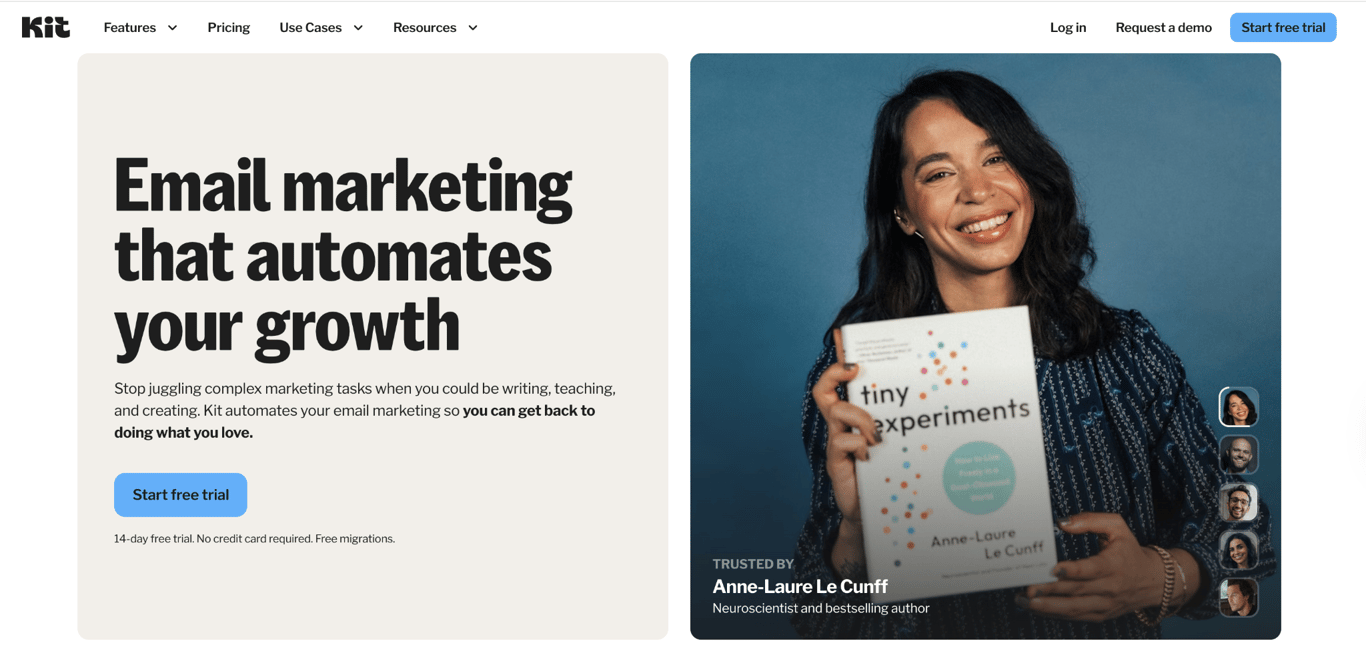
Kit (rebranded from ConvertKit) is an email marketing platform built specifically for bloggers, educators, podcasters, and online course creators. Where MailerLite is a general-purpose email tool, Kit is opinionated – it’s designed around how creators build an audience and monetize it.
The core of that design is the tagging system. Instead of managing separate lists for every segment, you tag contacts based on interests, purchases, or behaviors, and then filter who receives each campaign. It’s faster than MailerLite’s segment builder for creators who run multiple content streams to the same audience.
Kit also includes a native creator commerce layer – paid newsletters, paid recommendations, and a tip jar – making it more than just an email platform if you sell digital products or content subscriptions.
Kit pros
- Tagging system is intuitive – one audience, filtered by tags and segments, reduces the list management overhead that creators often struggle with in MailerLite.
- Creator monetization built in – paid newsletters, paid recommendations, and Stripe-connected product sales without a third-party integration.
- Clean, distraction-free email builder – designed for text-first emails that feel personal, which tends to perform better for content creators than heavily designed templates.
- Broadcast + sequence workflow – easy to send one-off campaigns while maintaining automated onboarding sequences in parallel.
Kit cons
- Pricier than MailerLite at scale – the Creator plan starts at $25/month for 1,000 subscribers; MailerLite’s equivalent is ~$15/month.
- Fewer design-heavy templates – if you send promotional emails with lots of imagery and branded layouts, Kit’s builder will feel limited compared to MailerLite.
- Limited ecommerce automation – not built for transactional sequences or deep Shopify integration; there are better options on this list for ecommerce.
Kit pricing
Kit offers a generous free tier and then scales through Creator and Creator Pro plans as you unlock monetization and advanced analytics features:
- Free – $0 for up to 1,000 subscribers, including unlimited broadcasts, forms, landing pages, and one basic automation or sequence
- Creator – about $29 per month for 1,000 subscribers, unlocking full automations and third-party integrations
- Creator Pro – about $59 per month for 1,000 subscribers, adding newsletter referrals, advanced reporting, subscriber scoring, Facebook and Meta custom audiences, and expanded team features
Creator is roughly twice the price of MailerLite’s entry paid tier, and Creator Pro is closer to four times the cost.
5. GetResponse
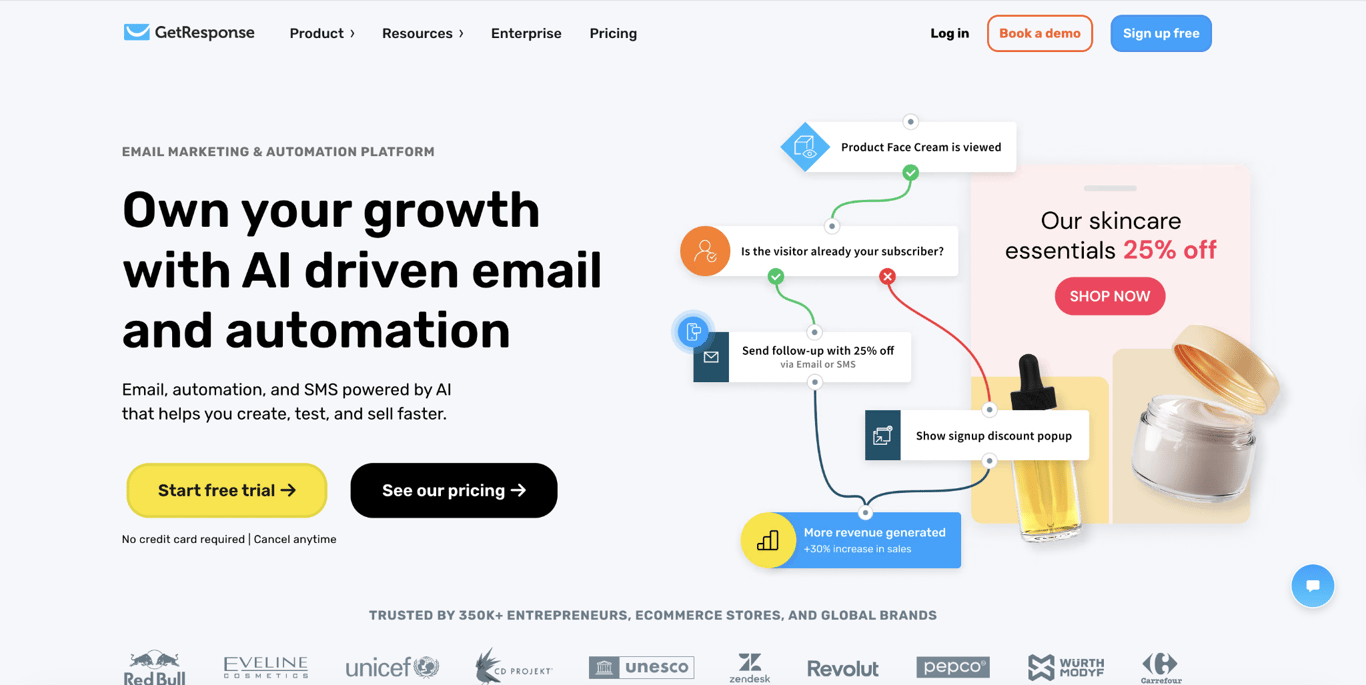
GetResponse is a great option to consider if email campaigns are only one part of your marketing setup. It adds webinar hosting, landing pages, and conversion funnels to a full email marketing and automation platform – features that MailerLite simply doesn’t offer.
You can run live or on-demand webinars, collect registrations through a native landing page, follow up automatically with an email sequence, and track conversions across the whole journey – inside one platform. That’s valuable if you sell through education, like online courses, coaching programs, or SaaS demos.
GetResponse pros
- Built-in webinar hosting – live and on-demand, with registration pages and automated follow-up; MailerLite has no webinar capability.
- Conversion funnels – pre-built funnel templates for lead generation, sales, and webinar promotion that connect landing pages, emails, and payments.
- Landing page builder – drag-and-drop builder with A/B testing, no third-party tool required.
- Marketing automation is strong – a visual workflow builder with behavioral triggers, similar in depth to ActiveCampaign’s mid-tier plans.
GetResponse cons
- Interface feels dated – the dashboard has a lot going on, and navigating between features takes more clicks than MailerLite’s cleaner layout.
- Webinars are capped by plan – attendee limits apply on lower tiers, which can be restrictive for growing audiences.
- Higher cost for full features – the Marketing Automation plan, where automation and webinars unlock fully, starts at $59/month for 1,000 contacts.
GetResponse pricing
GetResponse uses contact-based pricing across four main plans, scaling from basic email marketing to webinar and funnel-focused automation:
- Free – $0 for up to 500 contacts with 2,500 emails per month and branding
- Email Marketing – about $19 per month for 1,000 contacts, covering core campaigns, autoresponders, landing pages, and basic automation
- Marketing Automation – about $59 per month for 1,000 contacts, unlocking advanced workflows, webinars for up to 100 attendees, sales funnels, and deeper ecommerce tools
- Creator – about $69 per month for 1,000 contacts, adding expanded webinar and content monetization features
GetResponse is more expensive at every tier compared to MailerLite, but it bundles in webinars, funnels, and more sophisticated automation. The higher price can be justified if you will actively use those built-in webinar and funnel tools. If that’s not the case, you may want to explore alternative for GetResponse instead.
6. Klaviyo
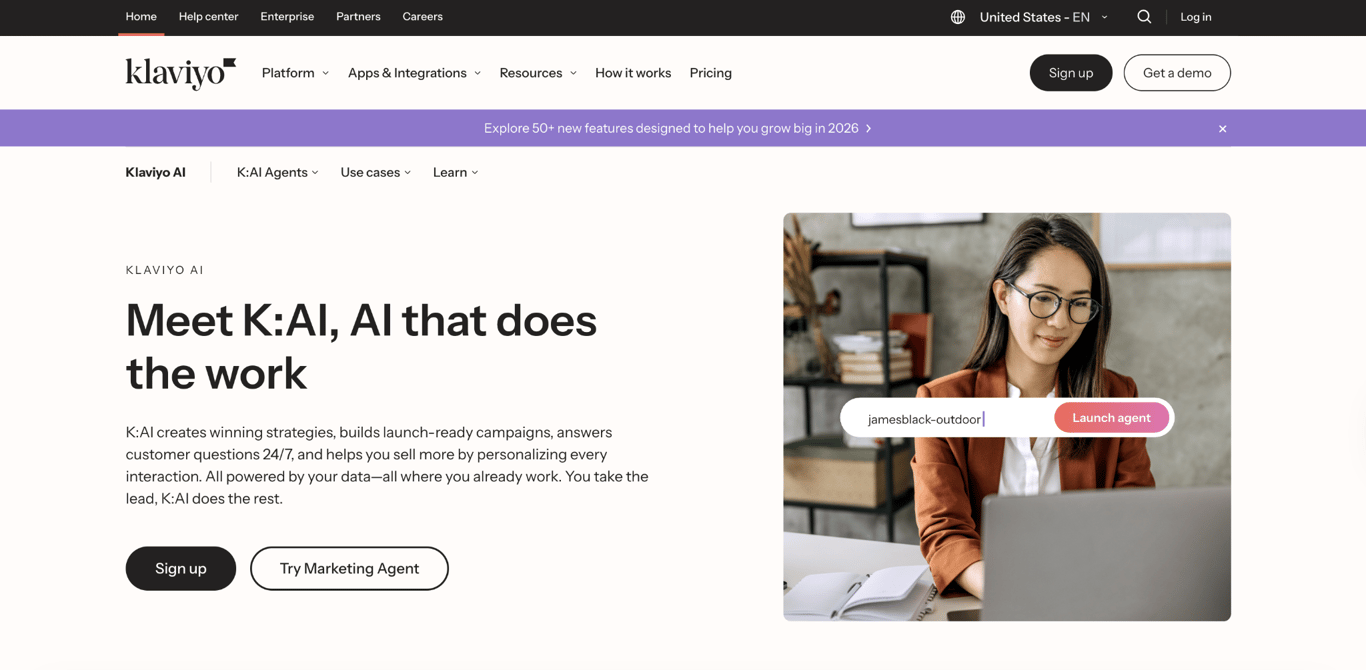
Ecommerce brands turn to Klaviyo for predictive analytics, dynamic product recommendations, revenue reporting, and behavioral automation for abandoned cart recovery, browse abandonment, win-back sequences, and post-purchase follow-ups.
Where MailerLite lets you tag contacts and send triggered emails, Klaviyo pulls in real purchase data and builds segments like “customers who bought product X but not Y” or “VIP customers at risk of churning based on order frequency.” You can see directly in Klaviyo how much revenue each flow or campaign has generated – a feature MailerLite doesn’t offer in a comparable way.
Klaviyo is the right call if you run an online store and email ROI is something you track closely. For everything else, there are better-value alternatives to Klaviyo on this list.
Klaviyo pros
- Revenue attribution built in – each email and SMS flow shows how much money it directly generated, which MailerLite doesn’t track at this level.
- Advanced ecommerce segmentation – segments based on purchase behavior, predicted lifetime value, and churn risk that go far beyond MailerLite’s tag-based system.
- Deep Shopify and WooCommerce integration – real-time sync of order data, product catalogs, and customer events.
- SMS included – managed alongside email campaigns in the same platform, with shared contact profiles.
Klaviyo cons
- Expensive for mid-sized lists – 5,000 contacts costs around $100/month for email only; MailerLite’s equivalent tier costs around $45-$50/month.
- Overkill for non-ecommerce users – if you don’t sell products online, most of Klaviyo’s differentiated features won’t apply to your use case.
- Learning curve for flows – the automation builder is powerful but requires time to set up correctly, especially for complex post-purchase sequences.
Klaviyo pricing
Klaviyo uses active profile–based pricing for email, with SMS billed separately. All features are available on every paid tier, and pricing scales purely with the number of active contacts:
- Free – $0 for up to 250 active profiles, including 500 email sends per month and a small SMS allowance
- Email plan (251–500 profiles) – about $20 per month
- Email plan (~5,000 profiles) – around $100 per month
- Email plan (~10,000 profiles) – around $150 to $170 per month
Klaviyo costs roughly two to three times more than MailerLite at 5,000 contacts. The premium makes sense to avail if your segmentation, automated flows, and revenue attribution consistently drive measurable ecommerce revenue.
7. Mailchimp
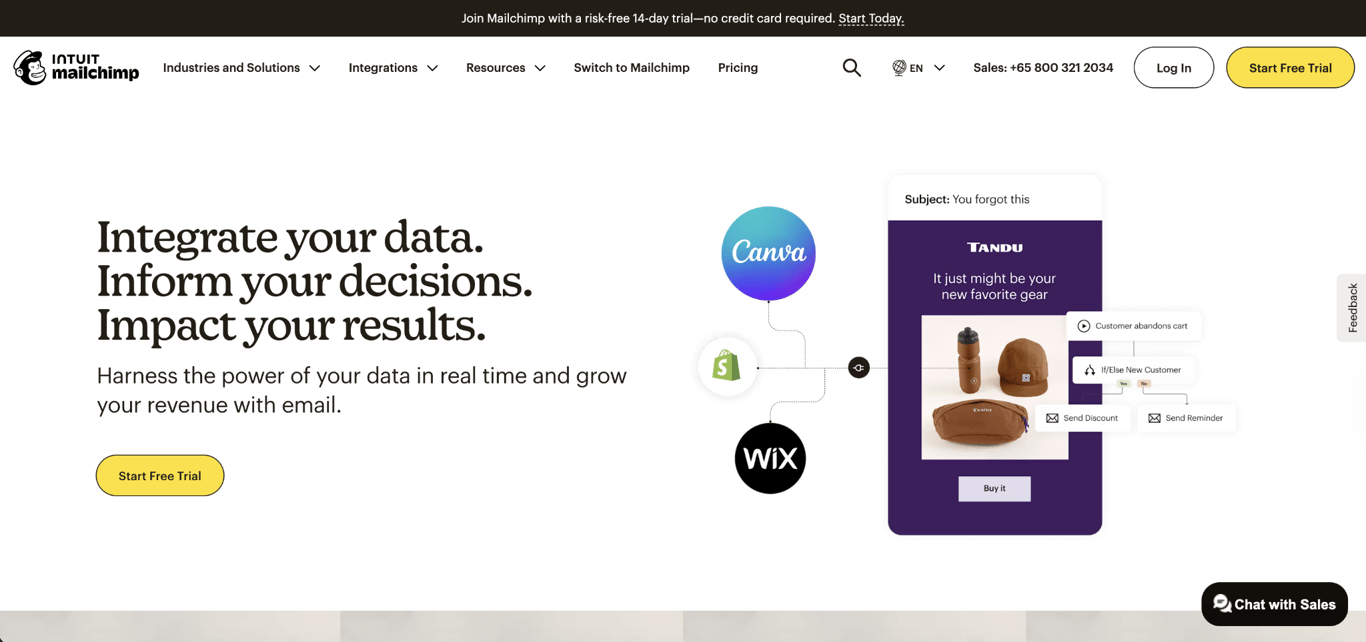
Mailchimp is the MailerLite alternative most people default to – and for good reason. It has one of the largest template libraries in the industry, broad third-party integrations, and near-universal name recognition. If you’ve ever worked in email marketing, you’ve likely used it.
MailerLite was actually built partly in response to Mailchimp’s pricing, and the gap has only widened since Mailchimp’s 2023 pricing restructure, which removed the free tier’s useful features and pushed users toward paid plans faster.
If Mailchimp’s integration ecosystem is what you need, it remains one of the strongest options for breadth. But with recent free-tier reductions and rising entry costs, you should consider alternatives to Mailchimp before committing to a long-term plan.
Mailchimp pros
- Extensive template library – hundreds of templates across industries, with a more polished design editor than MailerLite’s current builder.
- Broad integration ecosystem – 300+ native integrations covering ecommerce, CRM, landing pages, and analytics.
- Brand familiarity – useful in agency or team settings where handoffs are common; almost every email marketer already knows Mailchimp.
- Solid reporting – campaign analytics, click maps, and audience growth reports on all paid plans.
Mailchimp cons
- Rising costs – Mailchimp’s Essentials plan starts at $13/month for 500 contacts, but costs scale steeply. At 5,000 contacts, the Standard plan runs around $100/month – roughly five times what MailerLite charges for the same list size.
- Automation limits on lower tiers – multi-step journeys and behavioral triggers require the Standard plan or higher.
- Free plan is limited – 500 contacts and 1,000 sends per month, with Mailchimp branding and no automations.
Mailchimp pricing
Mailchimp uses contact-based pricing across four tiers, scaling from basic email campaigns to enterprise-level segmentation and support. This is how pricing looks like:
- Free – $0 for up to 250 contacts, including 1,000 emails per month and basic campaign tools
- Essentials – $13 per month for 500 contacts, adding A/B testing, basic automations, and branding removal
- Standard – $20 per month for 500 contacts, unlocking multi-step automation, dynamic content, behavioral targeting, and retargeting ads
- Premium – starting at $350 per month, designed for larger accounts needing advanced segmentation, higher send limits, and priority support
At 5,000 contacts, MailerLite’s Advanced plan costs around $45-$50 per month. Mailchimp’s Standard plan at the same list size is closer to $100 per month.
8. Campaign Monitor
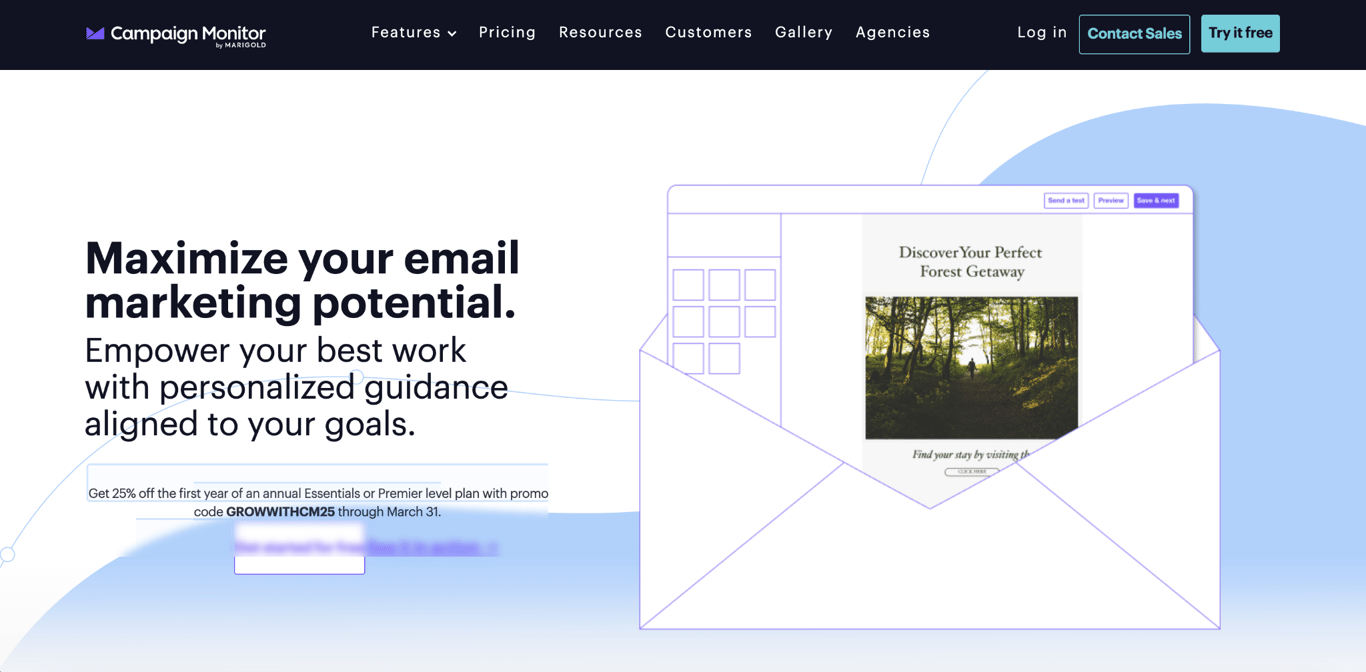
Campaign Monitor is what creative and marketing teams tend to gravitate toward when visual consistency is a priority. It’s built around a drag-and-drop email editor with high-quality templates and brand control – useful for agencies, in-house design teams, and businesses where every email reflects a carefully managed identity.
Compared to MailerLite, Campaign Monitor’s templates are generally more polished out of the box, and the editor makes it easy to lock brand elements like fonts and colors so team members can’t accidentally break consistency. That’s a practical feature for agencies managing multiple brands or companies with strict visual guidelines.
Campaign Monitor pros
- Design-first template quality – templates are visually refined and built for brand-consistent execution, a step above MailerLite’s default library.
- Brand locking – you can lock fonts, colors, and layout elements so collaborators or clients can only edit approved content areas.
- Easy campaign creation – the editor is clean and straightforward; most users send their first campaign without needing documentation.
- Good deliverability track record – reliable inbox placement across major email clients.
Campaign Monitor cons
- Limited automation – workflows are basic compared to MailerLite’s automation builder. No behavioral triggers beyond opens, clicks, and date-based rules.
- Pricing at scale – the Basic plan starts at $11/month for 500 subscribers, but costs climb quickly; 5,000 subscribers runs around $59/month, more than MailerLite’s equivalent tier.
- No built-in CRM or landing pages – you’ll need separate tools for lead capture and contact management beyond basic lists.
Campaign Monitor pricing
Campaign Monitor splits its pricing into three main paid plans:
- Lite – about $11/month for 500 subscribers and 2,500 email sends
- Essentials – roughly $19–28/month at 500 subscribers, removes send limits, and adds stronger automation
- Premier – around $150/month for 500 subscribers, adds advanced reporting, testing tools, and brand controls like section-level locking
Campaign Monitor tends to cost more for smaller lists, while offering less automation depth than MailerLite. The higher price makes sense if polished templates and tighter brand control matter more than complex workflows.
9. Moosend
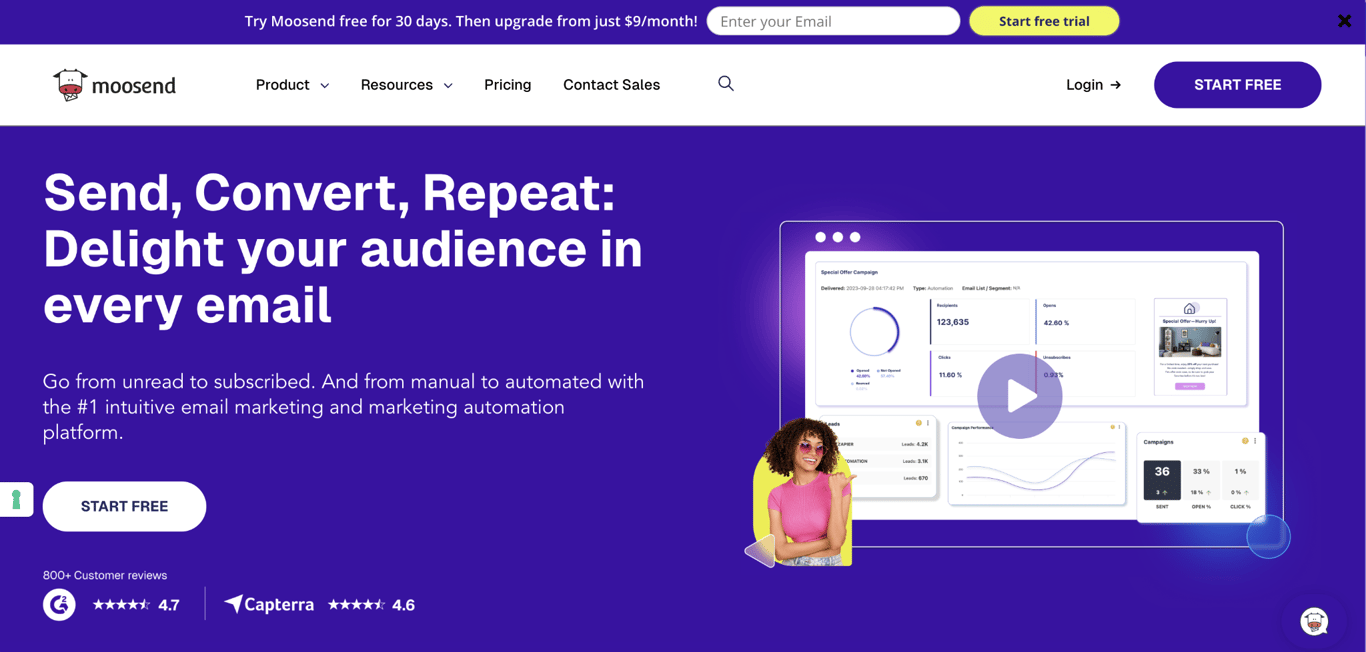
Consider Moosend if your budget is tight but you still need reliable automation. It covers the fundamentals – campaign creation, list management, automation workflows, and landing pages – at a price point that undercuts most tools on this list.
The automation builder is where Moosend holds its own against MailerLite. You get conditional steps, behavioral triggers, and multi-step sequences on entry-level plans, without needing to upgrade to access core automation features. That matters if you’re running a small business and want automation without paying MailerLite’s Advanced plan pricing.
Moosend suits SMBs, early-stage businesses, and solo operators who want a no-frills, affordable platform that handles the essentials cleanly.
Moosend pros
- Low entry cost – paid plans start at $9/month for up to 500 subscribers, with a 30-day free trial rather than a permanently limited free plan.
- Automation included on all paid plans – no feature gating on conditional workflows or behavioral triggers; you get full automation from the entry tier.
- Landing page builder – built-in, unlike some tools at this price point, with a drag-and-drop editor that covers basic lead capture needs.
- Decent template library – 75+ responsive templates, adequate for standard campaign types.
Moosend cons
- Fewer third-party integrations – fewer native connections than MailerLite, which can be a problem if your stack includes tools outside the core set Moosend supports.
- Limited analytics – reporting covers opens, clicks, and unsubscribes but lacks the depth of MailerLite’s campaign analytics or Klaviyo’s revenue tracking.
- Smaller brand recognition – support resources and community content are thinner than those of established players, which can slow you down when troubleshooting.
Moosend pricing
Moosend keeps things simple with one main paid tier. At the entry level, pricing looks like this:
- Pro – about $9/month for up to 500 subscribers, includes automation, landing pages, transactional emails, and unlimited campaigns
- Pro at 5,000 subscribers – lands between the high-$30s to mid-$40s per month
- Enterprise – custom pricing for larger teams that need advanced support and tailored limits
At 5,000 subscribers, Moosend’s pricing sits close to MailerLite’s Advanced plan. Where Moosend stands out, though, is its 30-day, full-feature trial. You can test the full automation and campaign toolkit without entering a credit card. MailerLite’s free plan runs longer but limits features.
10. AWeber
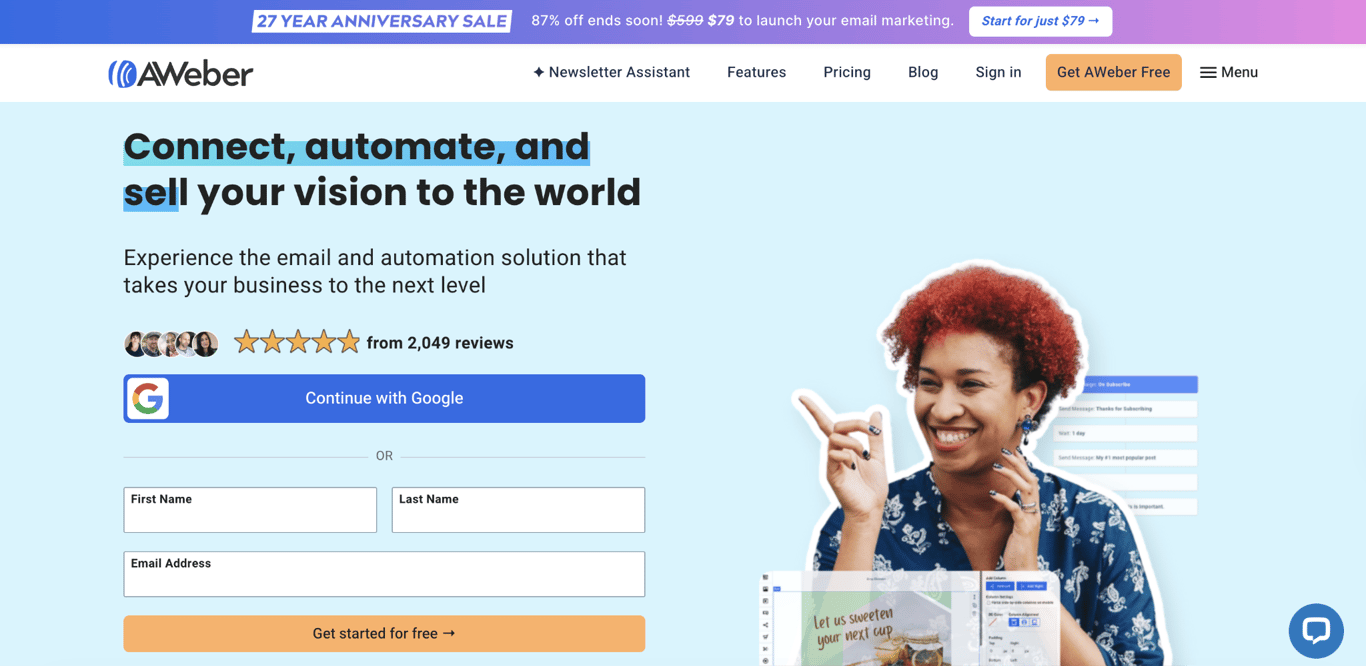
AWeber is one of the oldest email marketing platforms still in active use, and it remains a credible tool for small businesses that prioritize ease over sophistication. It handles the basics well – newsletters, autoresponders, list management, and simple sequences – with a support team that’s consistently rated among the best in the industry.
AWeber doesn’t match MailerLite’s modern interface or automation depth, but it’s been sending emails reliably for over 20 years, and its support is responsive enough that beginners can get unstuck quickly.
AWeber pros
- Ease of use – the interface is dated but straightforward; most small business owners can create and send their first campaign the same day they sign up.
- Strong customer support – live chat, phone, and email support across most plans, a level of access that MailerLite only offers on higher tiers.
- Large template library – 700+ email templates, more variety than MailerLite’s selection, though not always more polished.
- Reliable deliverability – a long track record of strong inbox placement across major providers.
AWeber cons
- Dated interface – the platform hasn’t kept pace visually or functionally with newer tools like MailerLite, which feels noticeably more modern.
- Limited automation – autoresponders are solid, but multi-step behavioral workflows aren’t AWeber’s strength; MailerLite’s automation builder is more capable.
- Pricing isn’t as competitive at scale – the Plus plan costs $30/month for up to 500 subscribers; MailerLite gives you 1,000 subscribers for ~$15/month on its Growing Business plan.
AWeber pricing
AWeber uses three main tiers:
- Free – up to 500 subscribers and 3,000 emails per month, includes basic automation, landing pages, and a limited template library
- Lite – around $15/month for 500 subscribers, removes branding, and expands limits
- Plus – around $30/month for 500 subscribers, adds advanced automation, split testing, and deeper analytics
At smaller list sizes, AWeber generally costs more than MailerLite, though it offers a simpler automation builder. The higher price makes sense if round-the-clock support – including phone access to a real person – is a priority for your team.
11. Drip
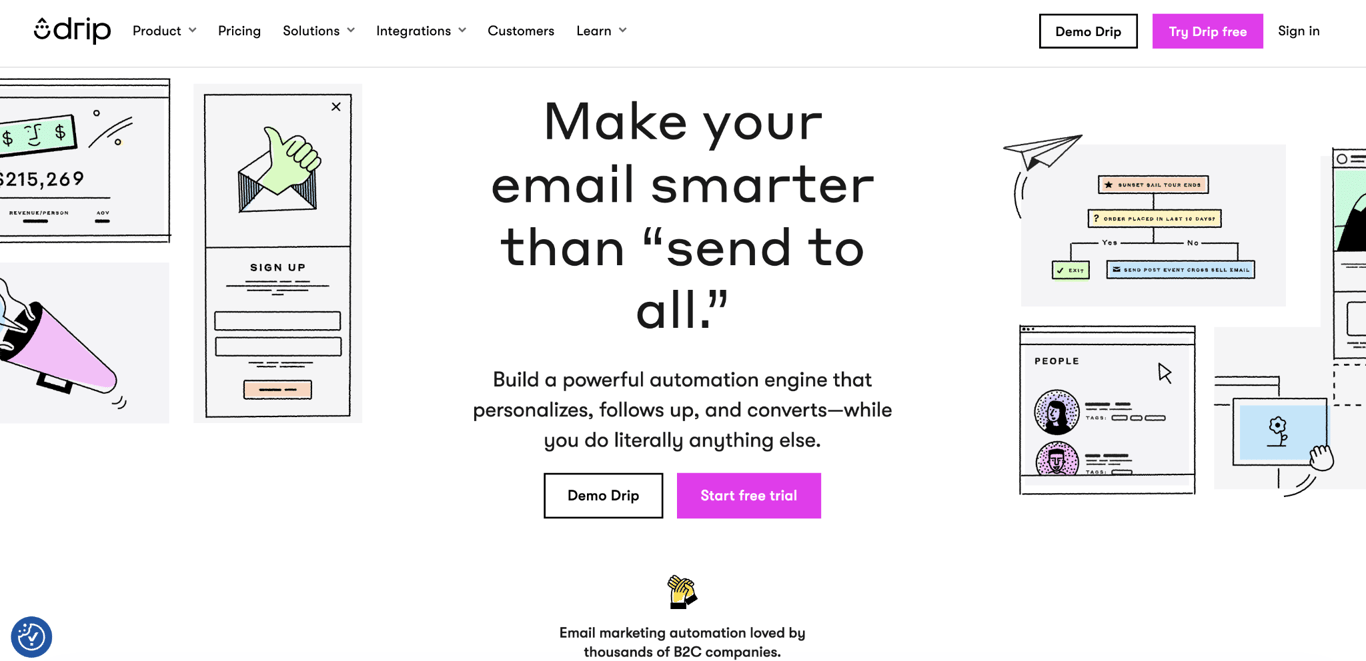
Drip positions itself as an ecommerce CRM with email marketing built in – and that framing tells you exactly when to choose it over MailerLite. If your emails are driven by what customers buy, browse, or abandon, Drip builds around that data in ways that a general-purpose tool like MailerLite isn’t designed to match.
The defining feature is the visual workflow builder combined with deep ecommerce data. You can trigger email sequences based on purchase history, product views, cart value, refund events, or customer lifetime value thresholds.
Every contact has a full purchase timeline visible in Drip, so your segmentation and personalization are based on real behavioral data rather than just tags or custom fields.
Drip pros
- Ecommerce workflow depth – pre-built and custom automation for cart abandonment, post-purchase sequences, win-back campaigns, and product recommendations.
- Customer lifetime value tracking – you can segment by predicted LTV and trigger campaigns accordingly, a feature MailerLite doesn’t offer.
- Visual workflow builder – clean, drag-and-drop automation builder with conditional splits and multi-branch logic.
- Personalization at scale – liquid-based dynamic content pulls in product names, purchase history, or custom attributes for each recipient.
Drip cons
- Higher price than MailerLite – plans start at $39/month for up to 2,500 contacts, compared to MailerLite’s ~$15/month for 1,000 subscribers.
- Built for ecommerce exclusively – the platform is optimized around purchase data; if you sell services, run a content business, or don’t have an online store, Drip’s strengths don’t apply.
- No free plan – Drip offers a 14-day free trial, but there’s no permanent free tier to test with a small list before committing.
Drip pricing
Drip uses a single plan, and pricing increases as your contact list grows:
- Up to 2,500 contacts – $39/month with unlimited email sends
- 5,000 contacts – $89/month
- 10,000 contacts – $154/month
At each step up, Drip sits well above MailerLite in terms of price. That premium makes sense when ecommerce automation, behavioral segmentation, and revenue attribution are actively driving your store sales.
12. Omnisend
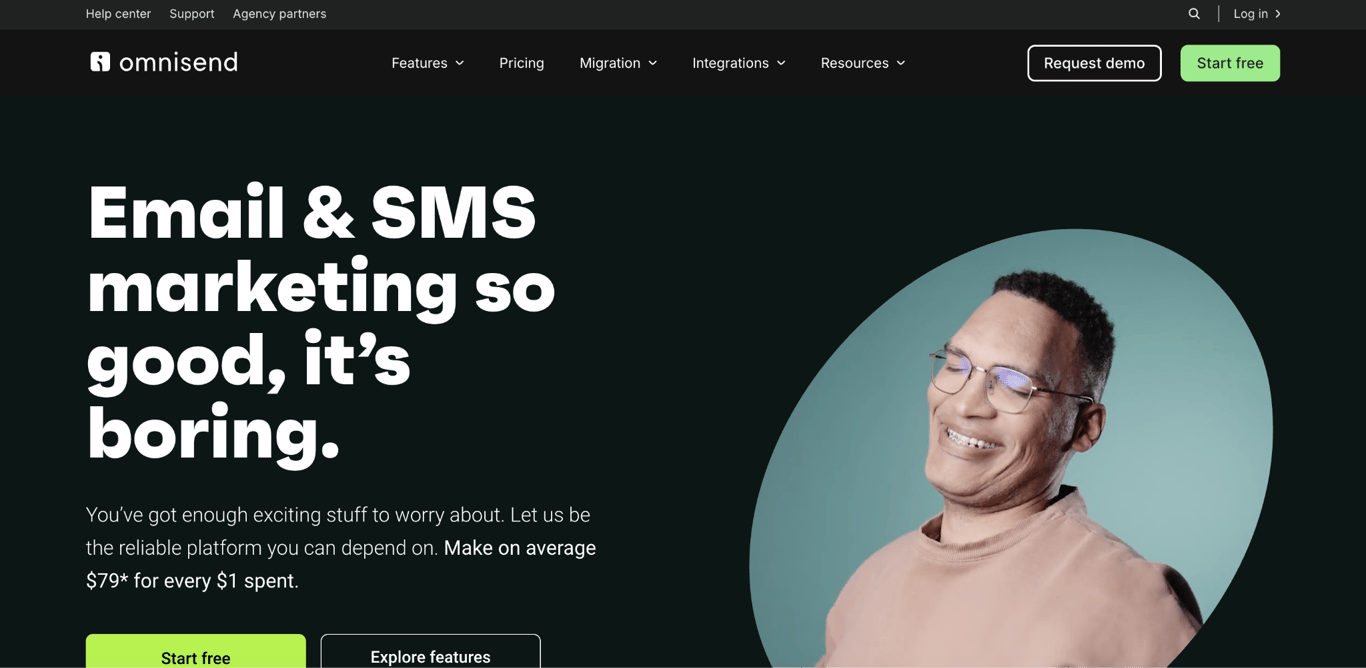
Ecommerce brands choose Omnisend when they want email, SMS, and web push notifications to work together in a single automation workflow.
Compared to MailerLite, Omnisend offers significantly more ecommerce-specific templates and automation triggers. You get pre-built workflows for cart recovery, product abandonment, order confirmation, shipping updates, and cross-sell campaigns – all with ecommerce data built into the segmentation logic.
Omnisend fits best with Shopify, WooCommerce, and BigCommerce stores that want omnichannel automation without the complexity of piecing together separate email and SMS tools.
Omnisend pros
- Omnichannel automation in one platform – email, SMS, and push notifications triggered by the same workflow, with channel fallback logic built in.
- Ecommerce-native templates – pre-built campaigns for the full post-purchase lifecycle, from order confirmation to win-back, that MailerLite’s templates don’t replicate.
- Strong ecommerce integrations – deep Shopify and WooCommerce sync with real-time order and product data.
- Generous free plan for ecommerce – up to 500 emails per month plus SMS credits, with access to automation workflows.
Omnisend cons
- Ecommerce-only focus – if you’re not running an online store, most of Omnisend’s differentiated features won’t apply; MailerLite is more flexible for non-ecommerce use cases.
- Cost grows with usage – SMS credits are charged separately, and as your list and channel usage scale, the total cost climbs faster than MailerLite’s predictable subscriber pricing.
- Limited beyond ecommerce – no webinar tools, no CRM, and minimal landing page functionality compared to GetResponse or HubSpot.
Omnisend pricing
Omnisend offers three main tiers, with pricing based on contact count:
- Free – up to 250 contacts and 500 emails per month, includes automation and ecommerce features
- Standard – $16/month for 500 contacts, includes 6,000 emails per month and removes branding
- Pro – $59/month for 500 contacts, includes unlimited emails, advanced reporting, and monthly SMS credits
At smaller list sizes, Omnisend’s email pricing is close to MailerLite’s. Costs rise faster as your contact count grows, especially if you use SMS. The higher price makes sense if you actively use omnichannel ecommerce automation across email and SMS.
13. Sender
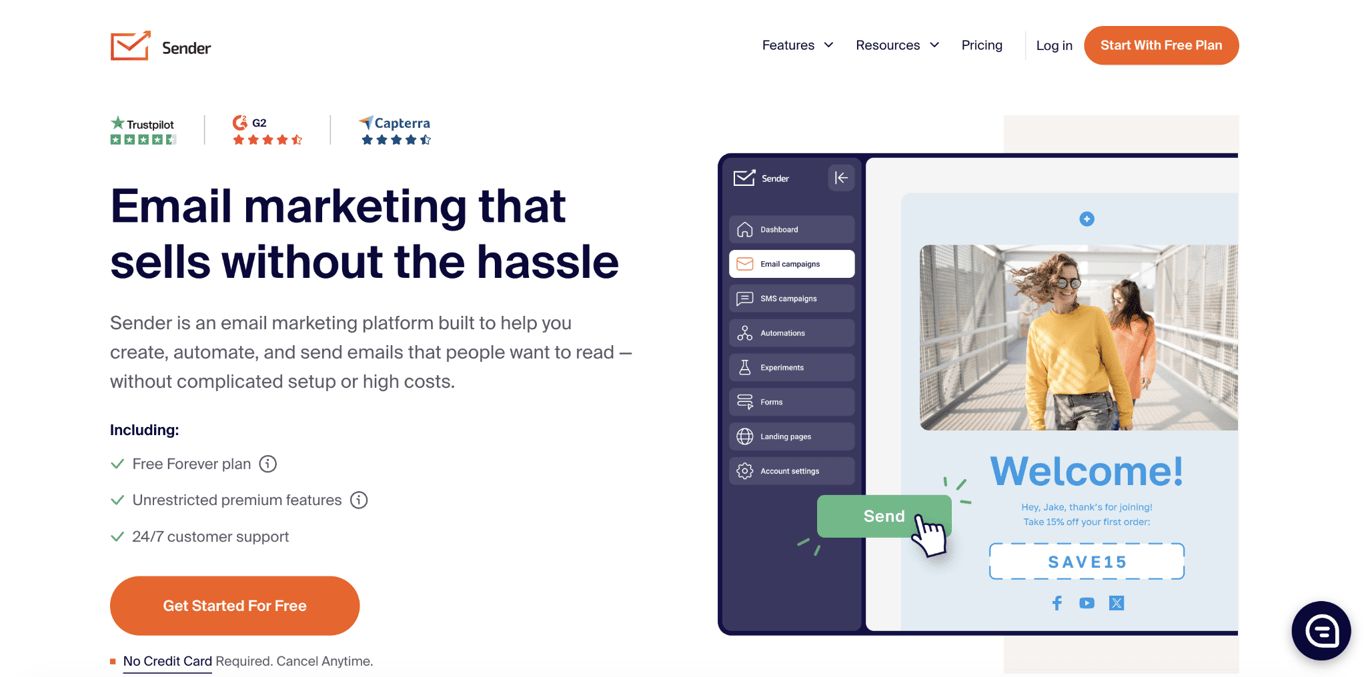
Do you need a capable free plan that doesn’t feel like a stripped-down product demo? That’s what Sender offers. Its free tier covers up to 2,500 subscribers and 15,000 emails per month – significantly more than MailerLite’s free plan.
Beyond the free tier, Sender covers the email marketing fundamentals: drag-and-drop campaign builder, automation workflows, pop-up forms, and basic segmentation. It won’t match MailerLite in design polish or automation depth, but for a small business or solo operator sending a regular newsletter to a modest list, it handles the job cleanly.
Sender pros
- Most generous free plan on this list – 2,500 subscribers and 15,000 emails per month for free, with automation included.
- Simple, clean interface – straightforward campaign builder that new users can navigate without a learning curve.
- SMS included on paid plans – available alongside email from the Standard tier, which adds channel flexibility that MailerLite’s paid plans don’t include.
- Affordable paid plans – the Standard plan starts at $15/month for up to 2,500 subscribers, competitive with MailerLite’s equivalent pricing.
Sender cons
- Limited automation – basic trigger-based sequences work fine, but conditional branching and multi-step behavioral workflows aren’t Sender’s strength.
- Fewer integrations – fewer native connections than MailerLite; Zapier support exists but the native ecosystem is thin.
- Less polished design experience – template quality and builder flexibility are functional but don’t match MailerLite’s visual editor.
Sender pricing
Sender keeps pricing straightforward at their free and standard plans:
- Free – up to 2,500 subscribers and 15,000 emails per month, includes basic automation, pop-ups, and core analytics
- Standard – $15/month for 2,500 subscribers, includes unlimited monthly sends, removes branding, and adds priority support
Sender offers far more volume on its free plan than MailerLite, which caps free accounts at 500 subscribers and 12,000 emails per month.
14. Benchmark Email
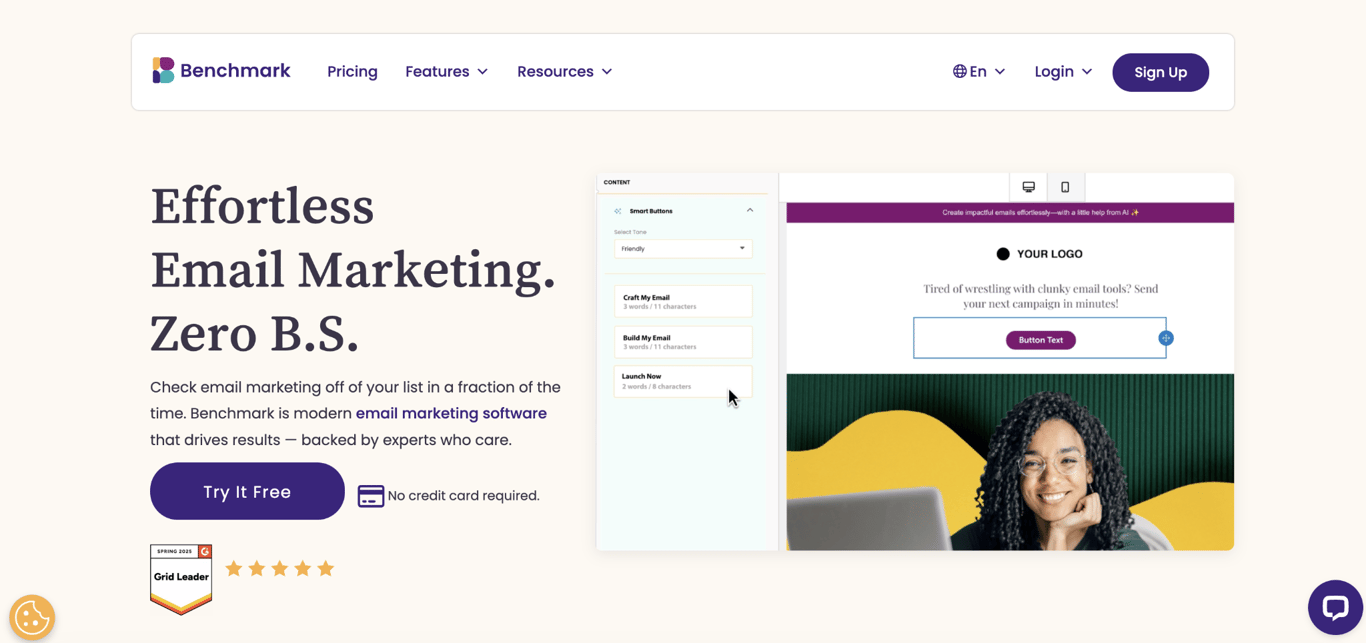
Benchmark Email is for teams that want to send professional-looking campaigns without configuring a complex platform. It’s designed around speed: the drag-and-drop editor is clean, onboarding is minimal, and you can have a campaign ready to send in under an hour.
The comparison with MailerLite is between simplicity and depth. Benchmark Email does less, but what it does, it does cleanly. If your email program is a regular newsletter and a basic welcome sequence, it handles that without unnecessary complexity.
Benchmark Email pros
- Quick onboarding – most users can create and send their first campaign the same day they sign up, with minimal setup required.
- Clean email editor – drag-and-drop builder with smart design blocks that produce readable, professional-looking emails without design skills.
- Inbox checker – built-in preview tool shows how your email renders across major clients before sending, a useful QA step that some tools charge extra for.
- Generous free plan – up to 500 contacts and 3,500 emails per month, with basic automation included.
Benchmark Email cons
- Limited automation depth – automation covers the basics (welcome sequences, birthday triggers, abandoned cart for ecommerce), but multi-step behavioral workflows aren’t the platform’s strength.
- Fewer advanced features – no landing page builder, minimal segmentation logic, and limited A/B testing compared to MailerLite’s feature set.
- Reporting is basic – open rates, click rates, and unsubscribes are tracked, but you won’t get the audience insights or funnel reporting that MailerLite offers on higher plans.
Benchmark Email pricing
Benchmark Email keeps its pricing fairly simple:
- Free – up to 500 contacts and roughly 2,500–3,500 emails per month, supports basic newsletters and automations
- Pro – around $13–15/month for 500 contacts, increases send limits to about 10× your list size and adds advanced automation, A/B testing, and priority support
- Pro at 5,000 contacts – typically $39–43/month
At similar list sizes, Benchmark costs more than MailerLite while covering fewer subscribers. The higher price is justifiable if you prefer a very clean, no-frills interface and straightforward campaign setup.
15. HubSpot Email Marketing
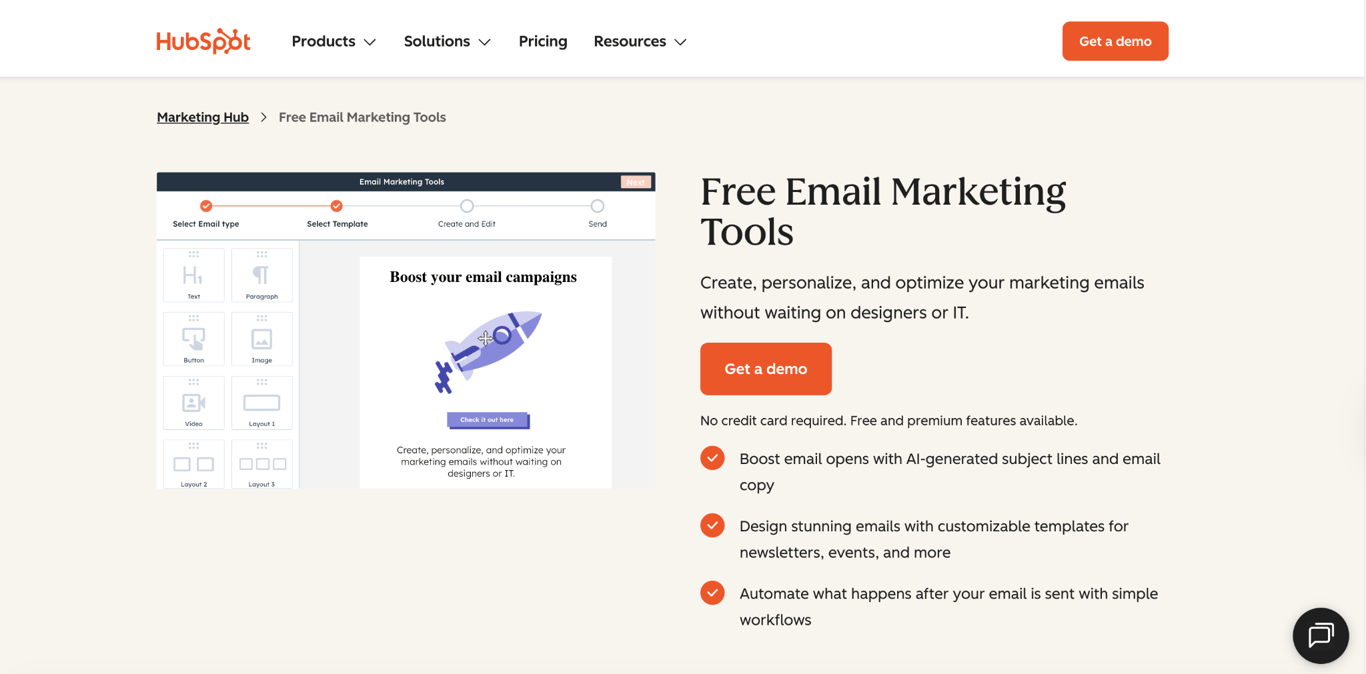
HubSpot Email Marketing isn’t really an email tool. It’s a piece of a much larger CRM and marketing ecosystem, and its value scales with how much of that platform you use. For the right business, that context is exactly the point.
The core advantage of HubSpot over MailerLite is contact intelligence. Every email HubSpot sends draws from a rich CRM profile: company size, deal stage, previous interactions, and website behavior. That data drives personalization and segmentation at a depth that MailerLite’s list-and-tag system can’t replicate.
HubSpot is a great option for growing companies and B2B teams where marketing and sales workflows overlap, and where the added cost of a full CRM platform is justified by the unified view it creates.
HubSpot Email Marketing pros
- CRM-native personalization – emails pull from full contact profiles, including deal stage, company data, and interaction history, enabling personalization that MailerLite can’t match.
- Unified marketing and sales – if your team uses HubSpot CRM, email campaigns, workflows, and sales activity all live in one place.
- Scalable platform – grows from a free tool to an enterprise suite without migrating platforms.
- Strong automation – contact-based workflows trigger across email, ads, and internal notifications from a single logic builder.
HubSpot Email Marketing cons
- High cost at scale – the Marketing Hub Starter plan begins at $20/month for 1,000 contacts, but the Professional plan (where automation unlocks fully) starts at $890/month, a significant jump from MailerLite’s pricing.
- Complexity – the platform is large and takes time to configure properly; using only the email features means paying for capabilities you may never touch.
- Free plan is limited – the free tier covers basic email with HubSpot branding and limited sends; it’s a preview, not a working product for most businesses.
HubSpot Email Marketing pricing
Combined email marketing with a full CRM, sales tools, and reporting in one system, here’s HubSpot’s pricing reflecting that broader scope:
- Free CRM – up to 2,000 email sends per month with HubSpot branding
- Marketing Hub Starter – $20/month for 1,000 contacts, increases send limits, and adds simple automation
- Marketing Hub Professional – $890/month for 2,000 contacts, adds advanced automation, A/B testing, and custom reporting
The higher price makes sense if you want a single platform that manages CRM data, sales pipelines, and marketing automation. A lower-cost platform from this list is more practical if you are evaluating email marketing features on their own and do not need a full CRM stack.
16. Zoho Campaigns
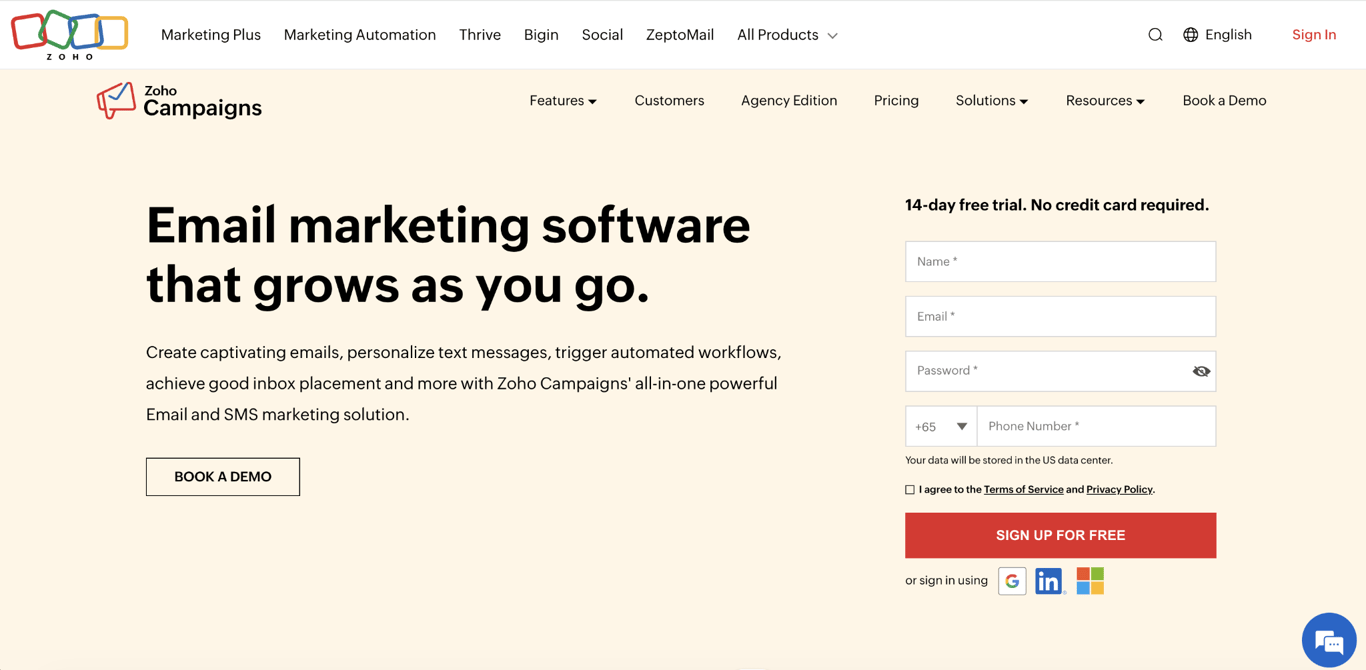
Zoho Campaigns is a great option if you’re already using Zoho CRM, Zoho Books, or other Zoho products. Its native integration with the broader Zoho suite means contact records, deal data, and purchase history sync automatically – without an API, a Zapier zap, or any manual export.
Outside the Zoho ecosystem, it holds its own as a budget-friendly email marketing tool with decent automation, a reasonable template library, and SMS capabilities on higher-tier plans.
Zoho Campaigns pros
- Native Zoho CRM integration – contact sync, lead status updates, and deal-stage triggers happen automatically, without third-party connectors.
- Affordable pricing – the Standard plan starts at $3/month for up to 500 subscribers, making it one of the cheapest paid options on this list.
- Solid automation – workflow triggers based on opens, clicks, date fields, or CRM data, comparable to MailerLite’s automation on mid-tier plans.
- Email and SMS included – SMS is available on higher plans, adding a channel MailerLite’s paid tiers don’t offer.
Zoho Campaigns cons
- UI complexity – the interface is functional but less intuitive than MailerLite; navigation between features takes more clicks, and the dashboard feels dense.
- Fewer email templates – the template library is smaller and less design-forward than MailerLite’s, which matters if visual email quality is a priority.
- Value is conditional – as outside the Zoho ecosystem, the platform’s main advantage disappears. Against MailerLite on pure email features, the gap narrows significantly, prompting people to consider a Zoho alternative.
Zoho Campaigns pricing
Zoho Campaigns structures its pricing across three paid tiers:
- Standard – from about $3/month on annual billing for 500 subscribers, includes email campaigns, basic automation, reporting, and unlimited sends
- Professional – from around $4.50/month for 500 subscribers, adds advanced automation workflows, A/B testing, richer segmentation, and deeper CRM syncing
- Agency – built for managing multiple client accounts from one dashboard
At the entry level, Zoho Campaigns is cheaper than MailerLite’s Growing Business plan, which runs around $15/month for 1,000 subscribers.
17. Mailjet
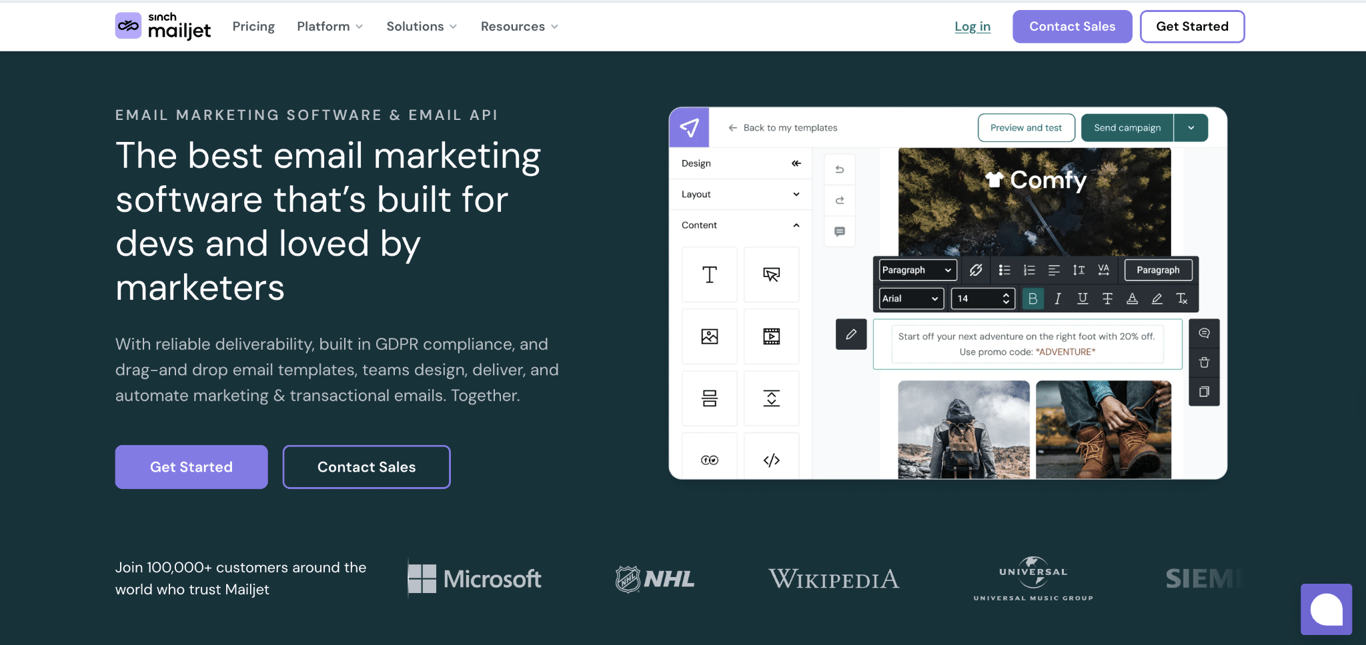
Mailjet fits best in teams where developers and marketers work on emails together. It combines a drag-and-drop campaign builder for marketers with a full API and SMTP relay for developers – and both modes work within the same account and use the same templates.
The collaboration feature is the most distinctive part. Multiple users can edit the same email in real time, leave comments, and manage approvals within the platform. For agencies or teams where email sign-off involves more than one person, that workflow is meaningfully better than MailerLite’s single-editor model.
Mailjet targets slightly more technical users than MailerLite – developers integrating transactional email into an application, or marketing teams that want API access alongside their standard campaigns.
Mailjet pros
- Full API access – send transactional and marketing emails via REST API or SMTP relay, with detailed delivery statistics; MailerLite doesn’t offer comparable API depth.
- Real-time team collaboration – multiple users can co-edit emails simultaneously, with commenting and role-based permissions.
- Transactional + marketing in one account – manage both email types from a single dashboard with shared templates and contact lists.
- Generous free plan – 6,000 emails per month with no contact limit, though daily sends are capped at 200.
Mailjet cons
- Limited automation – basic sequences and triggers are available, but Mailjet’s automation builder is well behind MailerLite’s workflow editor in terms of depth and flexibility.
- Design constraints – the template editor is functional but less flexible than MailerLite’s; complex custom layouts require coding.
- Not built for list-based marketing alone – the platform’s strengths lean toward developers and technical teams; pure email marketers will find MailerLite’s UX more natural.
Mailjet pricing
Mailjet structures pricing around email volume rather than subscriber count:
- Free – 6,000 emails per month with a 200-emails-per-day limit
- Essential – $17/month for 15,000 emails, removes branding and lifts the daily cap
- Premium – $27/month, adds automation, advanced segmentation, collaboration tools, and A/B testing
Against MailerLite’s Growing Business plan, Mailjet is more expensive if you’re running simple newsletters. The higher cost makes sense if you’re using its API and transactional email infrastructure alongside marketing campaigns.
18. Elastic Email
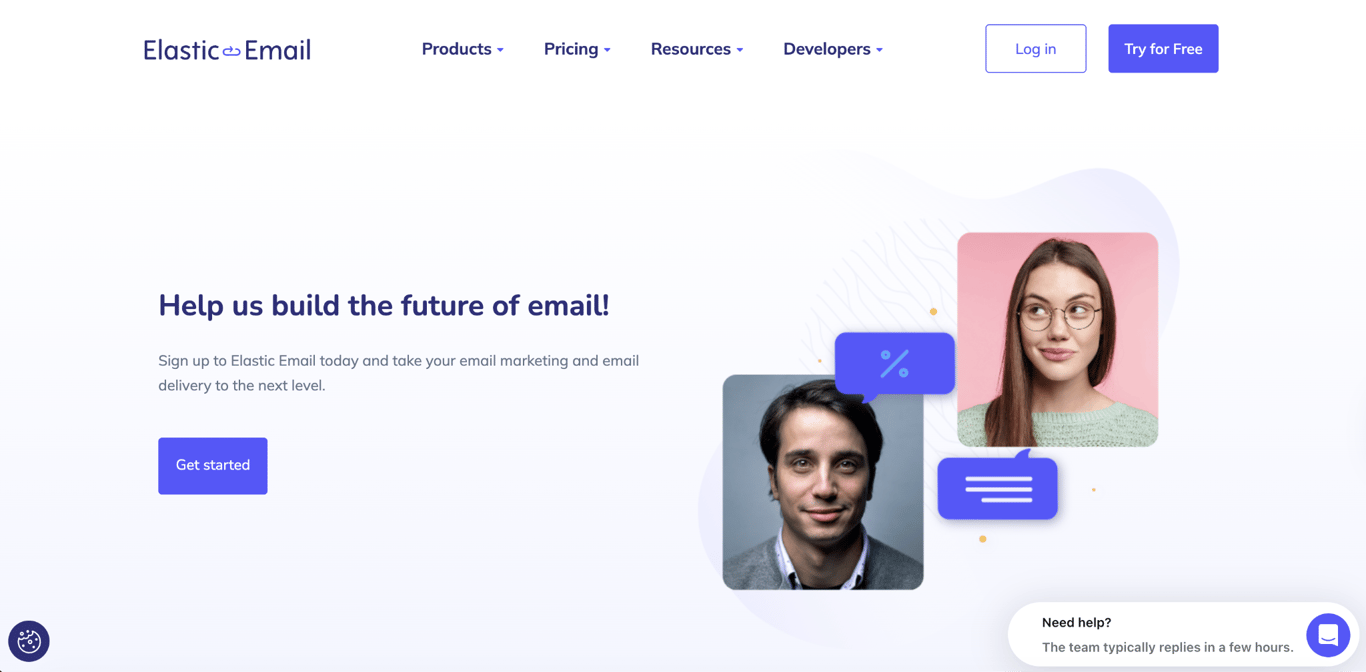
Elastic Email operates as an email delivery and marketing platform, combining a marketing campaign editor with a high-performance SMTP relay – making it useful for both newsletters and application-level email delivery.
This platform charges by messages sent rather than by the number of stored subscribers, making it one of the cheapest options for high-volume sending. If you regularly send to a list of tens of thousands and cost per send matters more than feature richness, Elastic Email will undercut most tools on this list.
Elastic Email pros
- Very low cost per send – usage-based pricing makes it among the cheapest options for high-volume email, significantly less than MailerLite’s subscriber-based plans at scale.
- Deliverability tools included – dedicated IP options, bounce handling, and engagement tracking help maintain sender reputation.
- API and SMTP access – full API for transactional sends alongside the campaign builder, similar to Mailjet but often cheaper.
- Unlimited contact storage – no additional charge for the size of your list, only for what you send.
Elastic Email cons
- Basic UI – the campaign builder and dashboard are functional but dated; MailerLite’s interface is significantly more polished and easier to navigate.
- Limited automation – basic autoresponders and triggered sequences work, but there’s no visual workflow builder or behavioral branching comparable to MailerLite.
- Not beginner-friendly – the platform rewards users who understand email infrastructure; newcomers will find the learning curve steeper than MailerLite.
Elastic Email pricing
Elastic Email offers two main paths, depending on whether you need marketing tools or delivery infrastructure:
- Unlimited marketing plan – from about $18/month for up to 5,000 contacts with unlimited emails; pricing increases as your list grows
- Email API plan – from around $19/month for up to 50,000 emails, scales by send volume, with pay-as-you-go credits available
The API plan becomes cost-efficient once you’re sending 100,000+ emails per month to a stable list, because the per-message cost drops as volume increases. Meanwhile, MailerLite’s subscriber-based pricing is usually more practical for smaller senders who prioritize an intuitive marketing interface and built-in automation over raw delivery volume.
19. SendPulse
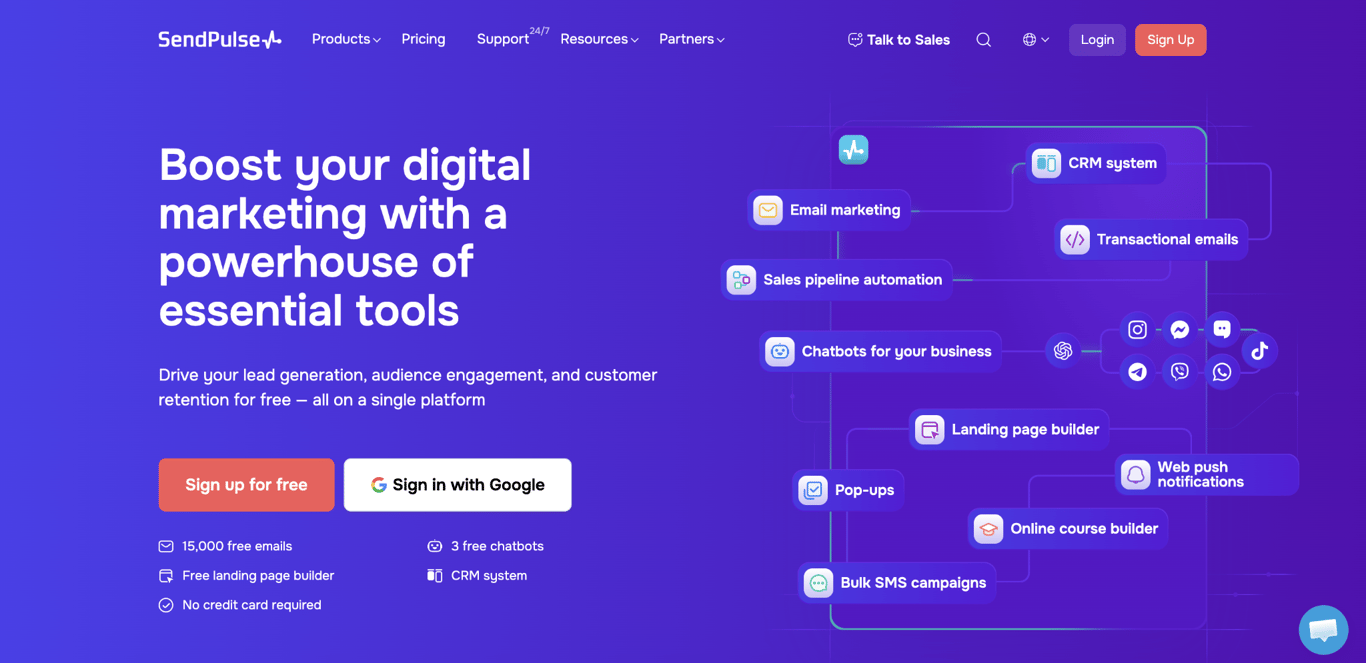
SendPulse is for marketers who want to reach contacts through email, SMS, web push notifications, and chatbots from a single platform – without paying separately for each channel. It combines those channels with a visual automation builder and a free plan that’s more generous than MailerLite’s in terms of email volume.
A single automation workflow in SendPulse can send an email, wait for a response, trigger an SMS if there’s no open, and then push a web notification – all in sequence. That kind of cross-channel coordination requires separate tools in MailerLite’s world.
SendPulse suits businesses with audiences across multiple channels and marketers who want a single platform to coordinate touchpoints rather than managing separate email and SMS tools.
SendPulse pros
- True multichannel automation – email, SMS, web push, and chatbot messages in the same workflow, with cross-channel conditional logic.
- Generous free plan – up to 500 subscribers and 15,000 emails per month for free, with automation and basic segmentation included.
- Chatbot builder – Facebook Messenger, Instagram, WhatsApp, and Telegram chatbots built and managed from the same platform.
- Flexible pricing – pay-as-you-go and subscription options available across channels, giving more control over spend than MailerLite’s subscriber-based model.
SendPulse cons
- Interface complexity – the multichannel dashboard is busy, and navigating between channel builders takes adjustment; MailerLite’s focused email interface is more intuitive for newcomers.
- Automation limits on free plan – advanced multi-channel workflows require paid plans; the free tier covers email automation but not cross-channel sequences.
- Uneven feature depth – email is the most mature channel; SMS and chatbot automation are capable but less refined than dedicated SMS or chatbot platforms.
SendPulse pricing
SendPulse bases pricing on subscriber count, with additional charges for certain channels:
- Free – up to 500 subscribers and 15,000 emails per month, includes basic automation, pop-up forms, and A/B testing
- Standard – from $8/month on annual billing for 500 subscribers, includes unlimited emails, full automation, and access to web push notifications
- Paid tiers scale by subscriber count, while SMS and chatbot usage are billed separately
At entry level, SendPulse is slightly cheaper than MailerLite’s Growing Business plan. It delivers strong value if you actively use email alongside push notifications, chatbots, or SMS campaigns.
Factors to consider when choosing a MailerLite alternative
The right platform depends on how complex your campaigns are, how the pricing model fits your budget, and how well the tool connects to the rest of your stack.
- Automation depth, segmentation logic, and workflow flexibility – Look at how far you can go beyond basic linear sequences. If you’re building journeys that react to purchases, page visits, or lead stages, conditional branching and stronger segmentation make a real difference; if you’re mostly sending newsletters, you won’t need that extra layer.
- Pricing model and long-term growth – Don’t judge a tool by its entry tier. Check whether pricing is based on subscribers, send volume, or stored contacts, then compare the cost at your current list size and where you expect to be in 12 months.
- Integration ecosystem with ecommerce platforms, CRMs, and CMS tools – Your email tool should connect cleanly to the systems that generate your data. Native integrations with Shopify, WooCommerce, HubSpot, or your CMS usually give you deeper segmentation and fewer workarounds than generic connectors.
- Deliverability consistency – A small drop in inbox placement shows up quickly in open rates and revenue. Look for a steady sending reputation and transparent reporting rather than broad marketing claims.
- Scalability without structural friction – Some platforms grow smoothly with you, while others force planned jumps that change features or limits. Review how automation access, support, and reporting evolve as you move through the tiers, so you don’t have to rebuild workflows later.
How to choose the right email marketing tool for your needs
Start with your business model, not the feature list. Creator-led newsletters and digital products benefit from strong tagging and simple broadcasts, ecommerce brands need purchase and browsing data connected from day one, and sales-led SMBs get more value from tools that tie email automation into a CRM pipeline.
Then decide how much complexity you’re realistically going to use and pay for. The choice between Brevo and Hostinger Reach illustrates this well: Brevo adds CRM and multichannel tools, while Reach focuses on simpler AI-assisted email marketing. Advanced automation only makes sense if you’re actively running behavioral journeys or ecommerce flows.
Compare pricing for your current list size and your 12-month target, and ensure the automation and integrations you need are included at that tier.
Common mistakes when switching from MailerLite
Most switching problems don’t come from the platform itself. They come from rushing the move.
The first mistake is overlooking data migration and subscriber consent. Importing your full list without cleaning inactive contacts, validating emails, and carrying over unsubscribes can hurt deliverability immediately. And if you don’t preserve consent records properly, you risk compliance issues that are harder to fix after the fact.
The second is underestimating onboarding and rebuild time. Automation workflows don’t transfer cleanly between platforms, and triggers or conditions often need to be recreated manually. Planning a short overlap period and testing workflows before fully switching protects both performance and reputation.
The third is choosing a tool without fully understanding how pricing scales. Costs can change once your entire list is imported, especially if the platform charges for stored contacts, higher send volume, or advanced automation features. Running the numbers in advance prevents an expensive surprise right after migration.
Switching your email marketing platform isn’t complicated, but it works best when treated like a phased rollout rather than an immediate cutover.
How to integrate an email marketing tool with your website
Integration usually comes down to how much setup you’re willing to handle and how deeply your email tool needs to integrate with your site.
Here’s how the main integration methods compare:
Integration method | Setup difficulty | Best for | What it handles |
Native plugins & store apps | Very low | Most beginners and SMBs on WordPress, Shopify, or WooCommerce | You want automatic syncing of forms, contacts, and store data without code |
Embed forms (HTML/JS) | Low | Sites without a native plugin, including Squarespace, Webflow, and custom builds | You mainly need newsletter capture, not behavioral tracking |
API-based connections | High | Advanced ecommerce brands and data-heavy workflows, SaaS | Your campaigns depend on purchase data, behavioral data, or custom event triggers |
How MailerLite alternatives handle website integration varies a lot, so it’s worth checking before you commit. On WordPress, most of these tools offer native plugins that cover forms and contact syncing without code.
On Squarespace, Webflow, and most custom sites, you’ll usually rely on a JavaScript embed form. That’s fine for newsletter signup, but it won’t give you richer behavioral or purchase data unless you add a deeper connection.
Ecommerce is where the gaps show up fast. Klaviyo and Omnisend offer the strongest native Shopify and WooCommerce integrations, syncing orders, products, and customer events in real time, while many other tools depend on apps or connectors that can limit data depth.
If you’re already hosted on Hostinger, Hostinger Reach is one of the simplest setups on this list. Its WordPress plugin syncs contacts in real time and works directly with Contact Form 7 and WPForms, so you can get running without API keys or third-party connectors.
The integration decision is worth getting right early. Pick the platform that connects cleanly to your site today and won’t create extra technical work later – whether that means a one-click plugin now or API-level tracking down the line.
All of the tutorial content on this website is subject to Hostinger's rigorous editorial standards and values.

Alma is an AI Content Editor with 9+ years of experience helping ideas take shape across SEO, marketing, and content. She loves working with words, structure, and strategy to make content both useful and enjoyable to read. Off the clock, she can be found gaming, drawing, or diving into her latest D&D adventure.