8 best WordPress countdown timer plugins (free and paid) in 2024
Mar 10, 2026
/
Jordana A.
/
7 min Read

One of the best ways to build anticipation for upcoming events is to add countdown timers to your WordPress website. This feature makes it easier to create urgency, driving clicks and encouraging visitors to take the desired actions.
Luckily, there are many WordPress countdown plugins available for this purpose. To help you decide which one to choose, we will go through the eight best countdown plugins, analyzing their features and pricing.
First, let’s start this WordPress tutorial by discussing what features a great WordPress countdown plugin must have.
The 8 Best WordPress Countdown Timer Plugins
Add a sense of urgency and boost engagement on your website with our list of the eight top WordPress countdown timer plugins.
1. WordPress Countdown Widget

Stats:
- Downloads: 10,000+
- Rating: 4.4/5
- Best for: personal websites and blogs
- Price: free
This free plugin is excellent for creating simple countdown timers. It utilizes customizable shortcodes and widgets you can place anywhere on your website. Thanks to its drag-and-drop interface, even users without technical knowledge can easily use it.
Furthermore, WordPress Countdown Widget is translation-ready and supports customization using CSS. Complete documentation detailing how to use the plugin is available on its official site.
Key Features
- User-friendly customization. It is easy to adjust the timer’s format, color, font size, border width, and timezone.
- Standard timers. The plugin is perfect for building up anticipation for an upcoming event.
- Theme insertion. The shortcodes are convertible into PHP code, making them usable on your WordPress theme.
Cons
- Basic customization options. There are no advanced features and fancy designs.
[DOWNLOAD]
2. Countdown Builder

Stats:
- Downloads: 10,000+
- Rating: 4.5/5
- Best for: personal websites and blogs
- Price: freemium (paid plans start at $23.98/license)
Countdown Builder is a simple countdown timer plugin with a user-friendly interface. This freemium plugin offers many options, including WooCommerce and sticky countdown timers. You can even create a coming soon page with your own text using the free version.
Upgrading to the Pro version for $23.98-$94.96/license allows you to show custom text or redirect website visitors to a URL after the time expires. Pro users also have access to customer support and future updates.
Key Features
- Mobile-compatible. Hide a countdown timer on mobile devices or only show it exclusively on them.
- Popup countdown timer. Add circle and flip-lock countdown popups to grab visitors’ attention.
- Subscription form. Make the subscription process easier while encouraging signups.
Cons
- Limited advanced features. Evergreen countdown timer, color customization, progress bar, and popup features are only available on Pro plans.
[DOWNLOAD]
3. Ultimate Blocks

Stats:
- Downloads: 50,000+
- Rating: 4.9/5
- Best for: personal websites, blogs, business, and multimedia sites
- Price: Free
Ultimate Blocks is a powerful blocks plugin for Gutenberg that comes with a wide range of blocks.
One such block in the plugin is the countdown timer block that lets you add beautiful countdown timers on your posts and pages. You can customize the timer to a great extent and choose from 3 different countdown styles.
You can also set the largest and smallest timer units and also customize the look and design of the timer.
The best part about Ultimate Blocks is that it’s a completely free plugin so you won’t have to spend any money to add a countdown timer to your website. Ultimate Blocks is ideal for bloggers, affiliate marketers, and business site owners. Moreover, the plugin comes with other Gutenberg blocks as well which might help you prevent installing additional plugins on your site.
Key Features:
- Highly customizable: You can choose from three different countdown timer styles.
- No shortcodes required: Ultimate Blocks works flawlessly with Gutenberg as it’s a block-based plugin so you won’t have to use any shortcodes.
- Free: The plugin is completely free so you don’t have to spend any money to add countdown timers to your site.
Cons:
- No evergreen timer: The plugin currently doesn’t let you create an evergreen countdown timer.
[DOWNLOAD]
4. Countdown Timer ‒ Widget Countdown
Stats:
- Downloads: 10,000+
- Rating: 4.6/5
- Best for: personal, multimedia, business, and eCommerce websites
- Price: freemium (paid plans start from $13/license)
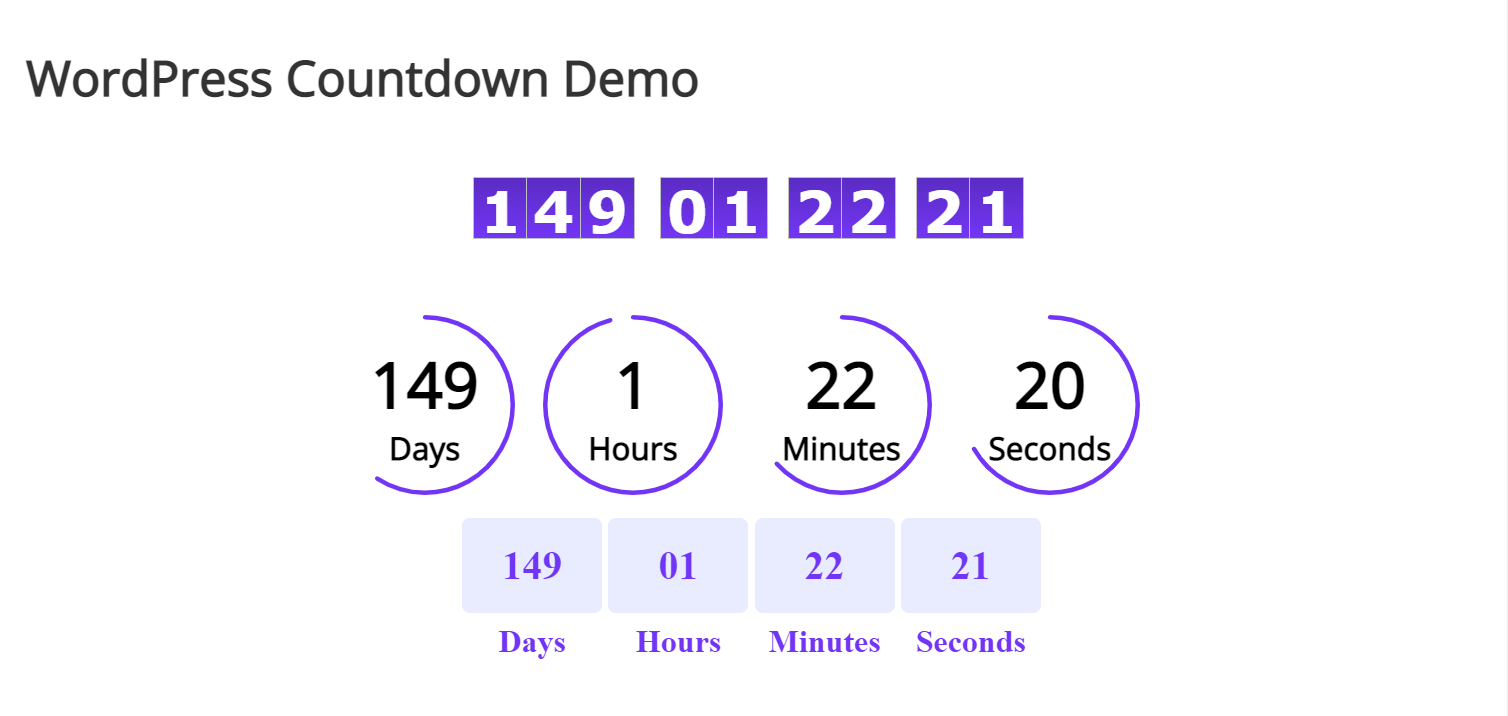
This WordPress countdown plugin can create an unlimited number of timers and choose the action or display a custom message after they expire. Like other plugins on this list, Countdown Timer generates shortcodes and is usable as a WordPress widget.
The Pro version, costing between $13-$45/license, is worth buying if you want to add an animation type to the countdown or customize its appearance. Pro users also have access to lifetime premium support.
Key Features
- Animation effects. The Pro version provides 39 countdown animation effects.
- Unlimited countdown timers. Create multiple timers on posts, pages, and sidebars as needed.
- Countdown timer action. Execute an action, display a message, or hide the countdown after the timer reaches zero.
Cons
- Limited free customization. You can only change the text color, background color, border radius, and font family after upgrading to the Pro version.
[DOWNLOAD]
5. Countdown Timer Ultimate
Stats:
- Downloads: 20,000+
- Rating: 4.7/5
- Best for: personal, business, and eCommerce websites
- Price: freemium (paid plans start from $99/license)
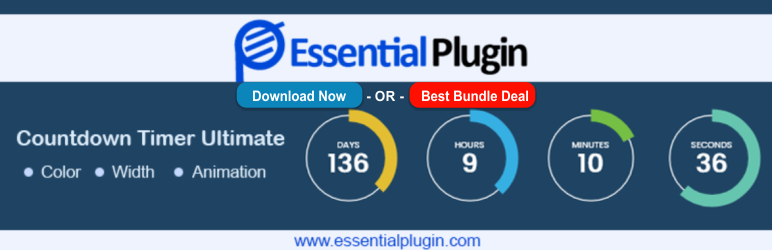
Countdown Timer Ultimate has everything you need to create scheduled, recurring, and evergreen timers. It provides 13 countdown styles with lightweight and responsive designs. Plus, you get to decide the action after each timer counts to zero.
This WordPress plugin is compatible with popular eCommerce and page builder software, even supporting digital coupons for seasonal promotions and flash sales. It’s also translation and RTL-ready ‒ ideal for websites with an international audience.
Buying the Pro plan for $99/year or $199/license unlocks other addons by Essential Plugin and chat support. The premium features focus on utility, marketing, website customization, and security aspects, so all website types can benefit from upgrading their plan.
Key Features
- Unlimited countdown timers. Create as many timers as you want and display them using a shortcode or widget.
- Scheduled timer. Sets up countdowns between two fixed dates for an upcoming sale or event.
- eCommerce coupon integration. Embed countdowns to digital coupons to encourage sales, creating a sense of urgency.
Cons
- Limited free features. Advanced features like custom CSS support, recurring timer, and eCommerce coupon integration are locked in the Pro version.
[DOWNLOAD]
6. HurryTimer

Stats:
- Downloads: 20,000+
- Rating: 4.8/5
- Best for: personal, business, multimedia, and eCommerce websites
- Price: freemium (paid plans start from $39/year)
Despite being a freemium plugin, HurryTimer’s free version offers advanced features to create standard and evergreen countdowns. The plugin uses cookies and IP detection to create evergreen campaigns with manual and auto restart. It also provides different expiry actions to boost traffic and improve customer experience.
Some of the most notable Pro features include a recurring countdown timer, a WooCommerce coupon integration, and a live design customizer. For $39-$129/year, Pro users can display the countdown timer in the main menu for optimal exposure and get help 24/7 via priority email and chat support.
Key Features
- Auto-restart evergreen countdown timer. Rewind the timer at the next visit to create the fear of missing out (FOMO).
- WooCommerce integration. Update the product stock status or hide the “Add to cart” button when the countdown expires.
- Multiple expiry actions. Trigger more than one action when the timer expires.
Cons
- No free support. You must purchase the license to get priority support.
[DOWNLOAD]
7. SeedProd

Stats:
- Downloads: 1,000,000+
- Rating: 4.7/5
- Best for: personal, business, multimedia, and eCommerce websites
- Price: freemium (paid plans start from $39.50/year)
SeedProd is an excellent website builder plugin for creating landing pages. Various pre-built themes and landing page templates are ready to use upon installation, from Thank You to login pages. Customizing them is also hassle-free with the drag-and-drop editor.
The best part about this WordPress plugin is that it has a coming soon mode with a countdown feature that can be activated with a single click. You can create a landing page promoting the site before launching and add a countdown timer to raise anticipation.
The Pro plans may be pricier than some plugins on this list, ranging between $39.50-$239.60/year, but it can save you from installing other plugins since it offers additional features, like access control, email marketing integration, and domain mapping.
Key Features
- Vast block and pre-built template options. Create different kinds of pages without coding in minutes.
- Revision history. Track every change made on your pages and revert them if needed with a single click.
- Maintenance mode. Limit access to the website until it’s ready to go live.
Cons
- No evergreen timer. As SeedProd isn’t a native WordPress countdown timer plugin, it can’t detect visitors to personalize the timer.
[DOWNLOAD]
8. OptinMonster
Stats:
- Downloads: 1,200,000+
- Rating: 4.9/5
- Best for: personal, business, multimedia, and eCommerce websites
- Price: $9-$49/month
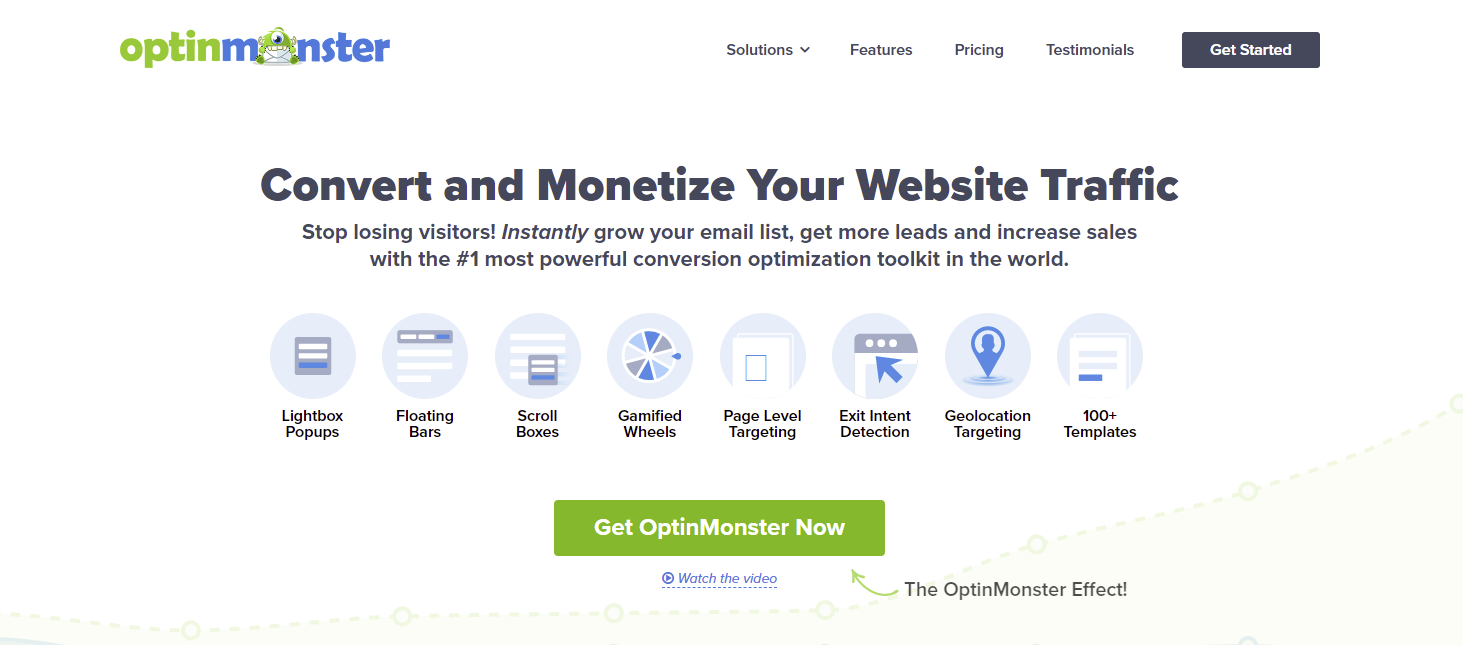
OptinMonster is arguably the best lead generation plugin today. One of its many powerful features is the countdown timer, creating static and dynamic timers for various purposes.
With this WordPress plugin, you can create multiple timers in the form of popups and floating bars for maximum exposure. The plugin detects visitors’ locations, devices, and cookies to craft targeted campaigns and analyzes your marketing strategies to improve their success rate.
OptinMonster’s pricing plans range from $9-$49/month. Unfortunately, the countdown timer feature is only available on the Pro and Growth plans for $29$49/month. However, the plugin includes a 14-day money-back guarantee on all purchases.
Key Features
- Drag-and-drop builder. Creates different campaign types using pre-made templates or from scratch without coding. It comes with over 26 animations and sound effects.
- Exit-intent technology. Display targeted campaigns based on visitor behavior to reduce cart abandonment.
- Timed display control. Set targeted campaigns to pop up at the right time to increase conversions.
Cons
- Paywall barrier. You must purchase at least the Pro plan to access the countdown feature.
[DOWNLOAD]
What to Look for in a Countdown Timer Plugin
When compiling our list of WordPress plugins, we have considered the following factors:
- Ease of use. Users with little to no coding knowledge should be able to configure the plugin and use its features.
- Price. Plugins should offer free, freemium, and premium options to accommodate different budget levels.
- Key features. Each plugin must have all the tools you need to create and customize a countdown timer block.
- Compatibility. All plugins on our list are compatible with the latest WordPress and PHP versions.
Feel free to make your own assessment by installing these WordPress plugins and giving them a try. However, remember to choose only one, as too many plugins can slow down your website.
Also, aside from following the best practices for choosing the right plugins, there are other things to consider, including the hosting you use. Make sure to use premium WordPress hosting to avoid any issues with your website performance.

Conclusion
A countdown timer can make a huge difference in your marketing strategies. With this feature, website owners can build landing pages to boost SEO even while the site is still in maintenance mode. Meanwhile, eCommerce websites may leverage it to increase conversions and reduce cart abandonment.
Here are our final recommendations:
- Best free countdown plugins for WordPress – WordPress Countdown Widget and Countdown Builder.
- Best premium WordPress countdown plugins – HurryTimer and OptinMonster.
Share your favorite one in the comments section below.
Discover Other WordPress Plugins to Help Build Your Website
Best WordPress Directory Plugins
Best WordPress Forum Plugins
Best WordPress Comment Plugins
Best WordPress Contact Form Plugins
Best WordPress Search Plugins
WordPress Countdown Timer FAQ
If you still have questions about the WordPress countdown timer feature, the following section might have the answer you’re looking for.
What Is the Difference Between Standard and Evergreen Countdown Timers?
A standard or fixed countdown timer works traditionally, meaning it has a fixed end time for every visitor. A dynamic or evergreen countdown timer starts when someone accesses the page, so each visitor sees a different end time. Fixed timers are great for building anticipation, whereas evergreen timers work better for creating the FOMO.
How Do I Add a Countdown Timer to My WordPress Website?
Depending on the plugin, you can create countdowns and add them to your posts and pages using shortcodes or as widgets. If you don’t want to use a plugin, build a countdown timer by coding manually and embedding the PHP script to your WordPress theme.
Which Countdown Plugin Is the Best?
Feature-wise, Countdown Timer Ultimate and HurryTimer have the most tools to create static and dynamic countdown timers. However, many page builders and lead generation plugins like SeedProd and OptinMonster offer the countdown feature. In short, the best plugin is the one that meets your needs.

Jordana is a Senior Content Writer with a background in Information Systems. She has over five years of experience in WordPress and is casually dabbling with PHP and MySQL. Her passion for writing and technology drives her to create tutorials for anyone wanting to build their online presence. Follow her on LinkedIn.