10 best examples of web applications
May 15, 2026
/
Nurul S.
/
7 min Read
A web application, or web app, is a software program that is accessed through a web browser. This allows it to work seamlessly across multiple devices and operating systems.
From productivity tools to streaming platforms, web apps have become an essential part of our daily lives, making work, creativity, communication, and entertainment more convenient than ever.
In this article, we’ll explore the 10 best web applications, highlighting their key features, their innovative functionality, and what makes each of them stand out.
10 popular examples of web applications
Whether you’re looking for inspiration or researching what makes a great web app, these examples showcase some of the most successful web app ideas in action.
1. Google Docs
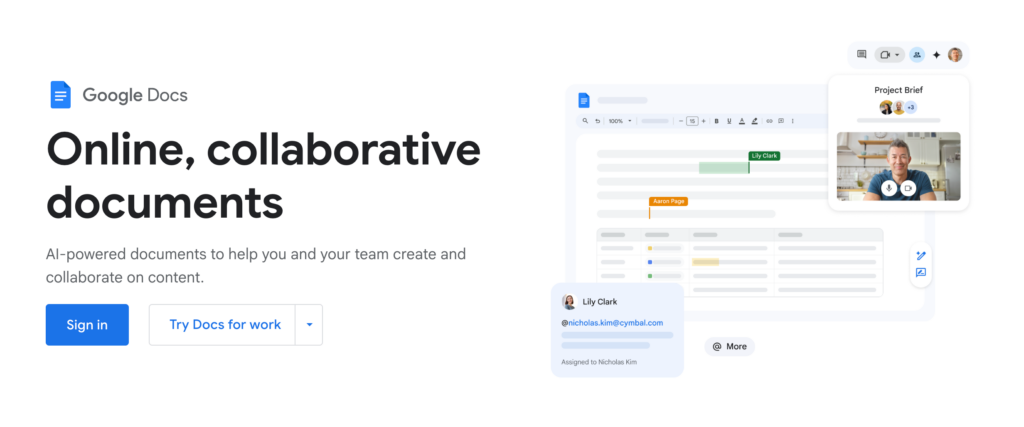
Google Docs is a cloud-based word processing app that allows users to write, edit, and collaborate in real time.
As part of Google Workspace, it’s widely used for everything from school assignments to business reports, making it an essential tool for students, professionals, and teams.
Docs is powered by Google’s cloud infrastructure. Automatic saving to Google Drive allows multiple users to collaborate seamlessly, and ensures no progress is lost if your internet connection drops.
Why it’s a great web app:
- Real-time collaboration. Users can write and edit in the same document simultaneously, with changes instantly visible.
- Cloud storage integration. Eliminates the need to save files manually or worry about losing documents.
- Cross-platform accessibility. Works on desktops, tablets, and smartphones, making it available to all users on any platform.
- Template gallery. A collection of ready-made templates to help you create professional-looking documents.
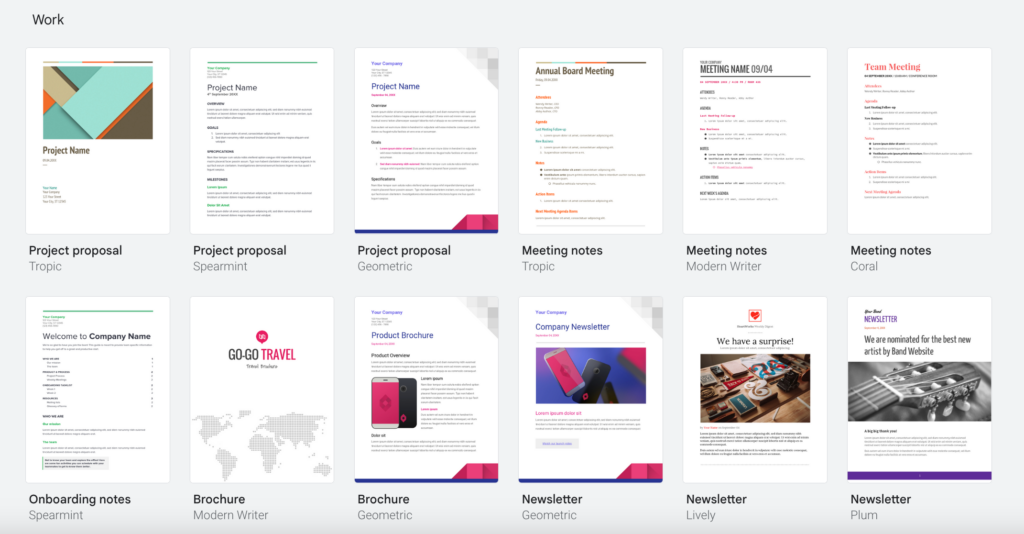
Google Docs demonstrates the power of real-time collaboration in web apps. If you’re building a web app, consider how live editing, cloud storage, and seamless syncing can improve user experience.
2. Canva
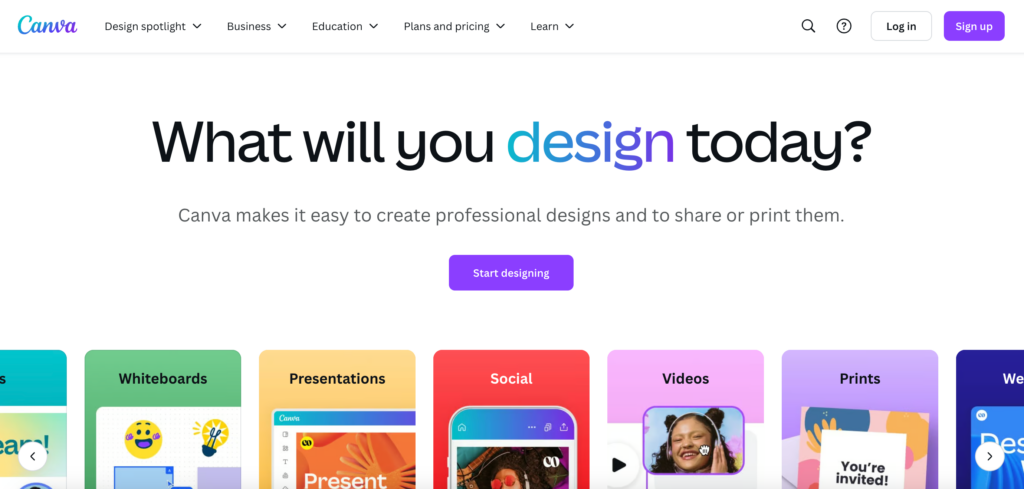
Canva is a web-based graphic design tool for creating social media posts, presentations, posters, and more. It offers free and pro versions for both beginners and professionals.
Many content creators and entrepreneurs use Canva to design and sell digital products like planners, templates, ebooks, and printables.
Why it’s a great web app:
- User-friendly design tools. Canva’s drag-and-drop interface ensures you can design your projects with ease.
- Extensive template library. Ready-made layouts for social media, business, and personal projects.
- Cloud storage integration. Work on projects across devices without losing progress.
- Supports digital product creation. Users can design and sell templates, ebooks, planners, and more.
Canva is a great example of how web apps can simplify complex tasks like graphic design. You can take inspiration from its easy-to-use interface to help enhance usability.
3. Slack
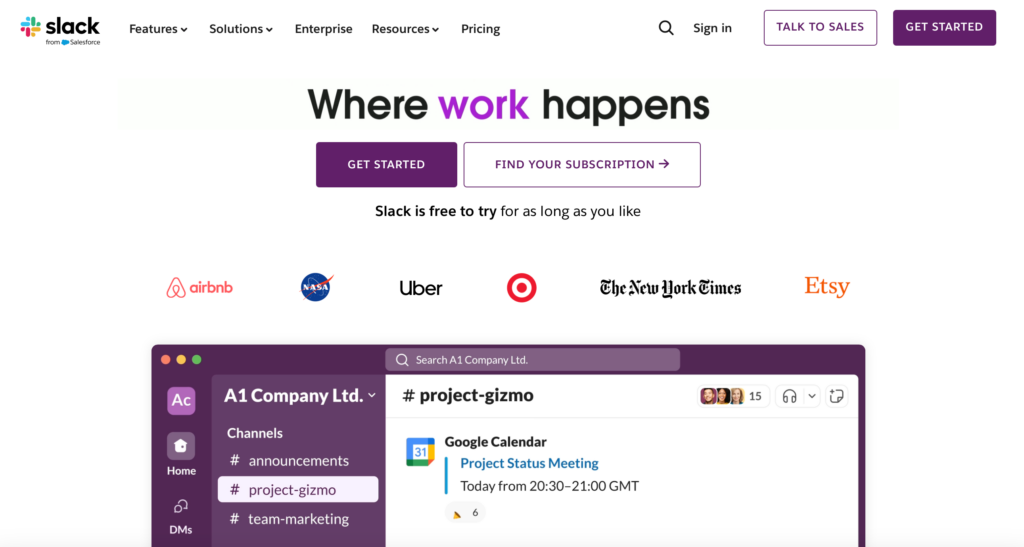
Slack is a cloud-based messaging platform designed to improve workplace communication and collaboration.
Businesses and remote teams use it to sort and streamline discussions, manage projects, and integrate data and documents from productivity tools.
Slack dynamically updates message threads and reactions in real time. It uses the WebSocket protocol to enable two-way messaging between users and the server.
Why it’s a great web app:
- Real-time and organized communication. Instantly send messages, create threads, and keep discussions organized.
- AI Recap. Automatically summarizes conversations, helping users catch up on key discussion points upon opening the app.
- Connect to other apps. Integrate seamlessly with other tools like Google Drive, Trello, and Zoom.
- Cross-device support. Works on desktops, browsers, and mobile devices.
Slack’s ability to centralize team discussions and integrate with other tools makes it a go-to solution for businesses looking to improve communications efficiency.
4. Trello
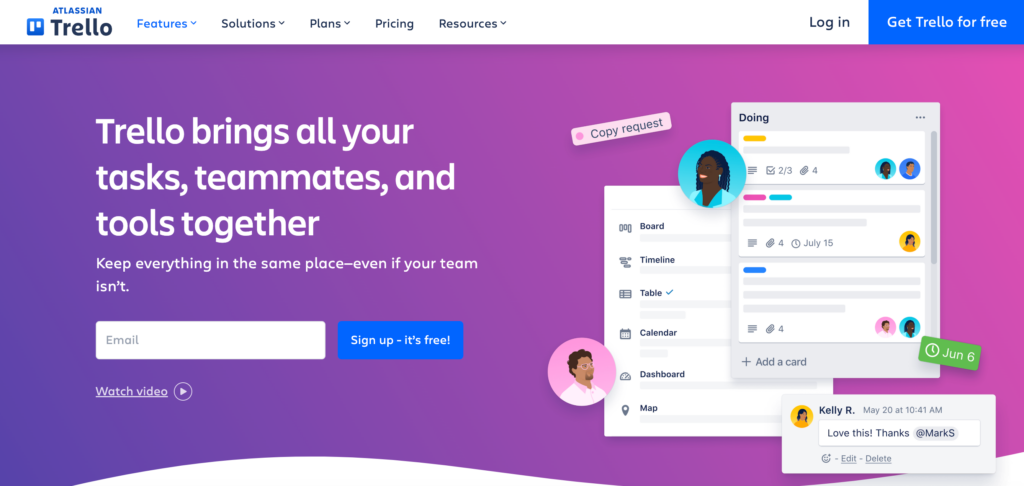
Trello is a cloud-based project management tool that helps users organize tasks using a visual board system.
Widely used by teams, freelancers, and individuals, it simplifies workflows from personal to-do lists to complex project tracking.
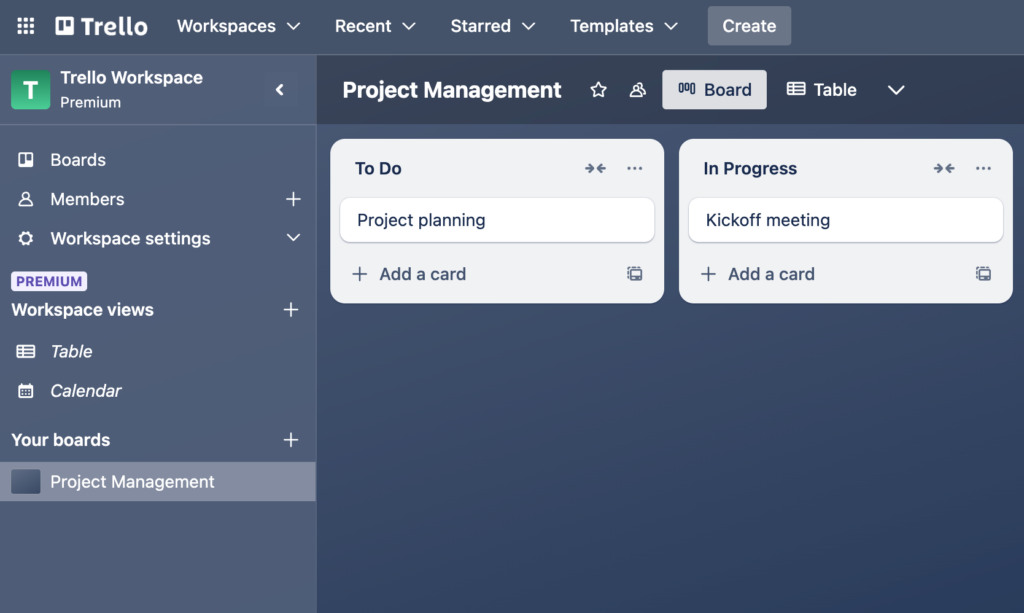
Using the drag-and-drop, board-based system, users can create tasks, assign them to team members, and track real-time progress.
Why it’s a great web app:
- Drag-and-drop task management. Move tasks between lists effortlessly.
- Collaboration features. Assign tasks, add comments, and track progress with team members.
- Cross-platform accessibility. Works on desktop and mobile, and integrates with third-party tools like Google Drive, Slack, and Dropbox.
- Customizable workflows. Use labels, due dates, and automation to tailor task management.
If you plan to create a task management web app, you may want to study Trello’s intuitive card-based system – it can simplify even very complex workflows.
5. Spotify
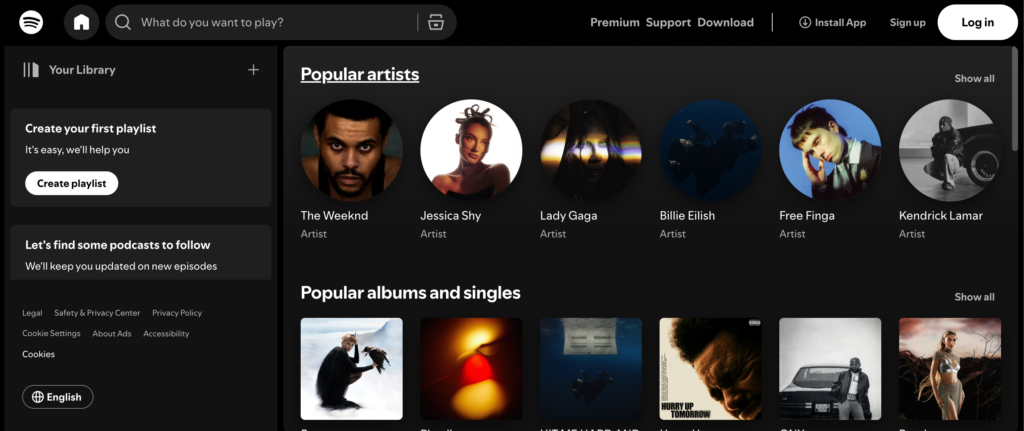
Spotify is a cloud-based music streaming service that gives users access to millions of songs, podcasts, and playlists.
It’s widely used by music lovers and podcast listeners worldwide, offering free and premium subscriptions.
The service relies on distributed cloud servers and a content delivery network (CDN) to deliver high-quality audio with minimal buffering. AI-driven algorithms personalize recommendations based on user preferences.
Why it’s a great web app:
- On-demand streaming. Instant access to a massive library of songs and podcasts.
- Personalized recommendations. AI curates playlists based on listening history.
- Offline listening. Premium users can download songs for offline playback.
- Cross-device syncing. Start listening on one device and continue on another without interruption.
Spotify highlights the power of AI-driven personalization in web apps. Its ability to deliver content based on user behavior makes it a pertinent example of how machine learning can enhance user engagement.
6. Coursera

Coursera is a web-based education platform that offers online courses, specializations, and degrees from top universities and institutions.
Like many others, this app uses a CDN to cache video lectures, assignments, and quizzes on edge servers nearer to users around the world. This ensures that course content loads and streams quickly, regardless of user location.
What makes it a great web app:
- Edge caching. A CDN optimizes video streaming and minimizes buffering worldwide.
- Personalized learning experience. AI-driven recommendations suggest courses based on user interests.
- Gamification and progress tracking. Keeps users engaged with quizzes, badges, and certifications.
- Seamless user flow. A structured course layout with intuitive navigation for a smooth learning experience.
Considerable tech infrastructure and a user-friendly experience make Coursera one of the top global educational platforms.
Suggested reding
Check out a list AI-powered educational app ideas if you are thinking about starting your own business.
7. Airbnb
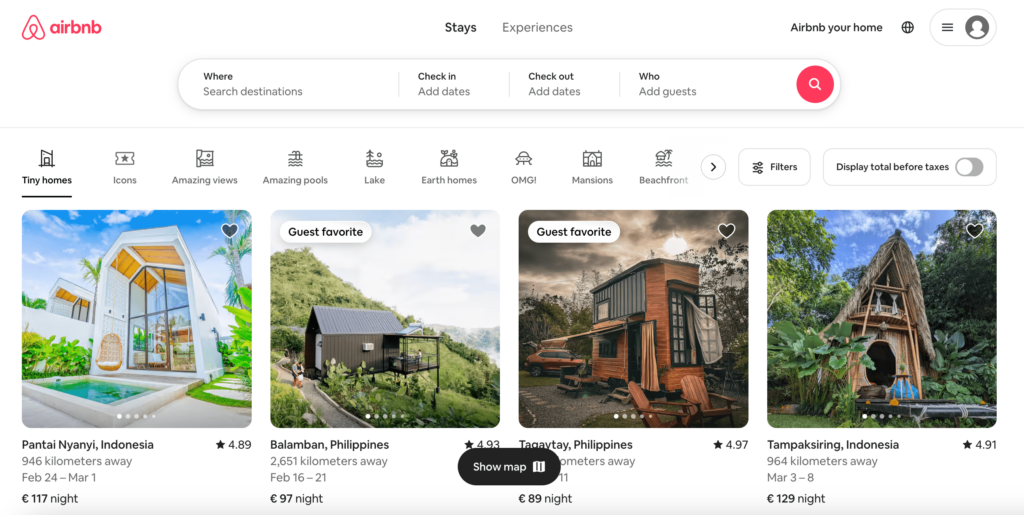
Airbnb is a web app that connects travelers with hosts offering short-term rentals in apartments and houses or more unique stays like treehouses and villas.
The web app uses Amazon CloudWatch to manage listings, bookings, and payments securely. Plus, its AI-driven search algorithms help users find the best accommodations based on preferences and location.
Why it’s a great web app:
- Intelligent search and filtering. Find stays based on location, price, amenities, and guest ratings.
- Seamless booking and payments. Secure transactions with built-in payment processing.
- In-app messaging. Hosts and guests can communicate directly through the app, enhancing safety.
- Cross-platform accessibility. Book or manage stays via desktop, mobile, or the Airbnb app.
Airbnb uses AI-powered search and a secure transaction system to deliver a smooth, personalized user experience, setting the standard for marketplace web apps.
8. Figma
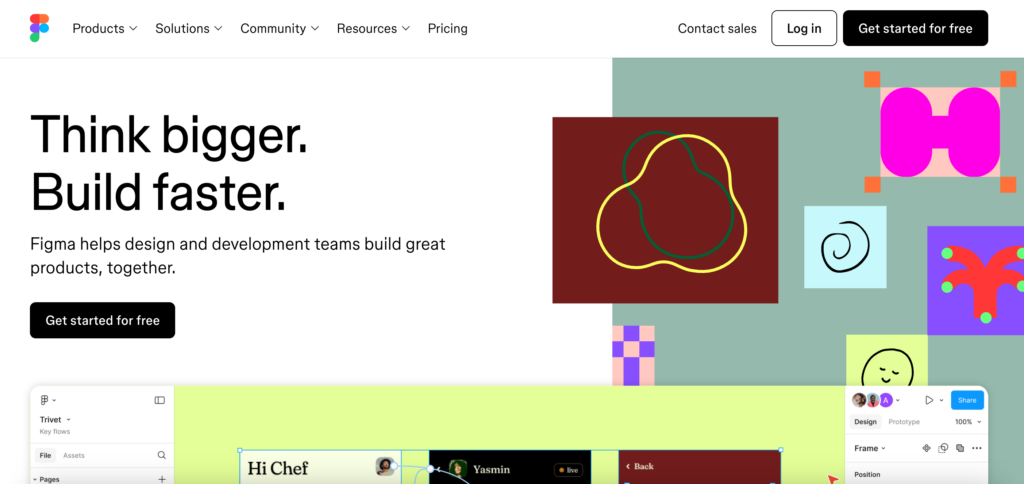
Figma is a web-based design tool that enables teams to create, prototype, and collaborate on user interfaces in real time.
Unlike traditional design software, it runs entirely in the browser, eliminating the need for software installation or manual file sharing.
Figma relies on WebAssembly to deliver a smooth, high-performance design experience. Its back end uses cloud-based storage and instant synchronization, ensuring multiple users can edit the same file without conflicts.
What makes it a great web app:
- Real-time collaboration. Multiple users can design together, with changes reflected immediately.
- Cloud-based storage. No need for local file management, making version control effortless.
- Vector-based design engine. Ensures smooth performance, even for complex UI designs.
- Cross-platform accessibility. Works on any device with a browser, unlike traditional design software.
With real-time editing and high-performance rendering, Figma demonstrates how you can create web apps with intensive design capabilities while maintaining speed and usability.
9. Netflix
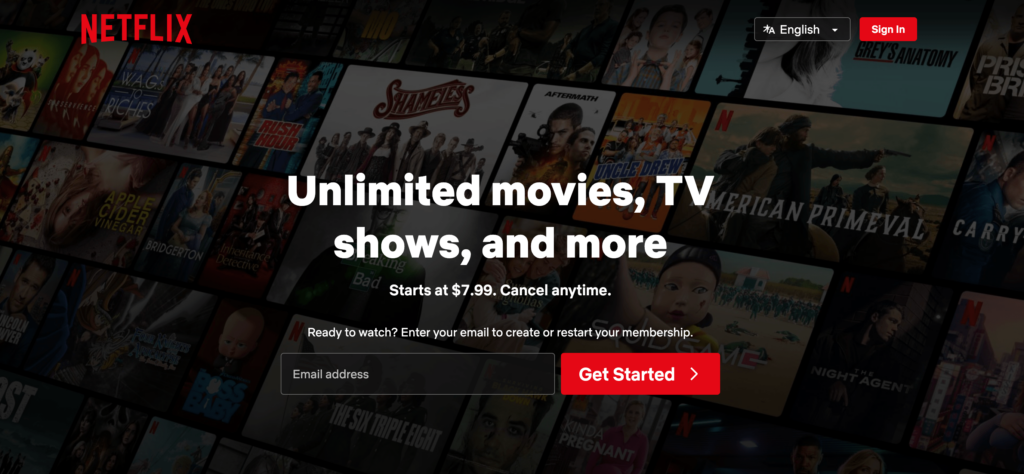
Netflix is a subscription-based streaming service that offers access to thousands of movies, TV shows, and documentaries. Thanks to a high-quality content collection and an intelligent recommendation system, it has become one of the most popular on-demand entertainment providers.
Netflix is a multi-page application (MPA) that uses a CDN to stream videos worldwide. It uses adaptive bitrate streaming to adjust video quality and minimize buffering.
What makes it a great web app:
- Efficient video streaming. Uses a CDN to deliver smooth, high-quality playback with minimal lag globally.
- AI-powered recommendations. Analyzes user behavior to suggest personalized content.
- Cross-device synchronization. Seamlessly continues playback across different devices.
- Scalable infrastructure. Handles millions of simultaneous streams without interruptions.
Netflix excels at scalability and personalization. The web app also efficiently delivers content and engages users with AI-driven recommendations.
10. Toggl
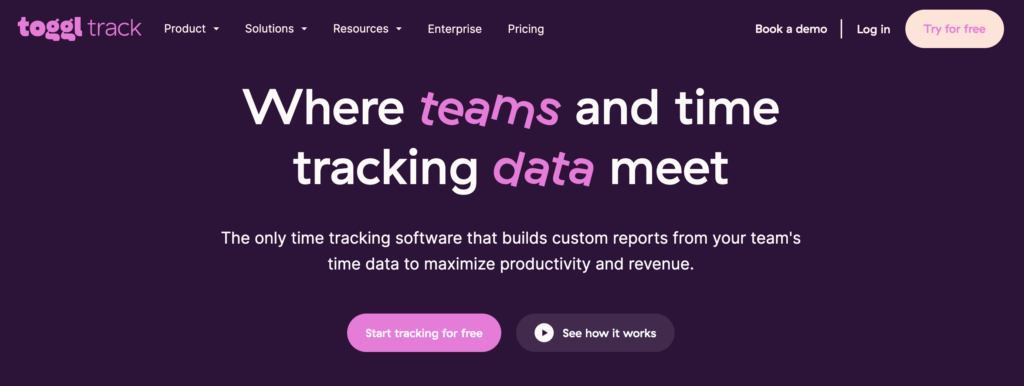
Toggl is a time-tracking tool designed to help freelancers, teams, and businesses manage their work hours effectively.
It simplifies time logging, reporting, and productivity analysis with an intuitive interface.
Toggl runs on a lightweight back end, ensuring fast performance. It integrates with project management tools and uses cloud-based storage for secure time tracking across multiple devices.
What makes it a great web app:
- One-click time tracking. Start and stop timers with minimal effort.
- Automated reporting. Generates detailed insights on productivity and project hours.
- Seamless integrations. Connects with tools like Trello, Asana, and Slack.
- Cross-platform access. Works across web, desktop, and mobile apps.
Toggl’s simplicity and automation make it an incredibly useful web app. If you’re building a time-tracking web app, consider how Toggl’s tracking, syncing, and detailed reporting can enhance usability.
Types of web applications
There are multiple types of web applications, each designed to optimize performance, user experience, and functionality. Here’s a quick breakdown:
- Single-page applications. These web apps load a single HTML page and dynamically update content without refreshing. They provide a smooth, native app-like experience, as seen with Google Docs.
- Multi-page applications. Traditional web apps with multiple pages that reload as users navigate. Platforms like Airbnb, Netflix, and Coursera use this structure to deliver a large catalog of content.
- Animated web applications. These apps feature dynamic visuals and smooth transitions to enhance interactivity. Canva and Figma use animation to create an engaging design experience.
- Content management system (CMS) applications. These apps help users create, manage, and publish content efficiently. A popular CMS application is WordPress.com.
- Progressive web applications (PWA). Like mobile app behavior, you can install and use these apps offline. Spotify and Netflix leverage PWA features to enhance accessibility and performance.
In case you’re wondering, mobile apps are not a category of web apps – nor the other way around. If you’re curious about the key differences, check out our in-depth guide on web apps vs mobile apps.
Conclusion
Web applications have transformed the way we work, communicate, and design.
From real-time collaboration in Google Docs, to seamless design workflows in Figma, and intelligent content recommendations in Netflix, these popular web apps demonstrate how powerful and user-friendly in-browser technologies can be.
Feeling inspired to build your own web app? With Horizons web app builder, you can turn your software startup idea into reality – no advanced coding is required.
Whether you’re looking to build a productivity tool, a graphic design platform, or something completely new, you can develop your app by typing prompts, and launch it with the click of a button.
Try it risk-free with a 30-day money-back guarantee.
Web application examples FAQ
What is considered a web application?
A web application is an interactive program that runs in a web browser and allows users to perform specific tasks. Unlike static websites, web apps process user input and often include features like real-time collaboration, file storage, or dynamic content updates.
How does a web application work?
A web application operates through a client-server model. The front end runs in a web browser, sending requests to the back end, which processes data and returns responses. Many web apps rely on cloud infrastructure to store user data, ensuring seamless access across multiple devices.
What is the difference between a website and a web application?
A website primarily provides static content for users to read or view passively, while a web application is interactive, allowing users to input, process, and manipulate data. Web apps often include personalization, collaboration, and real-time updates. Learn more about their key differences in our guide on web apps vs websites.

Nurul Siregar has over 3+ years of experience in the tech industry with a passion for writing about digital marketing. Nurul enjoys reading fiction novels and making digital illustration in her free time. Follow her on LinkedIn.
