How to migrate my website without any downtime?
Mar 10, 2026
/
Andzelika D.
/
3 min Read
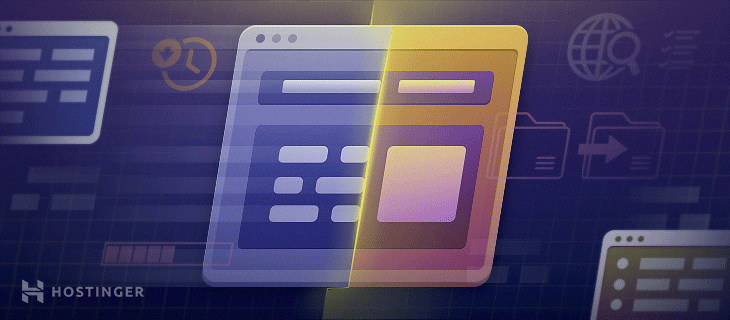
The biggest risk concerning a website migration is downtime. It can seriously affect your traffic and conversions, not to mention the overall reputation of your brand.
If people go to your website and find it offline, they may be under the impression that your website is no longer live. The longer your site is inaccessible, the higher the chances of losing returning customers permanently.
Luckily, there is a way to migrate your website and avoid downtime. Simply follow the four steps below.
1. Do Not Cancel Your Existing Web Hosting Right Away
Instinct might tell you to cancel the subscription with your current web host as soon as you decide to migrate your site. It may be especially true if your current hosting provider is of poor quality and doesn’t meet your needs entirely.
While you may feel like a cancellation is the right first step, it is not. Canceling your current plan will cause your website to go offline, potentially losing all files and other important data if you don’t manage to complete the transfer in time.
Instead, do all necessary preparations and perform the website transfer first. Only when the process is complete should you officially say goodbye to your current web host.
2. Find a Reputable New Web Hosting Provider
Whatever the reason for transferring your website may be, finding a reputable web hosting replacement is crucial. Site migration takes effort and time. It’s a stressful procedure, so, ideally, you should only go through it once or twice.
That’s why choosing a good web host right away is essential. Make sure they provide the resources you need, meet all your current requirements, and can be scaled easily if the need arises in the future.
For instance, Hostinger offers a few different types of web hosting to make sure we fit our clients’ needs, whatever their requirements may be. All plans come with enough resources to ensure good loading speed and a 99.99% uptime guarantee.
Our web hosting plans start at $1.39/year and can be upgraded with ease by simply reaching out to the customer support team at any time.

3. Start the Migration Process
There are three ways to migrate your website, depending on your technical skills, preferences, and available tools. Each one does the job well but requires a different procedure.
Use one of these three methods to migrate your website successfully:
- Manual website migration. Use an FTP client, like FileZilla, to help you export and import your website files with ease. This method requires the most technical knowledge and skill, and can be done by following this manual website migration tutorial.
- Using a migration plugin. If you don’t feel comfortable dabbling with the technical side of your site, use a migration plugin to help with the process. There are many high-quality plugin options available to help you migrate the website quickly and efficiently.
- Automated website migration. Most reputable web hosting providers offer an automated website migration service. All you have to do is provide them with your registration details and wait for them to do the work for you.
Whichever method you end up choosing, the result should be the same – a fully-functioning website that requires minimal changes (if any) to look how it did before the migration.
4. Update the Domain Nameservers
Once the transfer is complete, the last step is pointing your domain to the new web host. If you fail to do so, your site will become inaccessible once your old web hosting provider cancels the subscription.
Luckily, updating the domain nameservers doesn’t take that much skill or knowledge. All you have to do is make some changes to the settings. It only takes two simple steps, as described in this easy-to-follow nameserver update guide.
You should cancel your current web hosting subscription only after all of these steps are complete. Keep in mind that the changes will take a few working days to be fully implemented, so no point in rushing. After all, it’s better to be patient and have the process go smoothly than risking site downtime.

Andzelika is a Content Writer and Editor with over 5 years of experience in the digital marketing industry. With passion for technology and the art of the written word, she loves to combine the two worlds and produce actionable content.