8 best website builders for artists to build a portfolio
May 20, 2026
/
Auksė Å.
/
8 min Read

Choosing the best website builder for artists means finding a platform that helps you showcase your art, sell your work, and build your brand online — even if you don’t have design or coding experience. The right website builder offers more than just templates; it provides tools for customization, marketing, and ecommerce tailored to creative professionals.
In this article, we’ve evaluated the top website builders based on their features, pricing, creative flexibility, and value for different types of artists — from painters and photographers to illustrators and mixed-media creators.
Here are the eight best website builders for artists we’ve reviewed:
- Hostinger – Fast, AI-powered website creation with built-in SEO and analytics.
- Pixpa – Ideal for selling art with integrated ecommerce and marketing tools.
- Voog – Best for creating multilingual websites with blogging capabilities.
- Tilda – Offers versatile design with drag-and-drop blocks and built-in CRM.
- SmugMug – Tailored for photographers with watermarking and Lightroom support.
- Duda – Great for managing multiple sites and adding advanced integrations.
- Fabrik – Minimalist layout-focused builder perfect for visual portfolios.
- Format – Easy-to-use platform for creative professionals with blog and workflow tools.
Whether you’re just starting your online presence or expanding your creative business, this guide will help you choose a website builder that aligns with your artistic goals.
1. Hostinger Website Builder
- Best for: artists who want a fast, AI-assisted portfolio or store they can edit on the go
- Price: starting from CA$ 4.19/month
Hostinger lets you launch a clean, professional site in minutes. Start with the AI Website Builder to generate pages and starter copy, then fine-tune layouts with a simple drag-and-drop editor. If you need to make quick changes from a show or studio, the mobile editor makes it easy to update text, images, and sections right from your phone.
Selling originals, prints, or commissions is straightforward. You can add products, set taxes and shipping, and accept payments via Stripe or PayPal. For deeper insights, connect Google Analytics 4 or check basic stats from your Hostinger dashboard.
If your workflow includes Instagram or Facebook, note that the builder supports custom code and Meta Pixel, but it doesn’t offer a native Facebook or Instagram Shop catalog sync. You can still add share buttons or verification tags as needed.
Hostinger’s key features
- AI Website Builder to generate site structure, design, and starter content fast.
- Mobile editor for creating and editing directly from your phone.
- Online store with Stripe and PayPal payment gateways.
- Analytics options: built-in stats plus easy GA4 connection.

2. Pixpa
- Best for: selling artwork with an integrated store, client galleries, and image-first templates
- Price: starting from $6/month
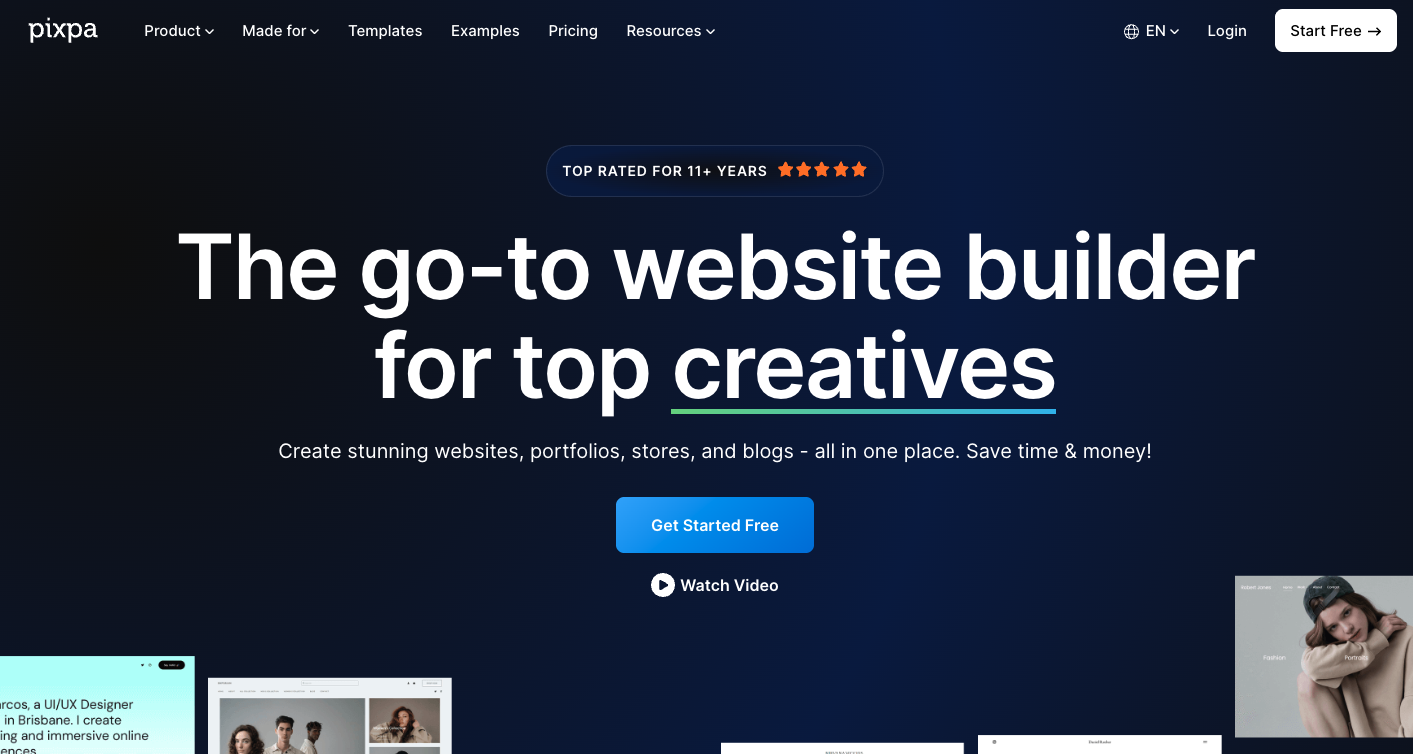
Pixpa focuses on creatives. You get portfolio templates that put your visuals first, plus an online store and client galleries in the same dashboard—no extra plugins or tools to manage. It’s designed for quick setup and clean presentation so you can publish fast and get back to making work.
Selling is built in: add products, track orders, and accept payments via Stripe or PayPal globally, with Razorpay for India. Pixpa doesn’t take sales commissions, and recent updates add localized Stripe payment methods to streamline checkout. It’s a strong fit for small catalogs and print sales; for large, complex stores, scalability can feel limited.
Pixpa’s key features
- 200+ responsive templates tailored for portfolios and stores.
- Integrated store & client galleries in one platform.
- Multiple payment gateways: Stripe, PayPal, and Razorpay.
- Watermarking for images.
- Sales/analytics dashboard to view orders and revenue over time.
- Built-in SEO & marketing tools such as SEO Manager.
3. Voog
- Best for: Multilingual artist website
- Price: Freemium, with premium plans starting from $11/month
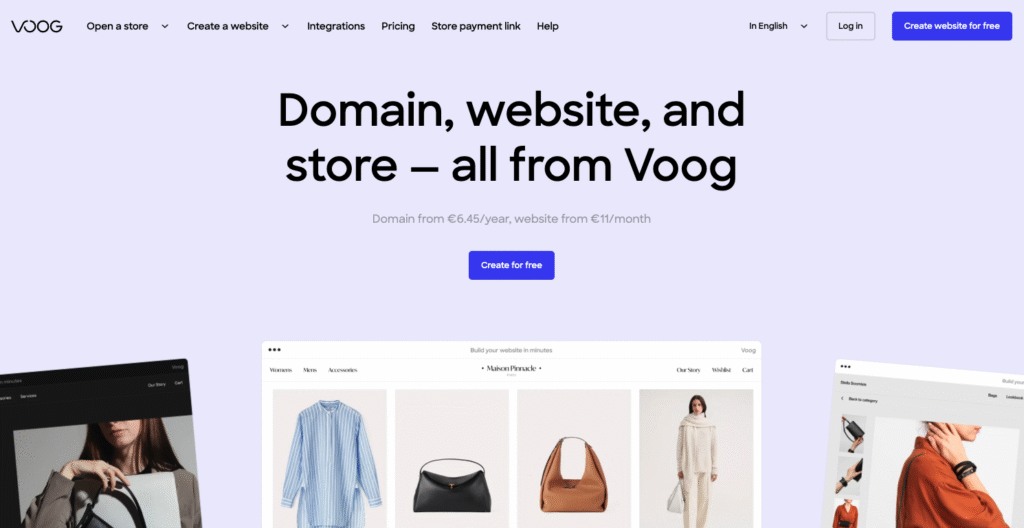
Voog is a lightweight builder from Estonia that shines for multilingual sites. You can add multiple languages to the same website structure and manage translations side by side—handy if you sell prints in different markets or work with international clients.
Selling is built in. Voog’s store covers products, tax, and shipping, and offers several regional and global payment options. You can enable Voog Pay, PayPal, bank links via MakeCommerce, and options like EveryPay, Swedbank, and Montonio.
Design-wise, Voog favors clean, image-first templates and straightforward editing. If you (or a collaborator) want finer control, there’s developer access with Liquid-style templating for custom layouts and components. For very large catalogs or advanced marketing stacks, the integration list is smaller than big-name builders, so plan accordingly.
Voog’s key features
- Multilingual site management.
- Built-in store with taxes, shipping, orders, and regional/global payment methods.
- Transaction fees that vary by plan/gateway (0–3% on Standard/Plus; none on Premium); Voog Pay publishes per-transaction fee details.
- Clean templates + developer mode with Liquid-style markup for deeper customization.
4. Tilda
- Best for: design-driven artist sites with custom layouts and motion
- Price: Freemium, with premium plans starting from $10/month
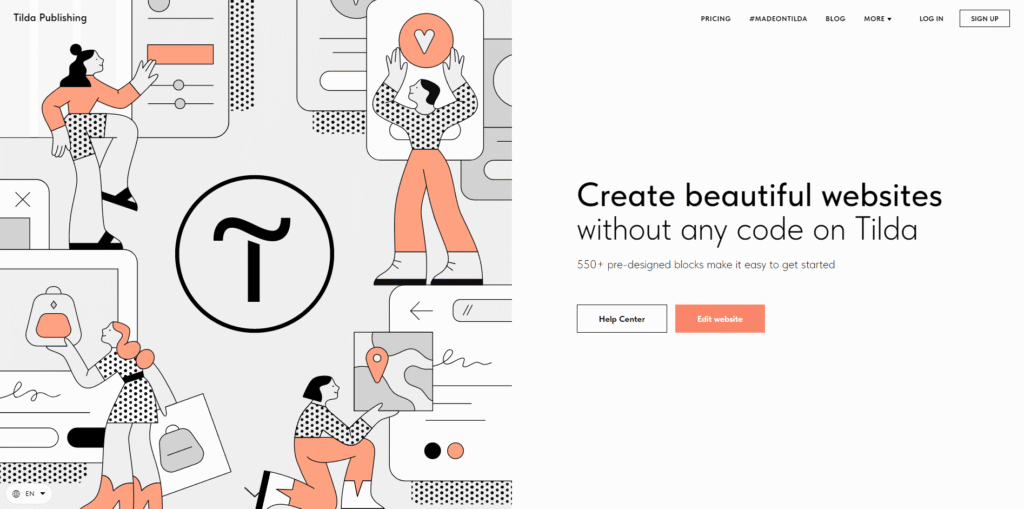
Tilda is all about visual control. You build with a large library of pre-designed blocks, then switch to Zero Block when you want pixel-level control over typography, layering, and positioning—useful for lookbooks, case studies, or poster-style pages. Its step-by-step animation and parallax tools let you add tasteful motion without writing code.
Selling is built in, but geared to small catalogs. You can take payments via Stripe, PayPal, or Verifone, and there’s a developer path for custom gateways. For lean artist shops—prints, zines, digital downloads—it’s solid; for bigger inventories or advanced tax/integration needs, plan for workarounds.
Tilda also includes a simple CRM and an Email Campaign Builder, so you can capture inquiries, track leads, and send newsletters from the same dashboard. Multilingual setups are possible on one domain or across subdomains, and services like Weglot integrate easily.
Tilda’s key features
- 550+ pre-designed blocks for fast page assembly.
- Step-by-step animations and parallax effects.
- Online store with Stripe/PayPal/Verifone + custom gateway option.
- Built-in CRM to track leads and orders.
- Email Campaign Builder with Mailchimp/SendGrid/UniSender connections.
- Multilingual setups with third-party translation options.
5. SmugMug
- Best for: photographers and visual artists who need client galleries, print sales, and unlimited photo storage
- Price: Starting from $25/month
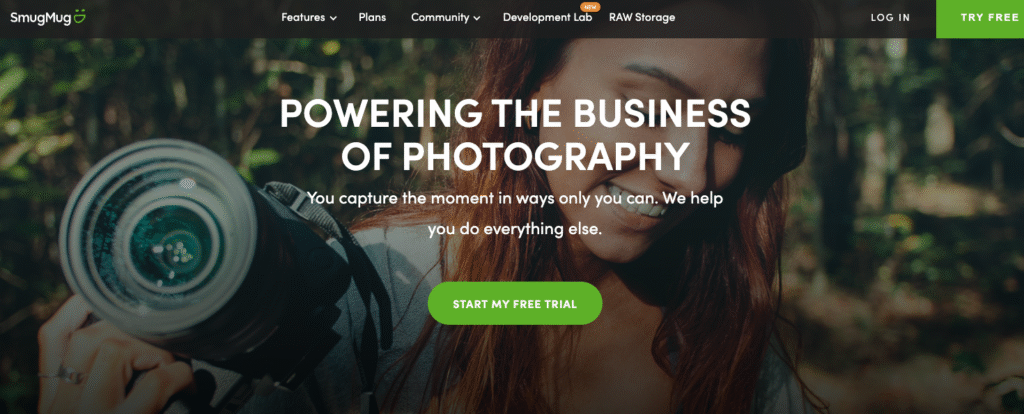
SmugMug is photo-first: you get a polished portfolio site, unlimited full-resolution JPEG storage, and client-friendly galleries out of the box. Sales tools are built in, with a clear path to sell digital downloads and prints from your site.
For selling prints globally, SmugMug connects to pro labs like Bay Photo, WHCC, Fujifilm, and Loxley for automated fulfillment. You set your prices; SmugMug keeps 15% of your profit (the markup over lab/base costs), and you receive 85%. Payments support credit cards and PayPal.
Protection and delivery tools are strong: watermarking, right-click protection, passworded or unlisted galleries, and custom domains are available. There’s also a Lightroom integration for easy upload/sync. Note that SmugMug doesn’t include a native blogging tool, so long-form updates may require a separate platform.
SmugMug’s key features
- Unlimited photo storage on all plans, with optional RAW backup via SmugMug Source add-on.
- Client galleries & storefront with automated print fulfillment.
- Credit card & PayPal checkout built in.
- Image protection controls: watermarking, right-click protection, private/unlisted galleries.
- Lightroom integration for streamlined uploads and publishing.
6. Duda
- Best for: design-conscious artists who want pro-grade layouts, multilingual sites, and client feedback in one place
- Price: Starting from $19/month
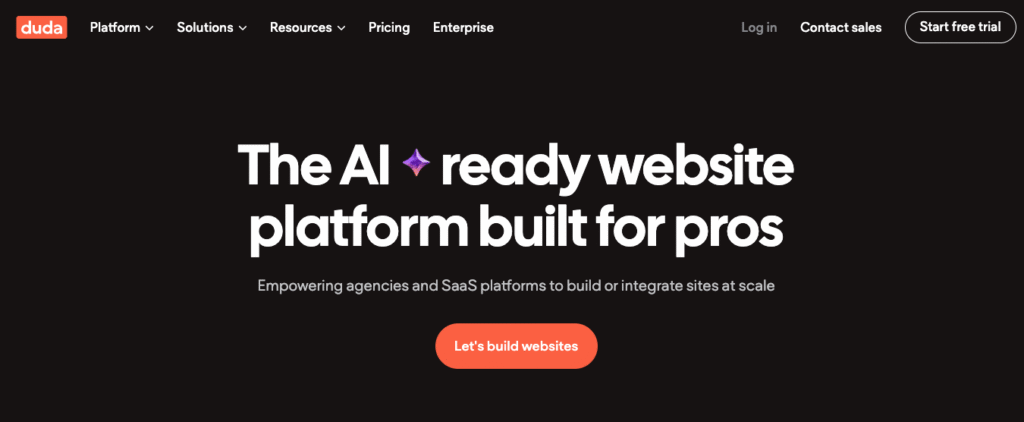
Duda is a professional website builder with a clean visual editor and strong design controls, suited to polished portfolios and lookbooks. You can build responsive pages quickly, then fine-tune sections, typography, and component behavior for a gallery-quality presentation. For multi-market artists, Duda handles multi-language sites with over 50 languages and manual tweaks when you need precision.
Collaboration is a standout. Invite clients or collaborators with granular permissions and collect in-editor comments pinned to exact page elements—useful for approving series pages, credits, or pricing notes. If you outgrow static pages, Dynamic Pages let you generate multiple portfolio items from a single design, pulling content from internal collections such as Airtable.
You can add Duda’s store to any site as an ecommerce add-on, with modern payment options such as Stripe, PayPal, Square, and Mollie. It’s solid for small to medium catalogs—just remember the store cost is separate from your main plan.
Duda’s key features
- Responsive editor with advanced design controls and templates.
- Multi-language sites with auto-translate to 50+ languages and manual edit capability.
- Client management & in-editor comments for fast approvals.
- App Store & connectors for extra tools for email, CRM, and marketing.
- Ecommerce add-on with Stripe, PayPal, Square, and Mollie checkout.
7. Fabrik
- Best for: curated, visual-first artist portfolios with simple blogging and private/shareable projects
- Price: Starting from $9.17/month
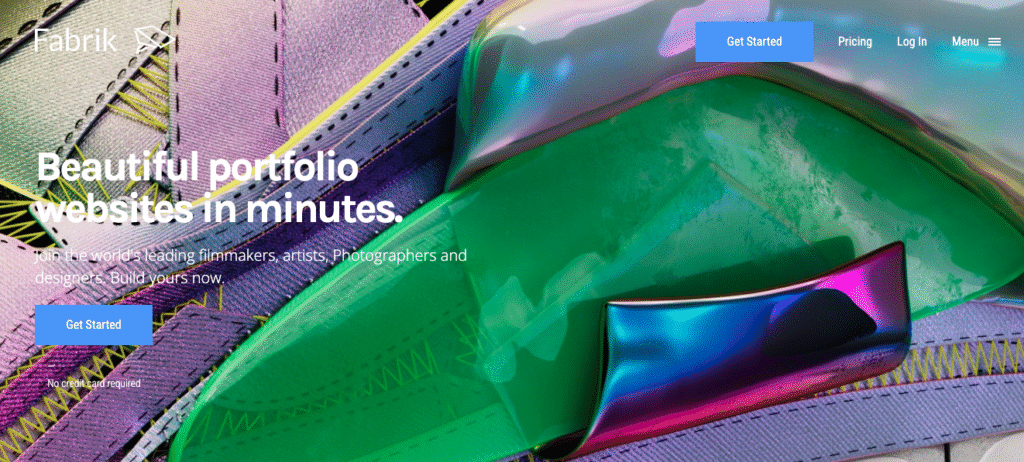
Fabrik is a portfolio builder made for creatives. Its themes use intelligent layouts that adapt to your content, so your work stays front and center on mobile and desktop. You can switch themes or change layouts per page without rebuilding your site—useful when one project needs a grid and the next looks better as a full-screen gallery.
Organization is a strength. Group projects into multiple portfolios to present series, mediums, or seasons the way you prefer. Attach a custom domain, and Fabrik serves your media via a global CDN with free SSL for a fast, professional experience.
For client sharing, you can password-protect individual projects—or the entire site—so only invited viewers can access work in progress or private galleries. Blogging, Google Analytics, Open Graph tags, and automatic sitemaps are built in to help you publish updates and track traffic without extra plugins. Note: Fabrik is portfolio-first; it doesn’t provide a native storefront—most artists link out to a separate shop.
Fabrik’s key features
- Adaptive, responsive themes with per-page layout control.
- Multi-portfolio structure to curate work by medium, client, or series.
- Custom domain + free SSL and CDN media delivery for speed and security.
- Privacy controls: password-protect projects or the whole site.
- Built-in blog, Google Analytics hookup, Open Graph, and auto-generated sitemap for SEO basics.
8. Format
- Best for: photographers and visual artists who want portfolio-first sites with client proofing and simple sales
- Price: Starting from $8/month
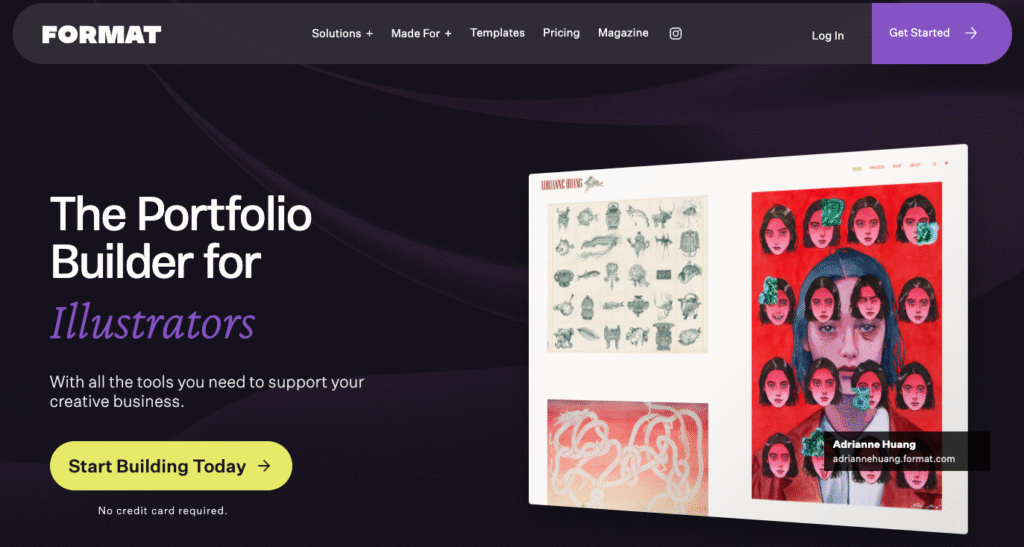
Format focuses on showcasing work, then adds just-enough business tools. You get clean, mobile-ready templates and can switch themes later without rebuilding pages. When you need more control, Flex Block lets you place and layer elements on a snap grid—handy for lookbooks, case studies, or title pages with custom type and motion.
Client delivery is built in. Client Galleries support password protection, favoriting, controlled downloads, watermarking, and Lightroom publishing—so proofing and file handoff live next to your public portfolio.
For sales, the Format Store handles physical/digital products and services with commission-free checkout; you self-fulfill orders and take payments via a connected PayPal Business account. If you want automated print fulfillment, Format’s separate Prints Marketplace pays out via Stripe and takes a plan-based commission.
Format’s key features
- Mobile-optimized portfolio templates plus theme switching.
- Flex Block custom layout tool for precision, layered designs.
- Client Galleries with passwording, favoriting, downloads, watermarking, and Lightroom integration.
How to choose the right website builder for artists
While we’ve outlined each tool’s standout features above, your final decision should reflect how well the builder aligns with your creative goals — whether that’s running an online store, creating a visual gallery, or growing an audience. For a step-by-step breakdown, explore our full guide on how to choose a website builder.
Here are the most important factors to consider as an artist:
- User-friendly interface – Look for builders with drag-and-drop editors and intuitive controls that let you design your site without coding. This is especially useful if you want to focus more on your art than on technical details.
- Customization capabilities – A good platform should let you adapt layouts, fonts, and color schemes to match your artistic brand. Flexibility is key if you want your website to reflect your unique style or evolve over time.
- Gallery and portfolio support – Prioritize builders that offer image-first templates, grid layouts, and features like lightboxes or sliders. These tools help display your work in high resolution while keeping the site fast and responsive.
- Ecommerce functionality – If you sell original art, prints, or commissions, choose a platform with integrated product pages, inventory tools, and payment gateways. The smoother the buying process, the better your sales potential.
- SEO and marketing tools – Built-in SEO settings, analytics dashboards, and marketing features like email popups or social media integration can help more people discover your work. These tools are essential if you want to grow visibility organically over time.
Next step: create your online portfolio
Now that you’ve explored the top website builders for artists, the next step is turning your creative work into a professional online presence. Whether you’re showcasing illustrations, photography, or mixed media, the right builder will help you structure and present your art in a way that attracts the right audience.
To make the process even smoother, follow our step-by-step guide on how to make an online portfolio. It walks you through selecting a theme, uploading your work, and optimizing your site to stand out in a crowded digital space.

Auksė Žirgulė is the Head of Website Builder at Hostinger, where she focuses on creating real value for customers. With a career that started in QA, her journey into product management broadened her perspective and deepened her understanding of what it takes to build a successful product. Auksė is known for her energetic approach and a passion for leading teams to achieve impressive growth. Follow her on LinkedIn.