Best Streaming Tools to Enhance Your Live Stream Quality
Dec 02, 2025
/
Valentinas C.
/
9 min Read
The lights are perfect, the content is ready, and the audience is eagerly waiting – now you just need to choose the right live-streaming software.
From effortless multi-streaming to powerful analytics and audience engagement, the best streaming software can enhance your live video quality significantly.
That’s where we come in.
We’ve done the heavy lifting and compiled a list of the best streaming tools of 2025. Our list caters to various needs – live streaming, video enhancement, graphics, audience management, analytics, and more – and includes both free and paid tools.
Live Streaming Software
To create a powerful live stream, you need to convert your video and audio into a digital format. Streaming software helps you encode and broadcast it to your platform.
This live-streaming software should offer excellent compatibility, extensive customization options, a user-friendly interface, and competitive pricing, as our top picks do.
1. OBS
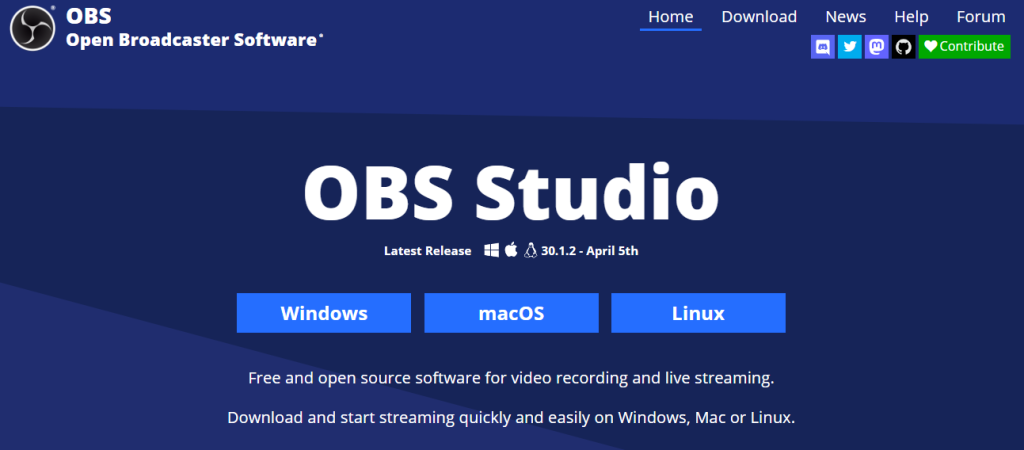
OBS Stats
Best for: tech-savvy streamers who need full control over their broadcast
Price: free
Open Broadcaster Software (OBS) is a free live-streaming software famous for extensive customization options and versatile features.
It is open-source and works across multiple platforms, including Windows, macOS, Linux, and BSD. OBS offers real-time capture, scene composition, recording, and encoding, and supports streaming protocols like RTMP, HLS, SRT, RIST, and WebRTC. This means you can broadcast live to popular streaming platforms like YouTube, Twitch, Instagram, and Facebook effortlessly.
One of the coolest things about OBS Studio is its plugin support, letting you customize it to suit your needs. For these reasons, it is possibly the best free streaming software currently on the market.
Key Features
- Real-time capturing – OBS can capture video and audio from various sources in real time, including webcams, microphones, and computer screens, ensuring high-quality streams.
- Scene composition – create dynamic scenes by arranging images, videos, text overlays, and browser windows.
- Encoding capabilities – compress audio and video smoothly without compromising your live stream quality.
- Multi-platform streaming – broadcast to most live streaming platforms, including YouTube Live, Facebook Live, and more.
2. Dacast
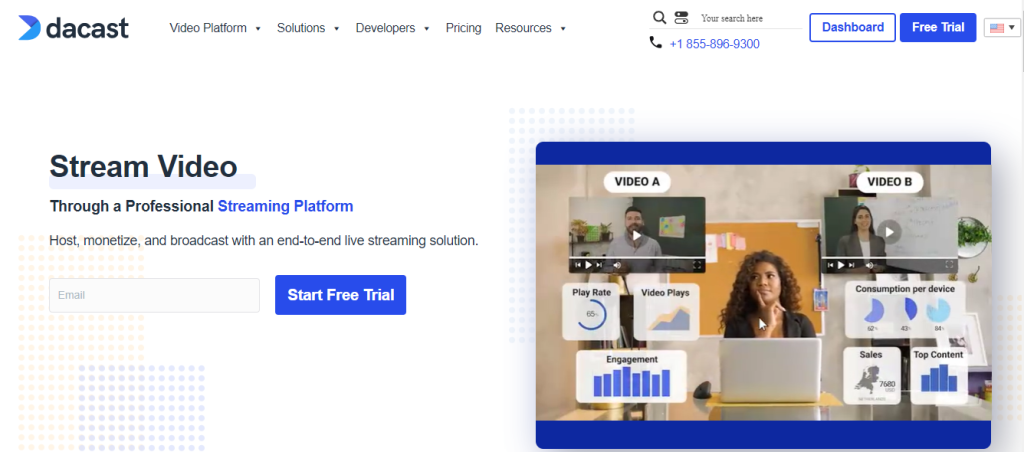
Dacast Stats
Best for: beginners who need a reliable and affordable streaming solution with excellent API support
Price: starts at $39/month (free trial included)
This French-based live streaming platform lets businesses stream live and on-demand video content effortlessly, whether for free or paid programming.
Dacast offers a self-service live video streaming solution that includes video hosting and a video-on-demand service. With its white label system, you get complete control over your live streams and VODs, making it perfect for branding your live streaming service.
What sets Dacast apart is its monetization options. You can integrate a paywall directly into the media player or use ad integration to generate revenue from video content. This makes it a fantastic choice for businesses looking to turn their pre-recorded and live videos into a profitable venture.
Key Features
- Integrated paywall – gate your content to make money from your live broadcast.
- Expo-style video gallery – you and your visitors can easily browse your past content with Dacast’s expo-style video gallery.
- Ad-free streaming – remove interruptions during your streams with Dacast’s ad-free streaming feature.
- Insightful Analytics – get insights into all your viewers’ behavior and engagement with Dacast’s smart analytics. This helps you make better decisions and fine-tune your streaming strategy for the best results.
- API Support – as Dacast offers comprehensive API support, you can integrate third-party players and access video APIs on advanced plans.
3. Xsplit Broadcaster
Xsplit Broadcaster Stats
Best for: any skill level, ideal for live streamers in the business environment
Price: freemium (paid plans start at $13.5/month)
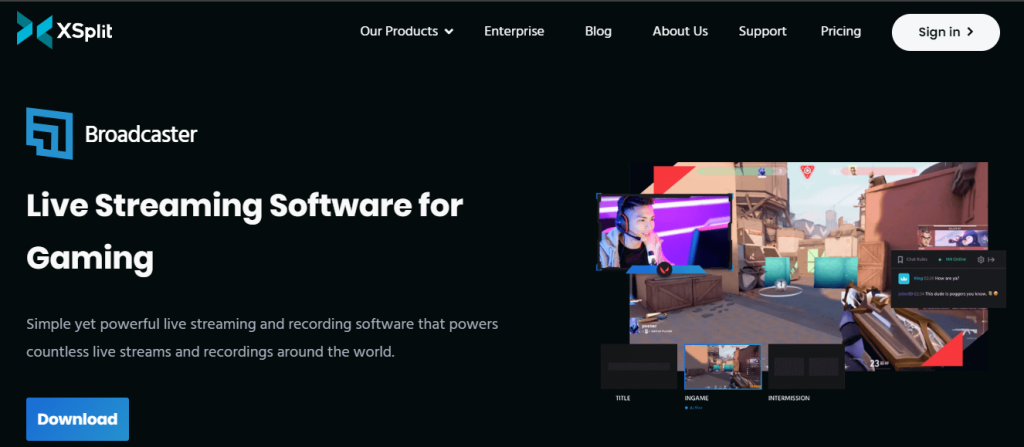
XSplit Broadcaster by SplitmediaLabs is live-streaming software for Windows users. It offers the ideal balance between complexity and customization for live streaming and video mixing.
This powerful video mixer lets you switch between media configurations or scenes. You can dynamically mix these scenes with other sources like video cameras, screen captures, game captures, and even flash sources.
Thanks to this versatility, you can create polished broadcast productions for both live-streaming platforms and pre-recorded on-demand content.
Key Features
- Broadcasting and streaming tools – easily share video content across live streaming platforms.
- Scene design and preview – customize your broadcasts using XSplit’s scene design and preview features to suit your preferences and audience.
- Virtual events and conferences – host engaging, immersive virtual events and conferences for remote guests with XSplit’s comprehensive suite of features.
- Q&A sessions – engage with your audience through interactive Q&A sessions for real-time communication and community building.
- Multicam support – XSplit Broadcaster supports multi-camera setups for more professional live streaming.
Graphic and Overlay Tools
Add graphics and visual elements, such as images, gifs, custom logos, or banners, to the underlying video to help boost your branding. Here are the best tools to customize your live stream.
1. StreamElements
StreamElements Stats
Best for: streamers looking for a more customizable and flexible experience
Price: free
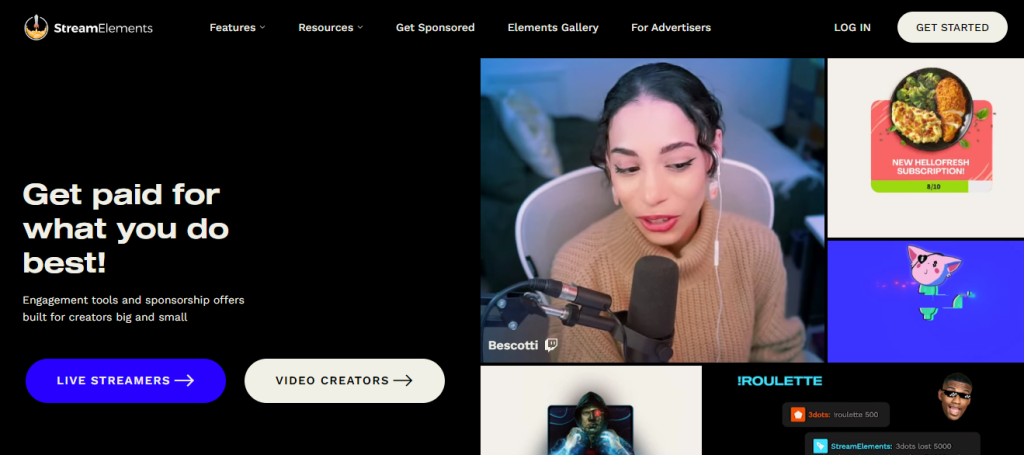
Get customizable overlays, tipping options, and a super helpful chatbot all at your fingertips with StreamElements. Its free, customizable alerts and widgets add a professional touch to your streams. Plus, real-time engagement tools for YouTube and brand sponsorships for VOD content give you more ways to monetize your live videos and grow your audience.
StreamElements is the ultimate platform for live streaming on Twitch, YouTube Live, and Facebook Live or Facebook Gaming, as well as other social media.
To take the most out of this platform, we recommend integrating it with OBS Studio.
Key Features
- OBS.live integration – integrate StreamElements with OBS Studio through OBS.live to get a fully customizable layout for greater flexibility.
- Chatbot integration – enhance your interactivity with StreamElements’ chatbot, which offers moderation, timers, and call-to-action commands like !StreamScheme.
- Online Overlay Editor – build entire scenes, excluding cameras and displays, and add them as a single browser source in OBS.live. This also reduces the load on your computer.
- Customizable layout – tailor your workspace with the OBS.live customizable layout and freely movable docks.
2. Adobe Photoshop

Adobe Photoshop Stats
Best for: experienced users who need precise control and customization over their video branding elements
Price: starts at $22.99/month (free trial included)
Create eye-catching overlays for your live-streaming video with Adobe Photoshop. Edit and compose images in multiple layers for complex designs that make your content pop. Photoshop supports masks and alpha compositing, so you can fine-tune your graphics to perfection.
While it’s mainly known for its raster image editing, Photoshop also lets you work with text, vector graphics, 3D graphics, and even video. This means you can create everything from sleek logos to animated overlays, all in one place.
Plus, Photoshop’s functionality can be expanded with plugins. Whether you’re adding cool effects or streamlining your workflow, there’s a plugin for anything you need. For editing videos, consider buying Adobe Premiere Pro.
Key Features
- Advanced toolset – create custom logos, YouTube thumbnails, high-quality overlays, and watermarks to make your video content stand out.
- Detailed manipulation – fine-tune every aspect of your designs, ensuring that your video branding is professional and visually striking.
- Professional branding – get detailed and unique overlays and watermarks for your branding.
Audience Interaction and Management
Next, let’s take a look at the best streaming software for audience interaction and management. These tools can take your live-stream engagement to the next level with Live Chat and other exciting interactions.
1. Nightbot
Nighbot Stats
Best for: streamers looking to boost interactivity and stream management
Price: free
Nightbot is a popular chat moderation bot for YouTube, Twitch, and other social media.
The bot monitors your audience interaction and automates your live chat with a handy dashboard. It can also automatically detect and remove spam, answer the most frequently asked questions, and label comments based on why they were banned or removed.
While the default settings are more than convenient, you can also change and customize them as you want.
Key Features
- Bot settings – setting up Nightbot is straightforward. Once authorized and connected, you can easily manage and configure the bot’s settings to your specific needs.
- Chat commands – get you tons of built-in chat commands you can turn on or off as needed to connect with your viewers. You can also create custom commands to share info, trigger specific actions, or just keep everyone entertained.
- Customization options – customize your stream with multiple overlays and notifications. You can add your own graphics, sound effects, and alerts to keep your audience engaged.
2. 7TV
7TV Stats
Best for: Twitch streamers who want to maximize their channel’s customization and interactivity
Price: free
Take your Twitch, YouTube, and social media live streaming to the next level with the 7TV Extension. Say goodbye to bland chat interactions and enter the world of colorful emotes across nearly a million channels.
7TV goes beyond emotes, offering new features, performance enhancements, and vanity options. Whether you’re looking to personalize your viewing experience or boost performance, 7TV has you covered. Finally, the platform seamlessly integrates with other popular emote extensions.
Key Features
- Emote sets – organize your emotes into customizable sets for a dynamic and engaging user experience.
- Hundreds of emote slots – express your creativity and cater to your audience’s preferences with 600 free customizable channel emote slots.
- Per-channel emote names – if you don’t like an emote’s default name, change it to suit your channel’s unique style and branding.
- Next-gen image formats – utilize modern image formats like WEBP and AVIF to reduce bandwidth usage for a smooth and efficient emote experience for your viewers.
Multi-Platform Streaming Solutions
Third-party streaming software can help reach a diverse audience with your videos. To illustrate, multi-platform streaming tools help you stream across platforms simultaneously. This means you can be live on Twitch, Instagram, and LinkedIn at the same time.
1. Switchboard Live

Switchboard Live Stats
Best for: new business streamers and intermediate users who want to stream their content to multiple platforms
Price: flexible (you will need to book a call with the sales team)
Switchboard Live is a user-friendly platform dedicated to multi-destination streaming, supporting broadcasting through Facebook, YouTube, Vimeo, LinkedIn, Twitch, and X (Twitter).
It helps IT, marketing, and communication teams during the three phases of a live broadcast: the pre, mid, and post-stream. As a result, you can reach a broader audience, run simplified campaigns, and better support live streaming.
Key Features
- StreamShare – invite your audience in advance so your viewers will be ready and waiting when you start to broadcast live.
- Seamless integration – integrate smoothly with live streaming services like Dacast for simplified management.
- Video player embedding – easily embed your live streams on websites to reach an even wider audience.
- Ease of use – even if you’re new to multistreaming, you will be comfortable in no time with Switchboard Live’s user-friendly interface.
2. Wirecast

Wirecast Stats
Best for: seasoned streamers and broadcasters who want advanced features
Price: starts at $24.92/month (free trial available)
Wirecast by Telestream is a powerful live video streaming encoder designed for professional broadcasting. It supports multistreaming and offers a range of advanced features to create a polished and engaging streaming experience.
As a software video switcher, Wirecast empowers you to seamlessly switch between multiple live video cameras in real time. You can also mix in other media, like QuickTime movies, music, audio, and slides, for captivating professional-quality broadcasts.
If you’ve got the budget and the gear, Wirecast gives you everything you need to make high-quality live streams or on-demand videos.
Key Features
- Multistreaming – stream your content to multiple platforms simultaneously to reach a wider audience.
- Encoding tools – high-quality encoding ensures your streams are smooth and clear.
- Compatibility – Wirecast is available for both Mac and Windows.
- Unlimited inputs and outputs – incorporate multiple sources and stream without limits.
- Editing tools – enhance your broadcasts with graphic overlays, an audio mixer, and stream recording.
Streaming Tools for Further Enhancement
In this section, we will focus on optional streaming tools for improving your video quality. These include live-streaming enhancement, analytics and growth, audio improvement, and content protection and moderation.
We especially recommend using those if you want to monetize your streams and create a community.
Stream Enhancement – XSplit VCam

XSplit VCam Stats
Best for: new streamers who appreciate simplicity
Price: freemium (paid plans start at $7.2/month)
If you are wary of costly green screens and complex lighting setups, XSplit VCam is the ideal tool for you.
VCam is a background-removing software that helps you blur, change or remove your background entirely without investing in a green screen. However, its free plan comes with the XSplit watermark – consider opting for paid plans to get rid of it.
Key Features
- Enhanced calibration – enjoy improved accuracy and recognition, ensuring seamless integration between you and your background.
- Intuitive interface – start streaming without spending hours learning to navigate the platform.
- Compatibility – integrate with popular apps to enhance your live streams and video calls.
Analytics and Growth – Mux
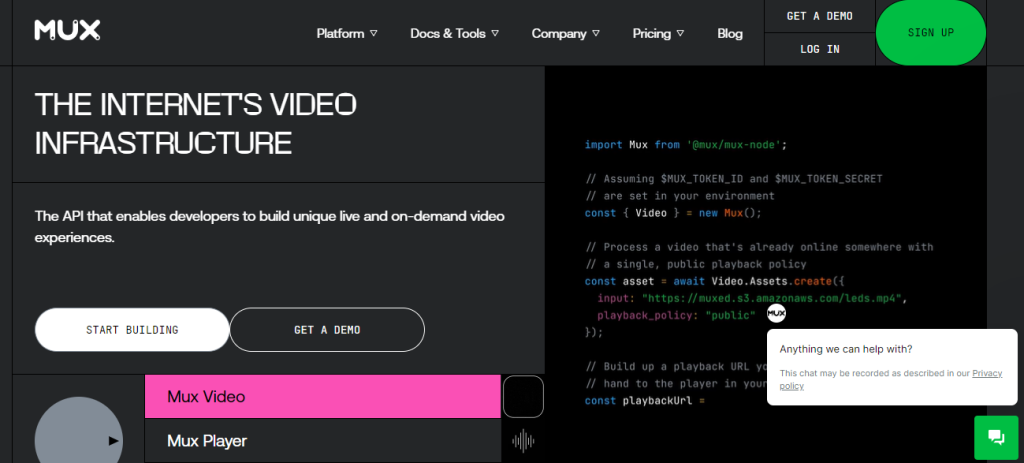
Mux Stats
Best for: developers wanting top-notch data and analytics
Price: freemium (Mux Data paid plans start at $199/month, Mux Video – $10/month)
Mux is a developer-friendly video infrastructure platform designed to simplify low-latency streaming. Deal with the technical aspects of video streaming easier with powerful features and detailed insights for the best possible viewing experience. Whether you’re building a live-streaming platform or curating a pre-recorded video catalog, Mux has got your back.
With this tool, you can fast-track the launch of video features, customize the player experience, and keep a close eye on streaming performance. Mux also scales effortlessly, ensuring your content reaches audiences of all sizes without a hitch.
Key Features
- Low latency – deliver a high-quality, low-latency live stream experience thanks to Mux’s API.
- Measure low-latency success – get a clear picture of how your audience experiences your content. Track factors like stream latency on different devices, regions, and browsers to make certain your streams perform well.
- Ease of use – don’t worry about complexities like hosting, encoding, and delivery. That means your team can spend more time making your product awesome and less time dealing with technical headaches while still producing fully professional live streams.
Audio Enhancement – Nvidia RTX Voice
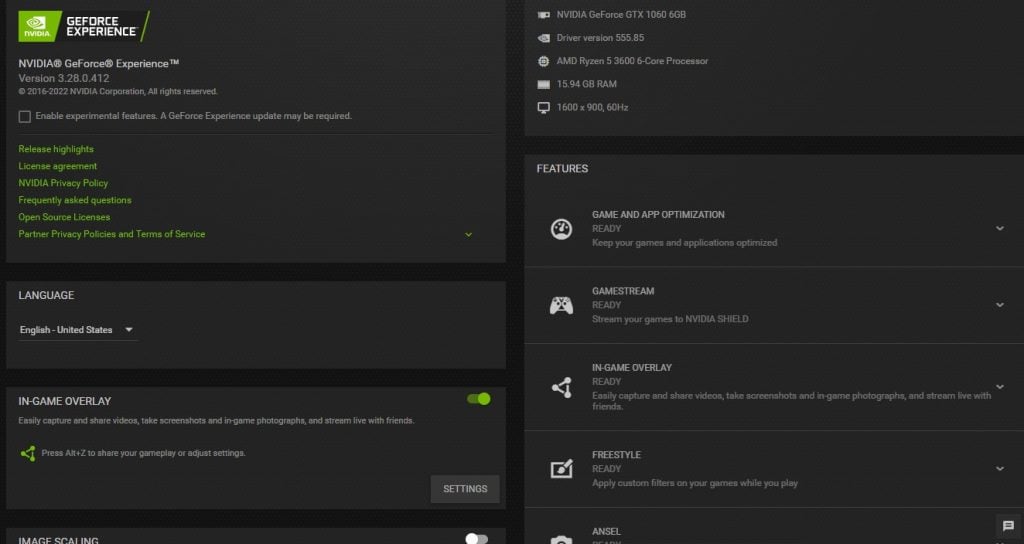
Nvidia RTX Voice Stats
Best for: streamers, gamers, and professionals who need crystal-clear audio in live broadcasts, gaming sessions, and remote meetings.
Price: free
Nvidia RTX Sound can remove any unwanted sounds from your live-stream audio, including keyboard noise or your neighbor’s music.
This innovative plugin utilizes the AI capabilities of NVIDIA RTX GPUs to eliminate unwanted background noise from your broadcasts, voice chats, and video conferencing meetings.
Key Features
- Virtual microphone and speakers – select virtual microphone and speaker options in relevant applications.
- Wide application compatibility – use with a broad range of popular live streaming, gaming, and video conferencing apps, including OBS Studio, Streamlabs, XSplit Gamecaster, Twitch Studio, Google Chrome, and more.
- Enhanced incoming audio – RTX Voice suppresses background noise from other participants, making it easier to understand multiple incoming audio in noisy environments.

Content Protection and Moderation – ActiveFence
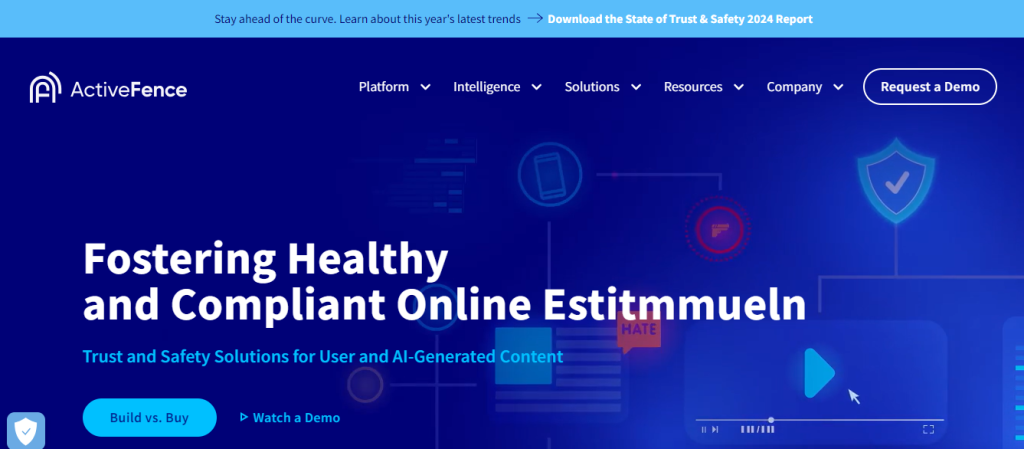
ActiveFence Stats
Best For: app builders and owners that need to protect their real-time video audiences
Price: on inquiry, as highly customized
With its comprehensive tool stack, ActiveFence offers a multifaceted approach to the safety and well-being of your platform and users. It also includes moderation management, automated and proactive harmful content detection, and trust and safety intelligence.
ActiveFence enables you to tackle online threats across content formats, languages, and abuse areas effectively. Stay ahead of potential risks and maintain a safe and secure environment for your community, even on live videos.
Key Features
- Real-time moderation – keep your real-time community interactions and chat messages safe, fast, and glitch-free.
- 360 protection – protect your comment section against hate speech, bullying, adult content, violence, and illegal goods with AI help.
- All-inclusive content moderation – moderate content easier with customizable moderator queues, detailed analytics, wellness, and resilience resources, an automated workflow builder, and transparency reporting.
- DSA compliance – comply with global regulations with ActiveOS’s transparency reports, automatic illegal content reports, and streamlined management of flags, notices, and appeals by users.
Conclusion
Whether you are a professional broadcaster or a newbie, choosing the right live-streaming software will significantly improve your content quality.
While the ultimate choice depends on your niche, preferences, goals, and the audience, here is our final recomemndation:
- OBS – the best free streaming software.
- Dacast – excellent streaming software for monetizing your videos.
- XSplit VCam – great for removing background to enhance your stream quality.
- 7TV – ideal for improving audience engagement.
- Switchboard Live – designed for live streaming across multiple platforms.
Feel free to share what streaming software you use, give suggestions, and leave feedback in the comment section below.

Valentinas Čirba, Hostinger's Head of VPS, is a seasoned product leader specializing in VPS products with over ten years of experience. He's an expert at setting product strategy, leading cross-functional teams, and making smart decisions to deliver innovative solutions. Valentinas is committed to creating products that not only meet business objectives but also truly serve the customer. Follow him on LinkedIn.