OpenClaw best practices for safe and reliable usage
Mar 10, 2026
/
Ksenija
/
6 min Read

OpenClaw best practices help you run AI agents safely in production environments by reducing risk, limiting unintended actions, and preventing your server from becoming an attack surface.
Because OpenClaw is an open-source AI agent framework that can access files, control browsers, and interact with system resources on your behalf, safe and reliable use depends on strict access controls, isolated execution, permission controls, cautious rollouts, and thoughtful hosting choices.
Following the best practices is essential, not optional, and it keeps automation predictable, limits blast radius, and supports reliable AI agent usage on a VPS from day one.
1. Keep OpenClaw private by default
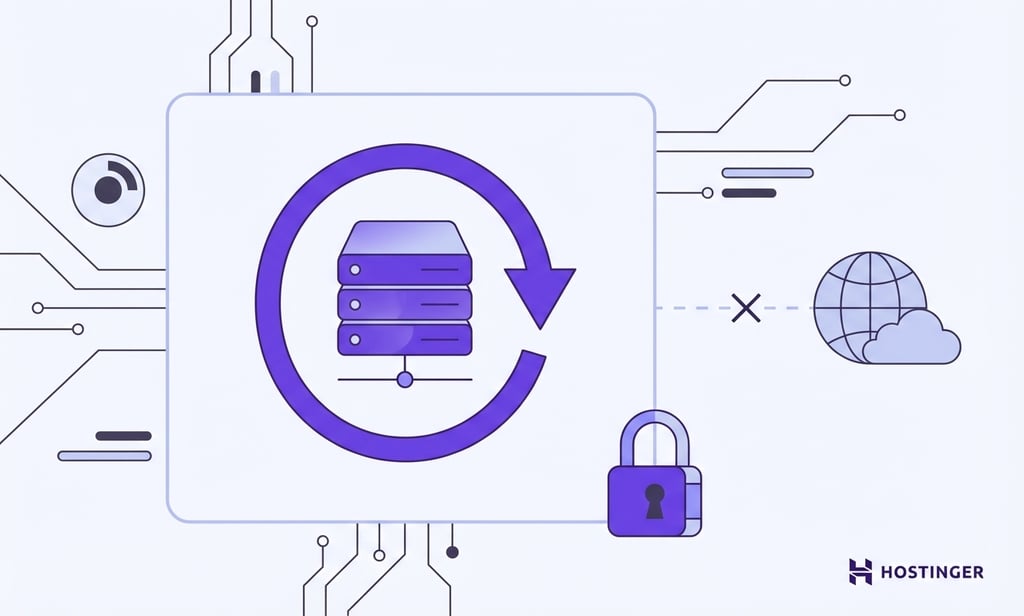
Keep OpenClaw private by default to prevent unnecessary exposure and reduce the risk of turning your AI agent into an attack surface. OpenClaw interacts directly with files, browser sessions, and system resources, so any external access increases the chance of misuse, unexpected behavior, or automated probing.
Start by limiting how OpenClaw can be reached. Bind it to localhost to ensure that only your own system can communicate with it. This removes most external attack paths from the start, giving you a safer environment while you learn how OpenClaw behaves and what it can do.
Second, expand access only when there is a defined operational need. According to OpenClaw security best practices, access should stay intentional even in internal setups. Only allow connections you understand and expect, and expand access gradually when you have a clear reason to do so.
Warning! Exposing OpenClaw to the public internet without strict access controls can turn it into an unintended attack surface. Even unused endpoints may be discovered and probed automatically.
2. Start with low-risk, read-only automations

Read-only tasks let you observe how OpenClaw behaves without allowing it to change anything. Tasks like summarizing data, analyzing logs, or extracting information enable you to validate outputs, decision paths, and edge cases before introducing real impact.
By starting with actions that only read data, you can confirm that prompts behave as expected, inputs get handled safely, and results remain consistent across common OpenClaw use cases, such as generating summaries, inspecting log files, or reviewing structured data before enabling file writes or browser actions.
You will also gain a clearer understanding of how OpenClaw interprets instructions before it gains access to file writes or browser actions.
Avoid enabling powerful capabilities too early. File modifications, external requests, and automated browser control make mistakes harder to undo. Treat these permissions as something to earn through testing and observation, not as defaults.
3. Limit permissions and capabilities intentionally

Limit OpenClaw permissions per task to maintain predictable behavior and reduce the impact of mistakes. Granting global, always-on access increases the scope of what OpenClaw can modify at any time. As workflows grow, broad permissions make failures harder to trace and isolate.
Different capabilities introduce different levels of risk. When you separate read access, file writes, and browser actions instead of enabling everything at once, you create clear execution boundaries. That separation limits the impact of unexpected behavior and keeps individual tasks easier to reason about.
Permissions matter even more when prompts or inputs change. If OpenClaw has global file-write or network access and processes external input, a single manipulated prompt could overwrite files, delete data, or send requests you didn’t intend. The problem isn’t the prompt alone — it’s the combination of broad permissions and unpredictable input.
Scope permissions to the task:
- Log analysis → read-only access to specific folders
- Report generation → write access to one output directory
- Data summaries → no file writes or outbound requests
If something goes wrong, the action stays contained. Permissions should limit impact by design — not depend on perfect prompts.
4. Treat skills as untrusted by default
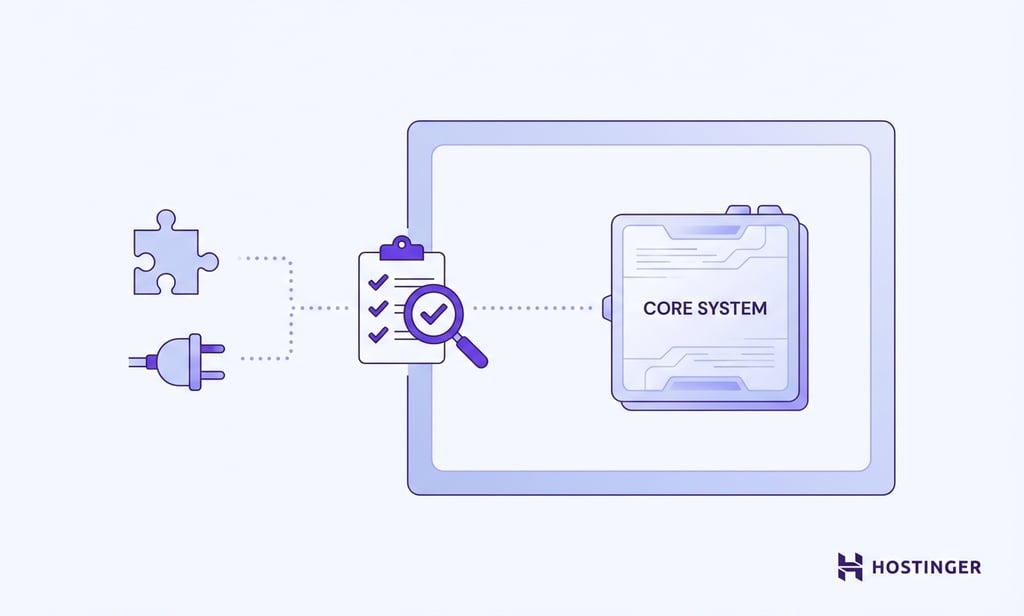
Treat every third-party or community skill as untrusted until you verify its behavior. A skill is code you did not write and do not fully control. Even well-intentioned skills can include unsafe assumptions, excessive permissions, or side effects that only appear in production.
Before using a skill in production, it’s important to:
- Review what it actually does, not just its description
- Test it with controlled, non-sensitive data
- Run it in an isolated environment
- Confirm which permissions it truly requires
A skill with file-write or network access can perform unintended actions if combined with broad permissions or untrusted input. One poorly designed component is enough to widen your attack surface.
Verification comes first. Trust follows evidence, not documentation.
5. Use isolated environments for execution

Run OpenClaw in an isolated environment to contain failures and reduce system-wide risk. Isolation ensures that mistakes, misconfigurations, or unexpected actions do not affect the rest of your server.
Avoid running OpenClaw directly on your main system. Instead, use a containerized setup such as Docker or a separate virtual environment. Containers limit file access, system permissions, and dependencies to a defined boundary. If something breaks, it breaks inside the container — not across your entire VPS.
Isolation shifts the focus from assuming perfect behavior to limiting impact when something goes wrong. Even with careful prompts and restricted permissions, unexpected outcomes can still occur. Keeping execution environments separate reduces the blast radius and makes recovery simpler when issues arise.
6. Run OpenClaw under non-admin accounts
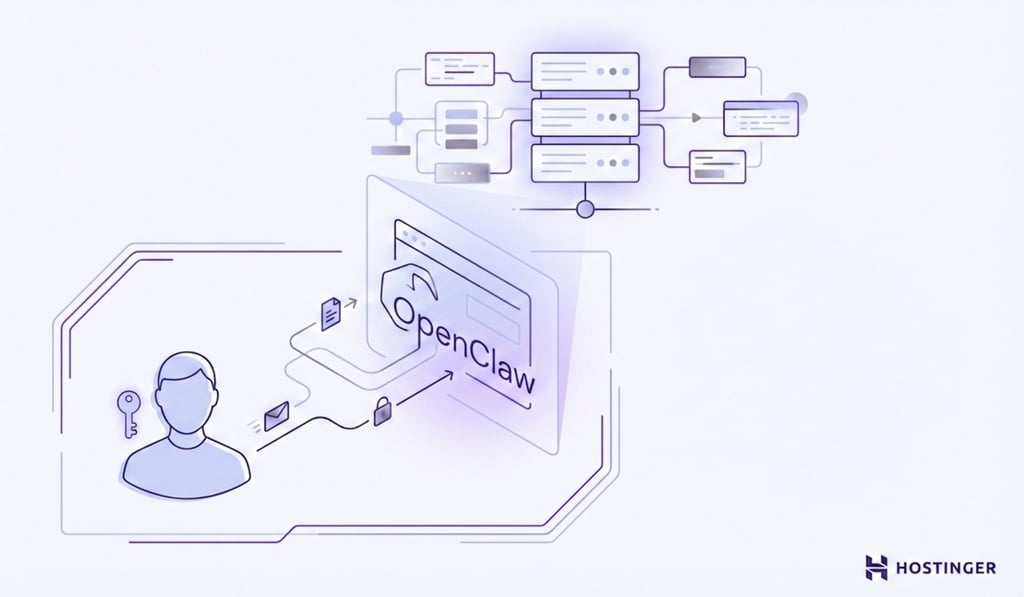
Run OpenClaw under a dedicated non-admin user to prevent system-wide damage. Root or administrative access allows any process to modify critical files, stop services, or alter system configurations. Most OpenClaw workflows do not require that level of control.
Create a separate system user for OpenClaw, grant it only the permissions it needs, and define which files and resources a process can access. Changing and managing permissions in Linux to set those boundaries keeps OpenClaw working within a clearly defined scope rather than giving it full control over the system.
If you process untrusted inputs or encounter faulty logic, limited permissions keep the impact contained. By reducing what OpenClaw can touch, you make failures easier to recover from and strengthen the overall VPS security.
7. Protect secrets and API keys properly

Keep secrets and API keys out of code, prompts, and configuration files. Hardcoded credentials spread quickly through logs, backups, shared repositories, and deployment scripts. Once exposed, they remain valid until rotated, which extends the impact of a single mistake.
Load sensitive values at runtime instead of storing them directly in files. Use environment variables in Linux to securely inject API keys and tokens into a process. This approach centralizes secret management, simplifies rotation, and reduces accidental exposure in version control or log output.
This separation matters even more when OpenClaw runs automated workflows. If credentials appear inside prompts or data streams, OpenClaw can inadvertently surface or reuse them. Keep secrets isolated from instructions and user input to prevent unintended disclosure.
Important! If credentials appear in prompts, logs, or output data, they can be reused or exposed unintentionally. Always separate secrets from instructions and runtime data.
8. Assume prompts and data can be manipulated
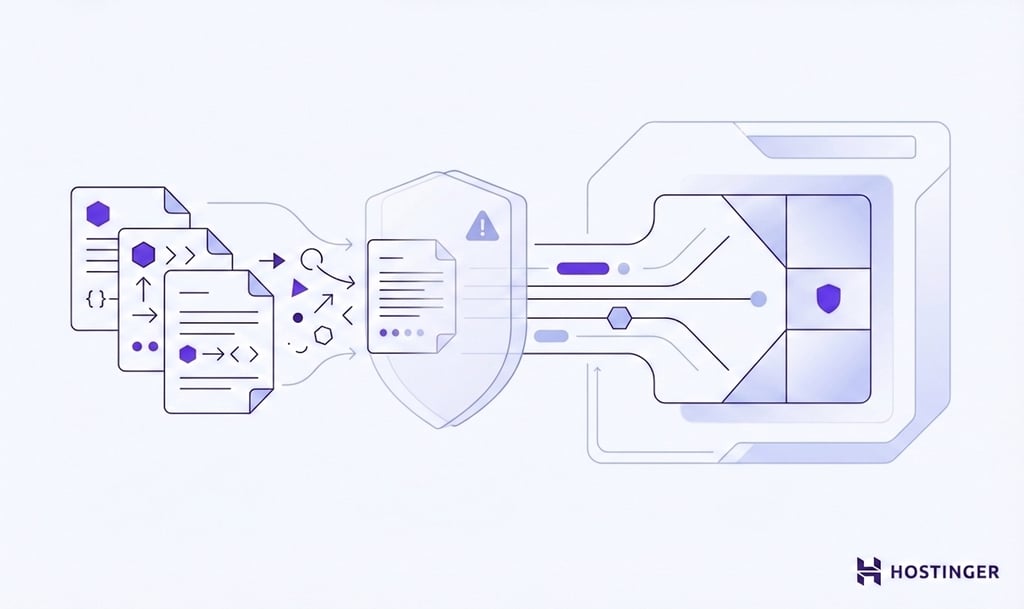
Assume all external input is untrusted and can attempt to alter OpenClaw’s behavior. Prompt injection is not a hypothetical risk. It occurs when hidden instructions inside documents, messages, or user input override the intended task.
This risk increases when OpenClaw handles content you don’t fully control, such as uploaded documents, emails, form submissions, or user-provided text. Even seemingly harmless inputs can contain embedded instructions or patterns that alter execution if they are passed directly into prompts or workflows without checks.
Designing safe workflows means planning for hostile or misleading inputs from the start. When you separate instructions from data, limit what actions inputs can trigger, and avoid blindly trusting external content, you reduce the chance that manipulated prompts lead to unintended behavior. Treating all external data as potentially unsafe keeps control in your hands, even when inputs are unpredictable.
9. Update OpenClaw regularly and monitor behavior

Keep OpenClaw updated to reduce exposure to known vulnerabilities and stability issues. Updates include security patches, execution fixes, and safeguards discovered through real-world usage. Running outdated versions increases avoidable risk.
Updates alone are not enough. After each update, observe how OpenClaw behaves in practice by:
- Review logs for new warnings or errors
- Monitor executed actions and permission usage
- Compare outputs for unexpected changes
- Test critical workflows in a controlled environment
Assuming stability without verification creates blind spots. Even well-tested updates can introduce regressions or interact differently with existing configurations. By treating updates as checkpoints rather than endpoints, you catch issues early and avoid discovering problems only after they affect live workflows or data.

How to apply these best practices to real OpenClaw use cases
As you move from small experiments to real workflows, the risks change. Early tests usually involve limited data and low impact. Real use cases introduce external inputs, automation, and dependencies that can break in ways simple tests never reveal.
As tasks become more complex or sensitive, controls need to be tightened. Permissions that were fine for testing may be too broad for production. Isolation, secret handling, and input validation become more important once OpenClaw starts interacting with real files, services, or user-provided data.
The safest time to apply these practices is during setup, not after problems appear. When you set up OpenClaw on a personal server, applying strict defaults from the start makes it easier to expand capabilities later without reworking your entire environment.
Before enabling new capabilities, reassess the use case. Confirm that added permissions, network access, or automation scope do not exceed the protections already in place.

Ksenija is a digital marketing enthusiast with extensive expertise in content creation and website optimization. Specializing in WordPress, she enjoys writing about the platform’s nuances, from design to functionality, and sharing her insights with others. When she’s not perfecting her trade, you’ll find her on the local basketball court or at home enjoying a crime story. Follow her on LinkedIn.


Comments
0 responses