20 best AI coding tools
Mar 10, 2026
/
Matleena S.
/
12min read

AI coding assistants have come a long way – and they’re no longer just autocomplete tools.
In 2025, the best AI coding tools can help write, refactor, debug, and explain code across multiple languages and frameworks.
This article will walk you through the 20 top AI tools for developers – from solo coders to enterprise teams – and break down their key features, ideal use cases, and pricing.
We compared these tools based on a few key factors: code quality (accuracy and readiness), speed (quickness of results), flexibility (support for multiple languages and platforms), integration (compatibility with popular editors), and context awareness (understanding of your codebase and tasks).
Best AI coding tools by category:
- Best for VS Code users – GitHub Copilot
- Best open-source alternative – TabbyML
- Best AI coding chatbot – ChatGPT (GPT-4o)
- Best for Python programming – Claude Sonnet 4
- Best all-in-one IDE replacement – Cursor AI
- Best AI software engineer – Devin AI
Tool Best for Main Features Pricing GitHub Copilot VS Code users Autocompletes code, supports multiple languages, integrates with VS Code/GitHub Free & paid Tabnine Privacy and control Local deployment, language-specific models, privacy-first Free & paid Cursor AI All-in-one IDE AI-powered IDE, chat feature, context-aware refactoring Free & paid Windsurf Learning and teaching Code generation with explanations, learns from context Free & paid Visual Copilot Design-to-code Converts Figma designs to React, exports to multiple frameworks Free & paid Qodo Code review automation Automated PR reviews, highlights bugs/security issues Free & paid OpenAI Codex Custom workflows Powers tools like Copilot, accessible via API, highly accurate Paid AskCodi All-in-one assistant Generates code, tests, SQL queries, and documentation Paid Replit Cloud coding and learning Cloud IDE, instant code execution, deploys with one click Free & paid Blackbox AI Coding partner Autocomplete, search, works across VS Code/JetBrains/Chrome DevTools Paid ChatGPT (GPT-4o) Python programming Conversational AI, excels at Python, debugging and explanations Free & paid Claude Python code generation Advanced Python generation, better at clean, maintainable code Free & paid Microsoft Copilot Microsoft ecosystem users Integrated with Microsoft 365, automates coding and documentation tasks Free & paid DeepSeek Coder Accurate code generation Supports multiple languages, emphasizes high accuracy and low error rates Free Devin AI Automating full engineering tasks Automates code writing, testing, and reviews, collaboration support Paid CodeGeeX Open-source AI Customizable, open-source AI for code generation, supports multiple languages Free Amazon Q Developer AWS developers AI agent, integrates with AWS services, automates code reviews, enhances security Free & paid StarCoder Customizable LLM Open-source LLM, customizable for research or commercial use Free TabbyML Open-source AI autocomplete Local deployment, privacy-focused, supports multiple languages Free & paid Sourcegraph Large codebases, open-source projects AI-powered code search, deep GitHub/GitLab integration, smart code navigation, multi-language support Free & paid
1. GitHub Copilot
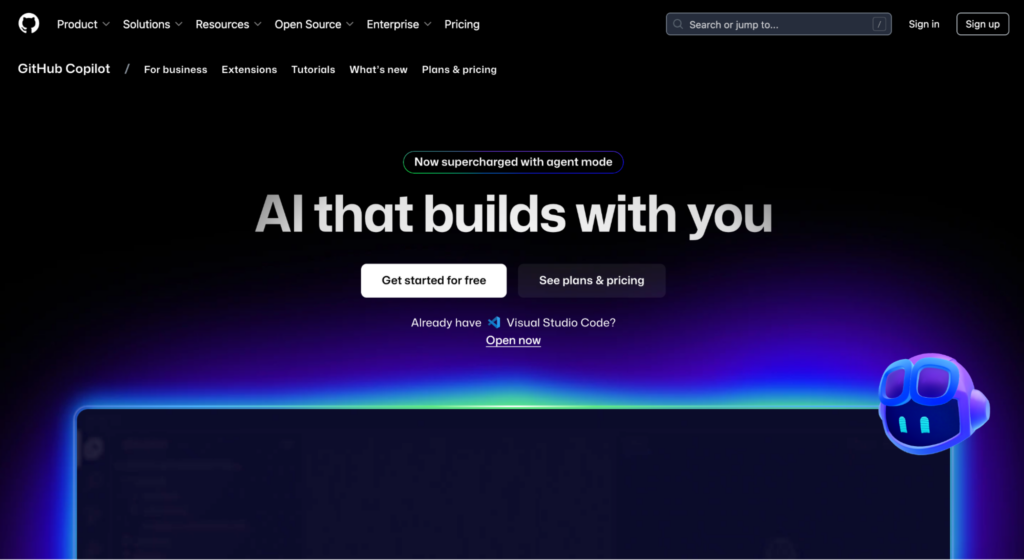
If you’re coding in VS Code, GitHub Copilot is one of the best AI assistants you can use. It works in real time to suggest code based on your current file, function, and even project context.
Built on OpenAI Codex and trained on millions of public code repositories, Copilot can write everything from boilerplate functions to entire class definitions.
Key features:
- Autocompletes entire lines or blocks based on your code
- Supports over a dozen languages, including JavaScript, Python, TypeScript, and Go
- Works directly inside VS Code, JetBrains IDEs, and GitHub
- Suggests comments, tests, and even documentation snippets
Best for: Developers who spend most of their time in VS Code or GitHub and want an AI coding assistant that feels like a natural extension of their workflow.
Price:
- Free – limited number of chat requests and completions
- Pro – $10/month
- Pro+ – $39/month
Pro tip
Looking for ways to brush up your coding skills? Learning how to use GitHub Copilot can significantly streamline and speed up your next development project.
2. Tabnine
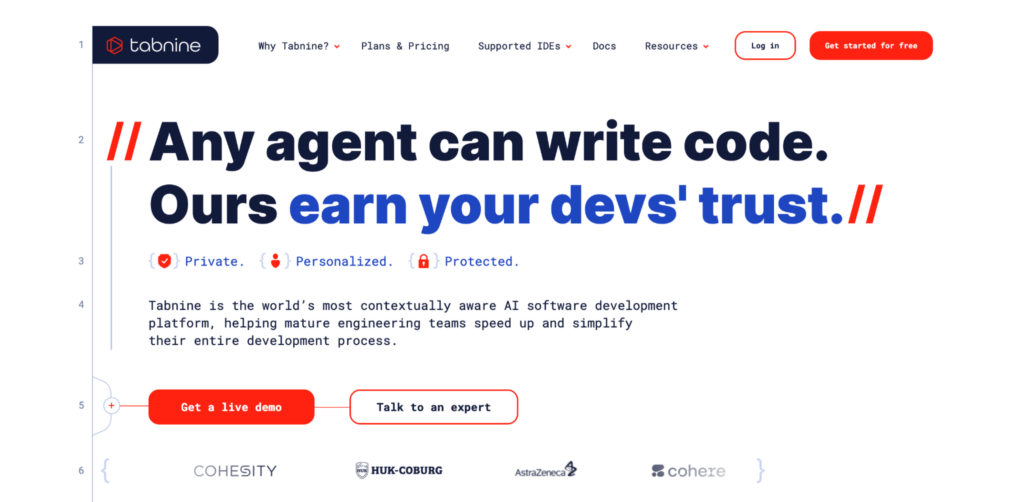
Tabnine is a great Copilot alternative if you care about privacy and control. Instead of relying on one big model, Tabnine uses smaller, language-specific AI models. You can even deploy it locally or on your own server – no data leaves your machine.
Key features:
- Privacy-first autocomplete powered by small models
- Local and cloud-based deployment options
- Integrates with VS Code, JetBrains, Vim, and more
- Focus on speed, security, and accuracy
Best for: Teams that work with proprietary code or in highly regulated industries, and need an AI coding assistant that keeps everything secure and in-house.
Price:
- Dev – $9/month, has a free 30-day trial
- Enterprise – $39/month
3. Cursor AI
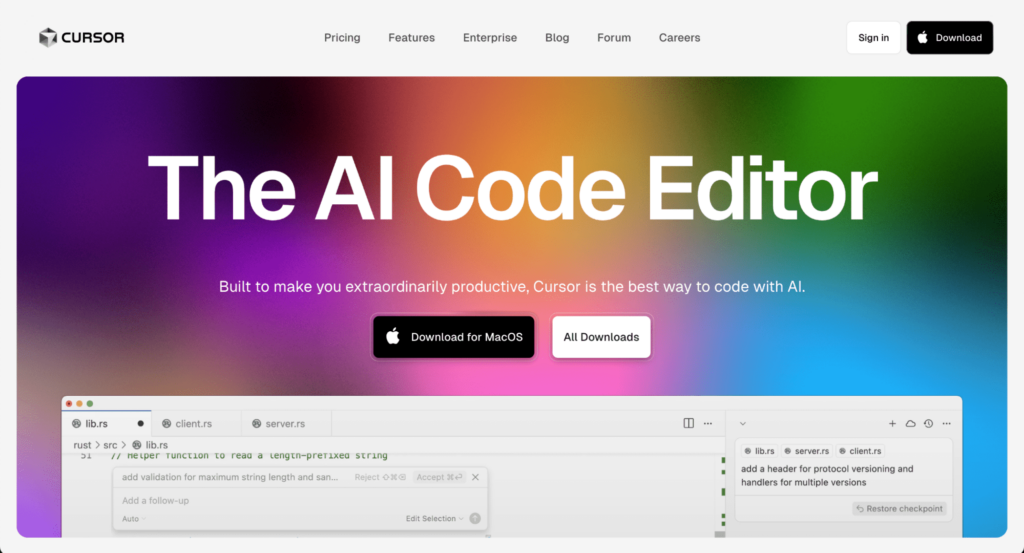
Cursor takes the VS Code experience and adds AI on top of it – but in a smart way.
Instead of just autocomplete, you get a full AI chat that understands your project. Want to fix a bug? Just describe it. Need to refactor? One command is enough.
Key features:
- AI-powered IDE based on VS Code
- In-editor chat with full project awareness
- One-click bug fixes, refactoring, and explanations
- Works with GPT-4o and Claude
Best for: Developers who want to build faster without switching tools. AI coding tools like Cursor feel like pair programming with an AI – and Cursor is surprisingly good at understanding complex codebases.
Price:
- Free – limited number of requests and completions
- Pro – $20/month
- Business – $40/month
4. Windsurf (formerly Codeium)
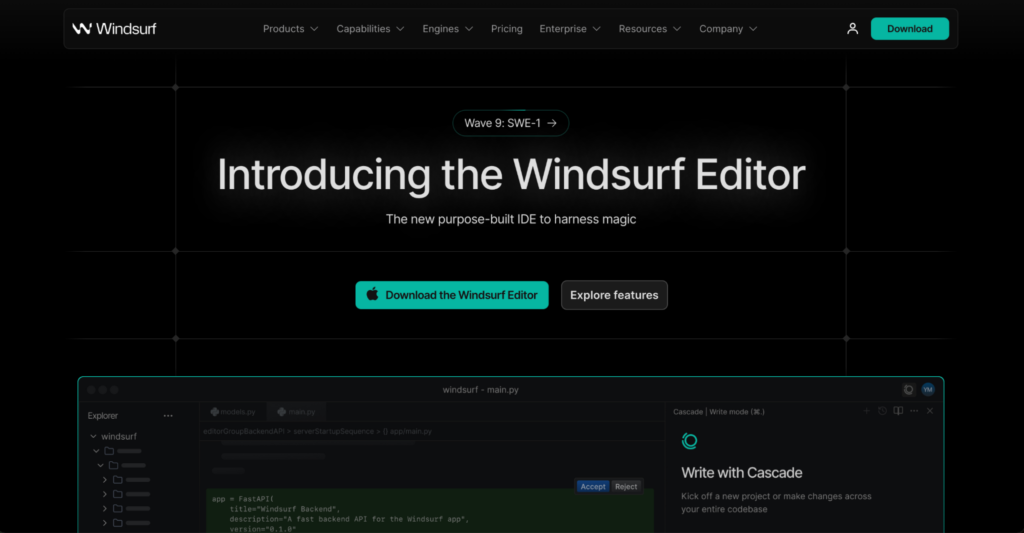
Windsurf is a newer entrant in the AI coding assistant space, focused on helping you write clean, reliable code while also learning along the way. Unlike many tools that only generate code, Windsurf explains what it’s doing, making it great for developers who want to understand their code better.
Key features:
- Code generation with clear inline explanations
- Learns from your code context to improve suggestions
- Supports multiple languages, including Python, C++, and Java
Best for: Developers who want a teaching-first AI assistant – Windsurf helps you understand why a solution works, not just what to copy-paste.
Price:
- Free – limited features and number of monthly requests
- Pro – $15/month
- Teams – $30/month
- Enterprise – $60/user/month
5. Visual Copilot
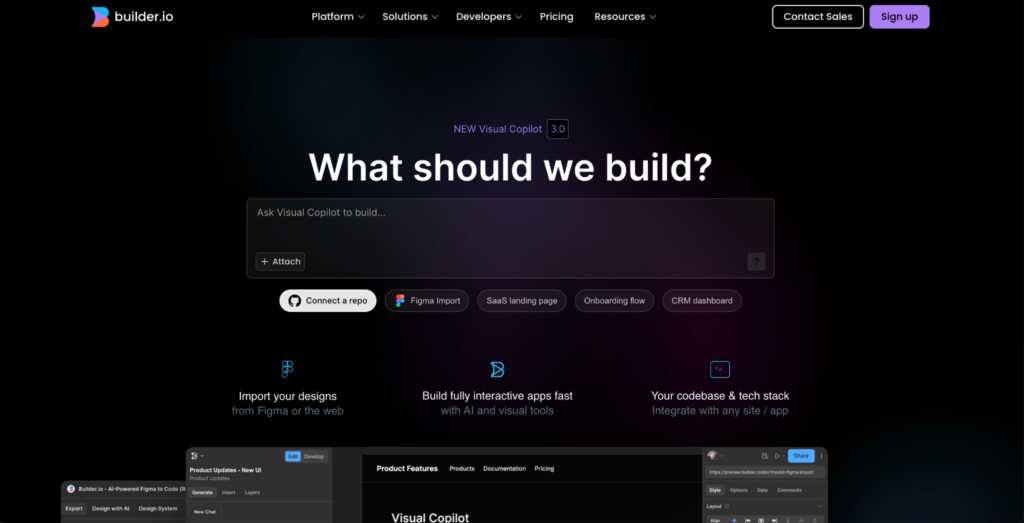
If you work closely with designers or build user interfaces, Visual Copilot is designed for you. It converts Figma designs directly into React code, bridging the gap between design and development with minimal friction.
Key features:
- Converts Figma designs into React components
- Drag-and-drop UI elements with auto-generated code
- Exports to multiple frameworks (React, HTML/CSS, etc.)
- Easy-to-use visual interface
Best for: Front-end teams that want to bridge design and code. If you spend hours translating Figma mockups into React code, Visual Copilot will save you a ton of time.
Price:
- Free – very limited functionality
- Pro – $24/user/month
- Enterprise – custom pricing
6. Qodo (formerly Codium)
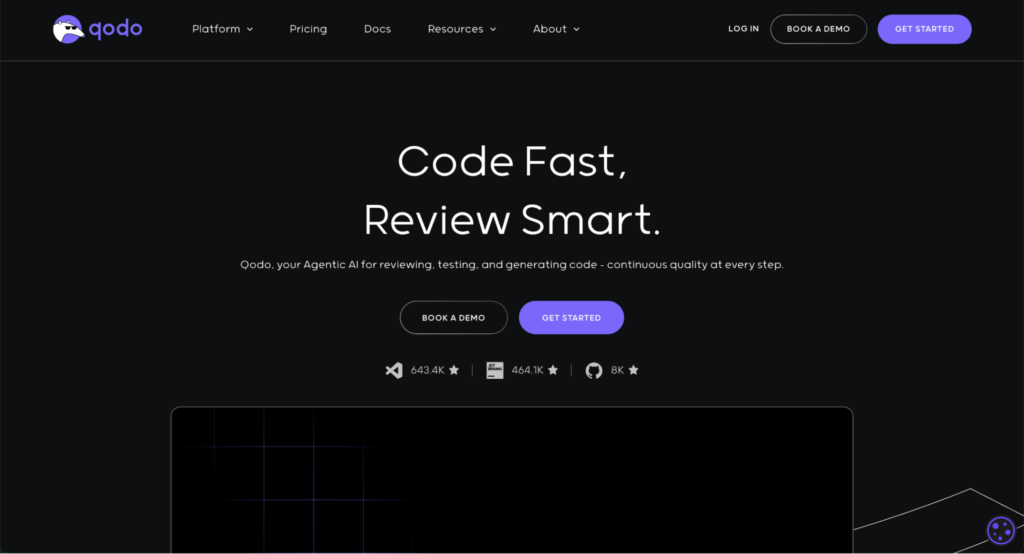
Qodo focuses on the next step after writing code – reviewing it. This AI assistant scans pull requests and spots bugs, performance issues, and security flaws so your team can ship safer code faster.
Key features:
- Automated PR reviews with AI suggestions
- Highlights potential bugs, security issues, and bad patterns
- Works inside GitHub pull requests
- Continuous improvement with context learning
Best for: Teams who want a second pair of eyes on every pull request. Qodo doesn’t replace code reviews – it makes them smarter and faster.
Price:
- Free – limited number of messages and tool usage
- Teams – $30/user/month
- Enterprise – $45/user/month
7. OpenAI Codex
OpenAI Codex is the powerful AI model behind many popular coding assistants. If you’re building your own developer tools or want full control over how AI interacts with your code, Codex’s API offers flexible access to state-of-the-art AI code generation.
Key features:
- Understands and writes code in multiple languages
- Powers tools like Copilot, Cursor, and Replit
- Access via OpenAI API for custom integrations
- Highly accurate and supports complex queries
Best for: Developers building custom AI coding workflows. If you’re creating your own editor, plugin, or dev platform, Codex gives you the raw power behind top-tier AI tools.
Price:
- Pay-as-you-go based on OpenAI API pricing
8. AskCodi

AskCodi is like having a knowledgeable coding partner right beside you. It’s an AI-powered assistant that helps with generating code snippets, writing documentation, and even SQL queries – all through a simple chat interface.
Key features:
- Generate functions, tests, SQL queries, and documentation
- Supports multiple IDEs and languages
- Ask questions in natural language
- Task-specific templates (e.g., API call, CRUD, etc.)
Best for: Beginners or solo devs looking for an all-in-one AI-powered code assistant that works like a smart sidekick for everyday tasks.
Price:
- Premium – $14.99/month
- Ultimate – $34.99/month
9. Replit
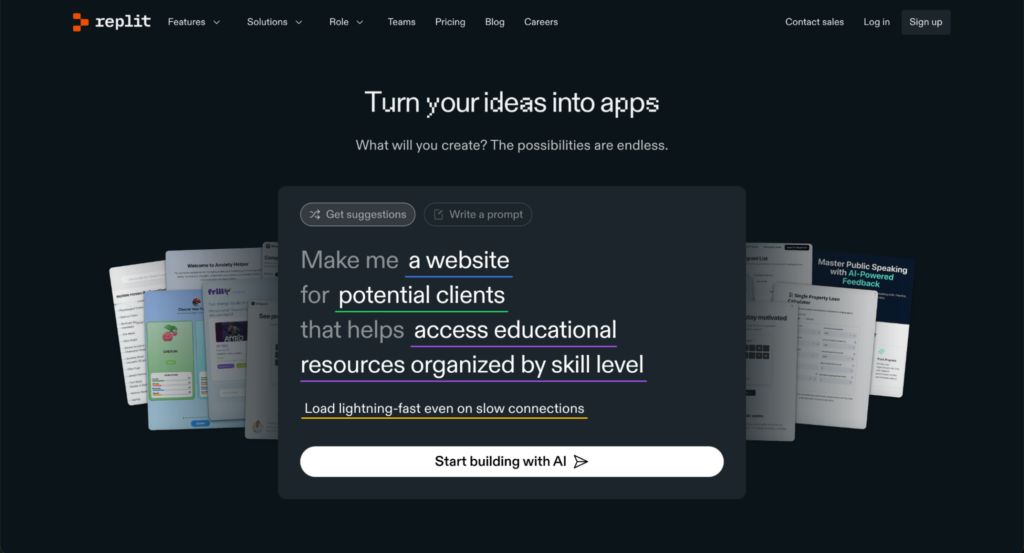
Replit isn’t just an AI coding assistant – it’s a full cloud IDE that makes coding accessible anywhere, without any setup. Its AI, Ghostwriter, helps you write, debug, and even build entire projects in the browser.
Key features:
- Cloud-based IDE with AI autocomplete and chat
- Run code instantly in multiple languages
- Share and deploy projects with one click
- AI chat helps generate and debug code
Best for: Anyone who wants to code anywhere, anytime. AI coding tools like Replit are ideal for beginners, educators, or anyone learning to code without setting up a local dev environment.
Price:
- Free – for public apps only
- Replit Core – $20/month
- Team – $35/month
- Enterprise – custom pricing
10. Blackbox AI

Blackbox AI acts like a coding partner that works across your favorite editors and the browser. It helps you write code snippets fast, look up documentation, and even understand unfamiliar APIs – all without leaving your workflow.
Key features:
- Works in VS Code, JetBrains, and Chrome DevTools
- AI-powered code autocomplete and search
- Supports multiple languages, including JavaScript, Python, and Java
- Fast, context-aware suggestions
Best for: Developers who want an AI agent that integrates deeply into their coding environment to speed up everyday coding and learning.
Price:
- Pro – $7.99/month
- Business – $14.99/month
- Ultimate – $99.99/month
11. ChatGPT (especially GPT-4o)
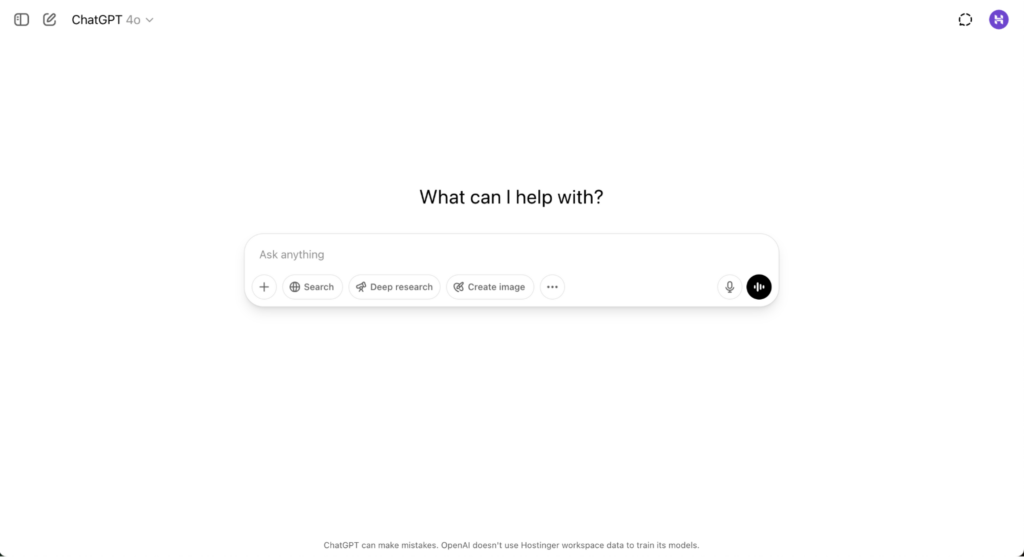
ChatGPT has quickly become the go-to AI coding chatbot, especially for Python developers. GPT-4o’s ability to generate, debug, and explain Python code is unmatched, making it a versatile assistant for both beginners and pros.
Key features:
- Conversational AI for code generation and debugging
- Supports multi-language coding but excels at Python
- Easily accessible via chat interface or API
- Can help with code explanations, best practices, and optimization
Best for: Python developers looking for one of the most powerful AI coding chatbots on the market, as well as anyone who wants an AI to talk through coding problems step-by-step.
Price:
- Free – access to older models
- Plus – $20/month
- Pro – $200/month
12. Claude
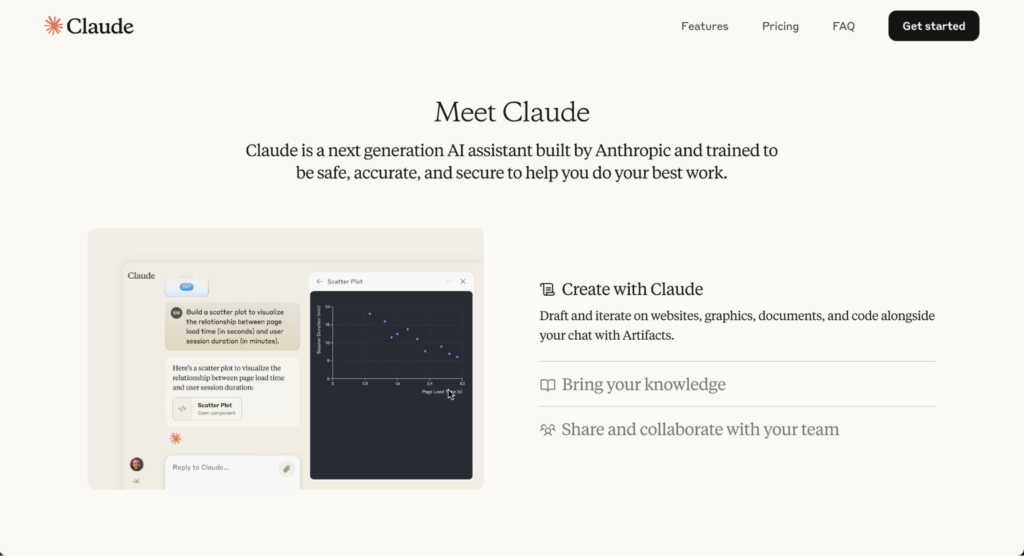
Claude 4 is often called the “best coding LLM” for writing Python code. It rivals ChatGPT in code quality but shines in generating clearer, more concise scripts with fewer errors. If Python is your main language, Claude is definitely worth trying.
Key features:
- Advanced Python code generation and explanation
- Good at complex logic and refactoring
- Competitive with ChatGPT in speed and accuracy
- Offers safer and more controlled output
Best for: Python programmers seeking an alternative to ChatGPT with equally strong AI coding capabilities and a focus on clean, maintainable code.
Price:
- Free – usage limits apply
- Pro – $17/month
- Max – starting at $100/month
13. Microsoft Copilot
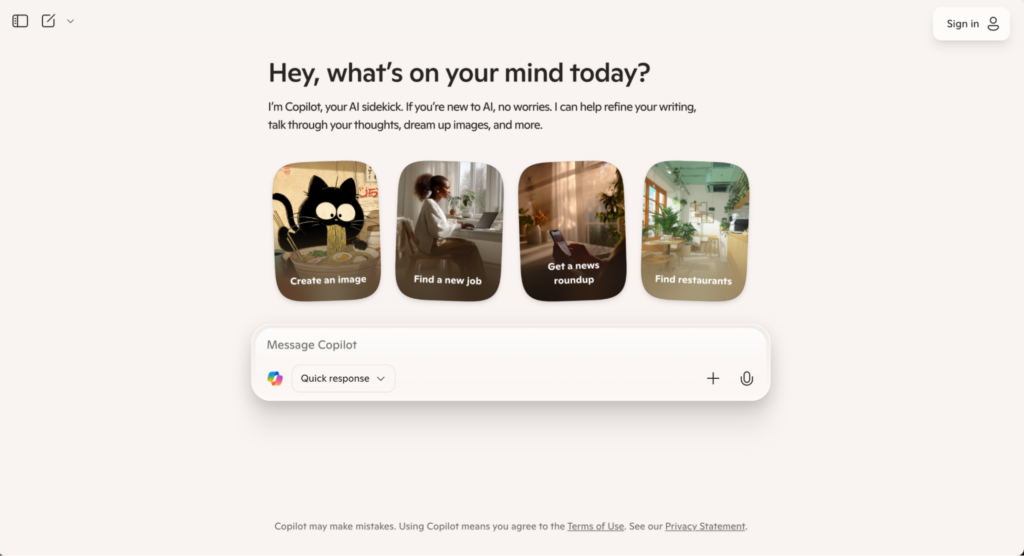
Microsoft Copilot is an AI companion that’s deeply integrated into Microsoft 365 apps and Visual Studio. It helps developers write code faster by suggesting relevant snippets and automating repetitive tasks.
Key features:
- AI-powered code suggestions in Visual Studio and Azure DevOps
- Integration with Microsoft 365 productivity apps
- Contextual assistance based on the project and workflow
- Automates routine coding and documentation tasks
Best for: Developers who are heavily invested in the Microsoft ecosystem and want an AI companion that boosts productivity inside familiar tools.
Price:
- Included in select Microsoft 365 and Visual Studio subscriptions
- Free – usage limits apply
- Pro – $20/month
14. DeepSeek Coder
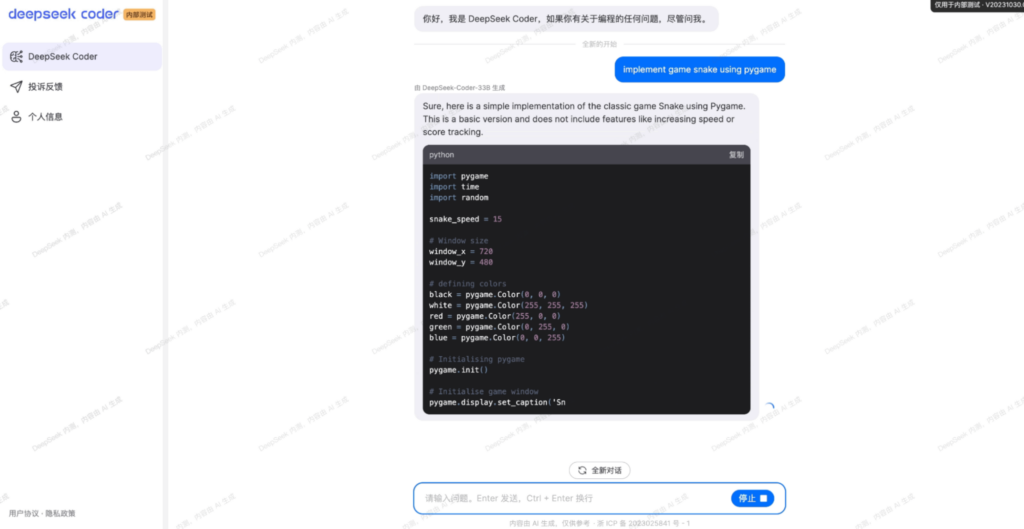
DeepSeek Coder focuses on code language models tailored for understanding and generating code snippets with high accuracy. It’s designed to help you write better code with fewer errors, regardless of language.
Key features:
- AI for code completion and generation
- Supports multiple programming languages
- Emphasizes high accuracy and low error rates
- Available via API and integrations
Best for: Developers looking for reliable AI code generation that works well across various languages and environments.
Price:
- Free
15. Devin AI
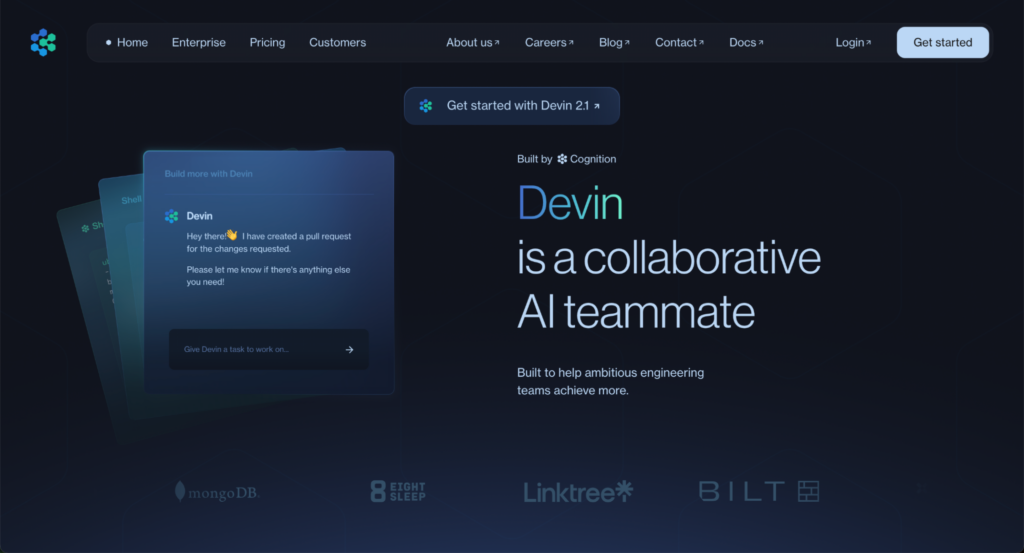
Devin AI is billed as an “AI software engineer” that automates everything from writing code to reviewing pull requests. It’s a more hands-off tool designed to take on larger chunks of the development lifecycle.
Key features:
- Automates code writing, testing, and review
- Supports collaboration across teams
- Built to handle complex coding workflows
- Uses advanced AI models for quality output
Best for: Teams that want an AI partner capable of taking on full software engineering tasks, not just code snippets.
Price:
- Core – pay as you go
- Team – $500/month
- Enterprise – custom pricing
16. CodeGeeX
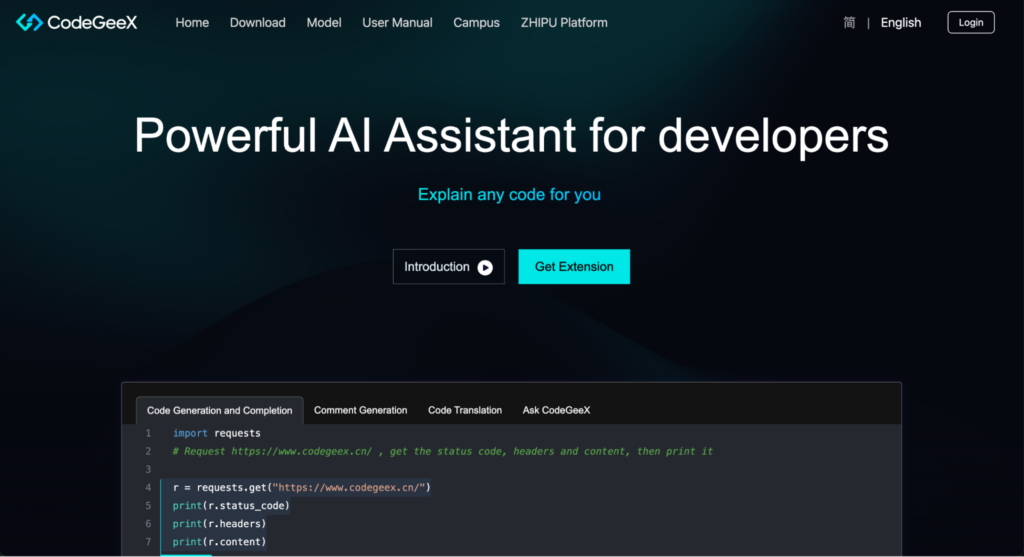
CodeGeeX is an open-source AI code generator designed for flexibility and transparency. It supports multiple languages and focuses on giving developers more finite control over AI-assisted coding.
Key features:
- Open-source AI code generation model
- Supports multiple languages and frameworks
- Community-driven improvements and updates
- Can be self-hosted for privacy and customization
Best for: Developers who want an open-source AI coding assistant that they can adapt and extend to their needs.
Price:
- Free
17. Amazon Q Developer
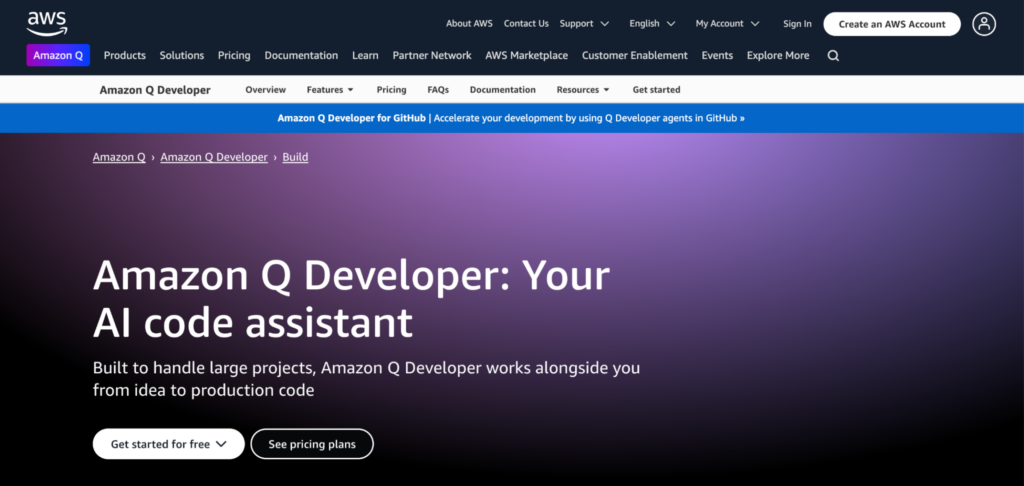
Amazon Q Developer is an AI coding assistant built for AWS developers, designed to work seamlessly across your IDE and command line.
It acts as an intelligent AI agent that not only generates secure, high-quality code but also understands your entire project context – from service dependencies to authentication flows – helping you write, review, and document code faster.
Key features:
- Reads and writes files locally, runs shell commands, and adapts in real time
- Deep AWS integration for cloud-native development
- Chat interface to explore project context and create architecture diagrams
- Automates code reviews, spotting bugs, and security issues before merging
- Supports VS Code, JetBrains, Visual Studio, Eclipse (preview), and CLI
- Integrates with GitHub and GitLab for smooth workflow automation
Best for: AWS developers building complex cloud-native applications who want an AI assistant that understands their project at scale and boosts security and compliance.
Price:
- Free – usage limits apply
- Pro – $19/user/month
18. StarCoder

StarCoder is an open-source large language model explicitly designed for coding tasks. It’s trained on a massive dataset of code to offer reliable autocomplete and code generation features.
Key features:
- Open-source LLM focused on code generation
- Supports multiple programming languages
- Designed for research and commercial use
- Enables building custom AI coding tools
Best for: Developers and researchers who want a customizable open-source coding LLM with robust performance.
Price:
- Free and open source
19. TabbyML

TabbyML offers an open-source AI autocomplete system that developers can run locally. It’s ideal if you want AI coding assistance but need full control over data and model behavior.
Key features:
- Open-source, local AI autocomplete
- Customizable and privacy-focused
- Supports popular languages and editors
- Community-driven development
Best for: Developers looking for an open-source, privacy-first AI autocomplete tool that they can run and modify themselves.
Price:
- Free – up to 5 seats, local deployment
- Team – $19/month
- Enterprise – custom pricing
20. Sourcegraph
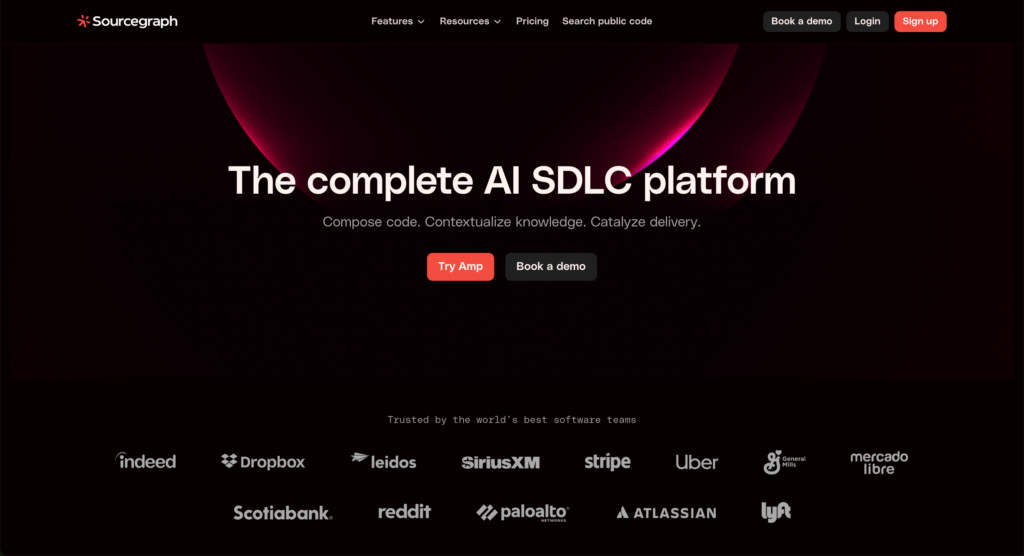
Sourcegraph’s coding agent is a powerful AI-driven code completion tool designed to support developers by enhancing code search, providing smart code suggestions, and making navigating complex codebases easier. It integrates with GitHub and other popular code editors, making it a valuable tool for teams working with large projects or open-source code.
Key features:
- AI-powered code search and suggestions
- Works across multiple programming languages, including Go, JavaScript, Python, and more
- Deep integration with GitHub and GitLab
- Supports smart navigation of codebases
- Helps with refactoring, writing tests, and understanding complex code
Best for: Teams and developers working on large codebases, open-source projects, or those who need smart code navigation and suggestions.
Pricing:
- Free – chat limits apply
- Enterprise Starter – $19/month
- Enterprise – $59/user/month
What are the most important criteria for choosing an AI coding tool?
Choosing the right AI coding assistant depends on your needs, coding style, and workflow. With many options available, it’s important to focus on the key criteria that impact your productivity and code quality.
Here are the most important factors to consider:
- Code quality and accuracy. The AI agent’s ability to generate clean, reliable, and error-free code is essential. High accuracy reduces the need for corrections and speeds up development.
- Supported programming languages. Make sure the tool supports the languages you use most often. Some tools specialize in Python or JavaScript, while others cover dozens of languages.
- Editor and platform integration. Seamless integration with your favorite code editor or IDE (like VS Code, JetBrains, or browser-based environments) ensures the assistant fits naturally into your workflow.
- Context awareness. The AI should understand the context of your project and codebase to provide relevant suggestions. This includes recognizing your project’s style, variables, and libraries.
- Speed and responsiveness. Fast suggestions mean less waiting and more coding. Some tools operate locally for instant responses, while others rely on cloud models that may add latency.
- Privacy and security. Depending on your project, keeping your code private is critical. Some tools process code locally, while others send snippets to cloud servers. Check their privacy policies and deployment options.
- Pricing and licensing. Evaluate the cost in relation to the features offered. Some tools offer free tiers for personal use, while others require subscriptions or enterprise licenses.
- Additional features. Features like code explanation, debugging help, documentation generation, and multi-language support can add significant value beyond autocomplete.
Choosing an AI coding assistant that ticks most of these boxes will help you write code faster and with more confidence.
What are the advantages of AI coding assistants?
AI coding assistants are transforming how developers write code by automating repetitive tasks and providing smart suggestions. Here’s why many developers find these tools invaluable:
- Boost productivity. AI assistants autocomplete code snippets, generate boilerplate, and suggest fixes, saving you time on routine tasks. This means you can focus more on solving complex problems.
- Improve code quality. These tools help reduce typos, syntax errors, and common bugs by providing accurate code suggestions. Many can also suggest best practices and refactor code for readability.
- Support multiple languages and frameworks. Modern AI coding tools often support many programming languages and frameworks, making them versatile across projects.
- Help with learning and onboarding. By explaining code snippets or generating examples, AI assistants act like virtual tutors. This is great for beginners or developers picking up new technologies.
- Enhance collaboration. Some tools integrate with version control and code review workflows, streamlining communication and reducing manual review workload.
- Increase accessibility. Cloud-based AI tools enable coding assistance anywhere, including on lightweight devices or without local IDE setups.
Overall, AI coding assistants reduce friction and speed up the coding process, letting you focus on creative and critical parts of development.
What are the disadvantages of AI coding assistants?
While AI coding assistants bring many benefits, there are also drawbacks you should be aware of:
- Imperfect suggestions. AI-generated code isn’t always correct or optimal. Blindly accepting suggestions can introduce bugs or security flaws, so human review remains essential.
- Limited understanding of complex context. Many tools struggle with large or highly specific codebases. They might miss project-specific nuances or dependencies, leading to irrelevant or incorrect suggestions.
- Privacy concerns. Sending your proprietary code to cloud servers raises security risks. This is a big concern for sensitive or regulated projects.
- Cost considerations. Some advanced AI assistants come with expensive subscriptions, which might not be affordable for all developers or teams.
- Dependency risk. Over-reliance on AI can reduce developers’ problem-solving skills and critical thinking over time.
- Ethical and legal questions. Using AI trained on public code can raise licensing and attribution concerns, especially if generated code resembles copyrighted content.
Being aware of these limitations helps you use AI coding tools responsibly and effectively, combining the best of AI and human expertise.
Can I code with AI without writing any code myself?
Yes. Thanks to no-code development tools, you can build software applications without writing a single line of code. These platforms provide visual interfaces where you create workflows, design interfaces, and set logic through drag-and-drop or conversational inputs.
No-code tools let non-programmers launch websites, apps, and automations quickly and easily, while reducing dependency on developers for simple projects.
One of the best no-code platforms to consider is Hostinger Horizons, which uses AI to generate both the front end and back end of apps from user inputs in a chat interface – no coding required.
How can I build with Hostinger Horizons?
Hostinger Horizons lets you build full-featured web applications simply by chatting with an AI assistant. Using code-writing AI, Hostinger Horizons generates both the back end and front end based on your natural language instructions.
Here’s how it works:
- You describe your app’s functionality and design in plain English
- The AI interprets your inputs and writes clean, production-ready code
- Horizons handles the integration of frontend UI and back-end logic automatically
- You can iterate by refining your instructions and redeploy with one click
This makes Hostinger Horizons an ideal AI software builder for entrepreneurs, small businesses, and developers who want to save time and make programming easier.
Join our Discord channel for more tips and inspiration on making the most of Hostinger Horizons. Connect with the community, get expert advice, and stay updated on the latest features!

Limitations and ethical considerations of AI coding tools
AI coding assistants are powerful, but they aren’t perfect. Their suggestions can sometimes be incorrect or insecure, requiring human oversight. Additionally, privacy concerns around sharing proprietary code with cloud services remain a challenge, especially in regulated industries.
Ethically, the use of AI trained on public code raises questions about licensing, attribution, and fair use. Developers should ensure generated code complies with legal standards, and should also respect intellectual property rights.
Ultimately, AI coding tools should be seen as helpers – not replacements – for skilled developers who apply judgment, creativity, and responsibility when building software.

Matleena is a seasoned Content Writer with 5 years of content marketing experience. She has a particular interest in emerging digital marketing trends, website building, and AI. In her free time, Matleena enjoys cups of good coffee, tends to her balcony garden, and studies Japanese. Follow her on LinkedIn