8 Netlify alternatives for 2026
Mar 10, 2026
/
By Ksenija
/
8 min Read
Looking for an alternative to Netlify? Maybe you’ve hit limits with pricing, you need more control over your infrastructure, or you simply want something that suits your stack better.
Whatever the reason, you should know that there are plenty of excellent alternatives available. From self-hosted platforms like Coolify and Dokploy, to managed services like Render and Cloudflare Pages, there’s no shortage of options designed to serve the needs of modern developers.
In this guide, we’ll walk you through 8 powerful Netlify alternatives to consider in 2025.
You’ll get a clear comparison of features, pros and cons, and the types of projects each platform is best suited for, to help you confidently pick the right tool for your next deployment.
Why consider a Netlify alternative?
While Netlify simplifies deployment and offers generous free tiers, it’s not without shortcomings, such as:
- Limited server-side control. Ideal for static sites, but not great for complex back-end logic.
- Pricing. Costs can scale quickly for teams and advanced use cases.
- Vendor lock-in. Relying on proprietary workflows can interfere with portability and customization.
- Less transparency. Compared to open-source or self-hosted solutions, Netlify is a closed platform, meaning you don’t have full visibility or control over the infrastructure and deployment processes behind your apps.
If you need more flexibility, better resource control, or the ability to host your apps on your own infrastructure, it’s worth exploring Netlify alternatives.
Quick comparison of Netlify alternatives
Before we look into each platform in detail, here’s a side-by-side comparison of the top Netlify alternatives available in 2025.
| Platform | Hosting Type | CI/CD Integration | Docker Support | Custom Domains | Free Tier | Ideal For |
| Coolify | Self-hosted | Yes (user-managed) | Yes (native) | Yes | N/A | Developers seeking full control |
| Dokploy | Self-hosted | Yes (built-in) | Yes (Docker native) | Yes | N/A | Teams managing custom stacks |
| Render | Managed | Yes (built-in) | Yes (native) | Yes | Yes | Full-stack apps, DBs, background tasks |
| GitHub Pages | Managed | Limited (via GitHub Actions) | No | Yes | Yes | Static sites, open-source docs |
| Cloudflare Pages | Managed | Yes (Git integration + CI) | No (Edge Functions for dynamic logic) | Yes | Yes | Static-first Jamstack projects |
| Heroku | Managed | Yes (built-in + Git deploy) | Yes (via Buildpacks & Docker CLI/OCI) | Yes | Limited | Rapid MVPs, back end-heavy apps |
| Dokku | Self-hosted | Yes (via Git push or CI setup) | Yes (Docker-native) | Yes | N/A | Devs wanting a Heroku-like PaaS |
| CapRover | Self-hosted | Yes (via webhooks or CI setup) | Yes (Docker-native) | Yes | N/A | Teams managing multiple containers |
Top 8 Netlify alternatives
Let’s break down each platform to see what they offer, how they compare, and who they’re best suited for.
1. Coolify
Coolify is a self-hosted platform as a service (PaaS) that lets you deploy static sites, full-stack apps, and databases from a slick web interface.
If you want the Netlify/Vercel experience without being locked into someone else’s infrastructure, Coolify gives you exactly that, on your own server.
Coolify advantages:
- You can deploy apps from Git with CI/CD pipelines built in. There is no need to configure Jenkins or GitHub Actions manually.
- Coolify handles Docker containers out of the box, allowing you to deploy a Laravel API and a React front end side-by-side with a PostgreSQL DB.
- The interface is user-friendly, allowing you to manage deployments efficiently without constant oversight of your deployment pipeline every time you push a commit.
- You can also host tools like n8n with just a few clicks.
Coolify disadvantages:
- You’re responsible for provisioning and maintaining the server it’s hosted on. That means handling upgrades, backups, and occasional CLI work.
- While it’s improving fast, the ecosystem is still relatively young. You might not find answers to more obscure issues without digging through GitHub.
Best for: Developers who are comfortable running their own infrastructure and want full-stack, Docker-native deployments with visual management and without vendor lock-in.
Pricing: Free and open-source. You only pay for the server, like a Hostinger VPS starting at CA$ 9.09/month, which is often enough for most side projects.

2. Dokploy
Dokploy is a self-hosted deployment platform that combines Docker-native support with built-in CI/CD to simplify app management for small development teams.
It gives you full control of your apps, works beautifully with Docker, and doesn’t overwhelm you with DevOps complexity.
Dokploy advantages:
- It comes with built-in CI/CD. You connect your repo, push to Git, and Dokploy automatically handles the build, deployment, and restarts.
- It supports Docker images natively, so whether you’re running a single-page app or a microservices setup, you’re covered.
- You can deploy multiple projects and environments (e.g., staging, prod) from the same dashboard, with per-project secrets and domain settings.
Dokploy disadvantages:
- Dokploy is still fairly new. While the experience is smooth, it lacks some of the advanced integrations (like built-in monitoring or autoscaling) that mature platforms offer.
- You’ll still need to manage your own hosting infrastructure. It doesn’t abstract that layer away like Heroku or Render.
Best for: Small product teams or solo developers who want a Heroku-like experience on their own infrastructure with no vendor fees, no locked pipelines, just control and speed.
Pricing:
You can self-host Dokploy completely free since it’s open-source and runs on any VPS hosting or cloud server you control.
For those who want to skip the server management, Dokploy also offers a fully managed hosting plan starting at just $4.50/month.
3. Render
Render is a managed PaaS with strong support for static sites, web services, background workers, cron jobs, and databases, all deployable from Git in just a few clicks.
Render is often called “the Heroku that didn’t get stale” because it combines the simplicity and developer-friendly workflow Heroku popularized with modern features like zero-downtime deployments, integrated managed databases, pull request previews, and autoscaling.
Render advantages:
- Deploy from GitHub or GitLab, and Render auto-builds your code with zero-downtime deploys and rollbacks.
- It offers fully managed PostgreSQL and Redis with daily backups, performance monitoring, and secure access.
- You can spin up preview environments for every pull request, which is a massive win for teams doing code reviews or working across environments.
Render disadvantages:
- You’re locked into Render’s infrastructure. There’s no way to bring your own server or cloud provider.
- The free tier is great for small apps, but if you’re running production workloads, it gets expensive fast. Background workers, databases, and persistent services all add up.
Best for: Developers or small teams who want to deploy full-stack apps without the pain of infrastructure. It’s perfect if you want simplicity, previews, and integrated services without going fully self-hosted.
Pricing:
Render offers a flexible pricing model with both free and paid plans, depending on your scale and support needs.
- Hobby Tier (Free). Ideal for personal projects and prototypes. You only pay for what you use (compute/storage).
- Professional Plan ($19/user/month + usage). Designed for production apps. Includes 500 GB of bandwidth, preview environments, autoscaling, and team collaboration.
- Organization Plan ($29/user/month + usage). Adds 1 TB bandwidth, audit logs, and compliance (SOC 2, ISO 27001).
- Enterprise. Custom pricing for larger organizations.
4. GitHub Pages
GitHub Pages is a free static site hosting service that lets you publish HTML, CSS, and JavaScript files directly from a GitHub repository without the need for back-end or server setup.
If all you need is a place to host static content, GitHub Pages is as simple (and free) as it gets. It’s tightly integrated with GitHub, making it a natural fit for open-source projects and documentation.
GitHub Pages advantages:
- Deploy straight from your repository. Push to main or gh-pages, and your site is live in seconds.
- Free custom domain support with HTTPS is built in. No need to fiddle with SSL certificates.
- You can automate deployments and testing via GitHub Actions if you need more control.
GitHub Pages disadvantages:
- It’s strictly for static sites. You won’t get serverless functions, databases, or any kind of back-end logic here.
- There’s no visual dashboard or logs. It’s Git-based, period.
Best for: Developers hosting blogs, docs, resumes, or small sites where performance, simplicity, and zero cost matter more than back-end features.
Pricing: Completely free, with unlimited bandwidth and storage for public repositories.
5. Cloudflare Pages
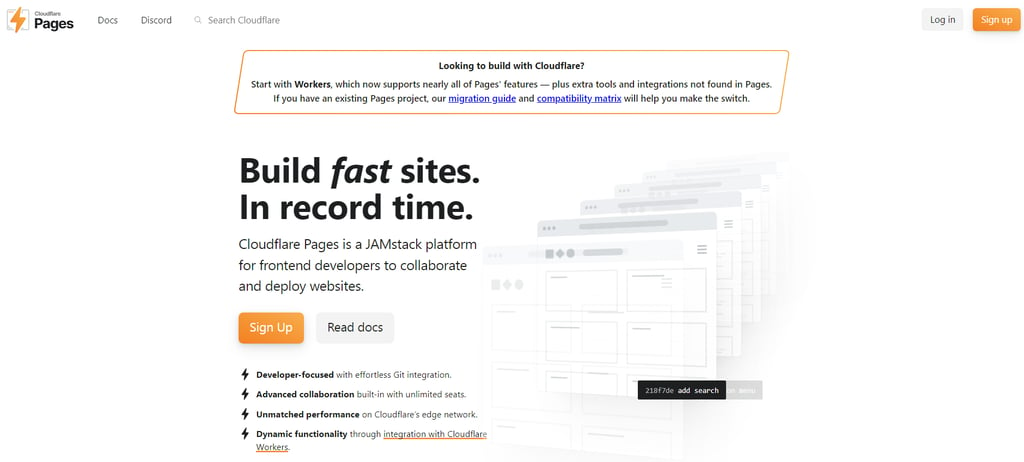
Cloudflare Pages is a Jamstack platform that offers fast, globally distributed static site hosting combined with powerful serverless functions through Cloudflare Workers.
It takes the simplicity of static site hosting and supercharges it with edge performance and dynamic capabilities via Cloudflare Workers.
If you care about speed and scale but want to avoid server management, this platform might be the best fit for you.
Cloudflare Pages advantages:
- Global CDN – your site is cached at dozens of edge locations for fast load times.
- Built-in integration with Git and CI/CD; push your code, and it’s automatically deployed.
- You don’t need a separate back end; just add serverless functions via Workers when you need logic like API calls, auth, or form handling.
Cloudflare Pages disadvantages:
- Workers are powerful but limited. There is no persistent storage or native database support. You’ll need to plug into external APIs or services.
- Debugging Workers can be tricky. Logging and error tracking are minimal unless you integrate with third-party tools.
Best for: Teams building Jamstack-style apps that need global speed and occasional dynamic logic, without managing back-end infrastructure.
Pricing:
- Free for most static and small dynamic workloads.
- Workers pricing starts at $0.30 per million requests.
6. Heroku
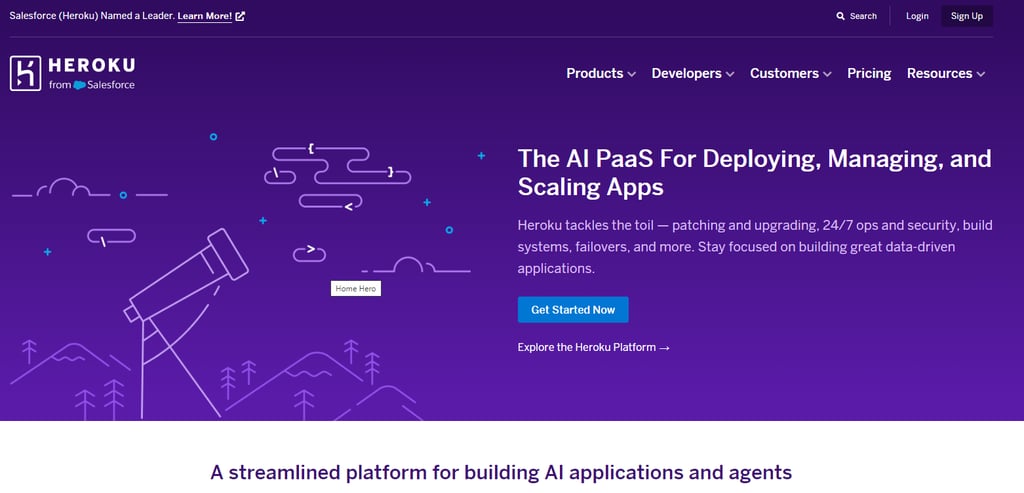
Heroku is a cloud platform that enables developers to deploy, manage, and scale back-end applications effortlessly using simple Git-based workflows and a vast add-on ecosystem.
It was the original “just push to Git” deployment platform, and while it’s no longer cutting-edge, it’s still one of the easiest ways to get a back-end app online. Especially useful for MVPs, prototypes, or internal tools.
Heroku advantages:
- You can deploy with a single Git command. It handles buildpacks, environment variables, scaling, and rollbacks automatically.
- The add-on ecosystem is robust: PostgreSQL, Redis, logging, caching, and queuing are all available in a few clicks.
- Handles multiple languages and frameworks (Node, Ruby, Python, Go, Java, PHP, etc.).
Heroku disadvantages:
- The free tier is gone. Unless you’re okay with apps sleeping or using ephemeral storage, you’ll be paying for every service.
- While Heroku does support containers via its Container Registry, its limited flexibility and lack of modern features like multi-region deployments or BYOC make it feel dated compared to newer platforms.
Best for: Developers launching back-end-heavy apps quickly, especially when time-to-launch matters more than flexibility or modern cloud infrastructure.
Pricing:
Heroku offers several pricing tiers based on app scale, availability, and compliance needs. All plans are billed per second with monthly caps.
- Eco ($5/month). Best for testing ideas or hobby apps that don’t need constant uptime. Apps may sleep when idle.
- Basic (Up to $7/month). For lightweight projects that need consistent availability without advanced scaling.
- Standard ($25 to $50/month). Ideal for production apps with moderate traffic. Includes higher performance and no idling.
- Performance ($250 to $1,500/month). Built for high-traffic or latency-sensitive workloads with dedicated resources.
- Private & Shield ($125 to $2,400/month). For enterprise apps that need network isolation (Private Spaces) or compliance (e.g., HIPAA, PCI).
Databases and add-ons like Redis, logging, or caching are priced separately.
7. Dokku
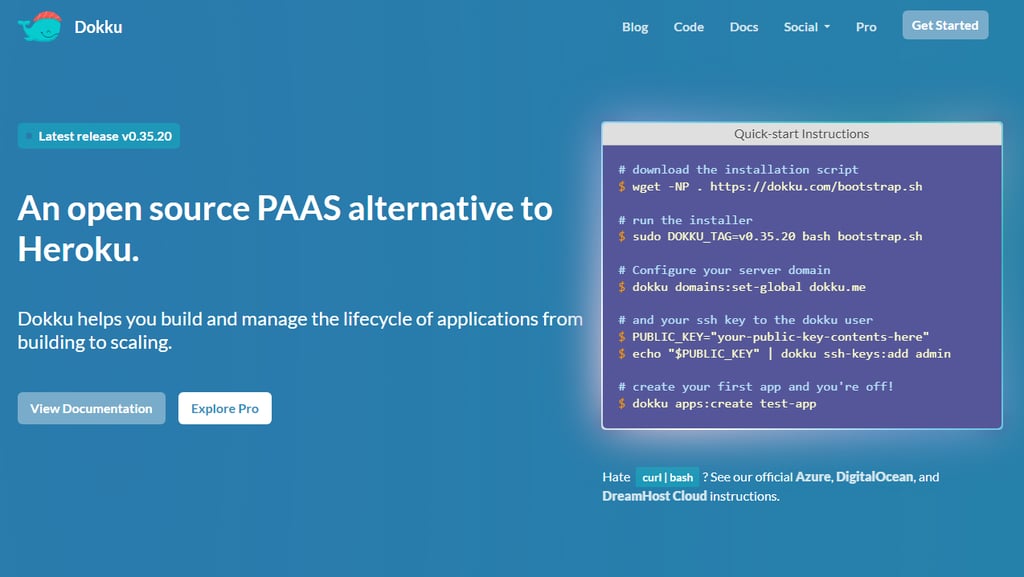
Dokku is an open-source, self-hosted platform that lets you deploy and manage Docker-based applications on your own server using simple Git push workflows.
It is like Heroku’s brain in a tiny, open-source body. It’s a lightweight PaaS you install on your own VPS that gives you Git-based deploys, Docker support, and Heroku-like workflows.
Dokku advantages:
- It uses Docker under the hood, so you can deploy prebuilt images or let Dokku build them from source.
- The plugin system lets you extend it with databases, SSL, storage, and more.
- You can manage multiple apps, each with its own domains, ports, and env vars.
Dokku disadvantages:
- No UI — everything happens through the command line. If you’re not comfortable with SSH and Bash, it’s not for you.
- You’ll need to handle your own backups, server updates, and monitoring.
Best for: Developers seeking Heroku-like deployment workflows at no cost, and who are comfortable managing their applications via the command line interface.
Pricing: Free and open-source. VPS hosting typically starts at about $5/month.
8. CapRover
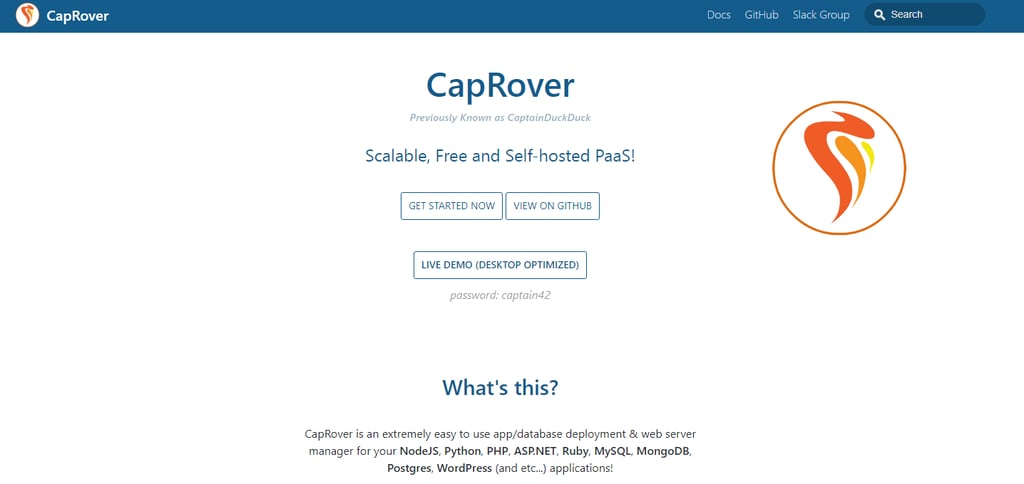
CapRover is an open-source, self-hosted PaaS with a user-friendly web interface that simplifies the deployment and management of Docker-based applications and databases on a single server.
It’s arguably the easiest way to deploy and manage multiple apps and databases from a single server.
CapRover advantages:
- You get one-click deployment for popular stacks like Node.js, WordPress, MongoDB, Ghost, and more, making it easy to launch your apps quickly.
- Automatic SSL, custom domains, and Git-based deploys with webhook support are all handled for you, so setup is straightforward.
- The clean, intuitive web UI means you can manage your apps without needing to use the terminal daily.
CapRover disadvantages:
- It only supports Dockerized apps, so if you’re not using containers, CapRover won’t work for you.
- It’s built for simplicity, so if you need advanced autoscaling or complex orchestration for large-scale systems, it might not meet those needs.
Best for: Developers or small teams running multiple containerized apps who want a fast, visual way to manage everything without digging into Kubernetes or writing YAML.
Pricing: Free and open-source.
Conclusion
When looking beyond Netlify, you have plenty of solid options depending on your needs.
- Coolify. Best for developers who want full control with a user-friendly, self-hosted platform.
- Dokploy. Great for teams wanting a Heroku-like experience but fully self-hosted.
- Render. Ideal if you want a managed platform that handles full-stack apps, databases, and scaling.
- GitHub Pages. Perfect for hosting simple static sites and documentation with zero cost.
- Cloudflare Pages. Excellent for fast, global JAMstack sites with edge functions.
- Heroku. Good choice for quick back-end deployments and MVPs with easy scaling.
- Dokku. Suited for developers who want Heroku-style deploys on their own servers via CLI.
- CapRover. Best for teams managing multiple Dockerized apps through an easy web interface.
Each alternative offers unique advantages, from self-hosted freedom to fully managed convenience.
Consider what matters most for your projects, try out the free options, and pick the platform that fits your workflow and goals.
Netlify alternatives FAQ
What are the best alternatives to Netlify?
The best Netlify alternatives include self-hosted options like Coolify and Dokploy, as well as managed services such as Render, Cloudflare Pages, and Heroku.u0026nbsp;u003cbr /u003eEach excels in different areas, from full-stack app support and Docker integration to static site hosting and global CDN delivery.
What features should I look for in a Netlify alternative?
Look for key features like CI/CD integration, Docker support, custom domain management, and scalability options.u0026nbsp;u003cbr /u003eConsider whether you need a fully managed platform or prefer self-hosting for greater control. Pricing, ease of use, and support for back-end services are also important factors.
What are the main benefits of self-hosting Netlify alternatives?
Self-hosting any of these platforms gives you full control over your infrastructure, better security, and the flexibility to customize deployments.u0026nbsp;u003cbr /u003eYou avoid vendor lock-in and recurring fees, making it a cost-effective choice for teams comfortable managing their own servers.
This article is a localized version of 8 Netlify alternatives for 2026, originally published in English.

Ksenija is a digital marketing enthusiast with extensive expertise in content creation and website optimization. Specializing in WordPress, she enjoys writing about the platform’s nuances, from design to functionality, and sharing her insights with others. When she’s not perfecting her trade, you’ll find her on the local basketball court or at home enjoying a crime story. Follow her on LinkedIn.



Comments
0 responses