10 best Bolt.new alternatives for full stack app development
Apr 28, 2026
/
Larassatti D. & Dainius K.
/
14 min Read

Bolt.new is a popular AI-powered app builder that generates full-stack applications from natural-language prompts and lets you edit the code directly in the browser. It’s fast, supports modern frameworks, and deploys to Netlify with a click.
But it’s not perfect for every workflow. Token costs can spike during debugging or complex multi-step edits, the free tier limits you to public projects, and the platform is less flexible than a full coding environment if you need deep custom backend logic or enterprise infrastructure.
What users might need from a Bolt.new alternative varies a lot. Some want a completely no-code path to launching an app. Others want more control over their backend, full code ownership, or a dedicated code editor with AI baked in. And some just need more predictable pricing that won’t drain their budget mid-build.
The ten Bolt.new alternatives below can address those needs. Here’s a quick look at what each one offers:
Platform | Pricing structure | Best known for |
Hostinger Horizons | Free trial available. Pricing starts at ₦15900.00/month | Beginner-friendly launch of web apps with no technical skills. Seamless built-in features with hosting, domain, emails, backend, ecommerce engine, SEO, all in one place |
Base44 | Freemium. Pricing starts at $16/month | Self-contained app generation where the entire stack lives on the platform |
Bubble | Freemium. Pricing starts at $29/month | Building complex, logic-heavy apps through visual programming |
Softgen | $33/year membership + pay-as-you-go AI credits. Free trial available with at least $3 in AI credits. | AI-generated full-stack apps with complete code ownership and no monthly subscription lock-in |
Lovable | Freemium. Pricing starts at $25/month | Design-first AI app building that produces clean, developer-handoff-ready React/TypeScript code |
V0 | Freemium. Pricing starts at $30/month | Generating polished, production-ready React and Next.js UI components directly from prompts |
Replit | Freemium. Pricing starts at $18/month | Building and deploying apps across 50+ languages in the browser, with an autonomous AI Agent |
Tempo | Freemium. Pricing starts at $30/month | Planning-first React app building with a Figma-like visual editor for pixel-level refinement |
Windsurf | Freemium. Pricing starts at $20/month | AI-assisted editing with deep, persistent context across an entire codebase |
Cursor | Freemium. Pricing starts at $20/month | AI code editor for professional developers, with multi-file agent mode |
1. Hostinger Horizons
- Best for: Non-technical builders, entrepreneurs, and anyone who wants to build and launch web apps without coding.
- Pricing: Free trial available. Paid plans start at ₦15900.00/month, including 30 monthly credits.
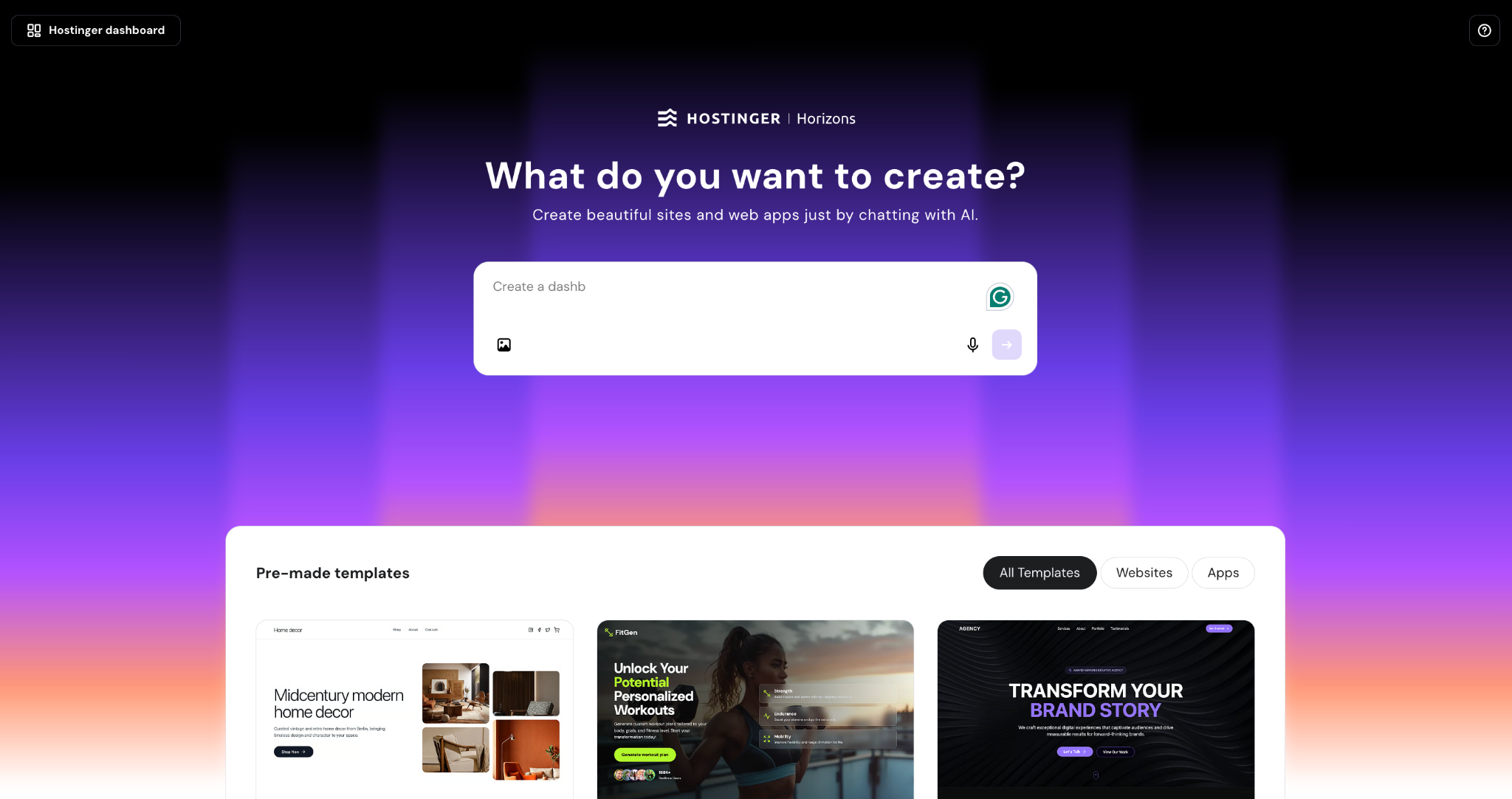
Hostinger Horizons is an AI-powered platform that lets you build, refine, and publish web applications without coding. Describe your idea in plain language, collaborate with the AI through chat to adjust features, and publish with a single click.
While Bolt.new generates code you can see and edit, Horizons AI agent removes that effort from the equation. You don’t need to understand coding – you simply need to tell the AI what you want, and it builds it. That’s not to say you can’t see or edit the code. If you want more control over customization, you can use the built-in visual editor or vibe code your project by tweaking the source code.
Hostinger Horizons also has a built-in backend system, so you don’t have to configure third-party API keys for related features. Tell the AI something like “add a login page” or “let users submit a contact form,” and it configures authentication, file storage, and automated email sending.
Horizons also bundles hosting, a free domain (on Starter plan and above), SSL, CDN, and a professional email address.
Hostinger Horizons pros
- No coding required, making it one of the most accessible AI app builders for complete beginners.
- More predictable cost structure where on user message equals one AI credit.
- Built-in backend covers authentication, data storage, and automated email without connecting external tools or services.
- Built-in ecommerce engine that lets you easily create fully functional online stores. Payment integration with Stripe is also available.
- Search engine optimization (SEO) features to enhance your website or web app’s discoverability.
- Multiple web app editing modes (prompting, visual editor, code editor) give you flexibility in how you build.
- All-in-one solution with hosting, domains, and emails included, so there’s no need to subscribe to and configure other third-party apps.
- Fast prototyping with real-time AI suggestions and one-click publishing to go live in minutes.
- 30-day money-back guarantee for fewer than 30 AI credits used.
Hostinger Horizons cons
- Not optimized for enterprise-level web apps.
- Fewer third-party integrations compared some other platforms, but many features already come built-in.
2. Base44
- Best for: Solo builders and early-stage founders who want an all-in-one AI app generation tool.
- Pricing: Free tier available. Premium plans start at $16/month and scale up to $160/month.
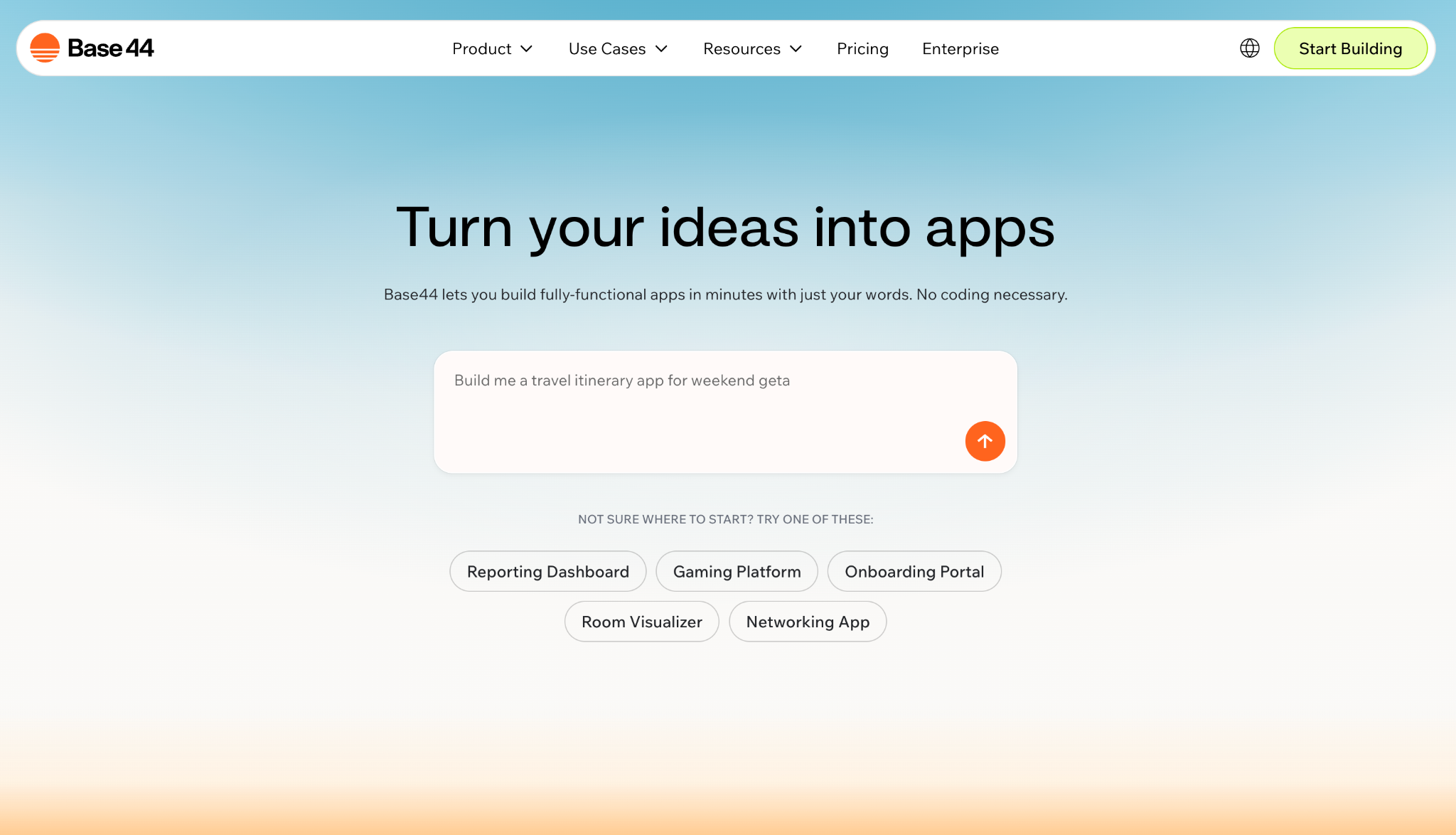
Base44 is an all-in-one platform where the database, authentication, hosting, and app logic all live under one roof. You prompt the AI to build your app, and everything it needs to run is handled internally, so no external services are required. Base44 was acquired by Wix in April 2025, making it part of the Wix product ecosystem.
Where Bolt.new generates code you can take elsewhere, Base44 keeps everything within its ecosystem. You get speed and simplicity, but your backend stays tied to the platform.
It uses two types of credits: message credits for prompting the AI to build or edit, and integration credits consumed when your app’s users trigger actions like file uploads, email sends, or LLM calls. This dual-credit system is unique, but it can catch you off guard if you’re not tracking both.
As you move up the pricing tiers, you can unlock custom domains, GitHub export for your frontend code, and the ability to write custom backend logic. Compared to alternatives, Base44 is less flexible, as you can’t code in multiple languages or use different frameworks. But it’s a faster way to get a working app live without technical knowledge.
Base44 pros
- Goes from prompt to a working app quickly, making it great for prototyping and internal tools.
- Built-in database, authentication, and hosting without external setup.
- Real-time collaboration works well with small teams.
- Version control protects against breaking changes.
Base44 cons
- No credit rollover or top-ups on lower-tier pricing plans. Hitting your limit means waiting for the next billing cycle or upgrading your plan.
- You can only export frontend code, while your backend and database remain tied to Base44.
- Connecting a custom domain is available only with the Builder plan ($40/month) or above.
3. Bubble
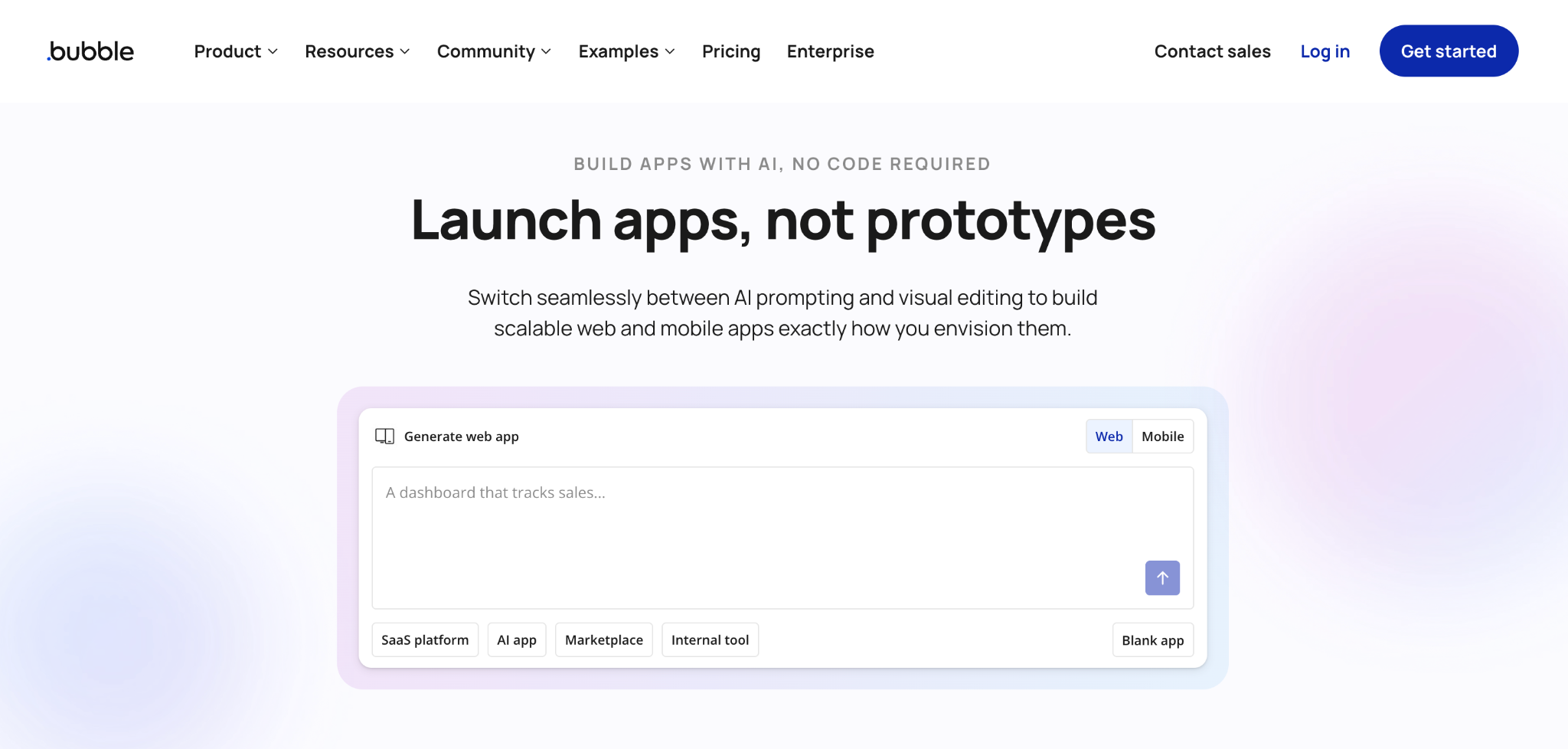
- Best for: Builders who need complex logic, custom workflows, and scalable web applications without code from scratch.
- Pricing: Free tier available. Web plans start at $29/month (Starter). The Growth plan is available at $119/month and Team at $349/month. All prices are billed annually.
Bubble is one of the most established no-code platforms on the market, and it takes a different approach from Bolt.new. Bubble provides a visual programming environment where you build application logic by connecting elements, workflows, and database actions via a drag-and-drop interface.
To start building, describe your idea in a prompt, and Bubble will draft pages, database structure, workflows, and sample data in minutes. From there, you can switch to the visual editor to control how data flows and how the app behaves. You can also use Bubble’s AI Agent to help build a feature or data workflow in your app.
With Bubble, the AI handles much of the initial setup, and the visual editor gives you granular control for the rest, including conditional logic, edge cases, and custom workflows. That makes Bubble a strong choice for building SaaS products, marketplaces, and internal tools.
Bubble uses a workload-unit system to measure server processing. Every database query, workflow, and API call draws from your plan’s monthly allocation. In 2025, AI platfrom also added native mobile capabilities, with separate mobile plans starting at $42/month or bundled web + mobile from $59/month, which makes it stand out against Bubble competitors.
Bubble pros
- Handles complex logic, conditional workflows, and multi-step processes that simpler AI builders often struggle with.
- Mature ecosystem with a large plugin marketplace and active community.
- Full control over database design, API connections, and user permissions.
- Native mobile app support with direct App Store and Google Play publishing.
Bubble cons
- Steeper learning curve than prompt-based tools like Bolt.new. Expect to invest time learning the platform before you’re productive.
- Workload units can make cost prediction tricky, especially as your app scales and usage grows.
- Performance can degrade on complex apps if workflows aren’t optimized.
4. Softgen
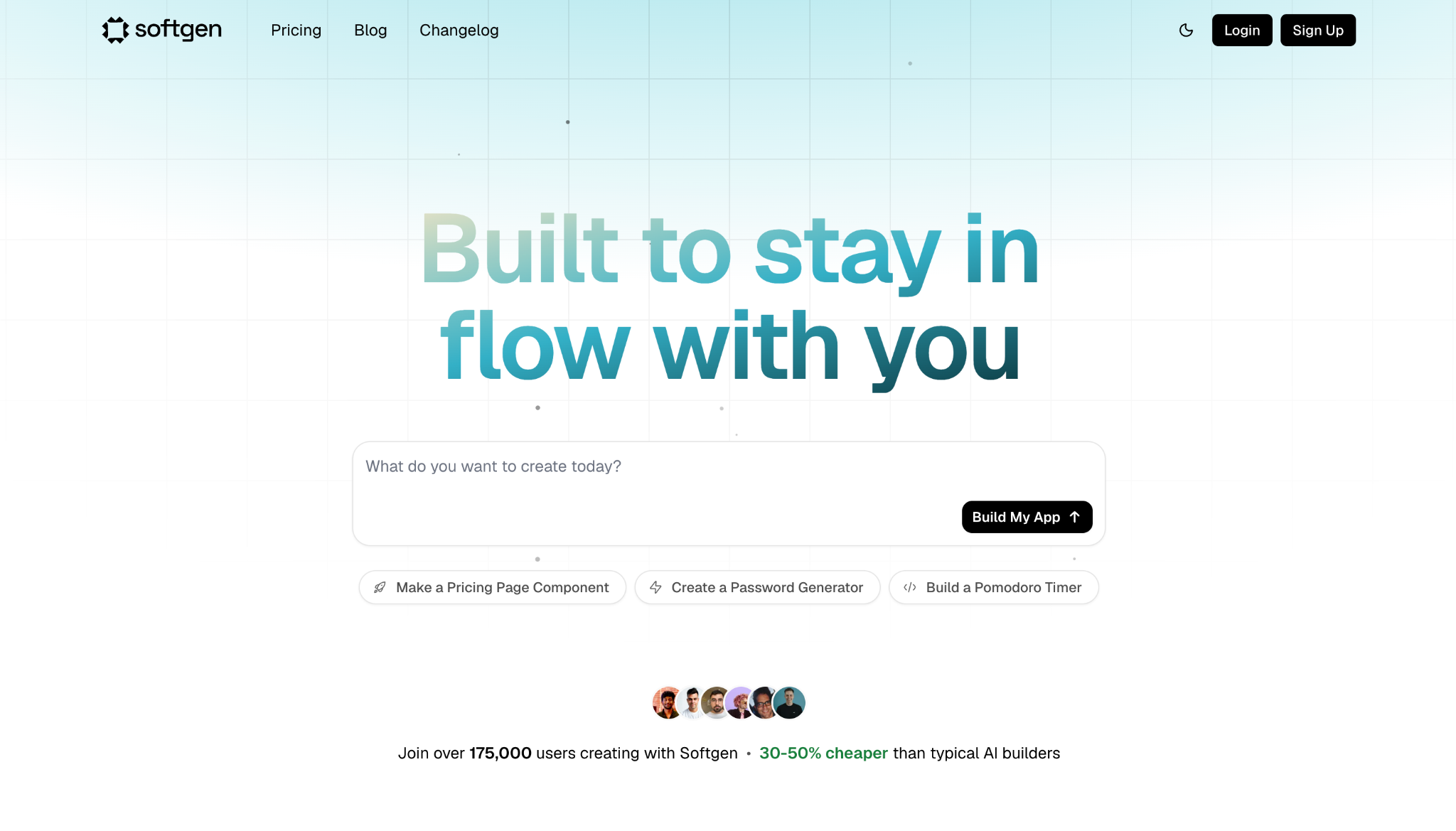
- Best for: Developers and technical founders who want AI-generated full-stack apps with real code ownership.
- Pricing: $33/year membership + pay-as-you-go AI credits with a minimum $3 top up upon starting.
Softgen generates full-stack applications using Next.js for the frontend and Firebase for the backend. Because of that stack, authentication, databases, real-time data sync, and file storage are automatically wired up within the platform. You describe your idea, Softgen builds the app, and you can refine it through a conversational workflow.
Unlike Bolt.new’s browser-based editing with Netlify deployment, Softgen pushes you toward real development tools. You can export your code to GitHub if you want to continue developing in any editor, bring in other developers, or deploy anywhere you want. The platform also supports integrations with Stripe and Lemon Squeezy for payments, and Resend for email.
In terms of pricing, Softgen charges a flat $33/year software license fee. On top of that, you can buy AI credits as needed – costs vary depending on how heavily you use the platform and which AI model you choose.
Softgen pros
- Full-stack output with Next.js and Firebase, including auth, database, and real-time features out of the box.
- Full code ownership with GitHub export, so you can continue development in any editor.
- Growing community of builders with active development and frequent updates.
- The freedom to choose the AI model you want to build the website or web app.
Softgen cons
- Credit usage can climb fast during iterative editing, especially on larger or more complex apps.
- Customizing beyond the initial AI-generated output can require manual coding knowledge.
- The free tier is available for only three days without paying the annual license fee. You’ll need to invest at least $3 in AI credits to test the platform.
5. Lovable
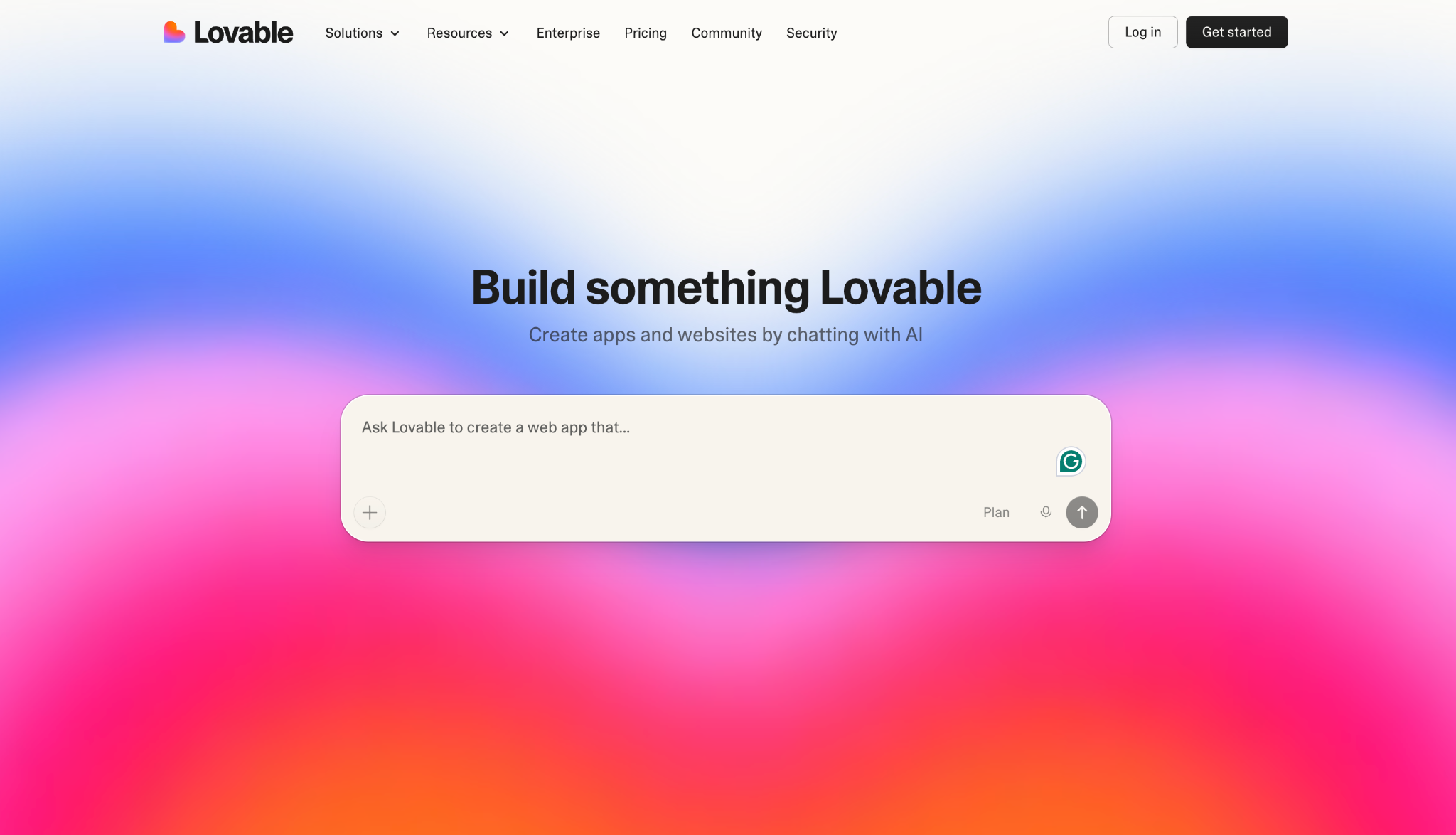
- Best for: Non-technical founders and designers who want polished, AI-generated web apps with greater control over the visual design.
- Pricing: Free tier with limited daily credits. The Pro plan is available for $25/month, and Business for $50/month. The base price includes 100 AI credits and increases for each additional 100.
Lovable takes a design-first approach to building AI apps. Like Bolt.new, it generates applications from natural-language prompts, but its output tends to be more polished visually. The platform also includes a visual editor, giving users more granular control over layout and design compared to Bolt’s more code-centric workflow.
If Bolt.new’s strength is speed to a working prototype, Lovable’s is the quality of what comes out, especially for customer-facing products where design matters. With Lovable, you can also export the source code to GitHub and continue developing in any editor.
The platform also offers collaboration for up to 20 users, a security scan feature that checks for vulnerabilities before publishing, and a Chat Mode that lets you plan and debug without burning credits.
Lovable connects to Supabase for backend needs like databases and authentication, and supports native Stripe integration for payments.
Lovable pros
- Chat Mode lets you plan, debug, inspect logs, and query your database to help you write better prompts before committing credits.
- Built-in security scanning checks for vulnerabilities before you publish.
- Custom Knowledge feature to define branding rules, coding conventions, and project context that the AI remembers across all edits.
- Full code ownership with GitHub export, generating clean React/TypeScript that developers can maintain and extend.
Lovable cons
- A credit-based pricing system means heavy iteration can burn through your allowance fast.
- English-only interface. If you need more language flexibility, consider other Lovable alternatives.
- Complex backend logic can sometimes trip up the AI.
Suggested reading 📚
Check out our other tutorial for a detailed head-to-head comparison of Bolt.new and Lovable.
6. V0
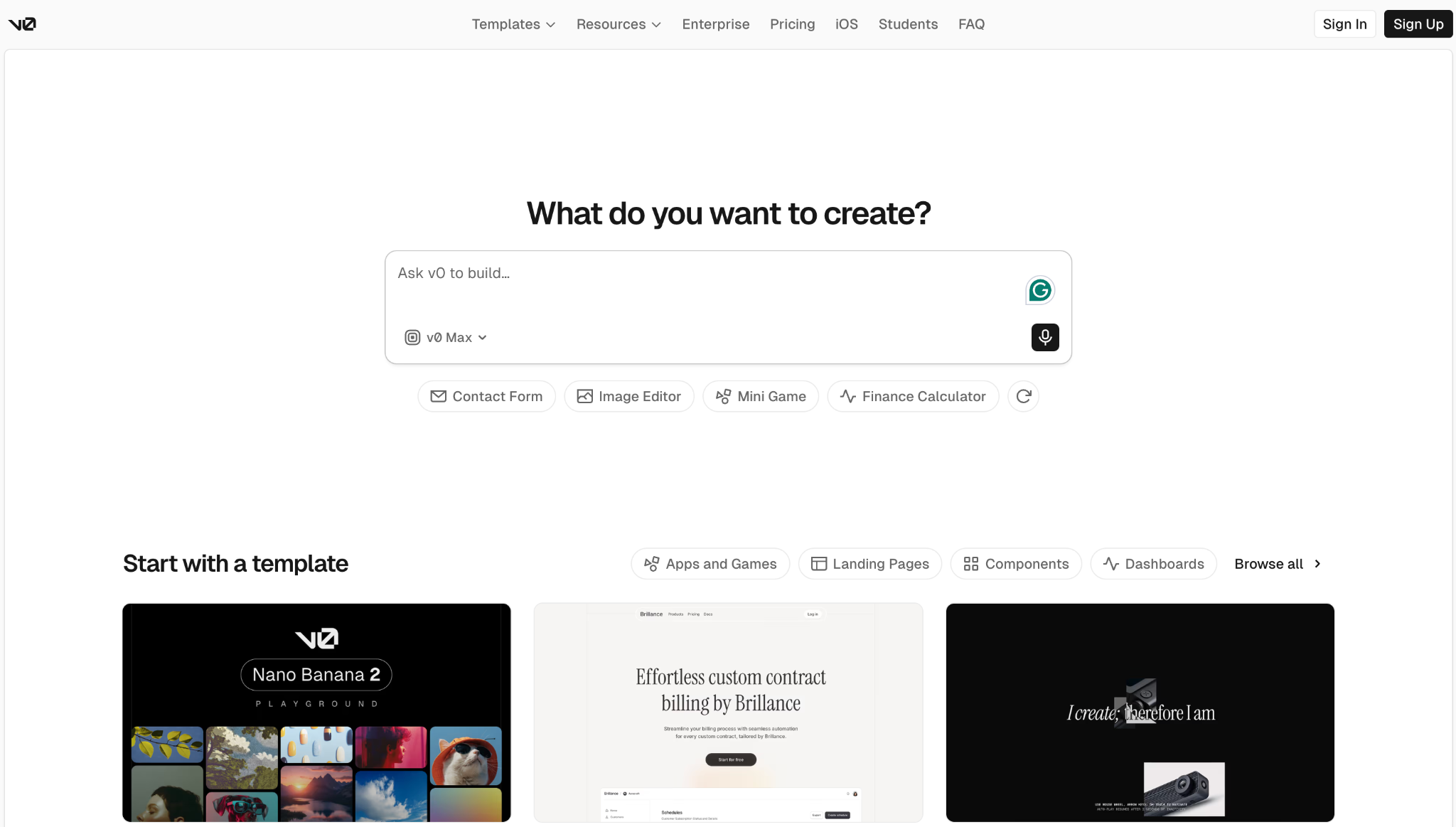
- Best for: Frontend developers and designers who want to generate polished React or Next.js components and deploy directly to Vercel.
- Pricing: Free tier with $5 in monthly credits. Team plan costs $30/user/month, and Business is $100/user/month. Paid plans include monthly credits per user.
V0 is Vercel’s AI-powered builder, and it occupies a specific niche: frontend-first development within the Next.js ecosystem. While Bolt.new supports multiple frameworks, V0 is laser-focused on producing the cleanest possible React and Next.js code using shadcn/ui and Tailwind CSS.
If you’re already in the Vercel ecosystem, the workflow is seamless: generate UI components or full pages from prompts, edit them in a built-in VS Code-style editor, and deploy to Vercel with one click.
The AI builder also provides Git integration and multiple AI model tiers that consume credits at different rates. V0 also supports Figma import, letting you turn existing designs into working Next.js code. Bolt.new offers this too, but V0’s output tends to be more component-focused and reusable.
The trade-off is scope. V0 has historically been stronger on the frontend than the backend. It’s improving, but if you need deep backend logic with databases and authentication, Bolt.new currently handles that more completely out of the box.
V0 pros
- Generates some of the cleanest front-end code, especially strong for React and Next.js.
- One-click Vercel deployment with automatic SSL, CDN, and serverless functions.
- Figma import lets you turn designs into working code directly.
- GitHub sync and a full VS Code-style editor for more hands-on development.
V0 cons
- Backend capabilities are still catching up compared to full-stack alternatives.
- Best experience requires familiarity with Vercel’s ecosystem and Next.js conventions.
- The free tier’s $5 in credits is consumed quickly for anything beyond basic experimentation.
7. Replit
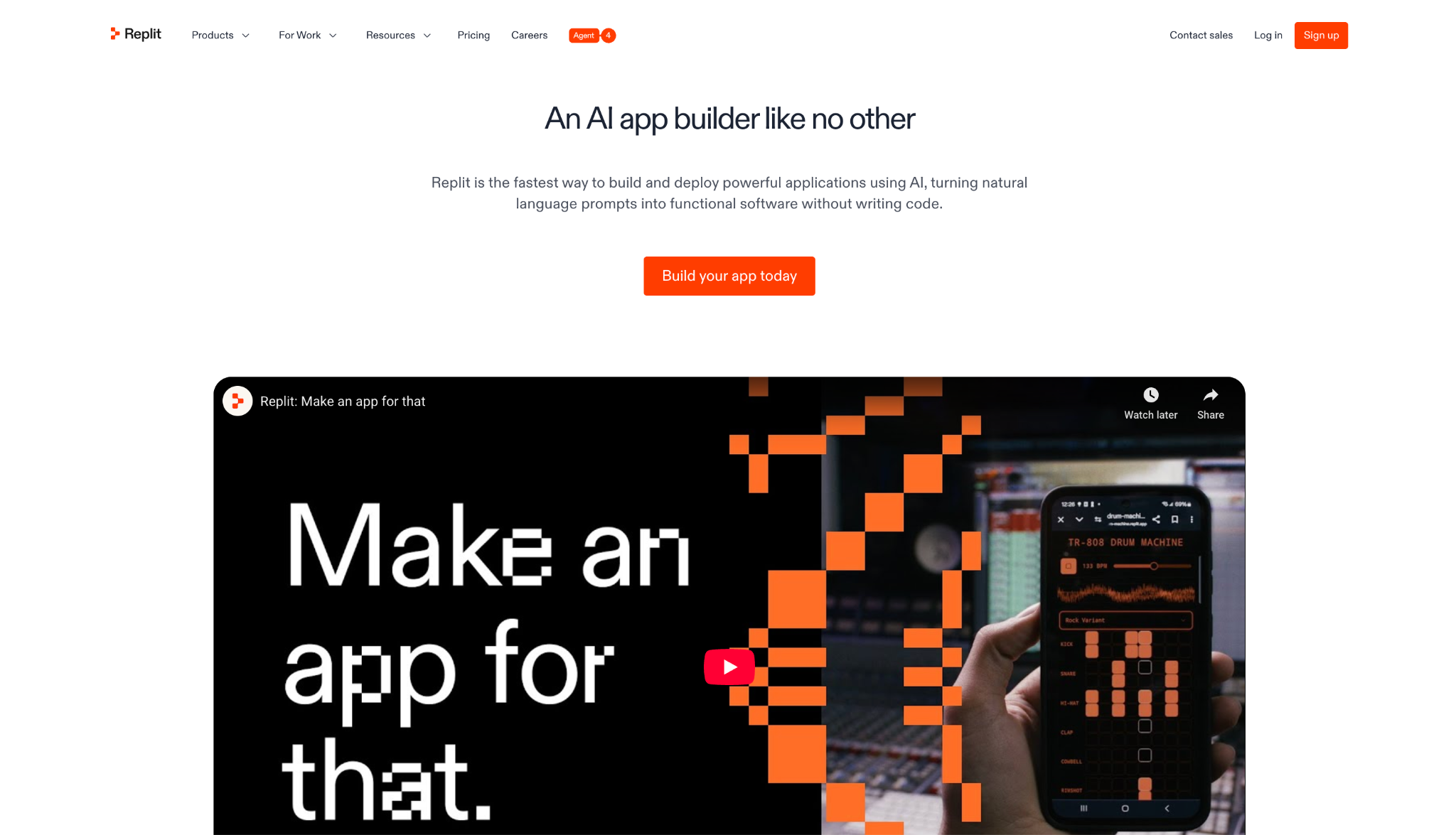
- Best for: Technical users who want a browser-based coding environment with a powerful AI Agent.
- Pricing: Free tier available with a daily credit usage limit. Replic Core plan costs $18/month and Pro (for teams of up to 15) is $90/month.
Replit is a browser-based coding platform that supports 50+ programming languages and includes an AI Agent that can plan, build, and debug applications autonomously. This Bolt.new alternative is the closest to a traditional development environment on this list, as it provides a full IDE in the browser, a terminal, databases, and deployment.
Where Bolt.new focuses specifically on generating AI-powered apps from prompts, Replit provides a complete coding environment with AI features on top. You can use the Agent to vibe code, but you can also code manually, switch languages, and build whatever you want from scratch.
Pricing starts at $20/month for Core, with a Pro plan at $100/month covering teams of up to 15 builders on pooled credits. Each plan includes a monthly credit allocation that is deducted based on your Agent usage, hosting, database operations, and other actions.
Costs for using Replit can be less predictable, as it uses an effort-based pricing model that charges based on the complexity of the work the AI performs. Complex builds or heavy debugging can quickly consume credits.
Replit pros
- Full browser-based development environment.
- IDE, terminal, databases, deployment, and collaboration features in one platform.
- Powerful AI Agent that can autonomously plan, build, debug, and deploy applications.
- Supports 50+ languages, making it a practical choice if your project isn’t JavaScript-first.
Replit cons
- Effort-based pricing for Agent usage makes costs unpredictable. Check out more Replit alternatives if you prefer a platform with a more predictable cost.
- Requires more technical knowledge than platforms focused on AI web development like Bolt.new or Hostinger Horizons.
- Always-on deployments and database storage add additional costs beyond the subscription.
8. Tempo
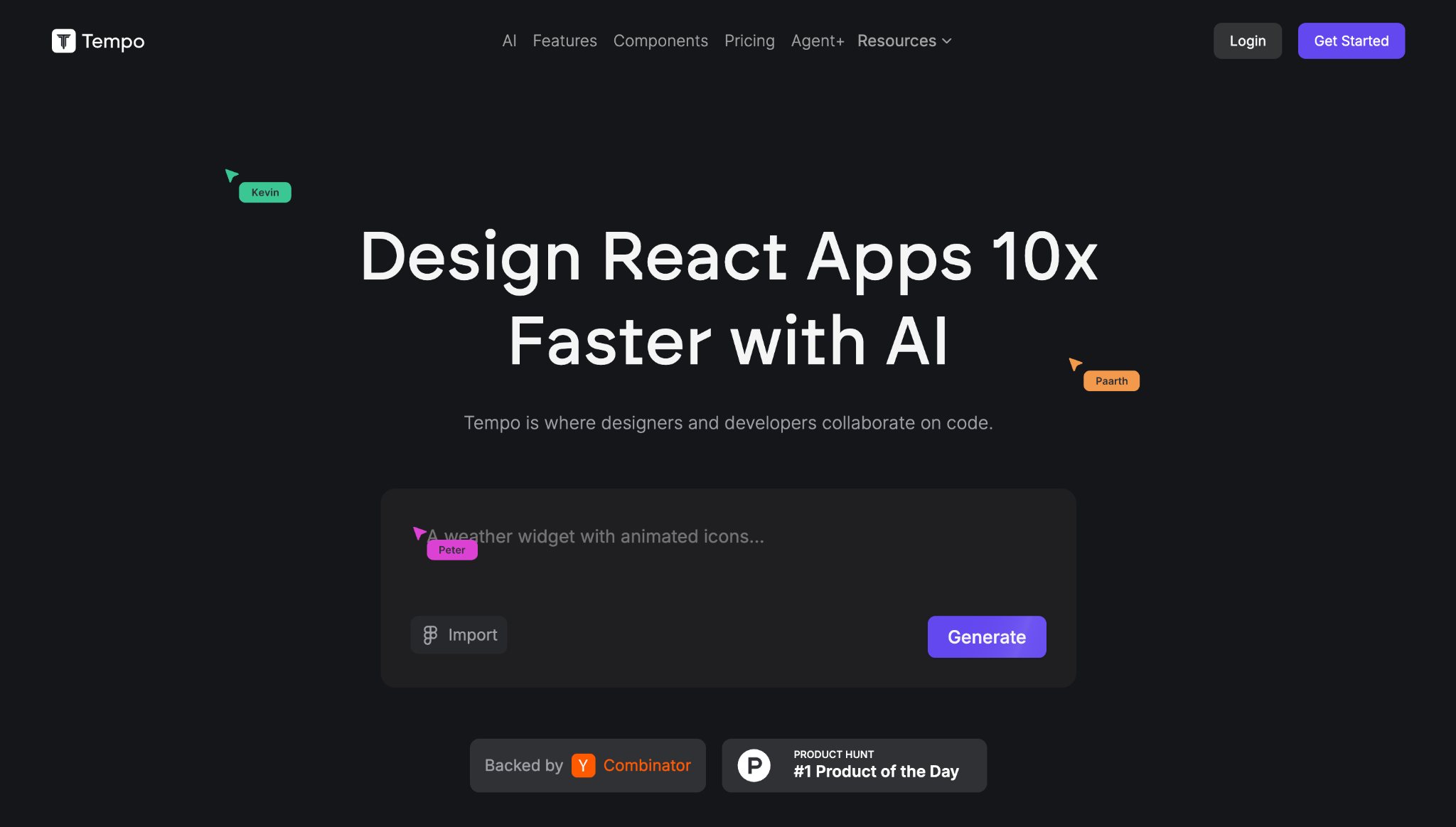
- Best for: Developers and product teams who want AI-generated React apps with pixel-level control.
- Pricing: Free tier with 30 credits/month, Pro plan at $30/month includes 150 credits, and the Agent+ costs $4,500/month, and comes with human-assisted development.
Tempo (formerly Tempo Labs, YC S23) combines an AI app builder, a visual drag-and-drop editor, and a code editor into a single workspace.
Where Bolt.new jumps straight from prompt to code, Tempo inserts a planning step in between. It uses multiple AI agents to create user flow diagrams and architecture outlines before a single line of code is generated. That extra structure means fewer surprises when the app comes together.
The visual editor is where Tempo really differentiates itself from Bolt.new. After the AI generates your app, you can click on any element and adjust it visually – resizing, repositioning, and styling components in a Figma-like interface – while the underlying React code updates in real time.
You can also switch to the code editor at any point for more precise control, or import existing React projects from GitHub.
Tempo uses a flat-rate credit system: each message costs one credit, regardless of task complexity. Error fixes in Tempo are free and don’t count toward your credit limit.
Tempo pros
- Multi-agent planning creates architecture diagrams and user flows before generating code.
- Visual drag-and-drop editor lets you refine UI with pixel-level precision after generation, similar to working in a design tool.
- Flat-rate credit pricing makes costs more predictable.
- Error fixes are free and don’t count toward your monthly credit limit.
Tempo cons
- React-only code generation, so it doesn’t support other frontend frameworks.
- Smaller community and ecosystem compared to more established tools like Bolt.new.
- The free tier’s 30 monthly credits are capped at 5 per day, so it runs out quickly for anything beyond a basic prototype.
9. Windsurf
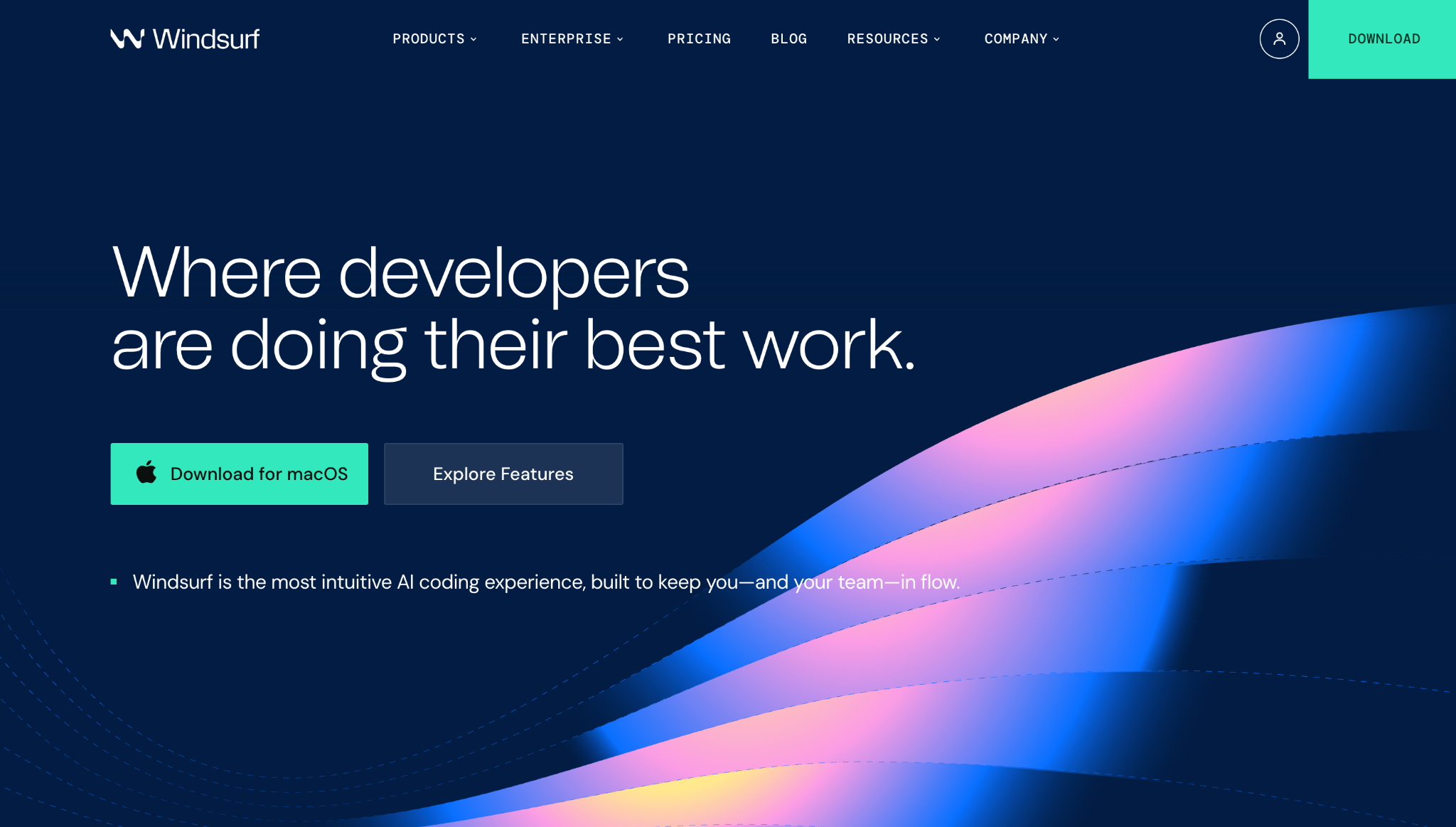
- Best for: Developers who want an AI-powered code editor with deep codebase understanding and flexible model access.
- Pricing: Free tier with a light quota to prompt with AI agents. To unlock more agent-usage quotas and access multiple AI models, the Pro plan starts at $20/month. Extra quota usage will be charged at the API prices.
Windsurf is an AI-powered code editor that competes directly with Cursor. It’s a VS Code fork with an integrated AI agent (Cascade) that understands your entire codebase, plans multi-step changes, and executes them across files.
Bolt.new is for building apps from scratch via prompts. Windsurf is for developers who want AI assistance while writing and editing existing code. It supports multiple frontier models, such as Claude, GPT, Gemini, and its own proprietary models, SWE-1 and SWE-1.5, both optimized for coding tasks.
A standout feature is Arena Mode, where you send a prompt and two AI models work on it simultaneously so you can vote on which response is better. It’s a practical way to discover which models work best for your specific codebase.
Windsurf also offers stronger enterprise security than most alternatives, with SOC 2, HIPAA, and FedRAMP compliance, making it a realistic option for regulated industries.
Windsurf pros
- Cascade agent provides deep codebase understanding with context that persists across sessions.
- Access to multiple AI models, including Claude, GPT, Gemini, plus proprietary SWE-1/1.5, from a single editor.
- Arena Mode lets you empirically compare model outputs for your specific codebase.
- Strong enterprise security credentials, including SOC 2, HIPAA, and FedRAMP compliance.
Windsurf cons
- Turbulent ownership history: an OpenAI acquisition collapsed when Microsoft’s IP rights made the deal untenable, after which Google licensed the technology and took the founding team, while Cognition AI acquired the product and remaining staff. Some developers find this concerning for long-term stability.
- A quota-based system can be confusing when switching between models with different consumption rates.
- Primarily a code editor, not an app builder. A level of coding knowledge is required to get the most value from it.
10. Cursor
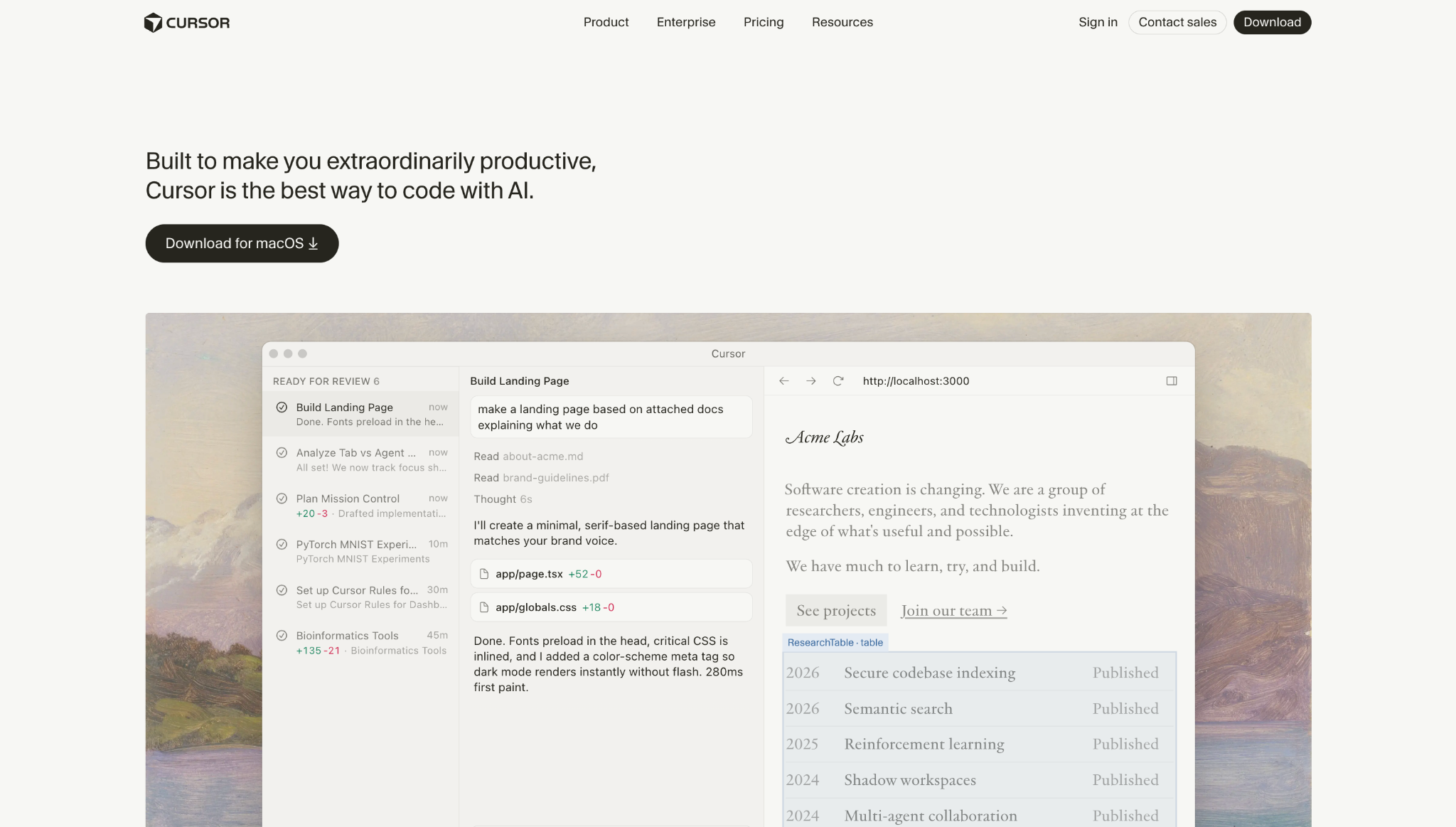
- Best for: Developers who want the most popular AI-native code editor with powerful agent capabilities.
- Pricing: Free Hobby plan with limited agent requests and tab completions. Premium plans start at $20/month to unlock more agent requests and frontier AI models.
Cursor is another VS Code fork with deep AI integration across features such as autocomplete, multi-file editing, a chat interface, and an Agent mode that can plan and execute complex coding tasks across your entire codebase.
Where Bolt.new handles the full lifecycle from prompt to deployment, Cursor assumes you’re a developer who wants to accelerate an existing workflow rather than generate one from scratch. It’s not going to build you an app from a single sentence – instead, it’s going to make your usual development process faster.
It also offers Background Agents that run on Cursor’s servers even when your laptop is closed (accessible via Slack, Linear, or GitHub), plus a Plugin Marketplace with integrations for Figma, Linear, Stripe, and AWS. These features push Cursor closer to becoming a full development platform rather than just a code editor.
Pricing scales steeply. Pro at $20/month is the realistic starting point for daily use, but power users often consider Pro+ ($60/month) or Ultra ($200/month) for a larger monthly credit pool and fewer usage interruptions.
Cursor pros
- Highly popular AI-native code editor with a large, active community and extensive ecosystem.
- Powerful Agent mode for autonomous multi-file editing and complex coding tasks.
- Background Agents can run while you’re away and are accessible through Slack, Linear, or GitHub.
- Plugin Marketplace with Figma, Linear, Stripe, and AWS integrations.
Cursor cons
- The credit-based system replaced the old fixed-request model, making costs less predictable for heavy users.
- Best models in the MAX pricing tier cost additional per-request fees on top of your plan.
Factors to consider when choosing a Bolt.new alternative
When evaluating a Bolt.new alternative, consider how you actually build and what matters most to your workflow. Here are some of the key factors:
- Your technical level. This is the biggest deciding factor. Some tools require zero coding knowledge, so you simply describe what you want, and the AI builds it. Others sit in the middle, asking you to learn a visual programming interface. And some are designed primarily for developers to vibe code. Match the tool to your actual comfort level, not what looks most impressive.
- AI capabilities. Bolt.new’s main draw is AI-powered full-stack generation. If that’s what you use it for, look closely at how each alternative handles AI – whether it generates entire apps from a prompt, assists while you write code manually, or adds a planning step before any code is produced. These are meaningfully different workflows.
- Code ownership and export. Can you actually take your code and leave? Some platforms export clean, framework-specific code to GitHub. Others only let you export the frontend, keeping your backend locked to their infrastructure. If long-term portability matters, check what each platform actually lets you take with you before committing.
- Backend and database support. This matters most if you’re building something interactive that stores data. Platforms vary significantly here. Some bundle auth, storage, and email into the builder itself, others connect to external services like Supabase, and some give you granular control over database design. Know what your app needs before making a choice.
- Pricing predictability. Token and credit-based systems can produce unexpected bills if you iterate heavily or use expensive AI models. Some platforms charge a flat rate per message, regardless of complexity, making budgeting easier. Others bill based on the amount of computing effort, which can vary widely. Factor in not just the monthly subscription but how costs scale with actual usage.
- Collaboration features. If you work with a team, look at how each platform handles sharing, access controls, and billing. Plans vary widely. Some charge per seat, others offer pooled credits at a flat team price, and others add real collaboration features only at higher tiers.
How can I build software with vibe coding tools?
Vibe coding tools generally fall into two camps. The more beginner-friendly ones let you build and refine apps entirely through prompting – you describe what you want, and the AI handles the rest. Others preserve a full coding environment but layer in an AI agent that writes and edits code alongside you, so you’re not starting from scratch.
The first type suits MVPs and customer-facing apps where you want something functional fast – the second lets you build anything you could with a traditional local setup, just significantly faster.
Either way, the range of what you can create is broad: SaaS products, internal business tools, customer portals, booking systems, dashboards, and ecommerce stores are all within reach – and the scope keeps expanding as the tools and underlying AI models improve.
If you’re curious about where software development is headed, check out the latest software development trends shaping how people build in 2026. And if you’re looking for project inspiration, we’ve put together a list of software startup ideas that work well as first projects for vibe coding tools.
The best place to start is the tool that matches your skill level – the comparison above should make that clear. Most offer a free tier, so try building a real project to get hands-on experience with the tool. The comparison above narrows the field; a real project closes it.

Larassatti Dharma is a content writer with 4+ years of experience in the web hosting industry. She has populated the internet with over 100 YouTube scripts and articles around web hosting, digital marketing, and email marketing. When she's not writing, Laras enjoys solo traveling around the globe or trying new recipes in her kitchen. Follow her on LinkedIn

Dainius Kavoliunas is the Head of Product for Hostinger Horizons, with a passion for building innovative solutions. As an expert in product management, he combines deep expertise in UX, experimentation, and data analysis with a technical background to lead product strategy and build strong teams. He is particularly excited about the practical applications of AI and its potential to transform how we work and live. Follow him on LinkedIn.