Top 15 Lovable alternatives: Key features and pricing
May 20, 2026
/
Simon L.
/
16 min Read
The best Lovable alternatives include Hostinger Horizons for all-in-one no-code building with an integrated backend, Replit for AI-powered coding with built-in deployment, and Bolt.new for developer-friendly prompt-to-app generation.
Bubble is also great for complex visual app building while Base44 is ideal for bundled infrastructure without external services.
Lovable is a capable AI app builder that generates full-stack applications from natural-language prompts. It works well for quick development and polished frontends, but depending on what you’re building, your technical level, and how you want to scale, other platforms may be a stronger fit.
Some Lovable competitors bundle hosting, domains, and backend infrastructure into a single package so you don’t need to stitch services together yourself. Others lean more toward developer-centric workflows with deeper code control, container support, or hosting.
A few focus on visual no-code building with drag-and-drop editors and plugin ecosystems that Lovable’s prompt-based approach can’t replicate.
Here are 15 standout alternatives to Lovable, with their core features and pricing:
Platform | Pricing | Key features |
Hostinger Horizons | Free tier available; paid plans start at ₦15900.00/month | AI-assisted web app development, integrated backend with authentication and storage, one-click publishing, built-in ecommerce support |
Replit | Free tier available; Core starts at $20/month | Cloud-based development, AI Agent for autonomous coding, built-in hosting and databases |
Bolt.new | Free tier available; Pro starts at $25/month | AI generation for full-stack apps, in-browser development, token-based model, Figma import support |
Bubble | Free tier available; Starter starts at $29/month | Visual drag-and-drop builder, built-in database and workflows, 1,000+ plugins, no code export |
Base44 | Free tier available; paid plans start at $16/month | Built-in database, authentication, and hosting, GitHub integration, code export on paid plans |
GitHub Codespaces | Free tier available; Pro is pay-as-you-go ($0.18/hour) | Cloud-hosted VS Code environment, seamless GitHub integration, scalable compute |
Netlify | Free tier available; Pro costs $20/month | Serverless functions, continuous deployment, global network, deploy previews, built-in form handling |
Heroku | Starts at $5/month | Simple app publishing, add-on ecosystem, AI inference, now in sustaining mode |
Vercel | Free tier available; Pro starts at $20/month | Front-end focused deployment, serverless functions, quick previews |
Fly.io | Usage-based pricing | Edge hosting for Docker apps, global scaling, built-in Postgres |
Firebase | Free tier available; pay-as-you-go | Real-time database, hosting, analytics, Google Cloud integration |
Railway | Starts at $5/month + resource usage | Visual project canvas, auto-deploy from Git, managed PostgreSQL, hard spending limits |
DigitalOcean App Platform | Free tier available; Pro starts at $5/month | Simple container-based hosting, managed databases, easy scaling |
Render | Free tier available; Pro starts at $19/month | Automatic deployment from Git, Blueprint infrastructure-as-code, free SSL, built-in delivery network |
Cursor | Free plan available; Pro starts at $20/month | AI-powered code editor, full codebase context, multi-file editing, VS Code-compatible |
1. Hostinger Horizons
- Best for: Small businesses, entrepreneurs, and beginners who want to go from idea to live web app without writing code.
- Pricing: Free tier available. Paid plans start at ₦15900.00/month.
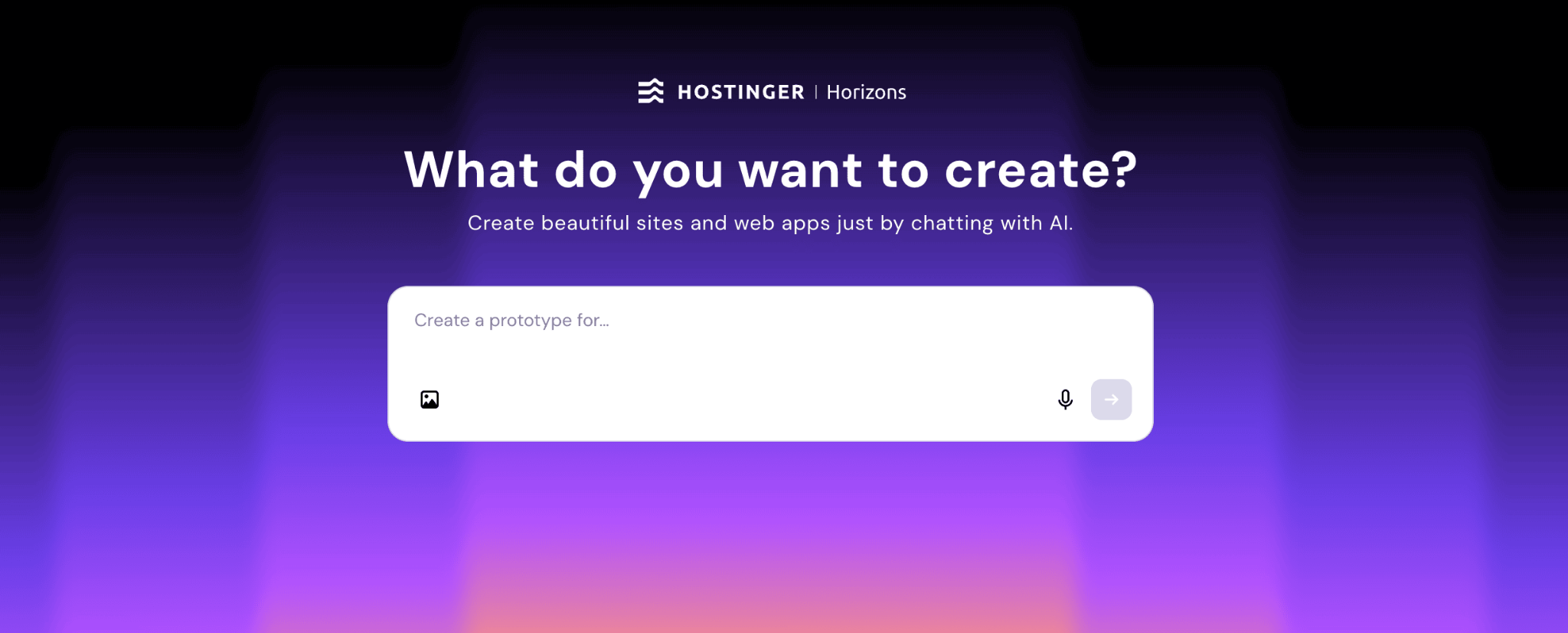
Hostinger Horizons is an AI builder that bundles hosting, domain registration, and AI-assisted web app development.
The workflow is simple: type a natural-language description of your web app idea into the AI prompt to generate an initial prototype, then refine features through an interactive chat. Once you’re happy with it, publish with one click.
It’s a great starting point if you want to build a full SaaS product or simply learn how to make a web app without getting buried in technical setup.
What sets Horizons apart from Lovable is its integrated backend. Where Lovable relies on Supabase for things like user accounts and data storage (requiring you to create a separate account and manage the connection), Horizons handles all of that directly within the platform.
You just describe what you need (“I want users to log in” or “save form responses”) and it sets up authentication (email/password, one-time passwords, single sign-on features), automated emails (up to 500/day), and a separate test environment so you can experiment without affecting your live app.
The practical upside is that you can build a complete, working application without leaving Horizons or managing a single external service. That’s a meaningful difference if you’re non-technical or just want to move fast without juggling multiple tools and accounts.
Hostinger Horizons pros
- Create fully functional web apps without writing code.
- Integrated backend handles authentication, storage, and email automatically.
- Hosting, domain management, and deployment all in one place.
- Fast prototyping and iteration with real-time AI suggestions.
- One of the most favorable pricing points in the AI app builder market.
Hostinger Horizons cons
- May not suit development teams that need granular code-level control.
- Fewer third-party integrations compared to more mature platforms.
2. Replit
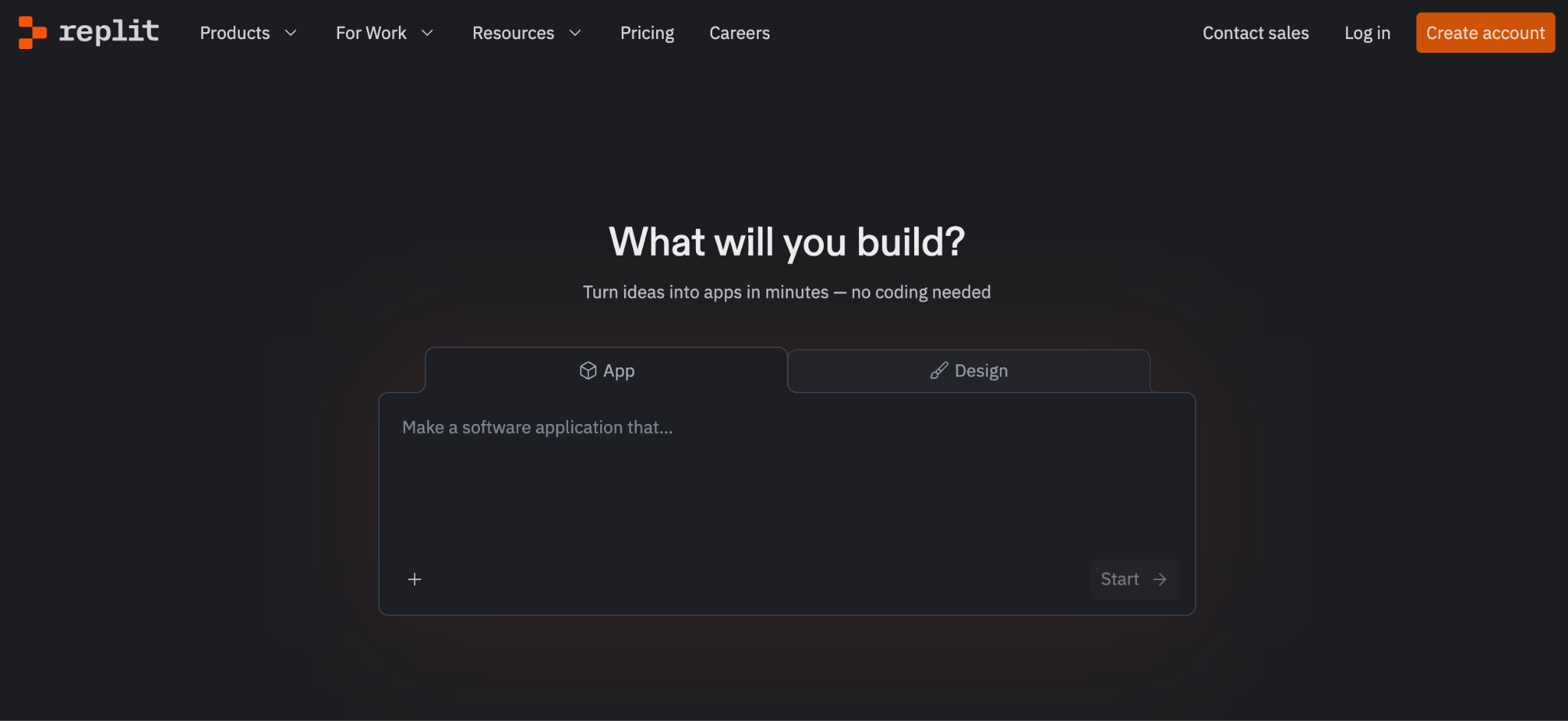
- Best for: Solo developers, non-technical builders, and small teams who want a complete development environment with AI-powered app generation and instant deployment.
- Pricing: Free Starter plan available. Core starts at $20/month. Pro is $100/month for up to 15 builders.
Replit is a browser-based development platform where you can write, run, and deploy full-stack apps without installing anything locally. Its AI Agent can autonomously build, debug, and test applications from natural-language descriptions, making it accessible to both experienced developers and complete beginners.
When comparing Replit vs Lovable, the key difference is that Replit gives you a full coding environment with built-in databases (including PostgreSQL), direct deployment, and support for over 50 languages. Lovable takes a different approach, generating polished React apps from prompts and relying on Supabase for the backend.
It also supports mobile app publishing directly to the App Store and Google Play, which Lovable doesn’t offer.
Replit pros
- Zero-setup development environment that works entirely in your browser.
- AI Agent handles complex tasks autonomously, from building to debugging.
- Built-in hosting and databases remove the need for external services.
- The Pro plan at $100/month covers up to 15 builders, which is great value for small teams.
Replit cons
- Credit costs can be unpredictable, especially with heavy Agent use or complex builds. If that’s a dealbreaker, some Replit alternatives offer flatter pricing models
- The AI Agent sometimes gets stuck in loops, requiring manual intervention.
- More complex than pure no-code tools, so there’s a steeper learning curve for non-technical users.
3. Bolt.new
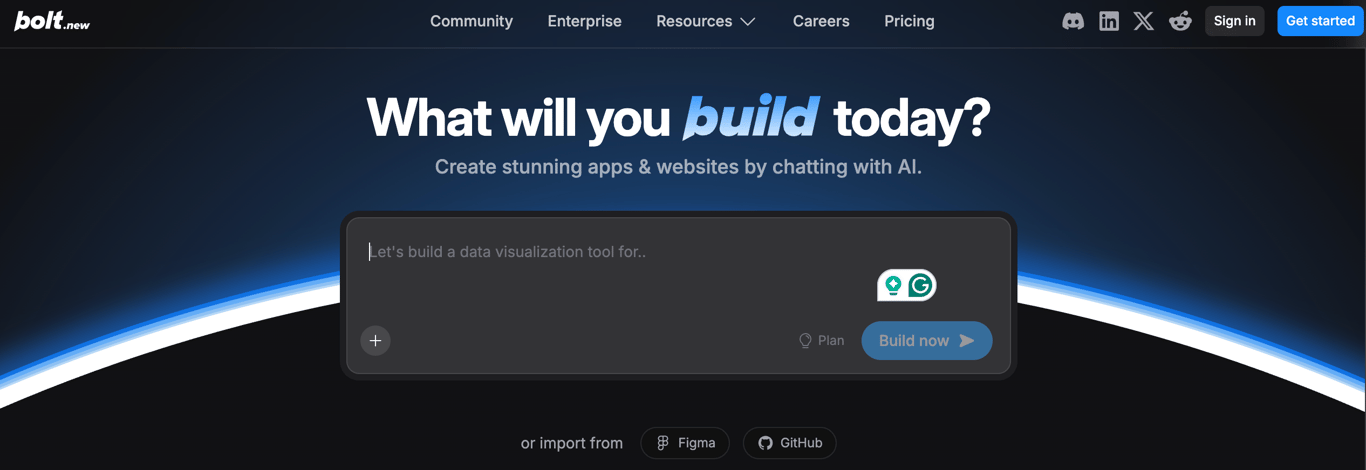
- Best for: Developers and technical founders who want to build full-stack apps quickly using natural-language prompts and are comfortable refining generated code.
- Pricing: Token-based model. Free tier available. Pro starts at $25/month, with higher tiers up to $200/month for heavier usage.
Bolt.new is a strong alternative to Lovable when you want more control over the code behind your project. It generates full-stack apps using modern frameworks and immediately lets you work inside a browser-based development environment.
This makes it a better fit for developers or technical founders who want to adjust architecture, add custom logic, or extend their app beyond what a no-code interface allows.
Compared to Lovable’s prompt-driven workflow, Bolt.new gives you deeper access to the generated code and supports features like Figma imports, multi-file editing, and direct Supabase and Firebase integration.
Its token-based pricing (rather than credit-based) can be more predictable for some workflows, though heavy debugging sessions can drain tokens quickly.
It’s especially useful when you’re building a SaaS product or a complex web app that needs flexibility. That said, Bolt.new sits in a crowded space, and several Bolt.new alternatives take a different approach depending on how hands-on you want to be with the code.
Bolt.new pros
- Go from idea to a working prototype very quickly.
- Clean, exportable code that you can continue working on in your own environment.
- Token rollover on paid plans gives flexibility across billing cycles.
- Figma import and Netlify deployment built in.
Bolt.new cons
- Token usage can escalate rapidly, especially when debugging or refining code.
- Not ideal for highly complex apps with intricate domain logic or enterprise-scale requirements.
- Free tier requires public projects and has strict token limits.
Suggested reading 📚
Check out our other tutorial for a detailed head-to-head comparison of Lovable and Bolt.
4. Bubble
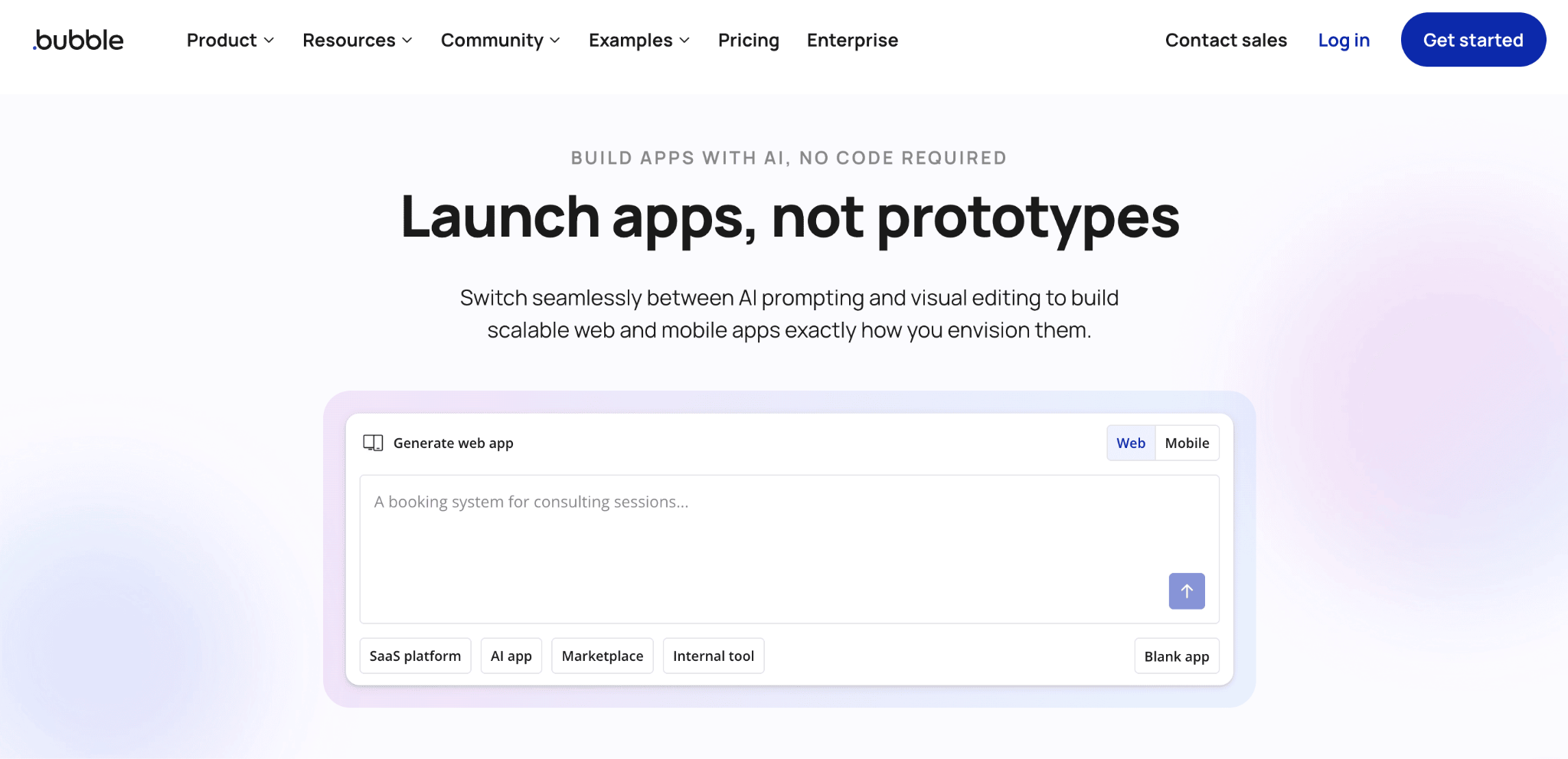
- Best for: Non-technical founders building complex web apps like marketplaces, SaaS platforms, or CRMs who are willing to invest time learning the platform.
- Pricing: Free plan available for learning and testing. Starter at $29/month, Growth at $119/month, Team at $349/month. Enterprise pricing is custom.
Bubble is one of the original no-code platforms and takes a very different approach from Lovable. Instead of generating code from prompts, Bubble gives you a visual drag-and-drop editor where you design your interface and build logic through point-and-click workflows.
Everything happens in a single environment, including database management, user authentication, and API connections.
Where Lovable generates real React and TypeScript code you can export and deploy anywhere, Bubble keeps everything within its own ecosystem. You can’t export the code, which means migrating away requires rebuilding from scratch.
But in return, Bubble offers a depth of functionality that prompt-based builders can’t match yet, especially for complex, multi-user applications with sophisticated permissions and data structures.
Bubble also has one of the largest ecosystems in the no-code space, with over 1,000 plugins for adding features like Stripe payments, SendGrid emails, and Google Maps integration.
Bubble pros
- Extremely powerful for complex web apps, marketplaces, and data-heavy platforms.
- Massive plugin ecosystem and an active community with plenty of tutorials.
- Built-in database, workflows, and hosting means you don’t need external services.
- Mobile app building for iOS and Android.
Bubble cons
- Steep learning curve, often cited as taking months to master.
- No code export means full platform lock-in. If portability matters to you, several Bubble alternatives let you export and own your code.
- Workload Unit pricing can lead to unpredictable costs as your app scales.
- AI features are still supplementary rather than core to the building experience, unlike Lovable’s AI-first approach.
5. Base44
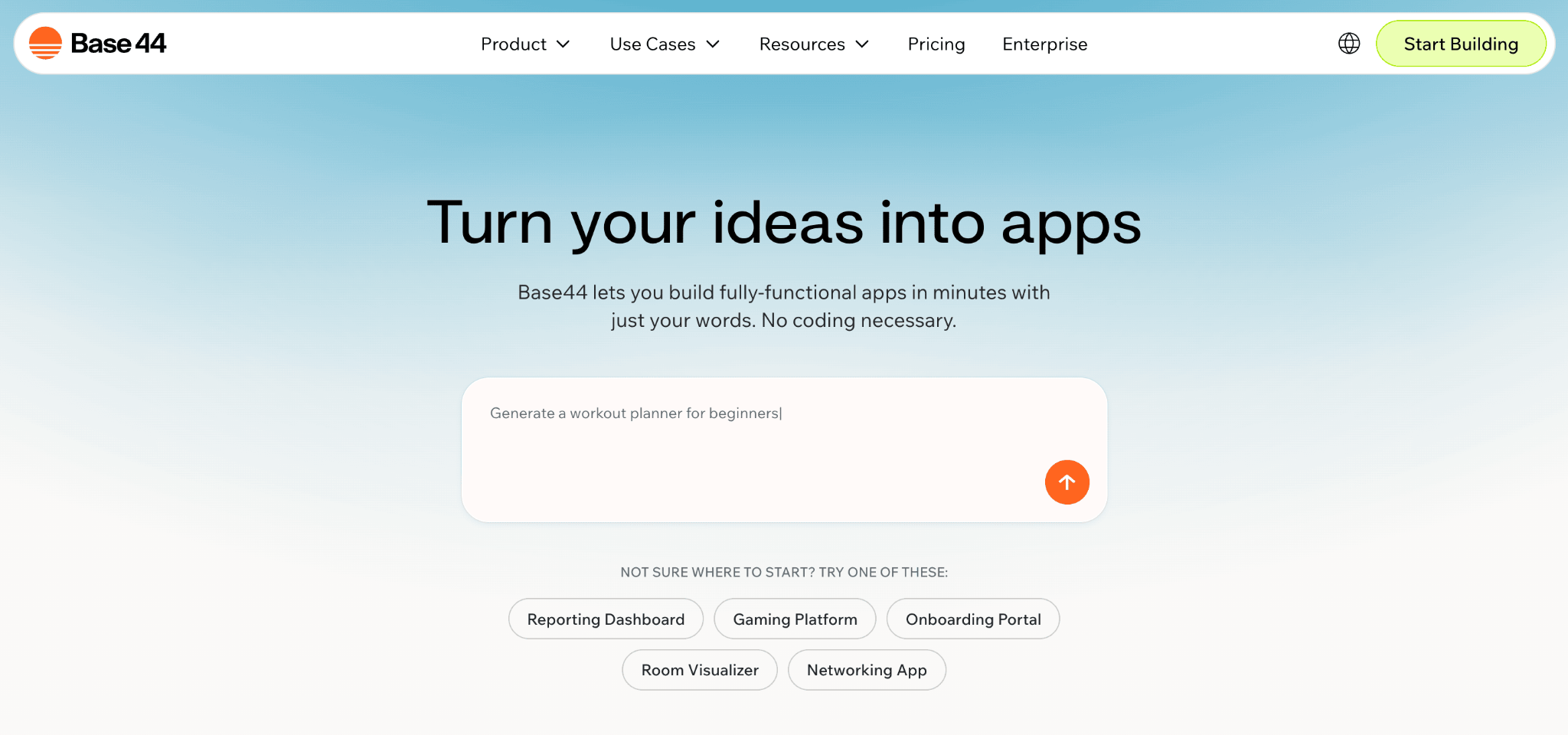
- Best for: Founders and non-technical builders who want an all-in-one AI app builder with built-in backend, database, and hosting.
- Pricing: Free tier available. Paid plans start at $16/month (Starter), up to $160/month (Elite).
Base44 focuses on generating full apps from natural-language prompts, similar to Lovable, but it bundles more infrastructure in one place. When comparing Base44 and Lovable, the trade-off between going live quickly with an all-in-one setup and having more control over the code and backend structure.
While Lovable relies on Supabase for backend services and gives you exportable code, Base44 keeps the database, authentication, hosting, and integrations all within its own platform.
This makes it easier to move from idea to functional product without connecting separate services yourself.
The platform uses a dual-credit system: message credits for building and editing your app, and integration credits for user-facing actions like LLM calls, file uploads, and email sends.
Higher tiers unlock features like custom domains, GitHub integration, and backend functions for writing custom server-side logic.
For teams that need built-in tools like payments, storage, email/SMS, and analytics, Base44 covers a lot of ground without requiring external setup.
Base44 pros
- Very fast to move from idea to live app, ideal for MVPs or internal tools.
- No need to stitch together separate hosting and backend services.
- Real-time collaboration works well with small teams.
- Version control has saved users from production-breaking changes.
Base44 cons
- Credits don’t roll over, and you can’t top up separately, so outgrowing a plan means upgrading entirely.
- Code export is frontend only; backend and database stay on Base44. If full code ownership is important, some Base44 alternatives give you complete export control
- Custom domains are locked behind the Builder plan and above.
- Support response times can be slow based on user reports.
6. v0

Best for: Developers and designers who want to quickly generate high-quality UI components and integrate them into existing projects.
Pricing: Credit-based model. Free tier available. Paid plans scale with usage.
v0 is a strong alternative to Lovable when your focus is UI generation rather than full app creation. It turns prompts into clean, production-ready React components, typically using modern stacks like Next.js, Tailwind, and shadcn/ui.
Instead of generating a complete app with backend and deployment, v0 stays focused on the frontend layer. This gives you more control over how components fit into your existing architecture, but also means you handle backend logic, data, and infrastructure yourself.
Compared to Lovable’s all-in-one approach, v0 fits better into established workflows. You can generate components, refine them through prompts, and drop them directly into your codebase without being tied to a specific platform or backend setup.
It’s especially useful when you’re building dashboards, landing pages, or internal tools and want to move faster without sacrificing code quality. For full product builds, though, it requires more manual setup than tools like Lovable.
v0 pros
- Generates clean, production-ready UI components
- Fits easily into existing React/Next.js projects
- Strong design quality out of the box
- More control over architecture and integration
v0 cons
- No built-in backend or deployment
- Requires manual setup for full-stack apps
- Credit usage can add up with heavy iteration
- Less suited for non-technical users
7. Netlify
- Best for: Front-end developers and static site enthusiasts seeking automated, global deployment.
- Pricing: Free plan available. Pro costs $20/month.
Netlify simplifies launching, updating, and managing websites and modern web applications. After connecting your project’s code, any changes you push automatically trigger a rebuild and redeployment.
While Lovable handles the entire build-and-deploy cycle through prompts, Netlify is a deployment platform that works with code you’ve already written or generated elsewhere.
Many developers use Lovable or Bolt.new to generate apps and then deploy them through Netlify, so it’s worth thinking of it as a complementary tool.
Netlify distributes your content across a global network for fast performance, and includes serverless functions for handling backend logic like form submissions or simple APIs.
It also offers built-in form handling (no server-side code needed), split testing for A/B experiments, and deploy previews that create a unique URL so your team can review changes before they go live.
Netlify pros
- Automatically updates your site whenever you push changes.
- Built-in form handling, split testing, and deploy previews save you from adding third-party tools.
- Global content delivery network with functions for faster performance.
- Generous free tier that covers most small projects without hitting limits.
Netlify cons
- Primarily focused on front-end frameworks; complex server-side logic needs external services.
- You need to bring your own code or pair it with a builder like Lovable or Hostinger Horizons.
- Bandwidth limits on the free tier can catch you off guard if a page goes viral.
8. Heroku
- Best for: Rapid app deployments with minimal DevOps overhead.
- Pricing: Starts at $5/month.
Heroku has been a go-to option for developers who want to skip infrastructure hassles and focus on writing code. It packages your app into dynos and automates deployment and scaling, letting you adjust capacity with simple commands.
One important thing to know: Salesforce moved Heroku into a “sustaining engineering” model. That means the platform is still fully functional and supported, but it’s no longer getting new features.
Existing apps keep running, pricing stays the same, and you can still sign up as a new pay-as-you-go customer. But enterprise contracts are no longer offered to new customers, and active development has shifted elsewhere.
Heroku doesn’t generate apps the way Lovable does. Its value is in what happens after you’ve built something: you push your code, Heroku packages it, and your app is live. Its add-on marketplace for databases, caching, monitoring, and AI functionality lets you assemble a full production stack without configuring servers manually.
Heroku pros
- Battle-tested platform with years of stability and a mature ecosystem.
- Extensive add-on marketplace and recently added AI inference capabilities.
- Clear pricing structure that scales with traffic.
- Enormous documentation and community resources.
Heroku cons
- Now in sustaining mode with no new features planned, which raises long-term questions.
- Enterprise contracts no longer available to new customers.
- Running heavy workloads can get expensive compared to newer alternatives like Railway or Render.
9. Vercel
- Best for: Teams building modern front-end applications with frameworks like Next.js
- Pricing: Free plan available. Pro starts at $20/month.
Vercel is a deployment platform designed for front-end projects, especially those built with Next.js. Whenever you push code changes, Vercel automatically builds and launches your application.
Since Lovable exports React code, Vercel is actually one of the best places to host what you build with it. Vercel’s infrastructure is optimized specifically for React frameworks, so the pairing is natural if you want to generate an app in Lovable and then deploy it somewhere with top-tier frontend performance.
One standout feature is preview deployments, which create a unique link for every update so you can test and share changes in real time.
Vercel’s v0 tool can generate UI components from text descriptions, giving it some overlap with Lovable’s AI generation approach. But Vercel’s JavaScript-first focus means it’s not for everyone, and several Vercel alternatives offer broader language support or stronger backend capabilities.
Vercel pros
- Tight integration with Next.js and other JS/TS frameworks.
- Effortless collaboration via preview deployments.
- v0 AI tool for generating React components from prompts.
- Edge functions and middleware for performance optimization.
Vercel cons
- Tailored primarily for JavaScript-centric teams.
- May not suit large-scale or complex backend infrastructure.
- Costs can escalate quickly on the Pro plan if you hit bandwidth or function execution limits.
10. Fly.io
- Best for: Developers who want edge hosting and containers with global scaling.
- Pricing: Usage-based. Pick and choose what you need, and pay only for that.
Fly.io runs Dockerized applications across a network of locations worldwide, bringing them physically closer to end users for reduced latency.
If your app needs to respond fast across multiple continents, Fly.io is where you want to look. Package your app in a Docker container, provide a Dockerfile or use buildpacks, and Fly.io handles secrets management, scaling, and load balancing.
It’s a popular choice for real-time APIs, multiplayer game backends, or regional SaaS products where every millisecond of latency matters.
The platform also includes built-in databases, persistent storage, and secure connections between your services. One useful feature is the ability to automatically scale your app down to zero when nobody’s using it (so you’re not paying for idle time) and spin it back up instantly when traffic returns.
Fly.io pros
- Great for apps that need fast response times across multiple regions.
- Supports automatic scaling up or down based on real-time traffic.
- Built-in databases, storage, and secure service connections in one platform.
- Transparent, usage-based billing with no minimum commitment.
Fly.io cons
- Requires familiarity with Docker or container workflows.
- Smaller community compared to major cloud providers.
- Debugging distributed edge deployments can be trickier than centralized hosting.
11. Firebase
- Best for: Real-time apps, startups seeking rapid prototypes, and teams requiring a managed backend.
- Pricing: Free plan available. Pay-as-you-go for higher usage.
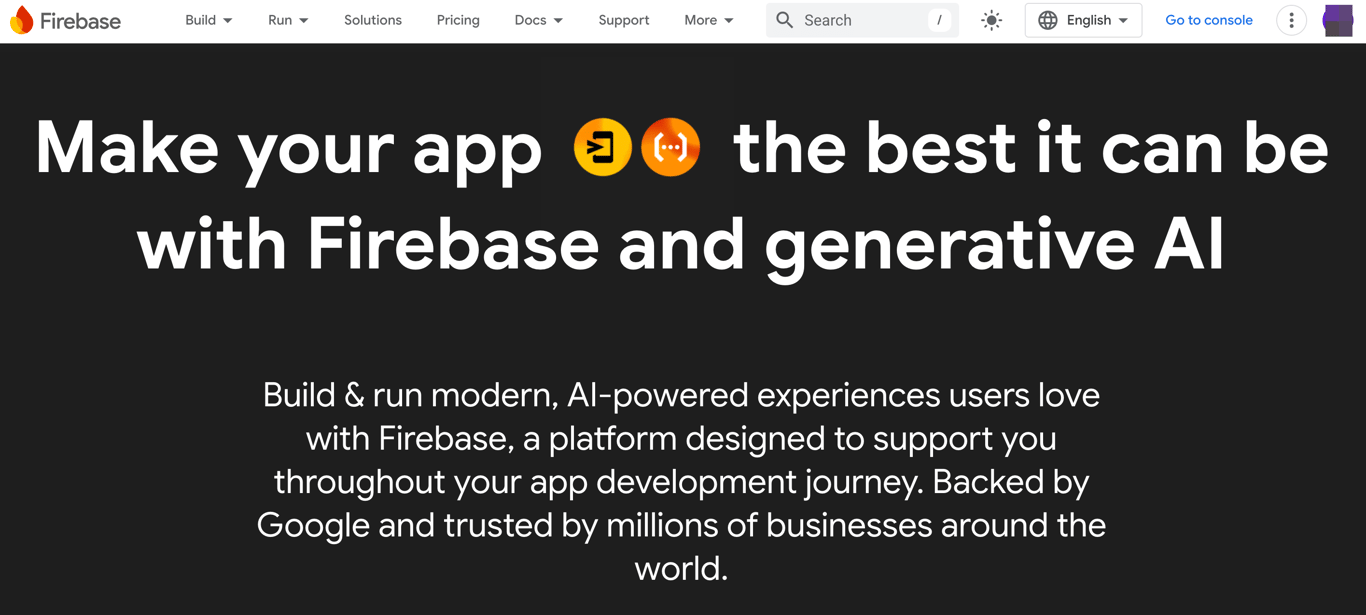
Firebase, part of Google Cloud, is a suite of tools that includes Firestore (a NoSQL database), serverless hosting, analytics, and authentication.
It’s particularly well-suited for building applications that need instant data synchronization, like chat apps, live dashboards, or collaborative tools.
While Lovable generates your app’s frontend and connects to Supabase for backend needs, Firebase provides a more mature and feature-rich backend ecosystem.
Cloud Functions let you run backend logic that scales automatically, Firebase Extensions add pre-built solutions for common tasks like image resizing or translation, and Genkit (Google’s open-source AI framework) makes it straightforward to add generative AI features to your app.
Integration with Google Analytics and Crashlytics provides detailed insights into user engagement and app performance.
Firebase pros
- Handles authentication, file storage, and real-time data out of the box with minimal configuration.
- Cloud Functions and Extensions reduce the amount of backend code you need to write.
- Generous free tier covers most prototyping and small-scale production needs.
- Push notifications, remote config, and A/B testing tools are built in.
Firebase cons
- NoSQL data model can be harder to work with for complex relational data compared to Supabase’s PostgreSQL.
- Lock-in to Google’s ecosystem, and migrating away means rebuilding your backend. If that’s a concern, several Firebase alternatives offer more flexibility.
- Pay-as-you-go pricing can spike unexpectedly if your app’s read/write patterns aren’t optimized.
12. Railway
- Best for: Easy container hosting with minimal setup.
- Pricing: Starts at $5/month with extra for resource usage.
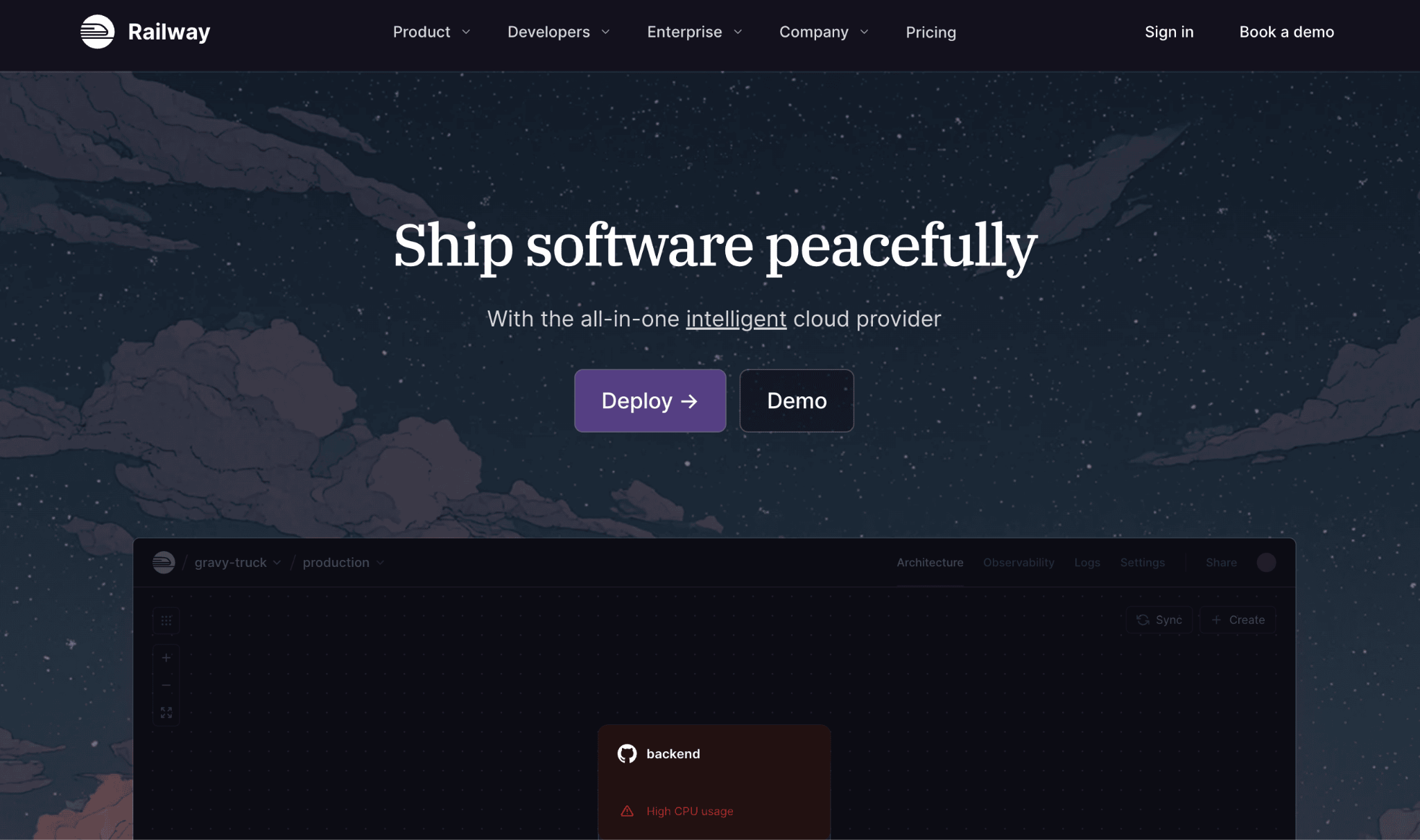
Railway aims to match Heroku’s simplicity while adding container support and a more modern developer experience. It automatically builds and deploys apps from Git, and you can spin up managed PostgreSQL databases in just a few clicks.
It’s a strong choice for developers who’ve generated an app with Lovable, Bolt.new, or similar tools and need reliable infrastructure to run it.
One standout feature is the visual project canvas, which lets you see all your services, databases, and connections at a glance, making complex architectures easy to understand without reading config files.
Railway also offers hard spending limits (a rarity among cloud providers), so you won’t wake up to a surprise bill.
Railway pros
- Visual canvas makes multi-service architectures easy to understand and manage.
- Hard spending limits give you real cost control.
- Railway Metal brings significantly lower data transfer and storage pricing.
- One-click templates for popular stacks like PostgreSQL, Redis, and self-hosted tools.
Railway cons
- No built-in background worker support; you need to spin up a second service manually.
- Fewer add-ons and integrations than Heroku’s mature marketplace.
- Persistent volume support is relatively new and still maturing.
13. DigitalOcean App Platform
- Best for: Developers who want simple container-based deployment without the complexity of AWS.
- Pricing: Free plan available. Pro starts at $5/month.
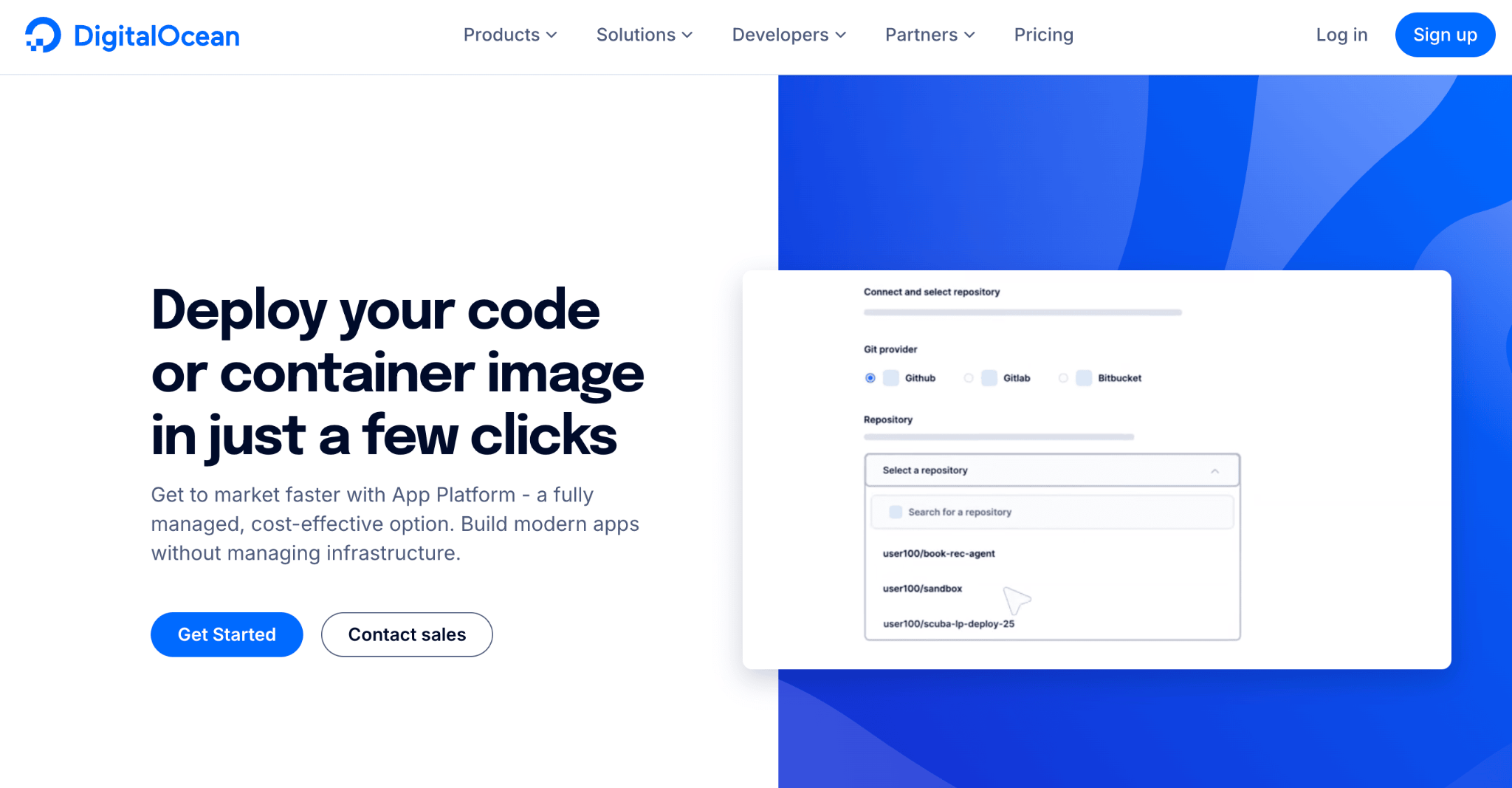
DigitalOcean App Platform lets you launch web applications without configuring and managing servers. Connect your code from GitHub or GitLab, and the platform handles security certificate installation and resource scaling if your traffic spikes.
Where it stands out among hosting options is predictability: pricing is straightforward and resource-based, so you know exactly what you’re paying each month. There are no token systems, no credit pools, and no usage-based surprises.
App Platform also supports managed databases (PostgreSQL, MySQL, Redis), built-in DDoS protection, and automatic vertical scaling. You can deploy static sites for free, and the broader DigitalOcean ecosystem gives you access to Droplets, Kubernetes, and Spaces (object storage) if your project outgrows the managed platform.
DigitalOcean App Platform pros
- User-friendly interface with clear, predictable billing.
- Free tier for static sites and generous starter pricing for dynamic apps.
- Access to the broader DigitalOcean ecosystem (Droplets, Kubernetes, managed databases) as you scale.
- Built-in DDoS protection and automatic SSL.
DigitalOcean App Platform cons
- Fewer deployment regions compared to global platforms like Fly.io or Vercel.
- Limited AI and analytics tooling built into the platform.
- Less automation and fewer templates than Railway for complex multi-service stacks.
14. Render
- Best for: Full-stack deployments with a focus on simplicity and cost-effectiveness
- Pricing: Free plan available. Pro starts at $19/month.
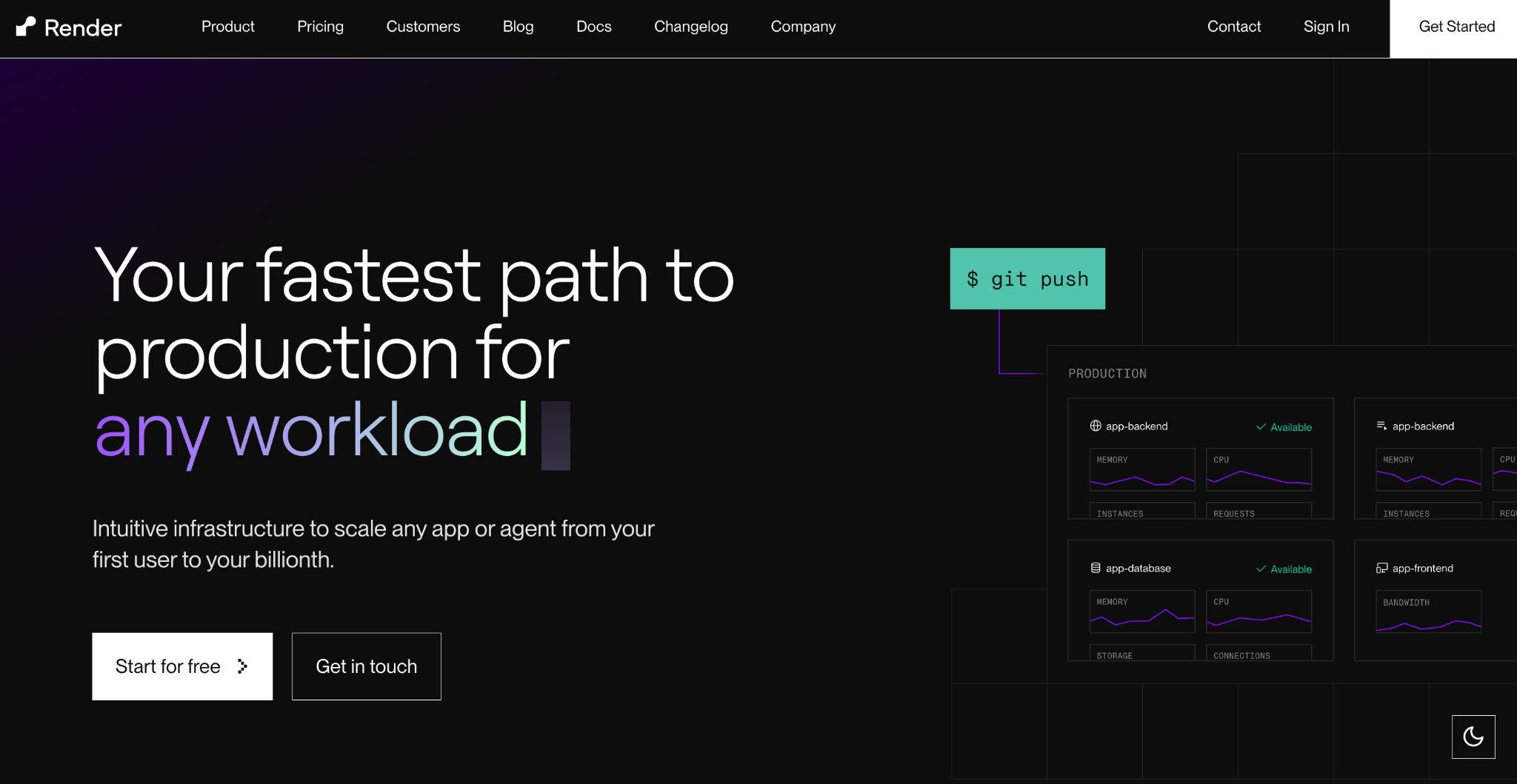
Render helps you launch and manage all parts of your web app (frontend, backend, and databases) under one roof. Link your code from GitHub or GitLab to deploy with minimal setup.
Built-in SSL protects your site automatically, and an integrated CDN improves loading speeds for static content. For data-heavy projects, managed databases let you handle the full stack in a single environment.
What makes Render stand out among deployment platforms is its Blueprint spec, which lets you define your entire infrastructure as code. This means you can spin up identical environments for staging and production in seconds.
Render also supports background workers, cron jobs, and private services natively, which makes it more capable for backend-heavy apps than some of its competitors.
Render pros
- Infrastructure-as-code with Blueprints makes environments reproducible.
- Native support for background workers, cron jobs, and private services.
- Cost-effective free tier with built-in CDN at all pricing levels.
- Developer-friendly with minimal configuration needed.
Render cons
- Fewer global regions than Fly.io or the major cloud providers.
- Free tier web services spin down after inactivity, causing cold start delays.
- Smaller community and fewer support resources compared to older platforms.
15. Cursor
- Best for: Developers who want full control over their codebase with AI-assisted coding, not a no-code interface.
- Pricing: Free Hobby plan available. Pro at $20/month. Pro+ at $60/month. Ultra at $200/month. Teams at $40/user/month.
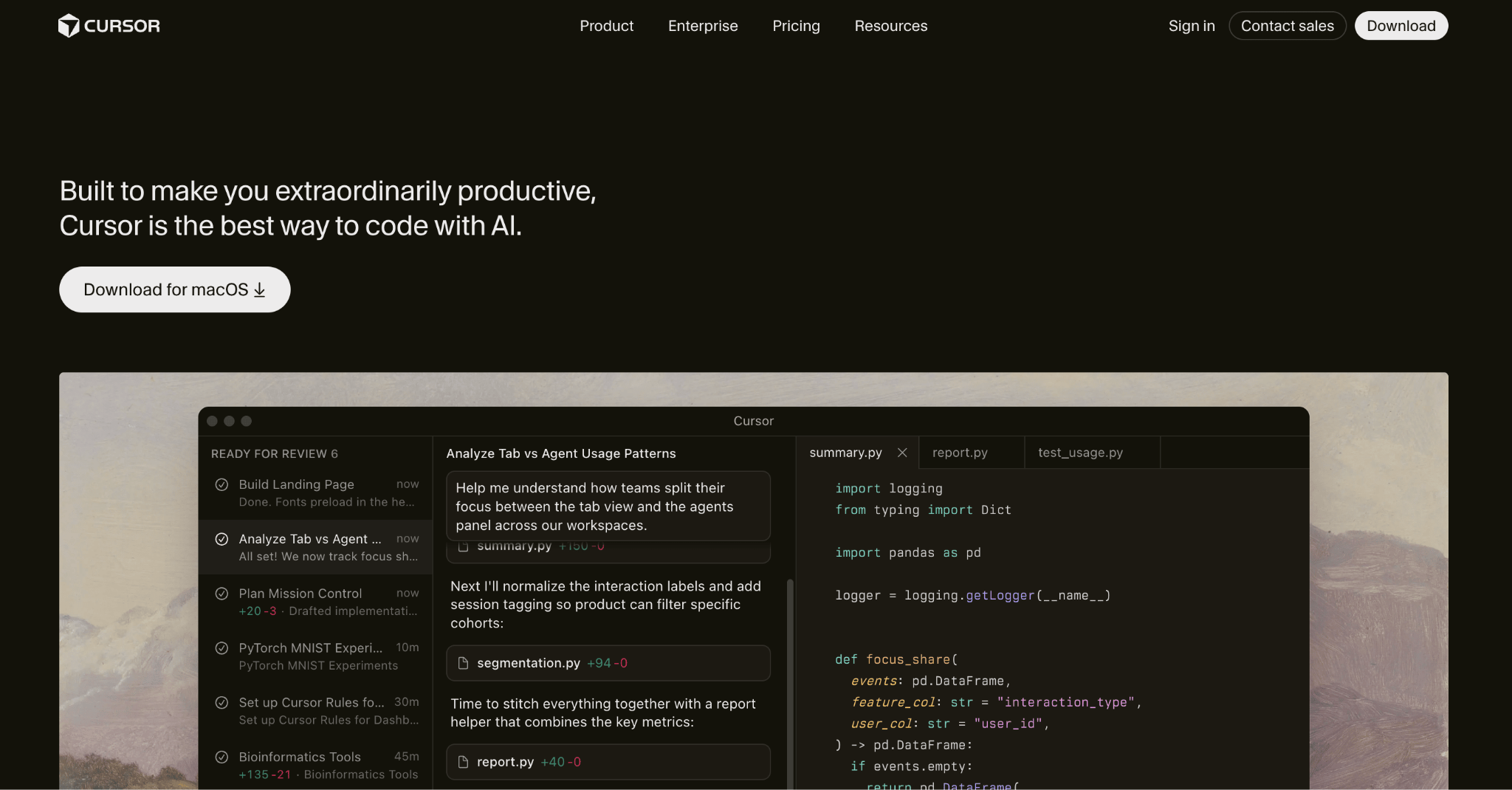
Cursor is a fundamentally different kind of Lovable alternative. Instead of generating apps from prompts, it’s an AI-powered code editor (built on VS Code) where you write, modify, and restructure code with the help of AI.
It understands your entire codebase, suggests edits across multiple files, and responds to natural-language commands.
Where Lovable generates a working app and hides most of the code, Cursor gives you complete visibility and control. Many developers actually use both: they generate an initial app with Lovable, export the code, and then continue refining it in Cursor.
It’s well-suited for SaaS products or web apps that need custom features, advanced integrations, or deeper technical control.
If that setup doesn’t fit your workflow, several Cursor alternatives take a similar AI-assisted approach with different trade-offs, like lower pricing, built-in deployment, or stronger support for non-JavaScript languages.
Cursor pros
- Fast AI-assisted coding, code cleanup, and debugging.
- Full codebase context for more accurate suggestions across your whole project.
- Supports VS Code extensions, themes, and keyboard shortcuts.
- Cloud Agents run tasks in the background while you work on other things.
Cursor cons
- Not suitable for no-code users or teams wanting a visual builder.
- Requires coding knowledge to get real value.
- Credit-based pricing can lead to unexpected costs if you use premium models heavily.
Factors to consider when choosing a Lovable alternative
When choosing a Lovable alternative, focus on what you’re building, your technical comfort level, and how the platform handles pricing, scalability, and code ownership. Here’s what matters most:
Essential features. Are you building a web app or website? Do you need something that stores data or handles heavy traffic? Some platforms handle the full stack (like Hostinger Horizons or Replit), while others are only deployment layers that need you to bring your own code.
Your technical level. If you’re non-technical, AI builders like Horizons, Base44, or Bubble will be the most comfortable starting points. If you code, tools like Cursor, Replit, or Bolt.new give you more flexibility and control.
Costs and billing. Some platforms charge based on resource usage, others use credits or tokens, and some have fixed monthly prices. Keep an eye on how credits get consumed, especially during debugging, because that’s where costs often spike unexpectedly.
Ease of setup. Do you want a platform that takes care of most technical details, or are you comfortable managing infrastructure yourself?
Scalability. If you expect your app to grow, pick a service that can handle increased traffic without major headaches. Switching platforms later can be time-consuming, especially if you’re on a platform with no code export (like Bubble).
Support and community. Look for clear how-to guides, active forums, and prompt customer service. Reliable resources can make a huge difference when you run into issues.
Code ownership and portability. Some platforms let you export your code (Lovable, Bolt.new, Horizons), while others keep your project locked in their ecosystem (Bubble, Base44’s backend). If long-term portability matters to you, factor this in before committing.
What are the best ways to leverage vibe coding tools like Lovable?
The best approach is to match the AI platform to how you work and what you’re building. Here’s a quick way to think about it:
If you’re non-technical and want everything in one place, Hostinger Horizons gives you AI app development, hosting, domains, and a built-in backend starting at ₦15900.00/month. Lovable itself is also strong here, though you’ll need to set up Supabase separately for backend features.
If you code and want AI to speed things up, Replit and Cursor take different approaches. Replit gives you a full development environment where AI can build and deploy autonomously. Cursor is an AI-enhanced code editor that works with your existing projects and codebase. Many developers use Cursor alongside a builder like Lovable: generate the initial app, export the code, then refine it in Cursor.
If you want deep no-code control over complex apps, Bubble lets you build marketplaces, SaaS platforms, and multi-user apps with a visual editor and 1,000+ plugins. The learning curve is steeper, but the ceiling is higher than most other builders.
If you need a place to host what you’ve built, the right pick depends on your priorities. Vercel and Netlify are ideal for frontend-heavy projects. Railway and Render work well for full-stack apps with databases and background services. Fly.io is best when you need global edge performance. DigitalOcean App Platform offers the most predictable billing.
If you need real-time data sync or push notifications, Firebase is the most mature option and pairs well with apps generated by Lovable or Bolt.new.
The simplest way to narrow things down? Test the free tiers. Most of these platforms offer enough to build and deploy a small project, and you’ll learn plenty from 30 minutes of hands-on use.

Simon is a dynamic Content Writer who loves helping people transform their creative ideas into thriving businesses. With extensive marketing experience, he constantly strives to connect the right message with the right audience. In his spare time, Simon enjoys long runs, nurturing his chilli plants, and hiking through forests. Follow him on LinkedIn.