
How to use the tar command for archiving and compressing files in Linux
tar stands for tape archive and is a widely used Linux command-line utility for archiving and compressing files. Developed initially to back up data...

How to use the Linux cat command
The cat command is one of the most useful commands in Linux – it is used for displaying, combining, and manipulating text files.Its versatility...
How to create and remove Linux symlinks for files and directories
A symbolic link, or symlink, is a special file type in Linux that points to another file or directory. Similar to Windows shortcuts, symlinks provide...

How to use the chown command in Linux
The chown command in Linux is used to change the owner and/or group of files and directories. Managing ownership is a fundamental aspect of Linux...

What is the cURL command? understanding the syntax, options, and examples
The curl command (client URL) is a command-line tool for transferring data to or from a server. At its simplest, you specify a URL and the data to...

How to Use the Linux rsync Command to Streamline Remote File Synchronization
Copying files from one device to another can be a cumbersome task. Fortunately, you can simplify this process on Linux using the rsync command.rsync,...
What is the wget command and how to use it (12 examples included)
This guide teaches you how to use the wget command on Linux. It provides 12 examples of wget commands in action to help you use them. Once...
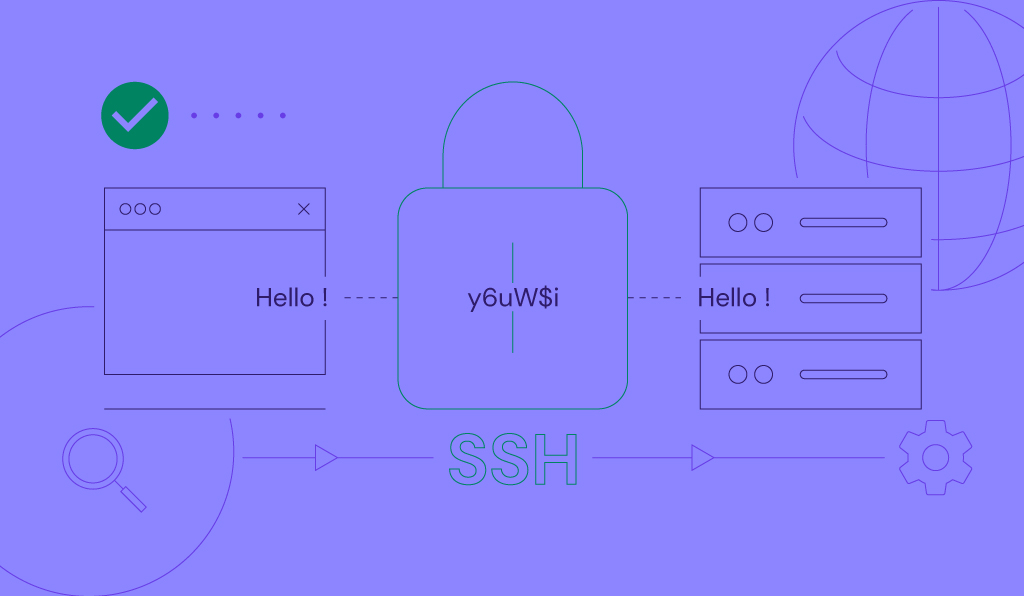
What is SSH? Understanding SSH and its encryption techniques
SSH (secure shell protocol) is an encrypted protocol for accessing and managing remote systems, such as a server, over the Internet. It’s...
How to use the Linux locate command to find any file
If you’re using Linux for the first time, you might be confused about how to search for files and directories on your computer. There are two...