15 best Linktree alternatives compared
May 31, 2026
/
Simon L.
/
12 min Read

Linktree is a popular link-in-bio tool that provides a simple way to share multiple links with your social media followers through a single URL.
However, its limitations, such as restricted design choices, the mandatory Linktree logo on free plans, and the lack of a custom domain, often lead creators and businesses to look for a more powerful solution.
When searching for a replacement, focus on tools that offer greater customization, deeper analytics, and better monetization options. The right platform can transform a simple list of links into a professional website that drives traffic, captures leads, and generates sales. Here is the quick overview of the best Linktree alternatives.
| Platform | Best for | Key features | Pricing |
| Hostinger | Building a full website with a link-in-bio page | Drag-and-drop editor, custom domain, AI tools, built-in ecommerce | Starts at CA$ 2.79/month |
| Shorby | Dynamic micro-sites with rich content | SmartPages, dynamic feeds, team collaboration | Starts at $12/month |
| Pallyy | All-in-one social media management | Scheduling, analytics, bio link, inbox management | Starts at $20/month |
| Tap.Bio | Unique card-based mobile experience | Card-based system, Instagram integration, advanced analytics | Free plan available. Paid plans from $5/month |
| Linkin.bio | Shoppable Instagram feeds | Ecommerce integration, post scheduling, advanced analytics | Starts at $25/month |
| Lnk.Bio | Straightforward, budget-friendly use | Unlimited links, simple interface, music/video embeds | Free plan available. Paid plans from $0.99/month |
| Leadpages | Serious lead generation | Landing pages, pop-ups, alert bars, A/B testing | Starts at $37/month |
| Woorise | Contests and giveaways | Landing pages, forms, quizzes, surveys, payments | Free plan available. Paid plans from $23/month |
| Replug | URL shortening with CTAs | Branded links, retargeting pixels, advanced analytics | Free plan available. Paid plans from $9/month |
| Campsite.bio | Visual creators wanting a clean design | Custom images, link scheduling, email integrations | Free plan available. Pro plan at $7/month |
| Beacons | AI-powered creator monetization | Link in bio, storefront, media kit, email tools, AI assistant | Free plan available. Paid plans from $30/month |
| Carrd | Affordable single-page sites | One-page builder, custom domain, forms, hundreds of templates | Free plan available. Paid plans from $9/year |
| Taplink | Selling and messaging on a bio link | Messenger buttons, payments, booking forms, A/B testing | Free plan available. Paid plans from $3/month |
| Stan Store | All-in-one creator commerce | Digital products, courses, bookings, subscriptions, AutoDM | Starts at $29/month |
| Milkshake | Mobile-first creators | Swipeable cards, free mobile app, mailing list integrations | Free plan available. Paid plans from $2.99/month |
1. Hostinger
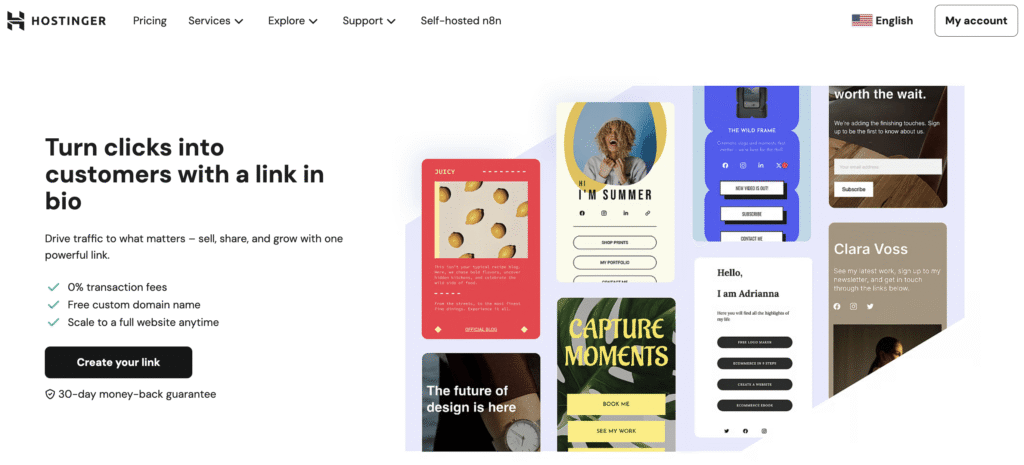
Best for: Total brand control.
Pricing: Starts at CA$ 2.79/month.
Hostinger Website Builder is the perfect starting point for creating a professional link in bio landing page on your own custom domain, especially if you don’t have a website yet.
Its key advantage is scalability. Unlike simpler tools, your one-page site can easily be expanded into a full-fledged website with a blog, online store, and booking features whenever you’re ready, making it a smart choice for a growing brand.
Hostinger’s key features
- Drag-and-drop website builder: Design your page without any coding knowledge using an intuitive interface, and expand it with unlimited pages as your brand grows.
- AI-powered assistance: Use AI tools like the SEO Assistant to optimize your pages, the logo maker to create a brand identity, and the AI writer to generate content faster.
- Full customization: Take total control over colors, fonts, layouts, and every other design element to perfectly match your brand.
- Ecommerce functionality: Sell both digital and physical products, and accept payments through over 100 different payment methods.
- Built-in marketing tools: Drive sales with discount codes, build an audience with email marketing, connect with a QR code generator, and let clients schedule appointments.
Hostinger pros and cons
- Full website creation, not just a landing page
- Includes a free custom domain name for the first year
- No transaction fees on ecommerce sales
- AI-powered tools for quick setup
- Might be more powerful than needed for users who only want a simple link list
2. Shorby
Best for: Dynamic content feeds.
Pricing: Starts at $12/month.
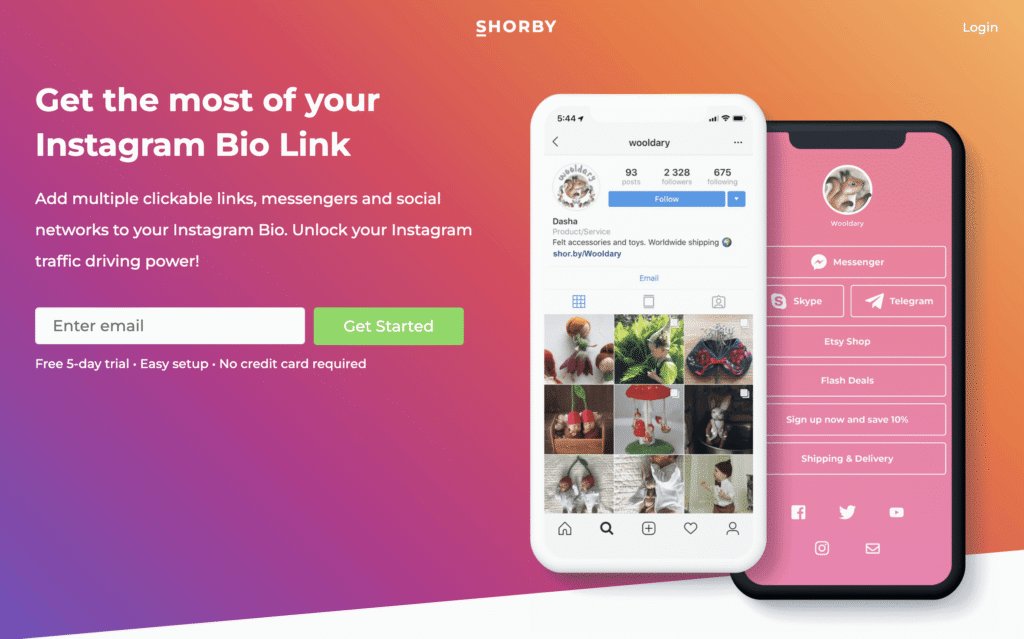
Shorby is designed for creating rich, interactive micro-sites that feel more alive than a static list of links.
Its SmartPages feature automatically pulls in your latest content from Instagram, YouTube, or an ecommerce store, keeping your page fresh without manual updates. This makes it a strong choice for agencies and influencers who need an engaging page with minimal upkeep.
Shorby’s key features
- SmartPages: Build a landing page with dynamic feeds, rich links, and custom blocks, going far beyond simple buttons.
- Dynamic content: Automatically pull in your latest content from your Instagram, YouTube, or podcast, keeping your page fresh without manual updates.
- Messenger links: Add direct links to popular messaging apps, such as WhatsApp, Facebook Messenger, and Telegram.
- Ad platform integrations: Add tracking pixels from various ad platforms to retarget your page visitors.
Shorby pros and cons
- Excellent for creating dynamic and engaging pages
- Team collaboration features are available on higher plans
- Powerful analytics and retargeting capabilities
- No free plan available
- Can become expensive compared to other options
3. Pallyy
Best for: Social media management.
Pricing: Starts at $20/month.
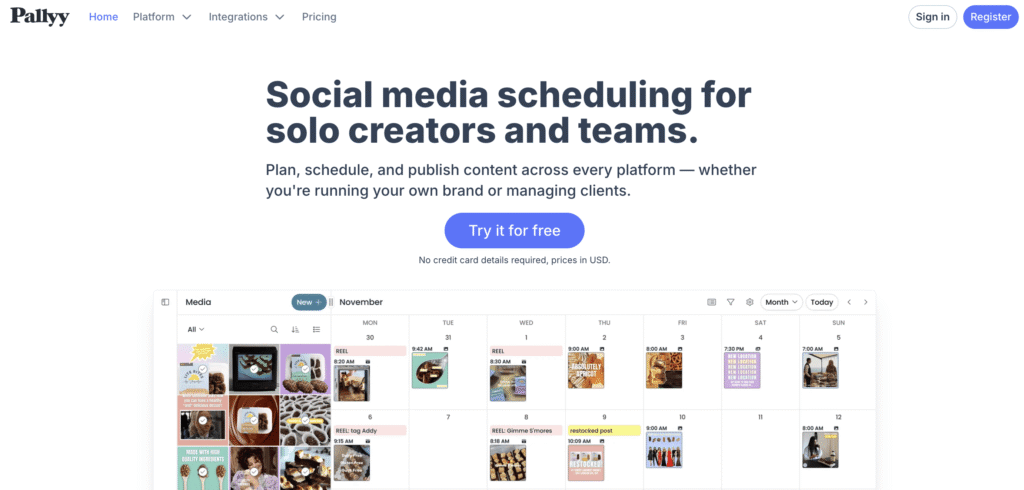
Pallyy is an all-in-one social media toolkit for managers and creators looking to simplify their workflow.
It combines a bio link tool with a powerful scheduler, in-depth analytics, and a unified social inbox in a single dashboard. It’s a great choice if you need a complete social media solution, not just a standalone bio link tool.
Pally’s key features
- Unified toolkit: Get a bio link tool, social media scheduling, analytics, and a social inbox all in one subscription.
- Customization: Change button styles, add a custom background, and feature your social profiles.
- Campaign planning: Organize your posts and bio link strategy using an integrated content calendar.
Pally pros and cons
- Combines multiple social media tools in one place
- Offers in-depth analytics across platforms
- Simple and clean interface
- More expensive if you only need the bio link tool
- The bio link feature is less advanced than dedicated tools
4. Tap Bio
Best for: Mobile-first experience.
Pricing: Free plan available. Paid plans start at $5/month.
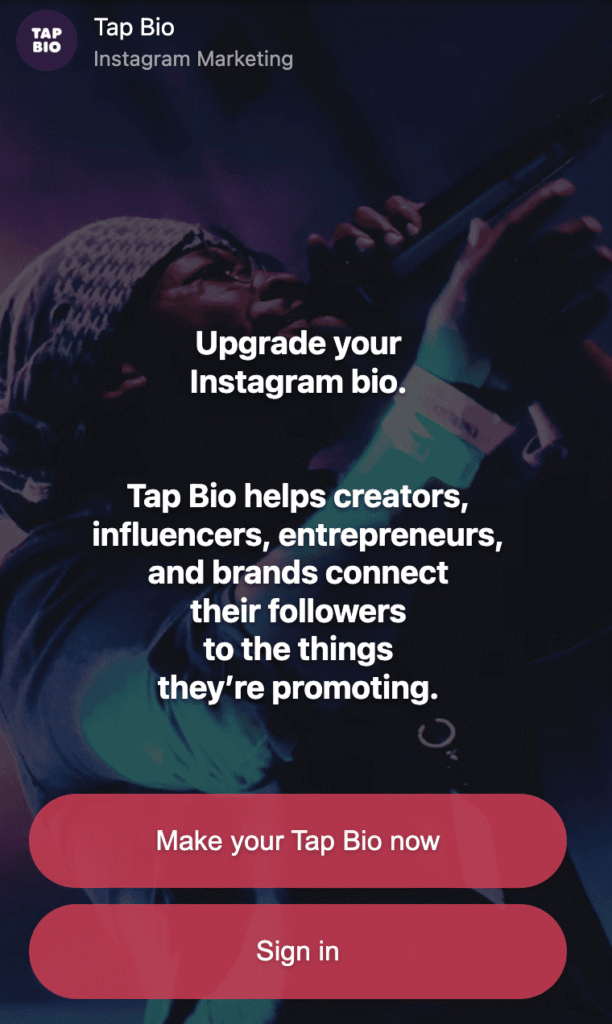
Tap Bio offers a unique, mobile-first experience that mimics the feel of Instagram Stories. It uses a card-based system where followers swipe through different sets of links instead of scrolling a simple list.
Each card acts as its own mini-landing page for a specific purpose, making it a highly intuitive and engaging choice for creators focused on their mobile audience.
Tap Bio’s key features
- Card-based system: Use each card as a separate mini-landing page for different purposes, like promoting a YouTube channel or sharing affiliate links.
- Simple setup: Get started in minutes with a quick and straightforward card creation process.
- Analytics: Track stats for individual cards to see what content performs best.
Tap Bio pros and cons
- Unique and engaging user experience
- Free plan is a good starting point
- Easy to set up and manage
- Customization options are more limited than other tools
- The design might not fit every brand’s style
5. Linkin.bio (by Later)
Best for: Shoppable Instagram feeds.
Pricing: Starts at $25/month.
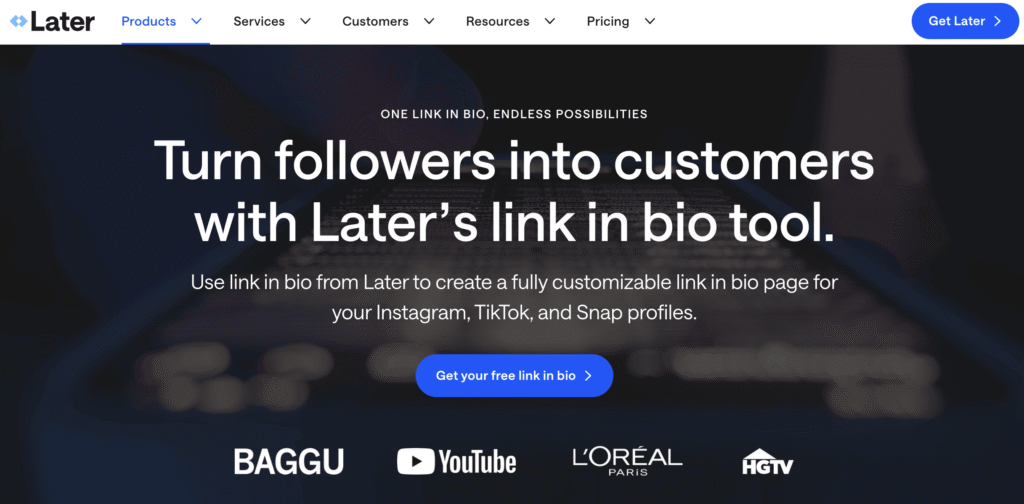
Linkin.bio by Later is designed for ecommerce businesses and bloggers who want to turn their Instagram feed into a clickable, shoppable gallery.
It creates a landing page that mirrors your Instagram grid, allowing followers to click on a post to find the product they saw. With its strong ecommerce integration, it’s a powerful tool for closing the gap between discovery and purchase.
Linkin.bio’s key features
- Shoppable feed: Recreate your Instagram grid with clickable links on each post, making it easy for followers to find products they see in your content.
- Shopify integration: Connect your online store to tag products directly in your posts.
- Comprehensive analytics: The tool provides detailed insights into clicks, pageviews, and sales generated from your page.
- Post scheduling: Fully integrate with Later’s social media scheduling platform.
Linkin.bio pros and cons
- Excellent for driving traffic from Instagram posts
- Strong ecommerce and Shopify integration
- Part of a full social media management tool
- Can be expensive if you don’t need the scheduling features
- Less focused on standard link buttons
6. Lnk.Bio
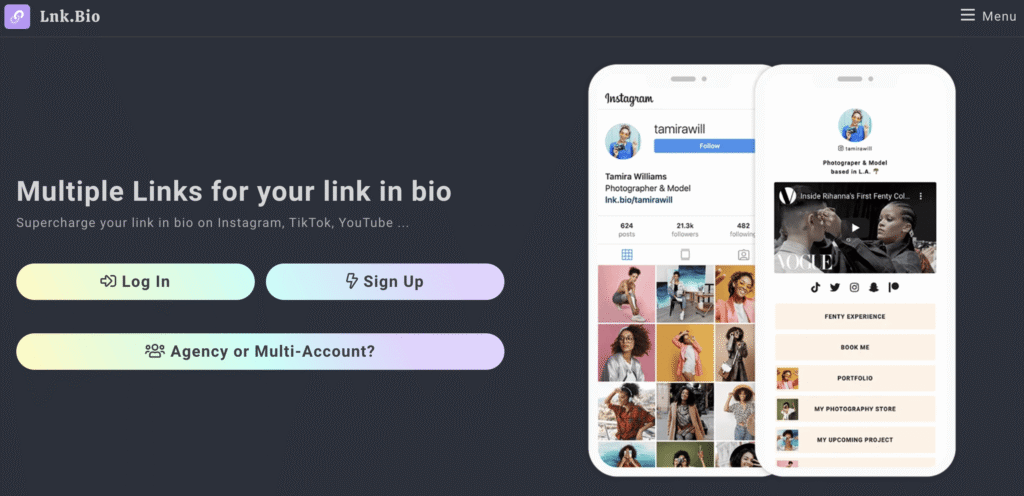
Best for: Keeping it simple.
Pricing: Free plan available. Paid plans start at $0.99/month.
Lnk.Bio is a straightforward, no-frills alternative for those who need a simple and affordable solution.
It focuses entirely on the core function of hosting multiple links, without complex features. Its generous free plan offers unlimited links, making it one of the most efficient and budget-friendly tools on the market for basic use.
Lnk.Bio key features
- Unlimited links: Even the free plan allows you to add an unlimited number of links.
- Simple interface: The dashboard is clean and easy to navigate, allowing you to add or edit links quickly.
- Music and video embeds: Embed content directly from services like Spotify and YouTube onto your page.
Lnk.Bio pros and cons
- Very affordable pricing
- The free plan offers great value
- Straightforward and easy to use
- Design and customization options are basic
- Lacks advanced features like dynamic feeds
7. Leadpages
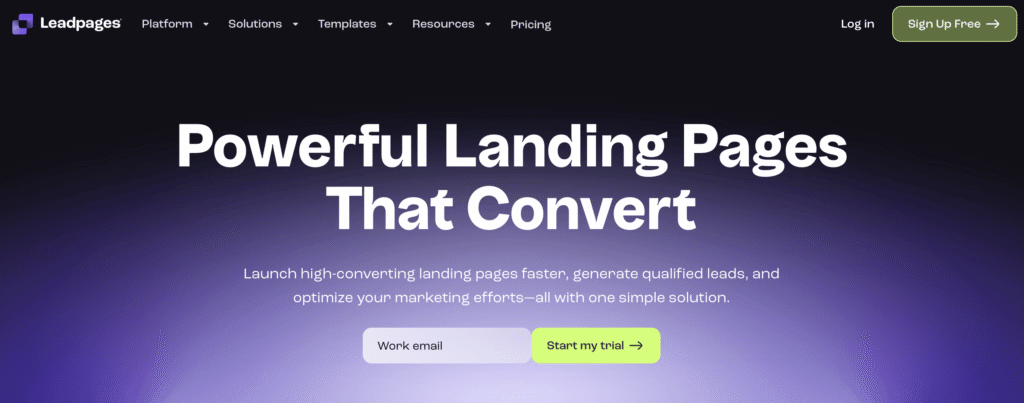
Best for: Lead generation.
Pricing: Plans start at $37/month.
Leadpages is a powerful landing page builder for marketers focused on lead generation. While it can create a link-in-bio page, its real strength is in building high-converting sales funnels with conversion-optimized templates, pop-ups, and A/B testing.
It’s the right choice if your main goal is capturing emails or driving webinar sign-ups.
Leadpages’ key features
- Landing page builder: Create high-converting landing pages using a drag-and-drop editor and an extensive library of templates.
- Conversion tools: Capture email addresses with pop-ups, alert bars, and other tools.
- A/B testing: Optimize your page by A/B testing different headlines, images, and button designs to find the version that gets the highest conversion rate.
- Integrations: Automate your workflow by connecting directly with services like Stripe and HubSpot or linking to thousands of other apps via its Zapier integration.
Leadpages pros and cons
- Excellent for capturing leads and growing an email list
- Powerful A/B testing and analytics features
- Extensive template library
- Significantly more expensive than other options
- Overkill for users who just need a basic bio link page
8. Woorise
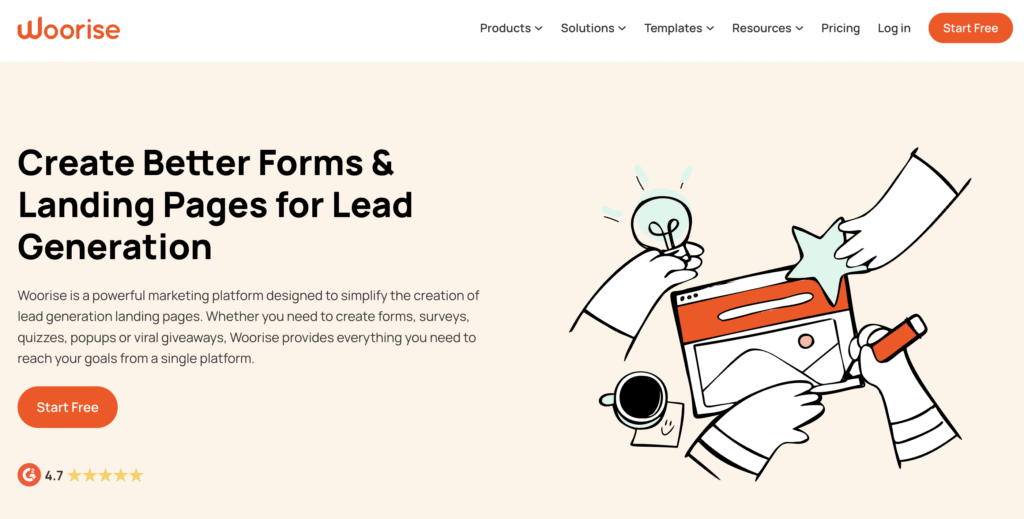
Best for: Contests and giveaways.
Pricing: Free plan available. Paid plans start at $23/month.
Woorise is a versatile platform for brands and creators who want to boost audience engagement with interactive campaigns.
It combines a landing page builder with tools for creating viral contests, giveaways, and quizzes. You can build your main bio link page and then direct followers to separate campaign pages to drive participation.
Woorise’s key features
- Campaign templates: Create viral giveaways, contests, surveys, and quizzes with customizable templates.
- Landing page builder: Design your bio link page and other campaign pages with the drag-and-drop builder.
- Payment integrations: Collect payments for products or paid content directly through your Woorise pages.
Woorise pros and cons
- Great for creating interactive campaigns
- The free plan is quite functional
- Integrates with many popular marketing tools
- The interface can feel a bit cluttered
- The core bio link feature is less refined than dedicated tools
9. Replug
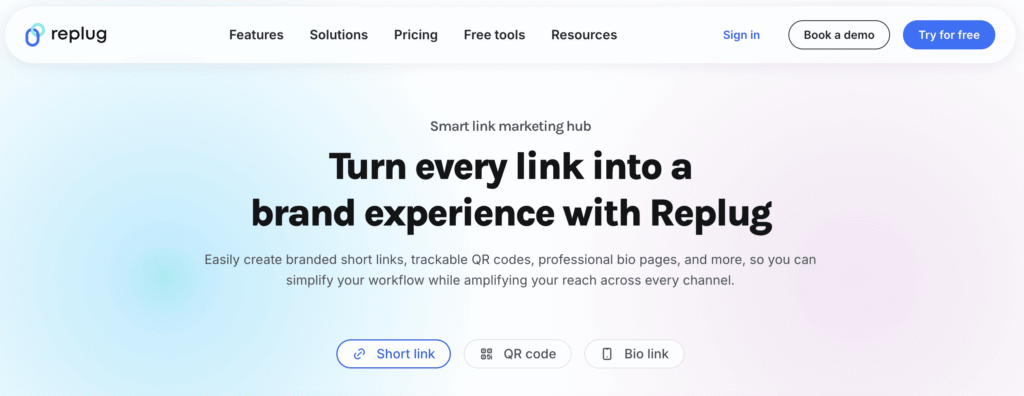
Best for: URL shortening and tracking.
Pricing: Free plan available. Paid plans start at $9/month.
Replug is a marketing tool focused on creating branded, trackable short links and custom QR codes. While it can build simple bio link pages, its primary advantage is the powerful analytics and retargeting pixels applied to every link.
It’s designed for data-driven marketers who want to get deep insights into every click and bridge their offline and online campaigns.
Replug’s key features
- Branded URL shortening: Create custom short links with your own domain.
- Custom QR codes: Create dynamic and branded QR codes that can be tracked and managed, allowing you to measure engagement from your offline marketing efforts.
- Retargeting pixels: Add tracking pixels to your short links to build custom audiences for ad campaigns on various social media platforms.
Replug pros and cons
- Excellent for tracking offline marketing via QR codes
- Powerful analytics and retargeting features
- Integrates with major ad platforms
- The user interface isn’t the most modern
- Primarily a URL shortener, not a full page builder
10. Campsite.bio
Best for: Visual creators.
Pricing: Free plan available. Paid plans start at $7/month.
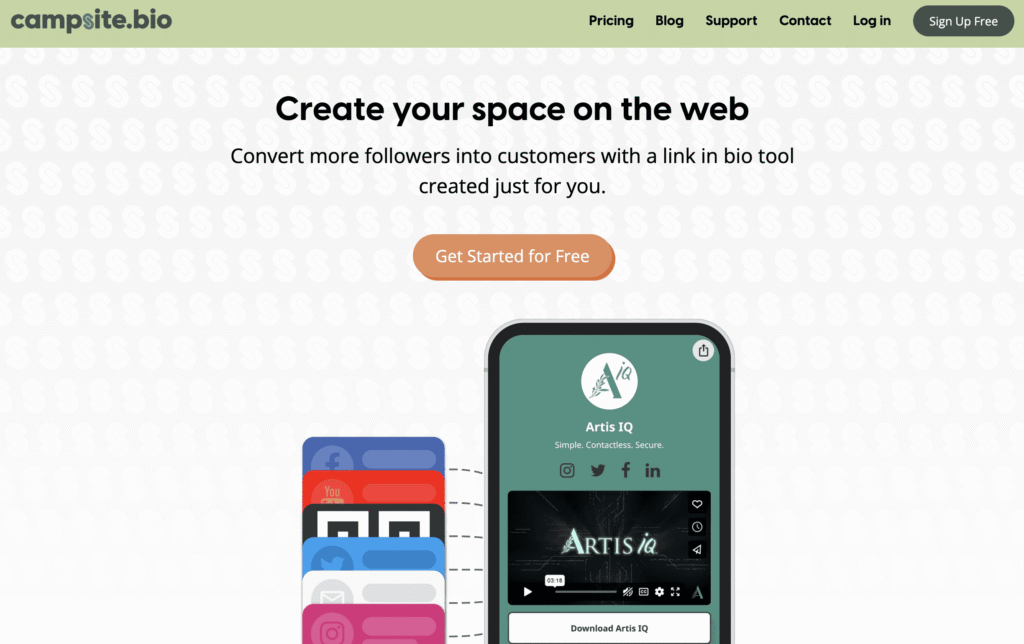
Campsite.bio is designed for visual creators like artists and photographers who need a clean design to complement their work.
It offers a straightforward, aesthetically-focused layout that you can customize with your brand’s images and colors. The ability to add images to your links helps create a polished, portfolio-like feel.
Campsite.bio’s key features
- Customization: Add a custom background image, change fonts and colors, and add images to your links.
- Link scheduling: Set links to appear and disappear at specific times, which is useful for limited-time promotions.
- Integrations: Connect with key marketing and data tools, including Facebook Pixel, Google Analytics, and Google Sheets.
Campsite.bio pros and cons
- Visually focused and aesthetically pleasing design
- Generous free plan
- Link scheduling is a useful feature
- Analytics on the free plan are very basic
- Lacks advanced features like dynamic content feeds
11. Beacons
Best for: AI-powered creator monetization.
Pricing: Free plan available. Paid plans start at $30/month.
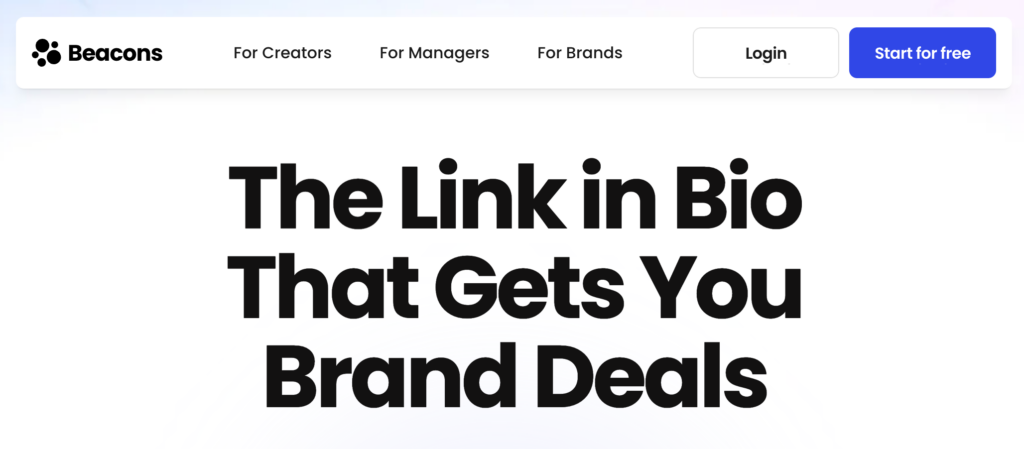
Beacons is an all-in-one creator platform that pairs a bio link page with a storefront, media kit, email marketing, and an AI assistant called Beam that helps with setup, copy, and growth tips.
Used by over 7 million creators, Beacons is designed for influencers and online educators who want to do more than share links — they want to sell digital products, collect brand-deal leads, and grow an audience from a single dashboard.
Beacons’ key features
- AI assistant (Beam): Use the built-in AI teammate to design your page, write copy, and surface growth insights tailored to your account.
- Creator storefront: Sell digital products, courses, and appointments with native checkout and same-day payouts.
- Auto-updating media kit: Generate a media kit that pulls in your latest social stats, useful for landing brand deals.
- Email and Smart Reply: Capture emails and auto-respond to Instagram DMs to convert followers into customers.
Beacons pros and cons
- Generous free plan with selling features included
- AI-driven setup and growth suggestions
- Strong fit for creators who monetize content
- The free plan applies high transaction fees on sales
- Paid plans start at $30/month, which is higher than most bio link tools
12. Carrd
Best for: Affordable single-page sites.
Pricing: Free plan available. Paid plans start at $9/year.
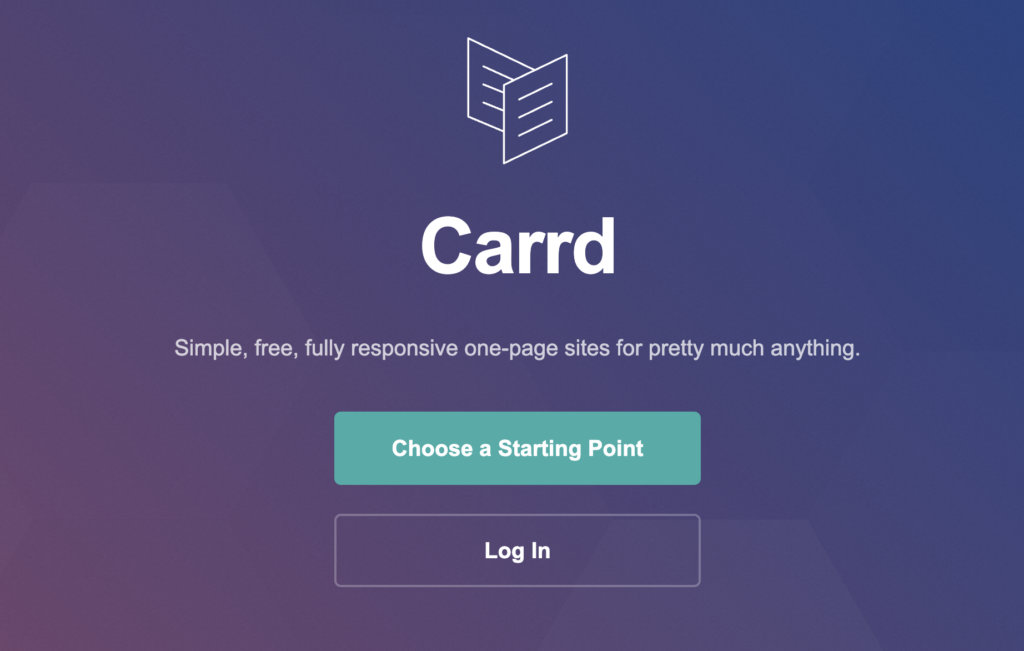
Carrd is a minimalist one-page website builder that’s become a favorite for cheap, clean bio link pages on a custom domain. Its annual pricing — starting at just $9/year — is the lowest in this comparison by a wide margin.
The free plan lets you publish up to three sites on a carrd.co subdomain, while paid tiers unlock custom domains, forms, analytics, and Google integrations. It’s a strong pick for users who want a polished single page without committing to a monthly subscription.
Carrd’s key features
- One-page builder: Choose from hundreds of templates designed for personal sites, portfolios, link-in-bio pages, and landing pages.
- Custom domain: Connect your own domain on the Pro Standard plan and above.
- Forms and integrations: Add contact forms, embeds, and connections to tools like Mailchimp, Stripe, and Google Analytics.
- Up to 25 sites: The Pro Plus tier supports up to 25 separate sites under a single account.
Carrd pros and cons
- The lowest annual price in this comparison
- Clean, simple design with minimal learning curve
- One account can host multiple sites on higher plans
- Limited to single-page sites — no multi-page support
- Lacks built-in ecommerce, scheduling, and email marketing tools
13. Taplink
Best for: Selling and messaging on a bio link.
Pricing: Free plan available. Paid plans start at $3/month.
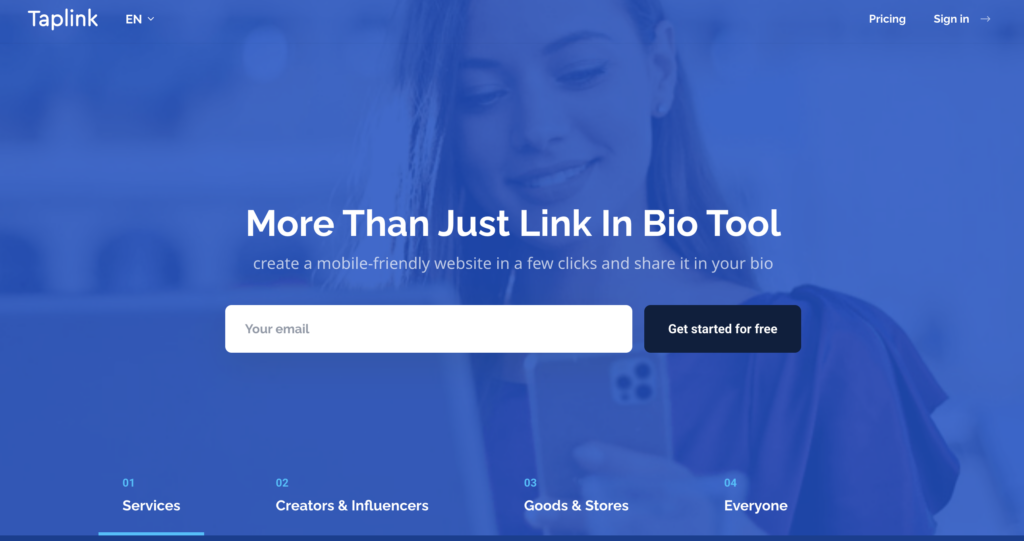
Taplink turns a bio link page into a mini-landing page with built-in selling and messaging features. You can add WhatsApp, Telegram, and Viber buttons that open a direct conversation, accept payments through Stripe or PayPal, and embed booking forms — all without juggling separate tools.
It’s a strong fit for service businesses, coaches, and small sellers who want to convert profile visitors into customers or conversations the moment they tap the link.
Taplink’s key features
- Messenger buttons: Add one-tap links to WhatsApp, Telegram, and Viber for instant conversations with visitors.
- Payments and shop: Accept payments through Stripe, PayPal, and local processors directly on the page.
- Booking and forms: Capture leads, bookings, and opt-ins with built-in form blocks.
- A/B testing: Test headlines, blocks, and button designs on the Business plan to improve conversions.
Taplink pros and cons
- Very affordable paid plan starting at $3/month
- Strong messaging and selling features built in
- Mobile-first design that feels like a real landing page
- The free plan keeps Taplink branding on your page
- Interface is less polished than premium-priced competitors
14. Stan Store
Best for: All-in-one creator commerce.
Pricing: Starts at $29/month.
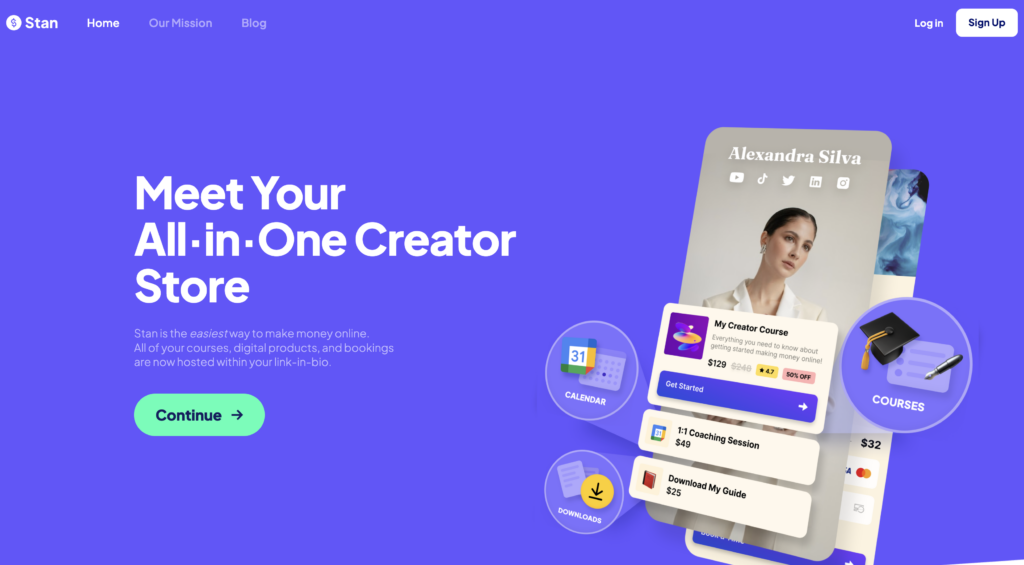
Stan Store is a creator-commerce platform that combines a bio link page with a full storefront for selling digital products, courses, subscriptions, and coaching calls. Everything checks out directly on the page — no separate website, course platform, or scheduling tool required.
The mobile-optimized design and built-in AutoDM tool are aimed at creators who sell through Instagram and TikTok, where the entire customer journey often happens on a phone.
Stan Store’s key features
- Unlimited digital products: Sell ebooks, templates, courses, and downloads with no product limit on any plan.
- Bookings and subscriptions: Take coaching calls, run paid memberships, and accept recurring payments.
- AutoDM: Automatically respond to Instagram comments and DMs to convert followers into buyers.
- No platform transaction fees: Stan charges no fees on sales beyond standard Stripe and PayPal processing.
Stan Store pros and cons
- Purpose-built for creators selling digital products and services
- No platform transaction fees on either plan
- Unified storefront, booking, and bio link in one tool
- No free plan — pricing starts at $29/month
- Advanced features like email marketing and funnels require the $99/month Pro plan
15. Milkshake
Best for: Mobile-first creators.
Pricing: Free plan available. Paid plans start at $2.99/month.
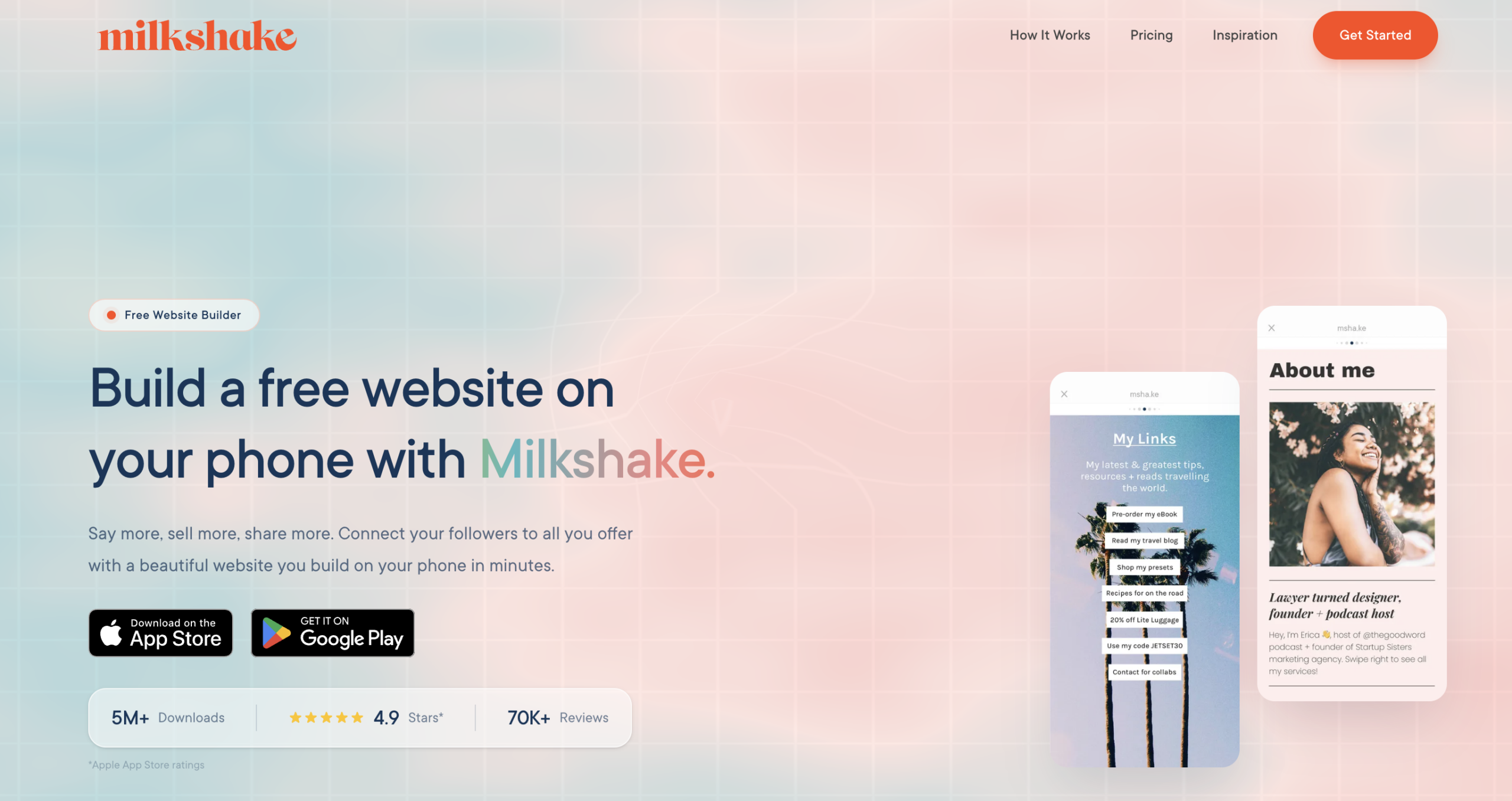
Milkshake is a free iOS and Android app that lets you build a swipeable, card-based mini-website entirely from your phone. Each card works like a small page — for about info, top links, blog posts, contact forms, or YouTube videos — that visitors swipe through like Instagram Stories.
It’s aimed at creators and small business owners who never use a laptop, with paid tiers that add a custom domain, mailing list integrations, and SEO tools on top of the free experience.
Milkshake’s key features
- Mobile-app builder: Create and edit your entire site from your phone, with no desktop required.
- Card-based design: Use customizable cards for different topics — links, blog posts, contact details, podcast episodes, and more.
- Mailing list integrations: Capture emails and connect with tools like Mailchimp on the Pro plan.
- SEO and analytics: Track Card views and clicks, with Google Analytics support on the Pro Plus plan.
Milkshake pros and cons
- Completely free to use with no usage caps for basic pages
- Easy to build and update directly from a phone
- Card-based format feels native to social media
- Customization is more limited than desktop-first builders
- Custom domains and advanced features require the higher-priced quarterly/annual plan
What features to look for in a Linktree alternative?
Here’s what to look for in a Linktree alternative to build a flexible page that represents your brand and helps you meet your goals.
- Customization and branding. Your bio link page is an extension of your brand. You need options to change colors, fonts, and layouts. The ability to use your own custom domain is also vital for building a professional and trustworthy online presence.
- Analytics and tracking. To understand what’s working, you need more than just click counts. Look for tools that provide deeper data, such as referral sources, visitor location, and click-through rates over time. This information helps you optimize your page for better performance.
- Built-in features. While good tools connect with platforms you already use, an all-in-one solution with built-in marketing and sales features is often a better choice. This approach saves you from juggling multiple subscriptions, lowers costs, and ensures everything works together seamlessly from one dashboard.
- Monetization options. If your goal is to make money, look for features that support it. This includes integrations with payment processors, tools for selling digital products, or features like tip jars that allow your audience to support you directly.
- Dynamic content. A static list of links can be boring. Alternatives that let you embed your latest YouTube videos or social media posts create a more engaging and up-to-date experience for your visitors, encouraging them to stay longer.
- Ease of use. You shouldn’t need to be a designer or developer to create a great-looking page. Choose a platform with an intuitive, user-friendly interface that makes it simple to add links, rearrange blocks, and update your page whenever you need to.
Start using your chosen tool to build a bio page
Now that you’ve seen the best Linktree alternatives, the next step is to pick the one that fits your needs and start building your page.
Whether you need a simple link hub or a full-blown website, the right tool will help you make the most of that valuable real estate in your social media bio. Once your page is ready, you’ll need to add the URL to your profiles. For a detailed guide on how to do this correctly on different platforms, our guide on how to add a link in bio will walk you through the entire process.

Simon is a dynamic Content Writer who loves helping people transform their creative ideas into thriving businesses. With extensive marketing experience, he constantly strives to connect the right message with the right audience. In his spare time, Simon enjoys long runs, nurturing his chilli plants, and hiking through forests. Follow him on LinkedIn.