8 best no-code SaaS builders in 2026
Sep 17, 2026
/
By Ksenija
/
13 min Read

No-code SaaS builders let you create complete software-as-a-service applications without writing code.
Modern platforms include visual development tools, databases, user authentication, business logic, integrations, payment processing, and deployment features that simplify the entire development process.
Building a SaaS product from scratch traditionally requires frontend and backend development, database management, hosting, security, and ongoing maintenance.
No-code SaaS builders replace much of that work with visual editors or AI-assisted development, enabling much faster web application launches.
The best no-code SaaS builder depends on the type of product you want to create. Some platforms prioritize AI-powered app generation, others provide greater customization through visual builders, while enterprise platforms focus on governance, integrations, and large-scale application development.
Best no-code SaaS builders by category:
- Best for AI-powered SaaS creation: Hostinger AI Builder, because it generates complete web applications from natural-language prompts and includes hosting and deployment.
- Best for highly customizable SaaS applications: Bubble, because it combines AI generation with visual editing, workflows, and a built-in database.
- Best for mobile-first SaaS products: Adalo, because it builds native iOS, Android, and web applications from a single project.
- Best for enterprise application development: Mendix, because it combines low-code development with workflow automation, AI capabilities, and enterprise governance.
- Best for AI-assisted web app development: Lovable, because it creates web applications from prompts and supports conversational editing.
- Best for operations and workflow software: Quickbase, because it specializes in business process automation and internal operational applications.
- Best for enterprise no-code development teams: Betty Blocks, because it combines AI-assisted development with governance, security, and enterprise integrations.
- Best for business process applications: Zoho Creator, because it combines low-code development, workflow automation, analytics, and a large integration ecosystem.
1. Hostinger AI Builder
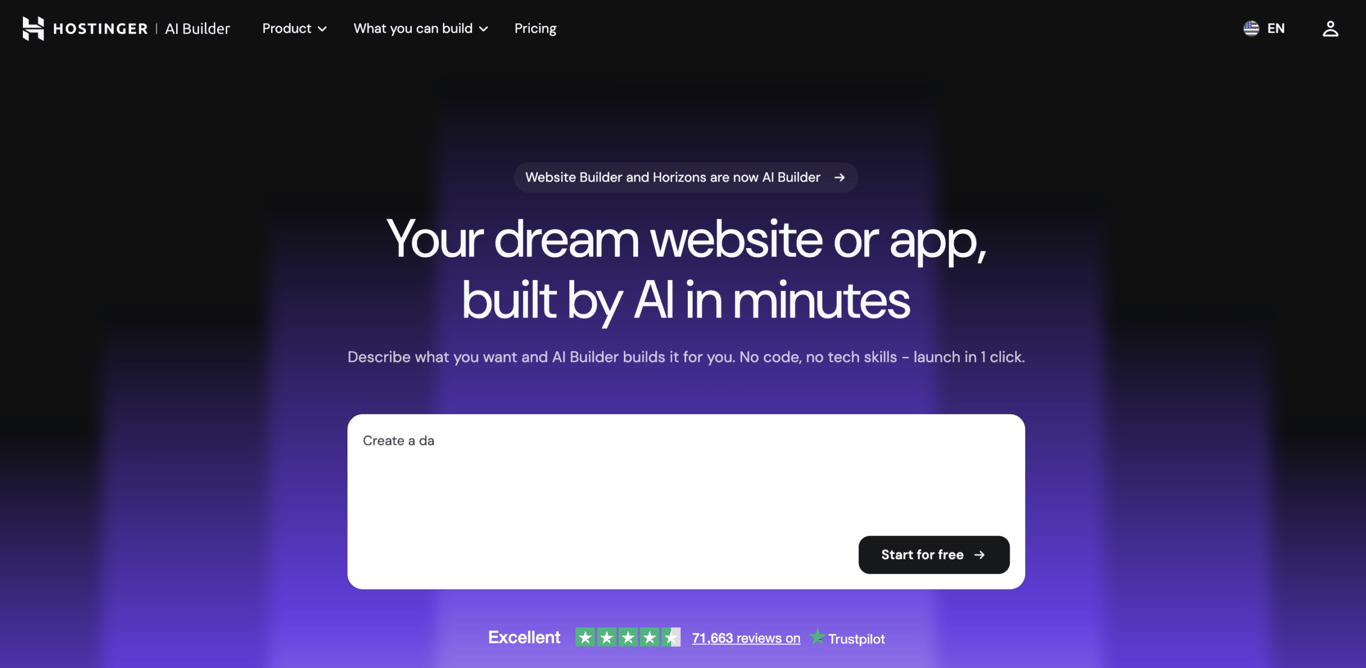
Hostinger AI Builder is a no-code platform that lets users create, edit, and launch web applications through natural language prompts.
Unlike traditional no-code builders that rely on drag-and-drop interfaces, Hostinger AI Builder uses an AI-first development approach.
Users can generate new features, modify existing functionality, troubleshoot issues, and refine applications through conversation.
The platform provides access to the generated code, allowing users to inspect and manually edit application logic when more precise control is needed.
It also includes built-in hosting, deployment, custom domains, business email, and backend functionality, reducing the need for third-party services.
Hostinger AI Builder is designed for entrepreneurs, small businesses, creators, freelancers, and non-technical founders who want to turn ideas into working applications without managing a traditional development workflow.
Common use cases include CRM systems, client portals, booking platforms, internal business tools, calculators, directories, content platforms, and MVPs.
Hostinger AI Builder pros:
- Uses natural language prompts to generate applications, features, and updates.
- Combines app building, hosting, deployment, domains, and backend services in one platform.
- Supports rapid prototyping and MVP development without coding.
- Includes built-in AI assistance for design, content, functionality, and troubleshooting.
- Allows one-click publishing without external deployment tools.
Hostinger AI Builder cons:
- Focuses on web applications rather than native iOS and Android apps.
- Less suited to highly customized enterprise applications and complex system architectures.
- Offers fewer visual workflow and component-level controls than traditional low-code builders.
Hostinger AI Builder pricing:
Hostinger AI Builder uses a credit-based pricing model, with each plan including a monthly allocation of AI credits for generating, modifying, and expanding web applications. Every plan includes hosting, deployment, and access to the AI app builder.
- Premium plan – starts at A$ 4.39/month (48-month term), includes 5 AI credits for website and app creation.
- Unlimited plan – starts at A$ 5.79/month (48-month term), includes 15 AI credits, ecommerce support, and 500 AI agent credits.
- Cloud Startup plan – starts at A$ 11.59/month (48-month term), includes 15 AI credits, 1,000 AI agent credits, and maximum performance and scalability.
A free 7-day trial is available. All paid plans include a 30-day money-back guarantee. Additional AI credits can be purchased without moving to a higher-tier plan.

2. Bubble
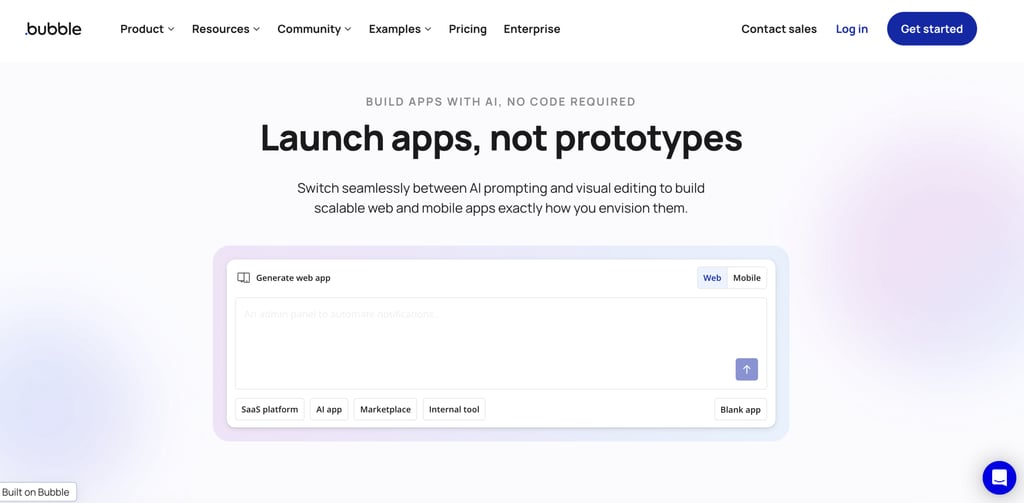
Bubble is a no-code application development platform that combines AI-powered app generation with visual development tools.
Bubble helps you build complete web and mobile applications that include user interfaces, databases, workflows, integrations, and business logic without writing code.
The platform starts with AI-assisted app creation. You can describe an idea in natural language, and Bubble generates a working application with pages, data structures, and workflows already connected.
From there, you can refine every part of the application through Bubble’s visual editor, giving you more control than AI-generated code that is difficult to inspect or modify.
Applications can connect to external services such as OpenAI, Anthropic, Stripe, and thousands of other APIs, making Bubble suitable for SaaS products, internal tools, marketplaces, customer portals, and AI-powered applications.
The platform also supports native mobile app development, enabling teams to build iOS and Android applications alongside web experiences, all sharing the same data and business logic.
Bubble pros:
- Combines AI-powered app generation with full visual editing.
- Includes a built-in database, workflows, authentication, and hosting.
- Supports both web and native mobile app development.
- Integrates with external APIs, payment providers, and AI models.
- Includes security features, privacy controls, and deployment infrastructure.
Bubble cons:
- Applications rely on Bubble’s proprietary platform.
- Advanced custom features require plugins or custom solutions.
- Large applications require ongoing performance optimization.
Bubble pricing:
Bubble uses a usage-based pricing model built around workload units (WU), a metric that measures the server resources your application consumes.
Every plan includes a monthly workload allocation, and usage from both web and mobile apps counts toward the same pool.
The platform offers a Free plan with 50,000 workload units per month, while paid plans start at $59/month for Starter, $209/month for Growth, and $549/month for Team when billed annually. Included workload increases from 175,000 WU on Starter to 250,000 WU on Growth and 500,000 WU on Team.
Higher tiers also increase editor limits, development branches, server log retention, version control capabilities, and mobile deployment allowances.
Enterprise plans use custom pricing and add dedicated infrastructure, custom hosting locations, configurable servers, invoice billing, and dedicated support.
Bubble also charges $3 per 100 GB of additional storage per month, while premium plugins and third-party services may create separate costs depending on your application’s architecture.
3. Adalo
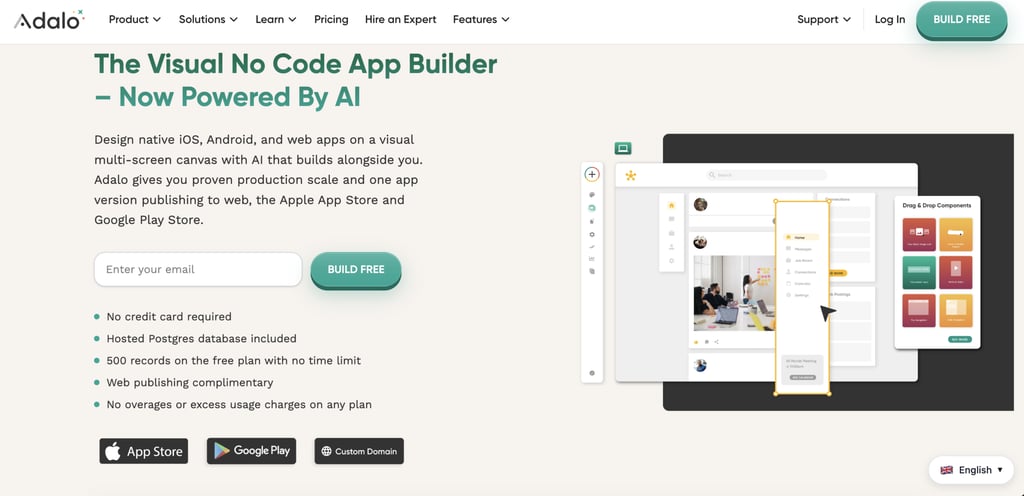
Adalo is a no-code app builder that enables users to create mobile and web applications through a visual drag-and-drop interface.
You build applications by combining screens, components, actions, and database collections inside a visual editor.
The platform handles the core parts of app development in one place. You design user interfaces, create workflows, manage data, connect integrations, and publish applications from the same environment.
Adalo also includes a built-in database, making it possible to store and manage application data without setting up external infrastructure.
Mobile app development is one of Adalo’s strongest use cases. You can build applications for iOS, Android, and the web from a single project, then publish mobile apps to the Apple App Store and Google Play Store.
Custom domains, analytics, and app sharing features are also available for launched projects.
Adalo targets founders, startups, small businesses, agencies, and non-technical builders who want to launch apps quickly without hiring a development team.
Marketplace apps, booking systems, internal business tools, directories, customer portals, and community platforms are common use cases.
Adalo pros:
- Beginner-friendly visual app builder.
- Supports iOS, Android, and web apps from one platform.
- Includes a built-in database and workflow builder.
- No coding required for most application types.
- Supports custom domains, publishing, and analytics.
Adalo cons:
- Less customization than more advanced no-code platforms.
- Fewer advanced backend capabilities than Bubble.
- Team collaboration capabilities are more limited.
- Large applications may require external services and integrations.
Adalo pricing:
Adalo uses a straightforward subscription model with no usage-based charges, token fees, or per-action billing.
Every plan includes unlimited app actions, and pricing is based primarily on publishing limits, storage, collaboration features, and access to advanced functionality.
The Free plan includes one editor, unlimited test apps, unlimited screens, a hosted PostgreSQL database, and up to 500 records per app. Ada, Adalo’s AI assistant, is included at no additional cost.
Paid plans start with Starter at $36/month, which unlocks publishing, custom domains, app store deployment, and removal of Adalo branding.
Professional costs $52/month and increases limits to two published apps and five editors while adding analytics, custom integrations, geolocation, push notifications, and advanced logic features.
The Team plan charges $160/month and expands capacity to five published apps and ten editors. The plan also adds APIs, version history, white labeling, Xano integration, and priority support
4. Mendix
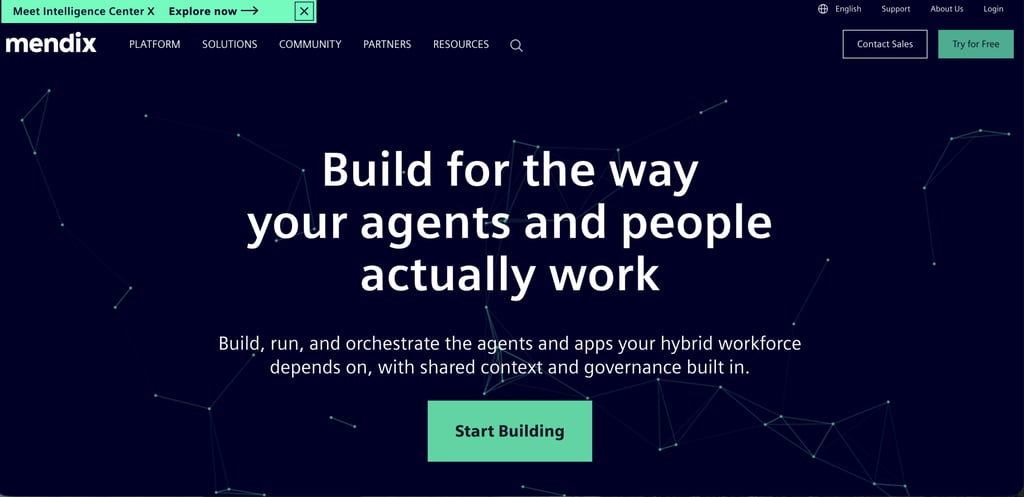
Mendix is an enterprise low-code platform for building web applications, mobile applications, business workflows, and AI-powered systems.
It includes tools for application development, process orchestration, AI model integration, workflow automation, and governance.
The platform supports deployment on public cloud infrastructure, private cloud environments, and on-premises systems.
Organizations can integrate third-party AI models, proprietary models, enterprise data sources, and existing business applications while applying their own security and compliance requirements.
Mendix is primarily used by large organizations building internal business applications, customer portals, operational systems, workflow automation projects, and department-wide software solutions.
Organizations use Mendix to build internal business applications, customer self-service portals, workflow management systems, supply chain tools, manufacturing applications, and process automation solutions that connect with ERP, CRM, and database platforms.
Mendix pros:
- Combines low-code development, process orchestration, and AI agent capabilities in one platform.
- Supports bring-your-own models, data sources, and cloud infrastructure.
- Strong enterprise governance, security, and compliance features.
- Supports web, mobile, workflow, and enterprise automation projects.
Mendix cons:
- More complex than SMB-focused no-code platforms.
- Enterprise features create a steeper learning curve.
- Excessive for simple internal tools or small business applications.
Mendix pricing:
Mendix offers a free plan for learning, prototyping, and testing applications.
Paid plans start with the Standard tier at $1,090/month, which includes collaborative development, dedicated databases, identity provider integration, operational dashboards, commercial support, and up to four environments per application.
The Premium tier uses custom pricing and adds features such as private component marketplaces, advanced infrastructure controls, customer success management, 24/7 support, higher uptime guarantees, and enterprise scalability options.
Deployment costs are separate from platform licensing. Organizations can deploy applications on Mendix Cloud, private cloud environments, SAP BTP, dedicated infrastructure, or on-premises servers, with pricing varying by deployment model and resource selection.
5. Lovable
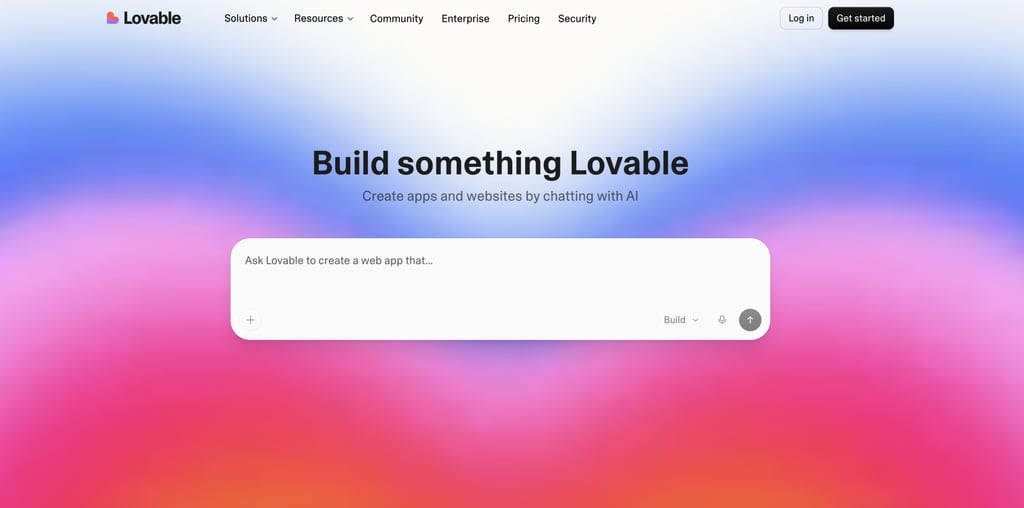
Lovable is an AI-powered no-code platform that generates websites and web applications from natural language prompts.
You describe what you want to create, and Lovable generates a working application that you can continue refining through conversation.
You can start with a text prompt, screenshots, design references, or existing documentation, then use follow-up instructions to modify layouts, add features, and expand functionality.
Lovable supports a wide range of projects, including landing pages, SaaS applications, internal tools, dashboards, CRM systems, marketplaces, customer portals, and ecommerce websites.
Founders, product managers, marketers, designers, consultants, and startup teams are among Lovable’s primary audiences.
The platform is particularly useful for rapidly building MVPs, testing product ideas, creating client-facing applications, and developing business tools without writing code.
Lovable pros:
- Generates applications and websites from natural language prompts.
- Supports conversational editing and iterative development.
- Accepts prompts, screenshots, and documentation as inputs.
- Includes templates for common business and product use cases.
Lovable cons:
- Less direct visual control than traditional drag-and-drop builders.
- Complex business logic may require additional refinement after generation.
- AI-generated applications require testing and validation before deployment.
Lovable pricing:
Lovable uses a credit-based pricing model, with each plan including a monthly allocation of credits for building, generating, and running applications.
The free tier includes private projects, five lovable.app domains, and a starter credit allocation for testing the platform.
The Pro plan is $25/month and adds credit rollovers, on-demand top-ups, custom domains, user permissions, unlimited Lovable domains, and branding removal options.
The Business plan is priced at $50/month and includes team workspaces, role-based access controls, SSO, internal publishing, security tools, and design templates.
The Enterprise plan uses custom pricing and includes audit logs, SCIM provisioning, custom connectors, onboarding services, dedicated support, and advanced publishing and sharing controls.
6. Quickbase
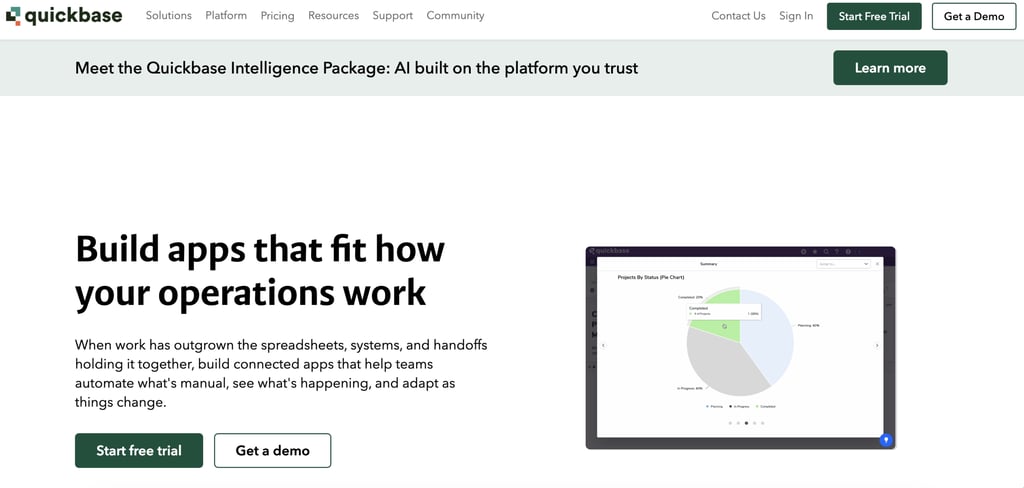
Quickbase is a low-code application platform focused on operational workflows, project management, resource management, and business process automation.
It uses a visual application builder that allows teams to create databases, forms, workflows, dashboards, and reports without writing code.
Applications can connect data, automate handoffs between departments, and provide visibility into work that would otherwise be spread across spreadsheets, emails, and disconnected software tools.
Compared with no-code app builders such as Glide or Adalo, Quickbase focuses less on customer-facing applications and more on internal business operations.
Common use cases include project tracking, approval workflows, field operations, asset management, compliance processes, resource planning, and cross-functional business workflows.
Quickbase pros:
- Strong support for operational workflows, project tracking, and process automation.
- Visual application builder with forms, dashboards, reports, and workflow automation.
- Helps replace spreadsheet-based processes with centralized business applications.
- Suitable for cross-department workflows involving approvals, resources, and field operations.
Quickbase cons:
- Focuses primarily on internal business applications rather than customer-facing products.
- Less suited to building public websites, ecommerce platforms, or consumer mobile apps.
- User interface customization is more limited than dedicated app development platforms.
Quickbase pricing:
Quickbase offers a 30-day free trial, while paid plans start at $35 per user per month for Team and $55 per user per month for Business when billed annually. Enterprise pricing is available through custom quotes.
The Team plan includes the core low-code platform, covering application building, workflow automation, dashboards, reporting, integrations, audit logs, role-based access controls, and security features.
The Business plan adds capabilities aimed at larger organizations, including single sign-on (SSO), SCIM provisioning, sandbox environments, Gantt charts, external collaboration tools, and support for compliance requirements such as HIPAA and FDA-regulated workflows.
The Enterprise plan focuses on governance, scalability, and infrastructure control. Features include advanced encryption, governance APIs, application lifecycle management, on-premises connectivity, data warehouse integrations, advanced security controls, and AI-powered data scanning.
7. Betty Blocks
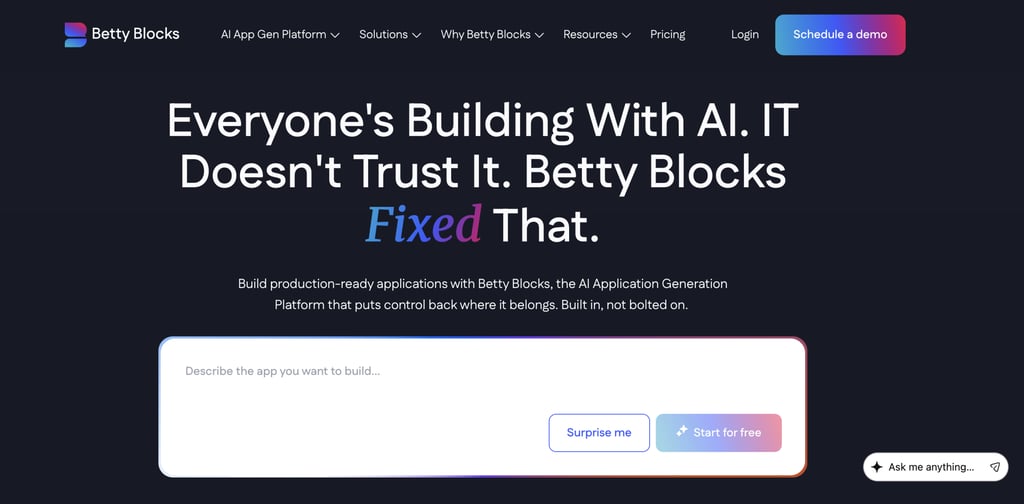
Betty Blocks is a low-code application development platform that combines AI-assisted app generation with visual development tools, governance controls, and enterprise integrations.
Teams can generate applications from natural-language prompts and then refine data models, workflows, permissions, and interfaces using a visual builder.
Key platform features include AI-powered application generation, visual workflow design, role-based permissions, audit trails, deployment management, API integrations, database connectivity, and governance controls.
IT teams can manage application access, security policies, and deployment workflows from a centralized environment while business teams contribute to application development through no-code tools.
Betty Blocks is primarily used for building employee portals, customer portals, workflow automation systems, approval processes, operational dashboards, and internal business applications.
Betty Blocks pros:
- Strong governance, permissions, and audit capabilities.
- Supports integrations with enterprise systems, databases, and APIs.
- Allows business users and IT teams to collaborate on application development.
- Supports cloud and enterprise deployment requirements.
Betty Blocks cons:
- Requires more setup and governance planning than simpler no-code platforms.
- Higher learning curve than tools designed for individual creators and small businesses.
- An enterprise-focused feature set may exceed the needs of small projects.
Betty Blocks pricing:
Betty Blocks uses subscription-based pricing that starts at €1,500/month (≈$1,750/month) for the Create plan and €3,500/month (≈$4,100/month) for the Scale plan. Enterprise pricing is available through custom quotes.
The Create plan includes unlimited internal, external, and anonymous users; unlimited builders; AI-powered prototyping and AI app generation; governance features; public cloud hosting; and access to standard AI models.
The Scale plan adds capabilities for larger development teams, including a developer sandbox, support for multiple MCP servers, master templates, a component marketplace, expanded branding options, and a larger application allocation.
The Enterprise plan adds custom governance controls, flexible LLM selection, private and on-premises deployment options, customized roles and permissions, expanded storage, and enterprise support services.
8. Zoho Creator
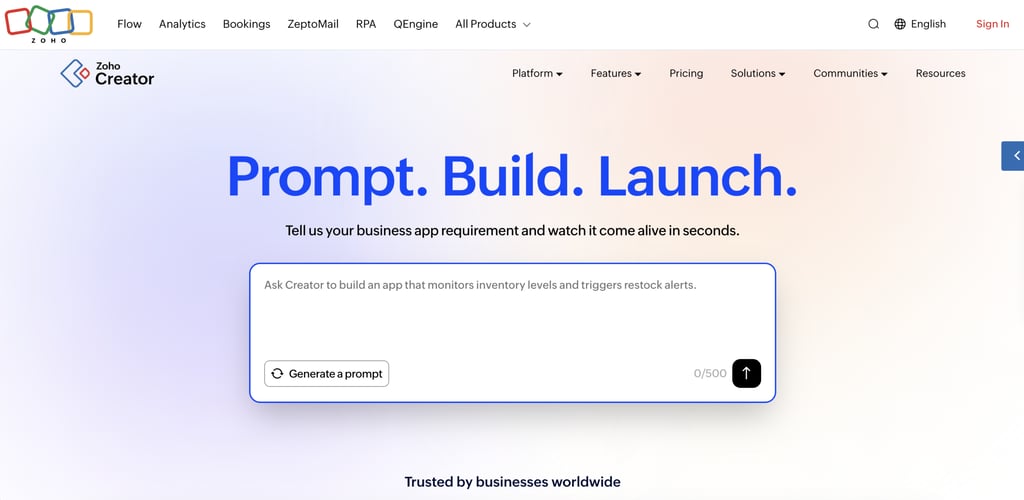
Zoho Creator is a low-code application development platform for building custom business applications, internal tools, customer portals, and workflow automation systems.
Users can create applications through a visual builder, AI-assisted app generation, workflow automation tools, and a proprietary scripting language called Deluge for more advanced customization.
Key features include AI-powered app generation through Zia, drag-and-drop application design, visual workflow automation, conversational analytics, mobile app development, role-based access controls, and support for more than 1,000 integrations.
The platform also includes database management tools, portal creation, approval workflows, reporting, and the ability to extend existing Zoho applications or third-party business systems.
Zoho Creator is commonly used for inventory management, procurement systems, vendor portals, asset management, project tracking, employee workflows, customer self-service portals, and custom operational applications.
Zoho Creator pros:
- AI-assisted application generation and workflow creation.
- Extensive integration support across Zoho products and third-party services.
- Built-in database, reporting, analytics, and automation tools.
- Supports web and mobile application development from a single platform.
- Deluge scripting allows deeper customization than many no-code builders.
Zoho Creator cons:
- Advanced customization may require learning Deluge.
- Organizations outside the Zoho ecosystem gain fewer integration advantages.
- Complex applications can require more configuration than AI-first tools such as Hostinger AI Builder or Lovable.
Zoho Creator pricing:
Zoho Creator offers a free edition for building a single application, along with a 15-day free trial for its paid plans.
Paid subscriptions start at $8/user/month for Standard, $20/user/month for Professional, and $25/user/month for Enterprise when billed annually.
Organizations with custom requirements can request a Flex plan with tailored pricing.
The Standard plan supports one application and includes the core low-code platform, AI-assisted app building, workflow automation, web and mobile deployment, and basic integrations for creating and running business applications.
The Professional plan removes application limits and adds advanced development features, including more AI model capacity, portal capabilities, developer tools, expanded integrations, and additional automation options for larger teams.
The Enterprise plan expands the platform with advanced analytics, governance controls, security features, and enterprise integrations for large-scale application development.
Businesses that need external access can also purchase a customer portal add-on starting at $100/month for 250 portal users.
How to choose the right no-code SaaS builder
The right no-code SaaS builder depends on your application’s complexity, your technical experience, and the level of customization you need.
When choosing a platform for creating a web app, follow these steps:
- Start with your application. Define what you’re building before comparing platforms. Simple no-code platforms are enough for MVPs, prototypes, and internal tools, while customer-facing SaaS products, workflow automation, and enterprise applications require more advanced development and governance features. Define what you’re building before comparing platforms.
- Choose a builder that matches your technical skills. AI-assisted builders are the quickest way to create an application with minimal technical knowledge. Visual drag-and-drop builders give you more control over layouts, databases, and workflows. Enterprise platforms require more configuration but support more complex applications.
- Decide how much customization you need. Choose AI generation if your priority is launching quickly. Pick a visual builder if you expect to customize workflows, interfaces, and databases. If your application depends on external services, prioritize integrations with payment providers, CRMs, databases, and APIs.
- Think beyond the initial launch. Check whether the platform includes hosting, deployment, updates, and infrastructure management. Built-in services reduce ongoing maintenance, while self-managed deployment options provide more flexibility but require more administration.
- Estimate long-term costs. Compare pricing models. Subscription pricing is easier to predict, while usage-based pricing increases as your application grows. Enterprise platforms frequently use custom pricing, so request a quote if you’re building a large-scale application.
Which no-code SaaS builder is right for you?
The best no-code SaaS builder depends on the type of application you want to build.
Use the table below to match your project to the platform that best aligns with its strengths.
| Use case | Platform | Why it’s a good fit |
| Fastest way to launch a SaaS | Hostinger AI Builder | Generates complete web applications from natural-language prompts and includes hosting, deployment, and backend tools. |
| Most customizable | Bubble | Provides extensive control over databases, workflows, UI, and application logic. |
| Spreadsheet-based applications | Glide | Turns spreadsheets into working web applications with minimal setup. |
| Mobile app SaaS products | Adalo | Builds native iOS and Android apps from a single visual project. |
| Business process software | Zoho Creator | Combines low-code development with workflow automation, databases, reporting, and business integrations. |
| Operations and workflow software | Quickbase | Designed for process management, approvals, operational tracking, and cross-team collaboration. |
| Enterprise no-code development | Betty Blocks | Prioritizes governance, security, and enterprise integrations for large organizations. |
| Large enterprise applications | OutSystems | Supports complex, large-scale applications with advanced architecture, deployment, and lifecycle management. |
What can you build with a no-code SaaS builder?
Modern no-code SaaS builders support much more than landing pages or simple websites.
Most no-code SaaS builders let you build full web applications without writing code, including databases, user authentication, business logic, payment processing, and integrations.
The type of application you build depends on the platform’s capabilities, but common SaaS products include:
- CRM software to manage customer records, sales pipelines, and communication history.
- Customer portals where users can log in, update account information, submit requests, or access documents.
- Booking systems for scheduling appointments, managing calendars, processing reservations, and accepting online payments.
- Membership platforms with user registration, subscription management, gated content, and recurring billing.
- Marketplaces that connect buyers and sellers through product listings, messaging, payments, and reviews.
- Project management tools for assigning tasks, tracking deadlines, sharing files, and monitoring progress.
- Internal business software that replaces spreadsheets with custom workflows for approvals, HR, procurement, or operations.
- Client dashboards that display reports, analytics, invoices, project updates, or other business data in a secure portal.
- Inventory management systems that track stock levels, suppliers, purchase orders, and warehouse activity.
- Subscription-based SaaS products that combine user accounts, recurring payments, permissions, and application features into a commercial software service.
How to launch your SaaS product after building it
Building your application is only the first step. Before inviting users, make sure your SaaS product is ready for real-world use.
- Connect a custom domain. Replace the default project URL with your own domain to create a professional brand presence and make your application easier to find and share.
- Set up user authentication. Configure sign-up, login, password recovery, and user permissions so customers can securely access their accounts.
- Test your core workflows. Complete the actions your users will perform most frequently, such as creating an account, making a purchase, submitting data, or updating a profile. Fix any issues before launch.
- Configure payments if you charge for your product. Connect a payment provider, create subscription plans or one-time pricing, and verify that billing, renewals, and confirmation emails work correctly.
- Gather feedback before a public launch. Invite a small group of testers to use your application and report confusing interfaces, bugs, or missing features. Early feedback helps identify problems that are easy to miss during development.
- Launch a minimum viable product (MVP). Release the smallest version of your product that solves a real problem. A focused feature set lets you validate demand and improve the product based on actual user needs.
- Use analytics to guide future updates. Monitor sign-ups, feature usage, retention, and user behavior after launch. Usage data shows which features provide value and which areas need improvement.
Platforms with built-in web app hosting, deployment, domains, and infrastructure make launching much simpler, as you can publish your application from the same environment where you build it.
Traditional development stacks usually require separate services for hosting, deployment, databases, and ongoing maintenance, adding more setup and operational work before your product reaches users.
This article is a localized version of 8 best no-code SaaS builders in 2026, originally published in English.

Ksenija is a digital marketing enthusiast with extensive expertise in content creation and website optimization. Specializing in WordPress, she enjoys writing about the platform’s nuances, from design to functionality, and sharing her insights with others. When she’s not perfecting her trade, you’ll find her on the local basketball court or at home enjoying a crime story. Follow her on LinkedIn.