Best frontend frameworks to use in 2026
Jun 05, 2026
/
Ksenija
/
12 min Read
Frontend frameworks are tools that help you build the visible part of a website or web app: the layout, buttons, forms, and everything users interact with in their browser.
Instead of writing everything from scratch, you use a framework to structure your code, reuse components, and handle updates more efficiently.
Choosing the right framework affects how fast you build, how easy your code is to maintain, and how well your app performs as it grows.
A good fit helps you move faster and avoid unnecessary complexity. A poor fit leads to harder debugging, slower development, and more rewrites as requirements change.
Each framework solves problems in a different way. Some focus on flexibility, like React, where you choose how to structure your app.
Others provide a complete system with built-in tools, like Angular. Some prioritize simplicity and quick setup, like Vue or Alpine.js, while others focus on performance and smaller bundle sizes, like Svelte or Preact.
The main differences come down to ease of use, performance, community support, and how well each framework handles larger projects.
1. React
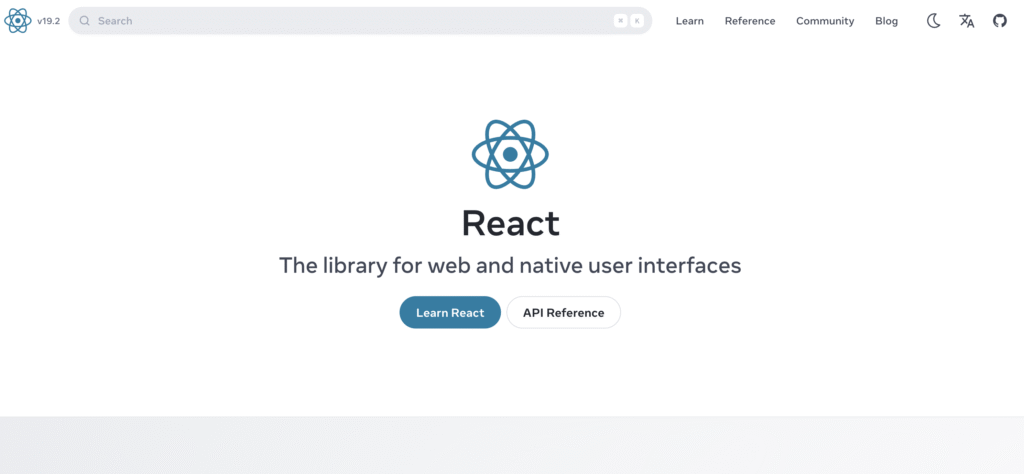
React is a JavaScript library for building user interfaces. It helps you create websites and web apps using small, reusable pieces.
React lets you build a page from components such as a navigation bar, a search box, or a product card. Each component works independently and can be reused across different parts of the site.
A product card you create once can appear in a list, a homepage section, and a recommendation panel without having to rewrite it.
When someone interacts with your site, React updates only the part of the UI affected by that action. A search field shows this clearly. As a user types, results update instantly while the rest of the page remains unchanged.
React focuses on the interface, so you decide how the rest of the application works. You choose how users move between pages, how data loads, and how information is stored and updated.
A large community supports React with tutorials, tools, and ready-made components. You can handle common tasks like routing, forms, and data management using well-known libraries.
React requires more upfront decisions as your project grows. You need to choose the tools and structure that fit your application, which adds flexibility but increases setup time.
Best for: interactive single-page applications such as dashboards, messaging apps, admin panels, and complex user interfaces.
2. Next.js
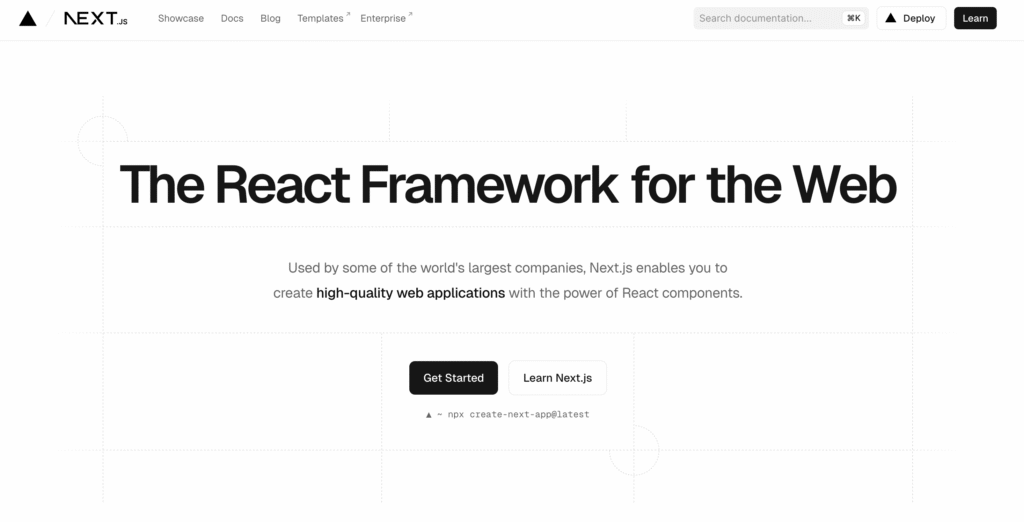
Next.js is a framework built on top of React that lets you create full web applications with both the interface and the backend in one place.
You use Next.js to build pages the same way you would in React, but it adds tools that handle common tasks for you.
It can generate pages in advance or build them on the server when visitors arrive, helping your pages load faster and making them easier for search engines to find.
Next.js also lets you create backend functions directly inside your project. You can handle form submissions, fetch data, or connect to a database without setting up a separate server. Everything lives in the same codebase, which simplifies development and deployment.
Performance is one of its main strengths. Next.js optimizes images, loads only the code needed for each page, and reduces the amount of work the browser has to do.
Next.js also adds structure on top of React, which speeds up development once you learn its patterns. It introduces its own way of organizing files and handling data, so you need time to get familiar with how it works.
Best for: content-driven websites such as blogs, marketing sites, and documentation pages, as well as SaaS products that rely on search traffic and need pages to load fully for users and search engines on the first visit.
3. Node.js
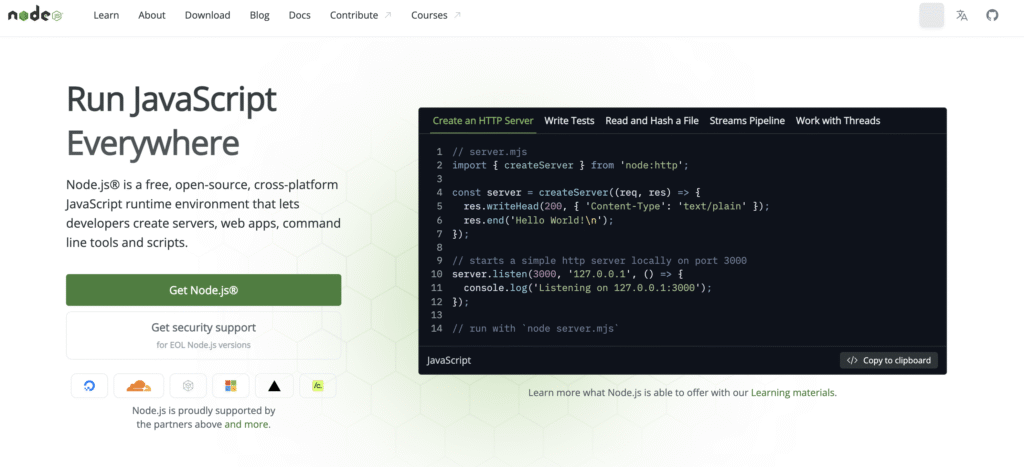
Node.js is a JavaScript runtime that lets you run JavaScript outside the browser. It is not a frontend framework, but it plays a key role in how modern web applications are built and run.
You use Node.js to handle tasks behind the scenes. It powers tools that compile your code, manage dependencies, and prepare your project for production. When you install packages with npm or run a development server, Node.js is doing that work.
Node.js also runs the backend of many web applications. You can use it to create APIs, process form data, or connect to a database, allowing you to build full-stack applications in the same language on both the frontend and backend.
Frameworks like React and Next.js rely on Node.js during development and deployment. It enables features like server-side rendering and backend logic inside modern frameworks. Without it, many of the tools and workflows used in frontend development would not work.
Using JavaScript across the entire stack also simplifies development, since you don’t need to switch between different languages.
Node.js introduces backend concepts that take time to learn, especially if you are focused only on frontend development.
Best for: backend services, APIs, real-time applications, and full-stack projects such as eCommerce platforms, social apps, booking systems, and SaaS products where both the frontend and backend use JavaScript.
4. Angular
Angular is a full-featured framework for building web applications. It gives you a complete set of tools out of the box, so you don’t need to choose separate libraries for common tasks.
It includes built-in solutions for routing, handling forms, and making HTTP requests. You can move users between pages, collect and validate input, and connect to APIs without adding extra tools.
Angular uses TypeScript, a version of JavaScript that adds structure and type checking. It helps you catch errors early and keep your code consistent as your application grows.
It automatically keeps the interface and data in sync. When data changes, the view updates, and when a user interacts with the view, the data updates as well.
It also uses a system called dependency injection, which helps you organize code by managing how different parts of your application connect and share logic.
For instance, if several parts of your app need to fetch user data from an API, you create a single service that handles it instead of repeating the same logic in each component. Angular then provides that service wherever it’s needed, so every part of the app uses the same source of data.
Angular introduces more concepts and rules than other frameworks, so it takes time to learn and set up.
Best for: enterprise dashboards, internal tools, banking apps, booking systems, and admin panels built by larger teams.
5. Vue.js
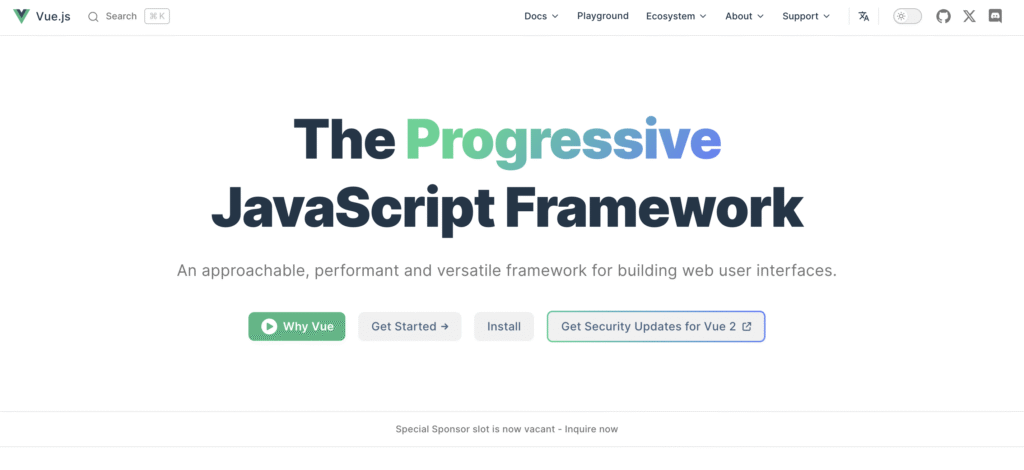
Vue.js is a JavaScript framework for building user interfaces that focuses on simplicity and flexibility. It gives you clear, easy-to-follow tools without forcing a complex structure from the start.
You can use Vue to build a full application or add it to a small part of an existing project. For example, you can enhance a single form or interactive section without rewriting the entire website. This makes it easy to adopt in projects that are already live.
Vue keeps the interface in sync with your data. When your data changes, the page updates automatically. If a user types into a form or clicks a button, Vue reflects those changes on the screen immediately, without any extra code.
Vue also supports single-file components, which means you can keep a component’s structure, logic, and styling in a single file. This helps you stay organized as your project grows and makes it easier to understand how each part of the interface works.
Vue is easier to learn than larger frameworks because its structure is straightforward and its documentation is clear. You can start small and add more features as your needs grow.
Vue has a smaller ecosystem than React, so you may find fewer third-party tools for advanced use cases.
Best for: admin panels, dashboards, booking forms, product filters, interactive widgets, and small-to-mid-sized apps such as portfolios, SaaS dashboards, or internal tools built by small teams.
6. Svelte
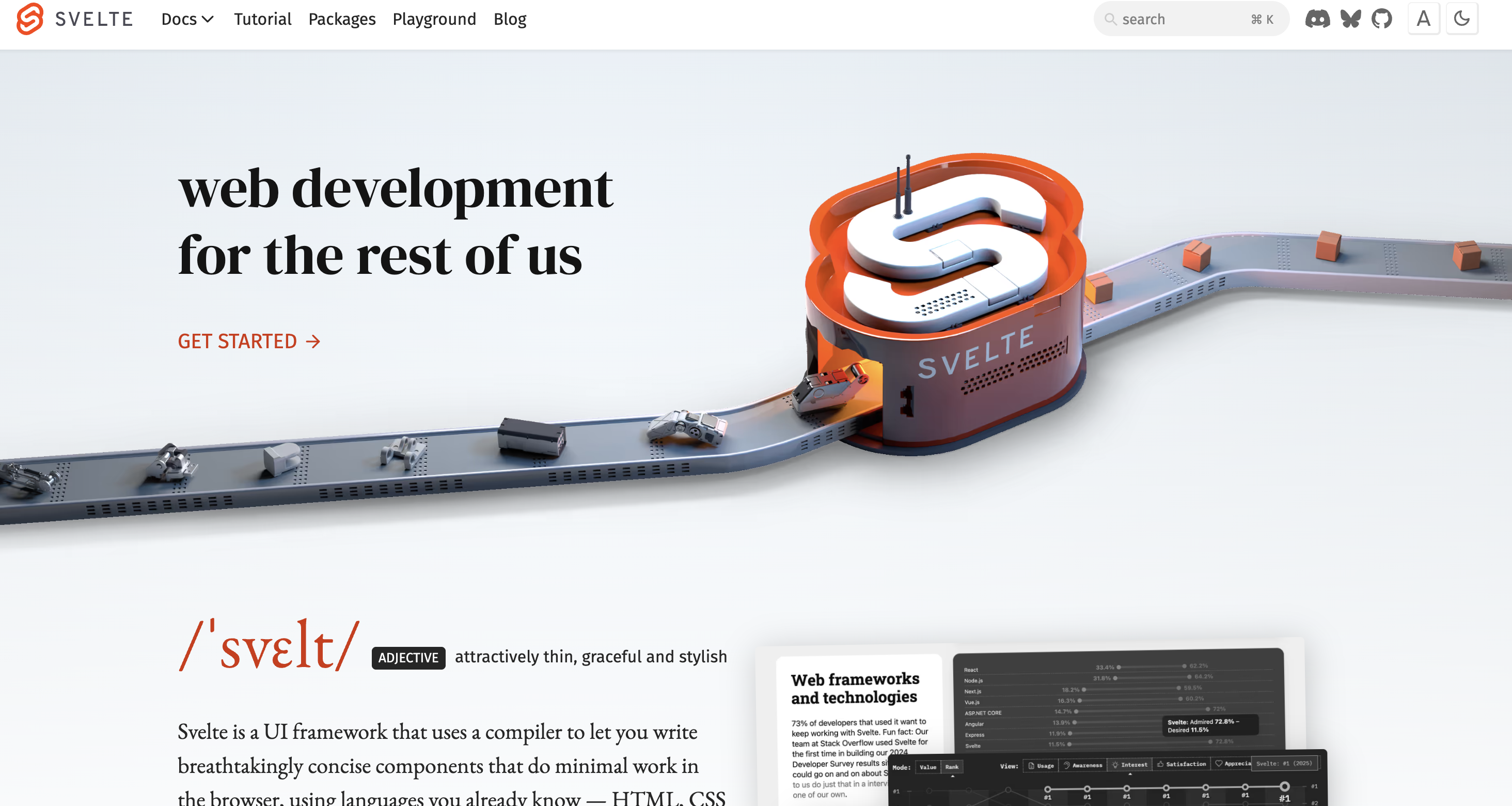
Svelte is a JavaScript framework that compiles your code into efficient JavaScript before it reaches the browser. It shifts much of the work to build time, so the final code running in the browser is smaller and faster.
You write components in a simple format that combines HTML, JavaScript, and styling into a single place. Svelte updates the page directly when data changes, without relying on a virtual DOM. This reduces the amount of code needed and keeps interactions fast.
Svelte removes a lot of boilerplate. Tasks like updating the interface or reacting to user input require less setup compared to frameworks like React or Angular. This makes the code easier to read and faster to write, especially for smaller projects.
The lightweight output improves performance, especially on slower devices or networks. Pages load quickly and respond immediately to user actions.
Svelte has a smaller ecosystem than tools like React or Vue, so you may need to build more things yourself or rely on fewer third-party libraries.
Best for: animated landing pages, data dashboards, product configurators, pricing calculators, and small apps like fitness trackers or budgeting tools.
7. Ember.js
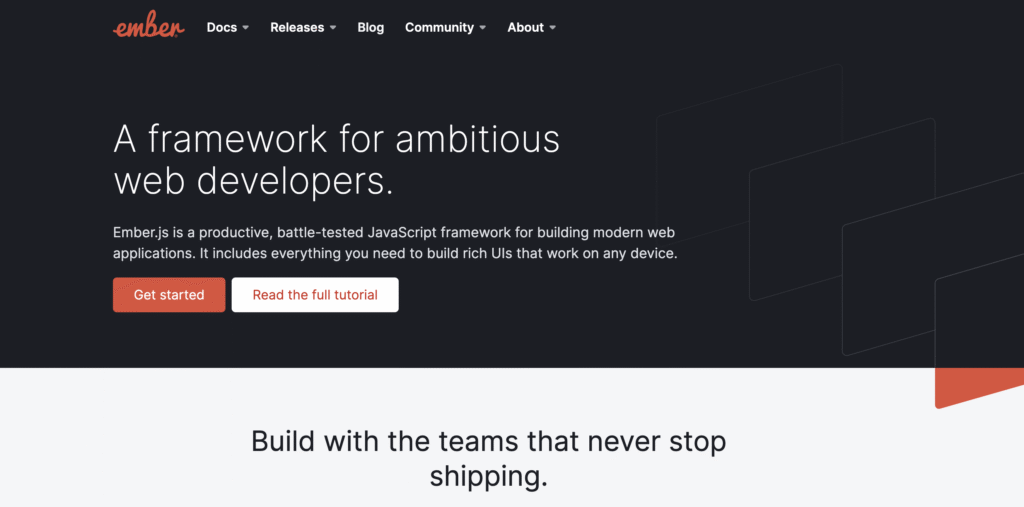
Ember.js is a JavaScript framework for building large web applications with a fixed structure. It follows a “convention over configuration” approach, which means it gives you a clear way to organize your project instead of asking you to decide everything yourself.
Built-in tools handle routing and data management. You define how users move between pages and how your app loads and stores data without adding extra libraries. This keeps the project consistent from the start.
A predictable file structure guides how you build features. When you add new functionality, you follow the same patterns every time, which makes it easier for teams to work on the same codebase.
The framework also includes a data layer that manages how your app communicates with APIs and shares data across the interface. This removes the need to set up custom solutions for common tasks.
Updates follow a stable release cycle, so projects can grow without frequent rewrites or breaking changes.
The trade-off is stricter rules. You need to follow the framework’s structure closely, and you have fewer choices compared to tools like React or Vue.
Best for: long-term projects such as SaaS platforms, admin panels, customer portals, and internal tools, including employee dashboards, inventory management systems, reporting tools, and CRM interfaces used by teams.
8. Backbone.js
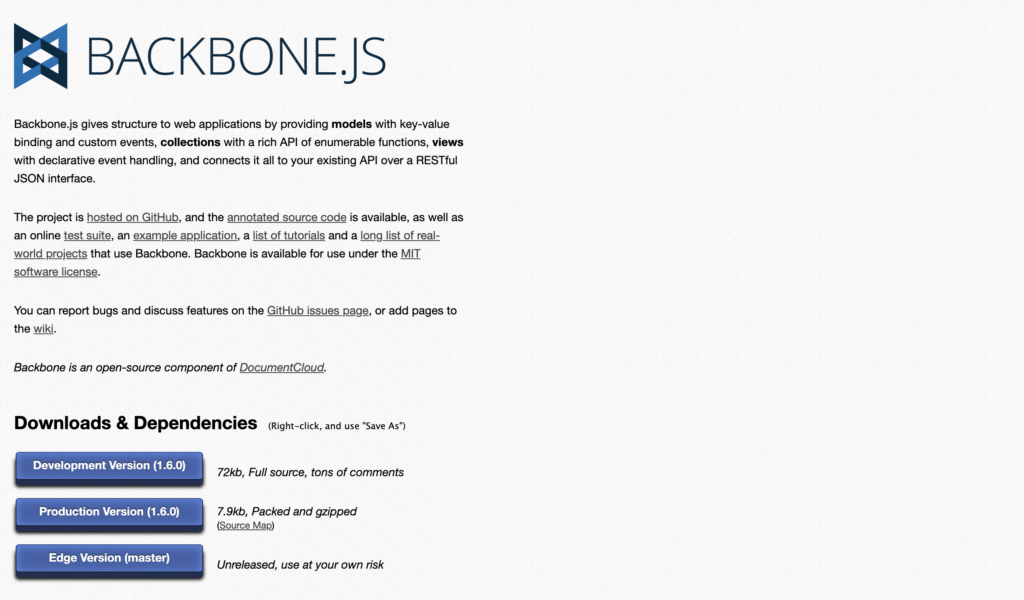
Backbone.js is a lightweight JavaScript framework that helps you organize your code by separating data, logic, and the user interface.
It introduces a simple structure based on models, views, and collections. Models store your data, views handle what users see, and collections manage groups of data. This gives you a clear way to organize your app without enforcing strict rules.
Backbone stays minimal by design. It does not include built-in tools for routing or data handling at the same level as those in larger frameworks. You choose how to build those parts, which gives you more control over how your application works.
This flexibility works well when you want to design your own architecture instead of following a predefined pattern.
You can combine Backbone with libraries like jQuery for handling the DOM, Underscore or Lodash for working with data, and your own custom code for routing or state management.
Backbone requires more manual setup compared to modern frameworks like React, Vue, or Angular. You need to define routing, handle how data updates the interface, and connect different parts of your app yourself instead of using built-in tools.
Best for: legacy apps that need gradual updates, admin panels with tables and forms, reporting dashboards, and tools like task managers or inventory systems where you control how data is displayed and updated.
9. Alpine.js
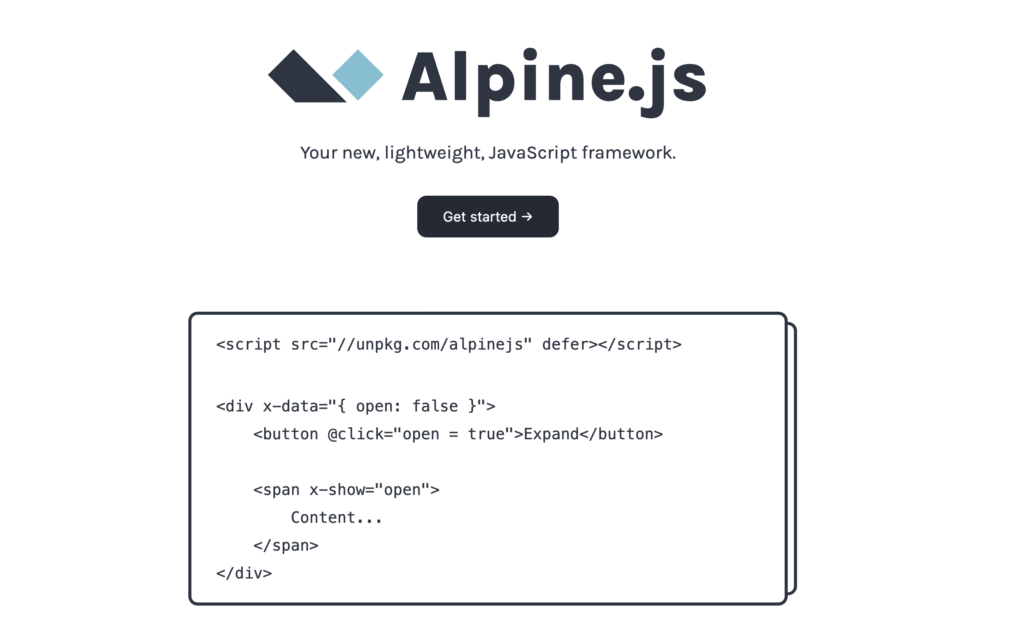
Alpine.js is a lightweight JavaScript framework that lets you add interactivity directly in your HTML. It works by attaching small pieces of logic to page elements rather than building a full application structure.
You write simple attributes inside your HTML to handle actions like showing or hiding elements, updating text, or responding to clicks.
For example, you can toggle a dropdown menu or open a modal window without setting up separate JavaScript files or complex state management.
Alpine keeps everything close to the markup. You don’t need to create components or manage a full project structure like in React or Vue. This makes it quick to use when you only need small interactive features.
Setup is minimal. You can include Alpine in an existing website and start adding behavior right away. It works well when you already have a static site or server-rendered pages and want to enhance them with interactivity.
Alpine is limited when building larger applications. It does not provide the structure or tools needed for complex state management, routing, or large-scale UI systems.
Best for: dropdown menus, modals, tabs, form validation, accordions, and small interactive features added to static sites, landing pages, or server-rendered apps like blogs and eCommerce product pages.
10. Lit
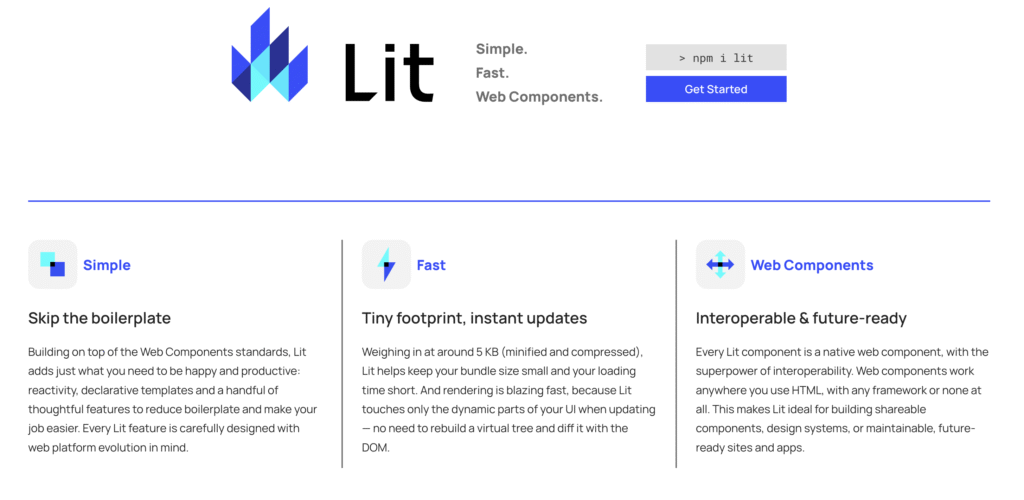
Lit is a lightweight JavaScript library for building web components using standard browser features. It helps you create reusable UI elements that work across different projects without relying on a full framework.
Lit works directly with modern browser standards, so you don’t need a complex setup or extra tools to get started.
You can add it to an existing project, whether it uses React, Vue, or no framework at all. The components you build remain compatible because they rely on standard web technologies.
Updates happen efficiently when data changes. Lit tracks changes and updates only the affected parts of the component, keeping performance high without adding much overhead.
Lit keeps things simple by focusing only on building components. It does not include routing, state management, or a full app structure, so you use it alongside tools like React or Vue for building full interfaces, or libraries like Redux or Zustand for managing application state.
Best for: reusable UI components such as design system elements (buttons, modals, cards), shared components used across multiple apps like a company website and admin panel, and projects like multi-team platforms, CMS-based sites, or microfrontend setups where different parts of the UI use different frameworks.
11. Preact
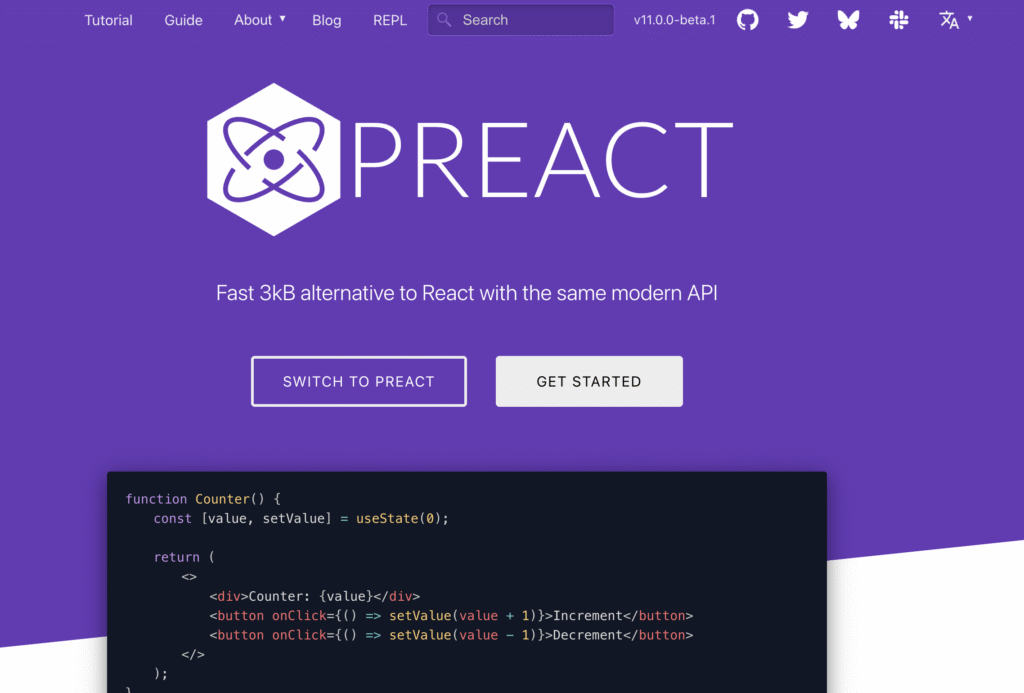
Preact is a lightweight alternative to React that uses a similar structure and syntax. It lets you build components and interfaces in almost the same way, but with a much smaller file size.
You write components just like in React, with props and state, and organize your UI the same way. In many cases, you can switch from React to Preact with minimal changes, which makes it easy to adopt in existing projects.
Compared to React, Preact is much smaller, reducing the amount of code users need to download. This improves load times, especially on slower networks or lower-end devices. Smaller bundles also help pages become interactive faster after loading.
This makes Preact a strong choice for performance-sensitive projects. For example, landing pages where every second affects conversions, eCommerce product pages that need to load quickly on mobile, or embedded widgets like chat boxes, comment sections, or booking forms that run inside other websites.
Preact works with many tools from the React ecosystem. You can use libraries and patterns you already know, and in some setups, you can even swap React for Preact without changing your codebase significantly.
Preact has a smaller ecosystem and fewer built-in features than React, so you may need to adjust or replace some libraries.
Best for: fast-loading landing pages, eCommerce product pages, embedded widgets (chat boxes, booking forms, comment sections), and apps like news sites, travel booking pages, food delivery menus, or event listings where users open the page quickly and expect it to load instantly.
12. Mithril

Mithril is a small JavaScript framework focused on speed and simplicity. It gives you the core tools to build web applications without adding extra layers or dependencies.
You build interfaces using components, similar to React, but with a smaller and more direct API. The syntax is straightforward, so you can define how your UI looks and behaves without much setup.
Mithril includes built-in routing and HTTP request handling. You can define page navigation and fetch data from APIs without adding separate libraries. For example, you can create a multi-page app with routes and load data for each page using the same framework.
The small size and minimal structure make Mithril fast to load and easy to reason about. You spend less time configuring tools and more time writing application logic.
Mithril has a smaller ecosystem compared to React or Vue, so you rely more on its built-in features or write custom solutions when needed.
Best for: small apps like dashboards, admin panels, and CRUD tools (apps for creating, reading, updating, and deleting data), as well as projects like task managers, note-taking apps, or simple content management tools.
How to choose the right frontend framework for your project
The right frontend framework depends on what you are building, who will maintain it, and how much structure your team needs.
For a small site with a few interactive parts, choose a lighter tool. Alpine.js works well for dropdowns, tabs, modals, and form validation on static pages. Vue also works well when you want to add interactive sections to an existing website without rebuilding everything.
For a full web application, choose a tool that can support growth. React gives you flexibility for dashboards, messaging apps, and admin panels. Angular provides a stricter structure for large teams building banking apps, booking systems, employee dashboards, and other applications with many forms, routes, and shared data.
For content-heavy websites, choose a framework that ensures pages fully load on the first visit. Next.js is a strong fit for blogs, marketing sites, documentation pages, and SaaS websites that rely on search traffic. Search engines can read the content more easily, and visitors see useful content sooner.
For performance-sensitive interfaces, look at smaller tools. Svelte and Preact work well for animated landing pages, pricing calculators, product configurators, food delivery menus, event listings, and pages where users expect quick loading and instant interaction.
The learning curve also affects the decision. Vue and Alpine.js are easier starting points for developers who know HTML, CSS, and basic JavaScript.
React takes more setup decisions because you choose many supporting tools yourself. Angular and Ember take longer to learn because they come with more rules, but those rules help larger teams stay consistent.
Community support matters when you need tutorials, libraries, and long-term maintenance. React has the largest ecosystem, so you can find tools for routing, forms, testing, and data management quickly. Vue also has strong documentation and an active community.
Smaller tools like Mithril, Backbone, and Lit can work well, but you should expect fewer ready-made solutions.
Match the framework’s philosophy to your project. React works well when you want flexibility and control over your app’s structure.
Angular and Ember fit teams that need a clear, consistent way to build large applications. Vue offers a simpler starting point and scales well as your project grows.
Next.js fits projects where search visibility and fast first load are central, such as blogs, marketing sites, and SaaS platforms.
Smaller tools like Alpine.js, Lit, Preact, Svelte, and Mithril work best for focused tasks like interactive UI elements, lightweight apps, or performance-sensitive pages.
How to deploy your project with web app hosting
Start by preparing your project for production. Clean up unused code, compress images, and configure environment variables such as API URLs or database keys.
Next, build the production version of your app. This step converts your development code into optimized files that browsers can load quickly. For example, React and Vue generate static files, while Next.js can also generate server-side code that requires a Node.js environment to run.
Choose a hosting solution that supports your framework and runtime. Modern platforms handle Node.js, build tools, and deployment workflows without requiring manual server setup.
A web app hosting provider like Hostinger lets you run React, Next.js, or Vue projects with managed infrastructure, built-in scaling, and support for Node.js applications.
Hostinger’s plans include features that reduce setup work. You can deploy projects directly from Git, run Node.js apps, and rely on built-in tools like CDN, caching, and automatic backups.
Managed hosting also covers security features such as free SSL certificates and malware protection, along with 24/7 support if something breaks.
This setup speeds up deployment and keeps your project stable as traffic grows. Instead of configuring servers, you focus on building and updating your application while the hosting platform handles performance, scaling, and maintenance behind the scenes.
Deploy your project by uploading files or connecting your Git repository. Hosting platforms like Hostinger support automatic deployment when you push changes, keeping your live site in sync with your code.
After deployment, test key pages, check forms, and monitor performance to catch issues early.
If you are working with Node.js-based frameworks, you can follow our detailed step-by-step Node.js app deployment guide that walks you from setup to launch.

All of the tutorial content on this website is subject to Hostinger's rigorous editorial standards and values.

Ksenija is a digital marketing enthusiast with extensive expertise in content creation and website optimization. Specializing in WordPress, she enjoys writing about the platform’s nuances, from design to functionality, and sharing her insights with others. When she’s not perfecting her trade, you’ll find her on the local basketball court or at home enjoying a crime story. Follow her on LinkedIn.