All Hostinger Tutorials
Learn more about web hosting, VPS, domain names, SSL, and more with our newest releases.

How to Block IP by Country: Restrict Access to Your Website from Specific Countries Using .htaccess
This quick and easy tutorial will show you how to control site access based on visitors’ location. With some tweaks to the .htacess file,...
How to Install WordPress Locally (3 Methods)
Testing new themes and plugins on your live website can cause functionality issues, slow loading times, and even downtime. Without a testing site,...
What is the WordPress theme editor and how does it work?
The WordPress theme editor (officially called the Theme File Editor) lets you modify theme files directly in the WordPress dashboard.It plays an...

How to Fix WordPress HTTP Error When Uploading Images
In WordPress, an HTTP error is a code that signals that something went wrong during a file upload process. Typically, the WordPress HTTP error...
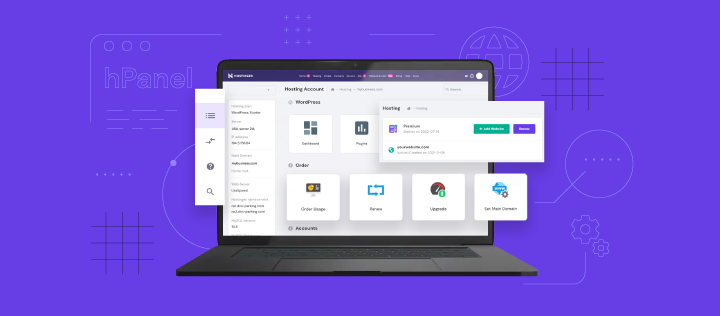
hPanel tutorial: features, overview, and tips
Designed for ease of use, Hostinger’s control panel hPanel streamlines most website management tasks, such as setting up and configuring your...

How to set up a VPS and host a site
Setting up a virtual private server (VPS) gives you more control and flexibility compared to shared hosting. While it may seem complex at...
How to remove WordPress sidebar from any page/post (manually + plugin method)
WordPress Sidebar is a slot for widgets on the left, right, or bottom of your theme. Although it is very useful, sometimes you will need to remove the...
How to Use the Linux Locate Command to Find Any File
If you’re using Linux for the first time, you might be confused about how to search for files and directories on your computer. There are two...
4 methods to check WordPress version of your website – step-by-step
WordPress is constantly improving its software, with each version bringing new features, performance enhancements, and security fixes. Thus, having...