The best sites to sell online: 9 marketplaces for selling goods or running a business
Mar 09, 2026
/
Matleena S.
/
7 min Read
Selling products online is a lucrative way to earn money, whether you’re starting a new business or looking for extra income. The key to success lies in choosing the right platform that matches your product type and target audience.
In this article, we explore the top online marketplaces and platforms that cater to different business needs, from casual sellers to large-scale operations.
We’ll also discuss how you can build your own online store with Hostinger Website Builder, offering complete control over your sales without third-party fees or commissions.
Use this list for a quick overview on how different sites suit different businesses:
| Platform | Ideal for | Key features | Fees |
| Amazon | Reaching a massive, diverse audience | Access to millions of customers, powerful tools for brand management | $0.99/item or $39.99/month + referral fees |
| eBay | Selling items via auction or secondhand goods | Auction system, global reach | Final value fee varies by category (~2.5%–15.3%) + per-order fee; $0.35 insertion fee after 250 listings/month (category exclusions apply) |
| Etsy | Artisans and crafters selling unique products | Specialized marketplace for crafts and vintage products | $0.20/item + 6.5% transaction fee |
| Bonanza | Small businesses with unique or niche products | Easy synchronization with other platforms | No listing fees; 11% final value fee (with tiering above certain thresholds) + $0.25 transaction fee for non-members; extra fees if you opt into advertising |
| eBid | Budget-conscious sellers using auction formats | Lower fees compared to competitors | 5% final value fee or 0% with SELLER+ plan |
| Ruby Lane | Sellers of antiques and high-end collectibles | Niche market for vintage items | Minimum monthly cost from $54 (shop up to 50 items) + service fee on reported sales (with a per-item cap) |
| Poshmark | Fashion and home goods sellers using social media | User-friendly app, social selling features | 20% commission for sales over $15, $2.95 for sales under $15 |
| Facebook Marketplace | Casual sellers focusing on local or social sales | Easy to list, large user base | No listing fee; fees for shipped/checkout orders vary by region/program (commonly a % fee with a minimum; confirm in your Meta commerce settings) |
| Craigslist | Selling locally with zero costs | Simple listings, no registration required | Free for most categories |
1. Amazon
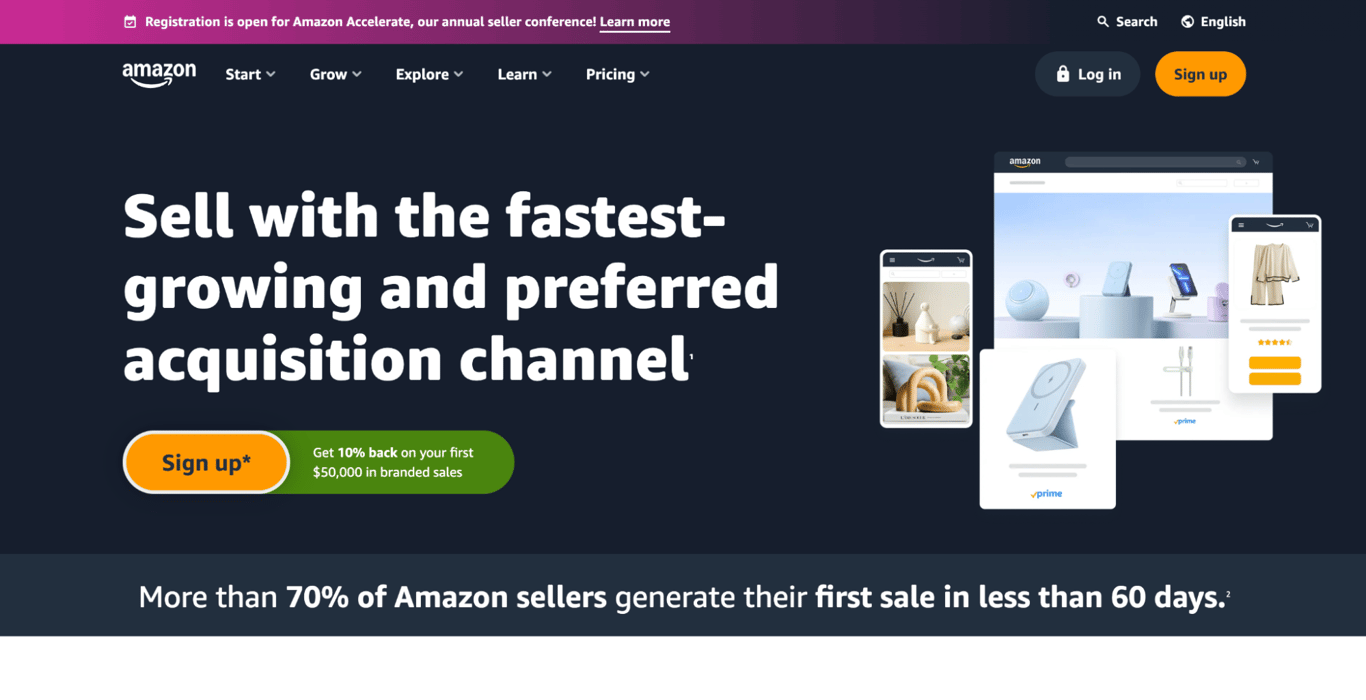
Amazon is one of the best choices if you want to reach a massive audience across many product categories. It supports everything from casual sellers to established brands, with tools for inventory, ads, and brand protection.
That reach comes with higher selling costs. Amazon offers two main plans: the Individual plan charges $0.99 per item sold, while the Professional plan costs $39.99 per month (plus category-based selling fees like referral fees).
Pros:
- Massive customer base. Reach buyers worldwide.
- Strong selling ecosystem. Plenty of tools for listings, fulfillment, and scaling.
- Brand options. Useful if you have a registered brand.
Cons:
- High competition. You’ll compete with many sellers in most categories.
- Fees can add up. Especially if you also use ads or fulfillment services.
2. eBay
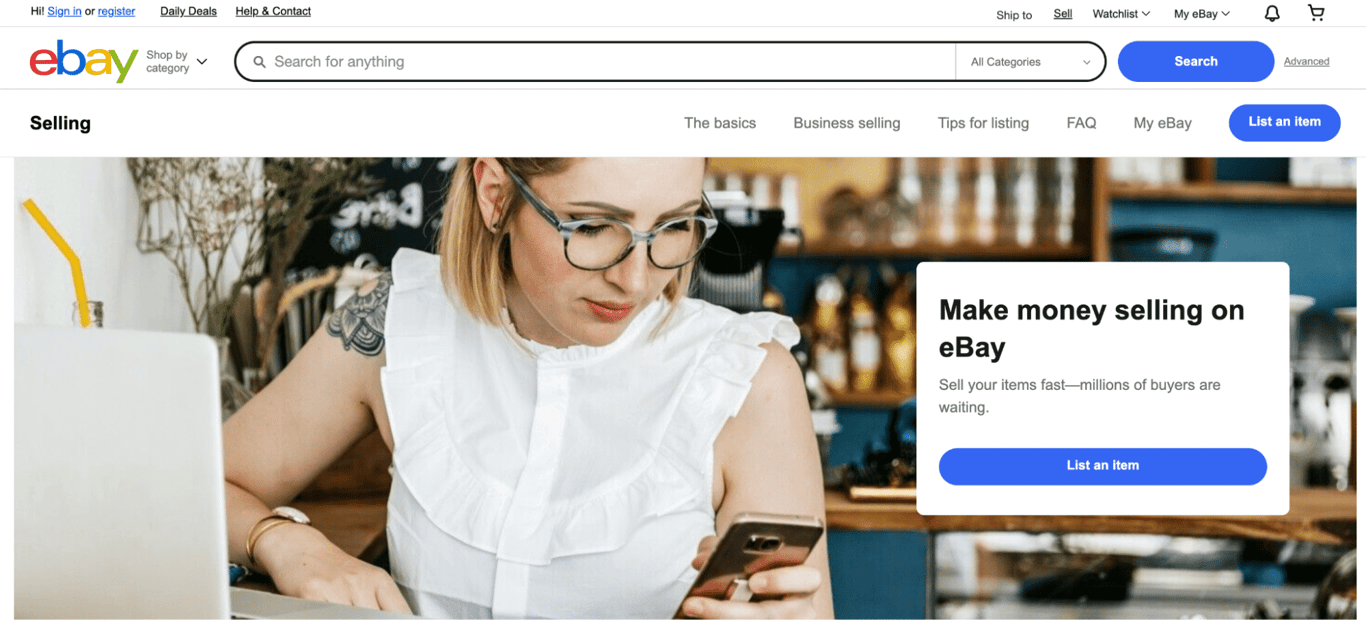
eBay is a solid option for auctions, secondhand goods, and collectibles — but it also works well for brand-new products through “Buy It Now.” It’s one of the most flexible marketplaces for casual selling and small businesses.
eBay’s fees depend on what you sell. The final value fee ranges from 2.5% to 15.3% depending on category, plus a per-order fee ($0.30 for orders $10 or less, $0.40 for orders over $10). Most casual sellers get 250 free listings per month, then pay a $0.35 insertion fee per listing (category exclusions apply).
Pros:
- Auction + fixed price options. Useful for both rare items and regular inventory.
- Global reach. Strong demand in many markets.
- Established marketplace. Buyers trust the platform.
Cons:
- Fees vary by category. You’ll want to check your category before pricing.
- Brand positioning can be tricky. Some buyers come expecting bargain deals.
3. Etsy
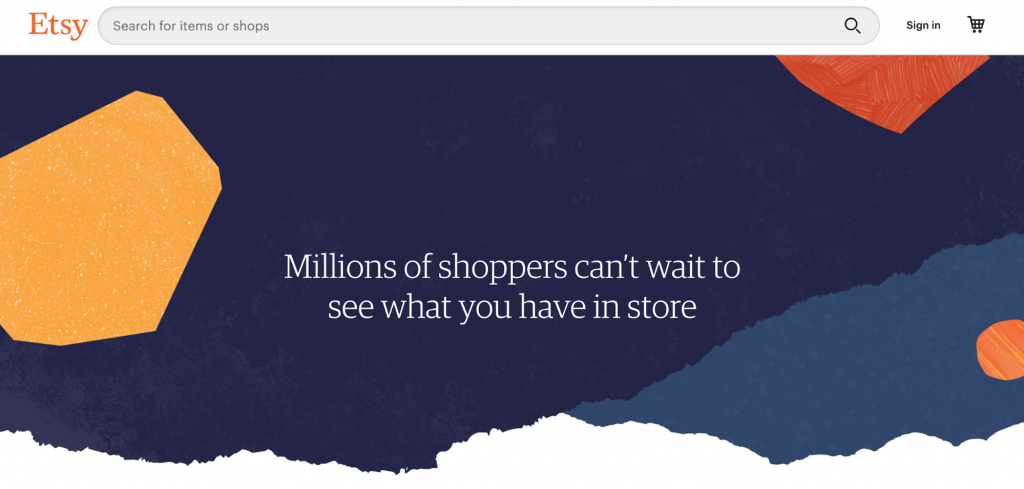
Etsy is the go-to marketplace for handmade items, vintage goods, and craft supplies. It’s built around discovery for unique products, which makes it a strong fit for creators and small shops.
Etsy charges a $0.20 listing fee and a 6.5% transaction fee. You’ll also pay payment processing fees, and there may be additional charges if you use Etsy services like ads, Offsite Ads, or shipping labels.
Pros:
- Niche audience. Buyers come specifically for unique products.
- Built-in discovery. Easier to get found than on general marketplaces.
- Good for branding. Shop pages support a consistent look and feel.
Cons:
- Competition is growing. Standing out can take work.
- Extra costs beyond core fees. Ads and processing can impact margins.
4. Bonanza
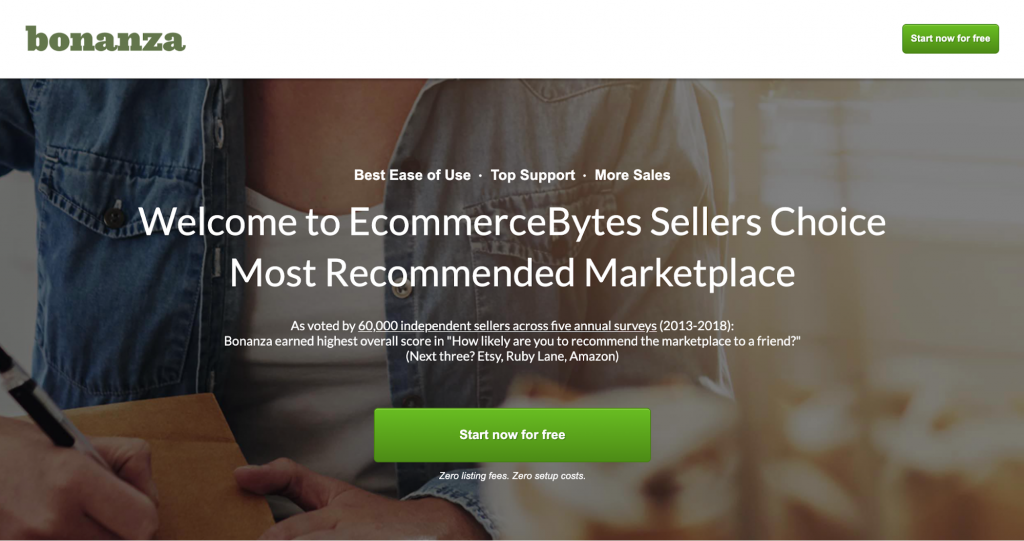
Bonanza is a smaller marketplace that works best for niche products and sellers who want an alternative to the biggest platforms. It also supports importing/syncing listings from other places, which can save time if you sell on multiple channels.
Bonanza’s current base selling cost includes a final value fee starting at 11% (with tiering on larger order amounts) and a $0.25 transaction fee for non-members. If you opt into advertising, your total fees can increase depending on the ad rate you choose.
Pros:
- Easy setup and importing. Helpful if you already sell elsewhere.
- Optional advertising controls. You can choose how aggressive you want to be.
Cons:
- Smaller buyer base. Sales volume may be slower than larger marketplaces.
- Fees are no longer “low.” It’s not the cheap eBay alternative it once was.
5. eBid
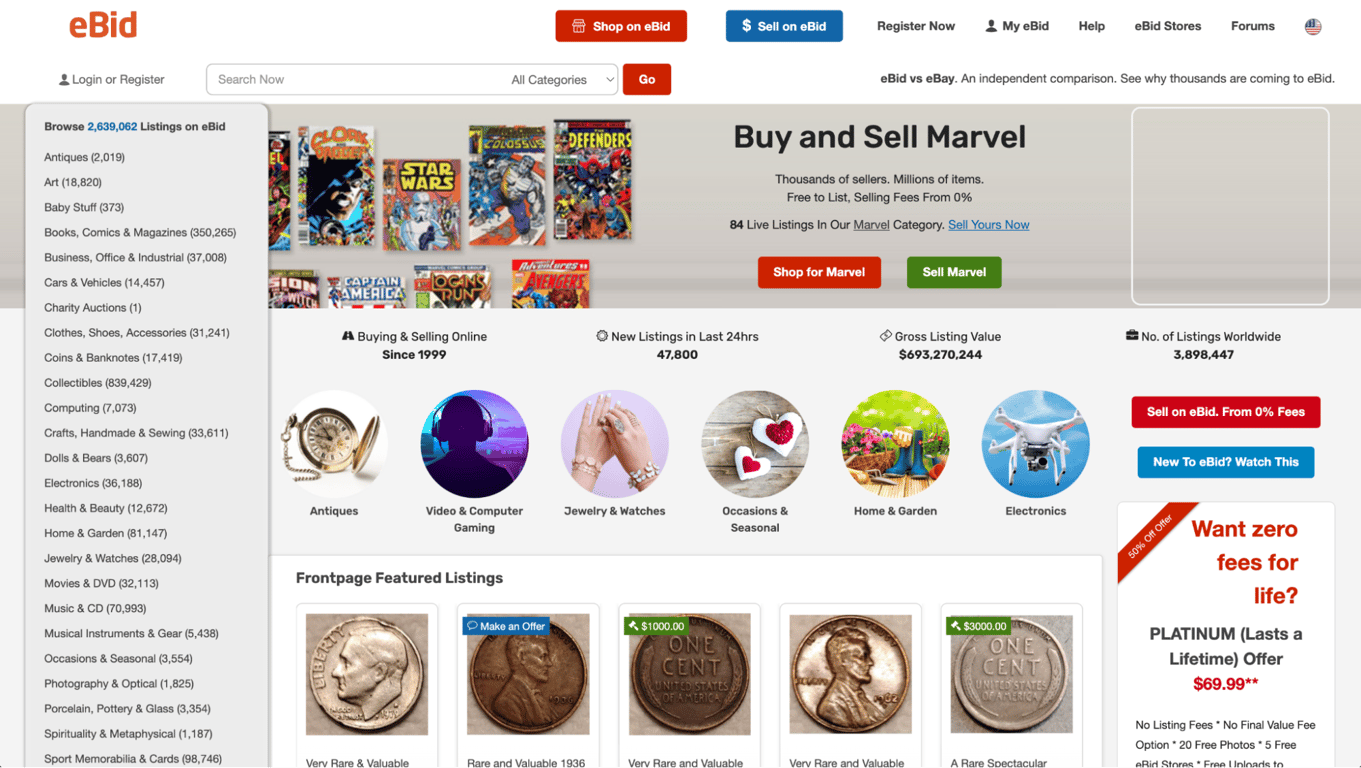
eBid is a budget-friendly auction marketplace that can work for sellers who want a lower-cost alternative to eBay — especially if you’re fine with a smaller audience and slower sales velocity.
eBid allows free listing in many cases, and commonly charges a 5% final value fee when an item sells. The platform also offers paid upgrades, which can change how fees work depending on the plan you choose.
Pros:
- Lower marketplace pressure. Less competition than the biggest platforms.
- Auction format. Useful for collectible-style inventory.
Cons:
- Smaller audience. Expect fewer buyers than on major marketplaces.
- Fewer advanced tools. Not ideal if you need strong marketing/analytics features.
6. Ruby Lane
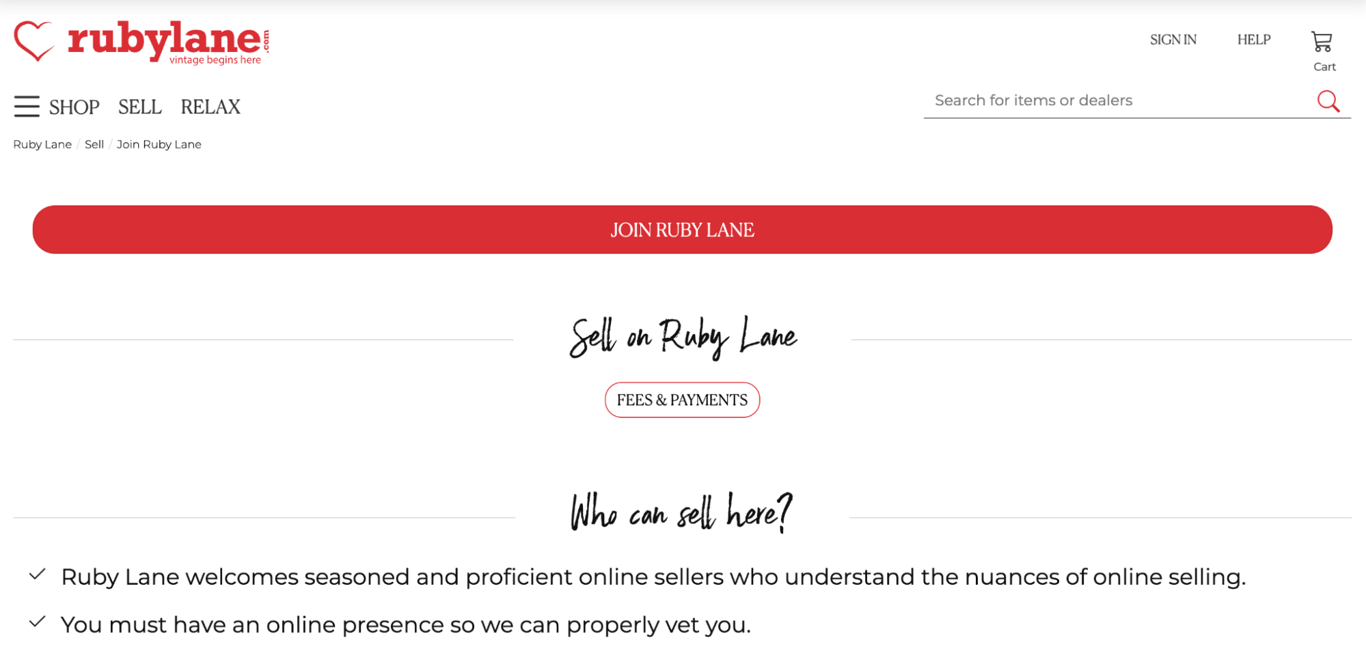
Ruby Lane is built for antiques, vintage, and collectibles — especially higher-end items where buyers care about curation. It’s a strong fit if your inventory is premium and you want a marketplace that reflects that.
Ruby Lane lists a minimum monthly shop cost of $54 for up to 50 items, plus a service fee on reported sales (with a per-item service-fee cap).
Pros:
- Targeted audience. Buyers are there specifically for vintage and collectibles.
- Premium positioning. It can be a better fit than general marketplaces for higher prices.
Cons:
- Monthly cost. Not great for tiny inventories or testing a new side hustle.
- Niche demand. Best results usually come from curated, higher-quality listings
7. Poshmark

Poshmark is a popular resale platform for fashion and select home categories, with a social layer that helps products get discovered. It’s app-first, so it’s especially useful if you want to sell from your phone.
Poshmark fees are simple: $2.95 for sales under $15, and a 20% commission for sales of $15 or more.
Pros:
- Social discovery. Likes, shares, and followers can help you sell faster.
- Simple selling flow. Easy listing, messaging, and order steps.
Cons:
- High commission for higher-priced items. That 20% can cut deeply into margins.
- Best for specific categories. Doesn’t fit every product type.
8. Facebook Marketplace
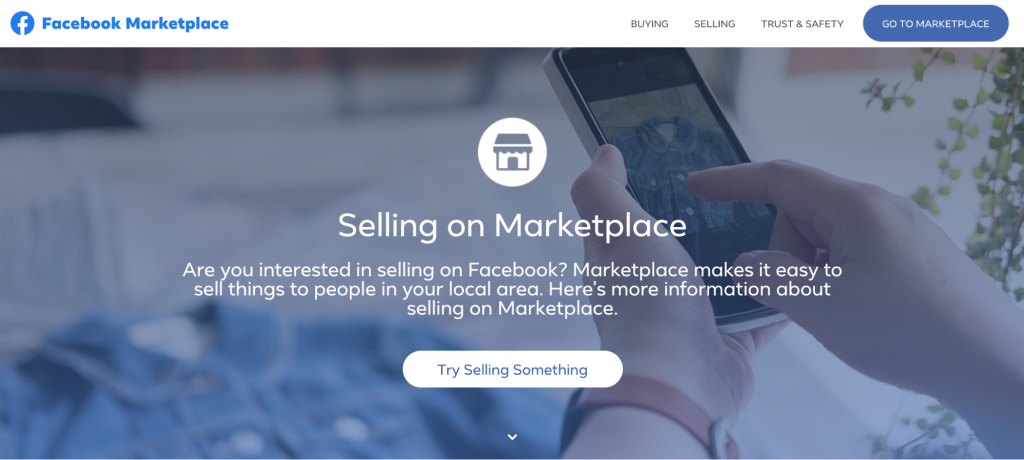
Facebook Marketplace is one of the easiest places to sell locally, especially if you want quick pickup sales. For many sellers, it works best for furniture, household items, and anything that’s expensive to ship.
Local pickup sales typically don’t include selling fees, but shipped orders do. Facebook Marketplace’s shipped-order selling fee is widely reported as 10% (minimum $0.80 per listing) since April 15, 2024.
Pros:
- Fast local selling. Great for nearby buyers.
- Huge user base. Your listing can get visibility quickly.
Cons:
- Limited protections for local deals. You’ll want to vet buyers and use safe meetups.
- Shipping fee impact. The shipped-order fee can make low-priced items harder to sell profitably.
9. Craigslist
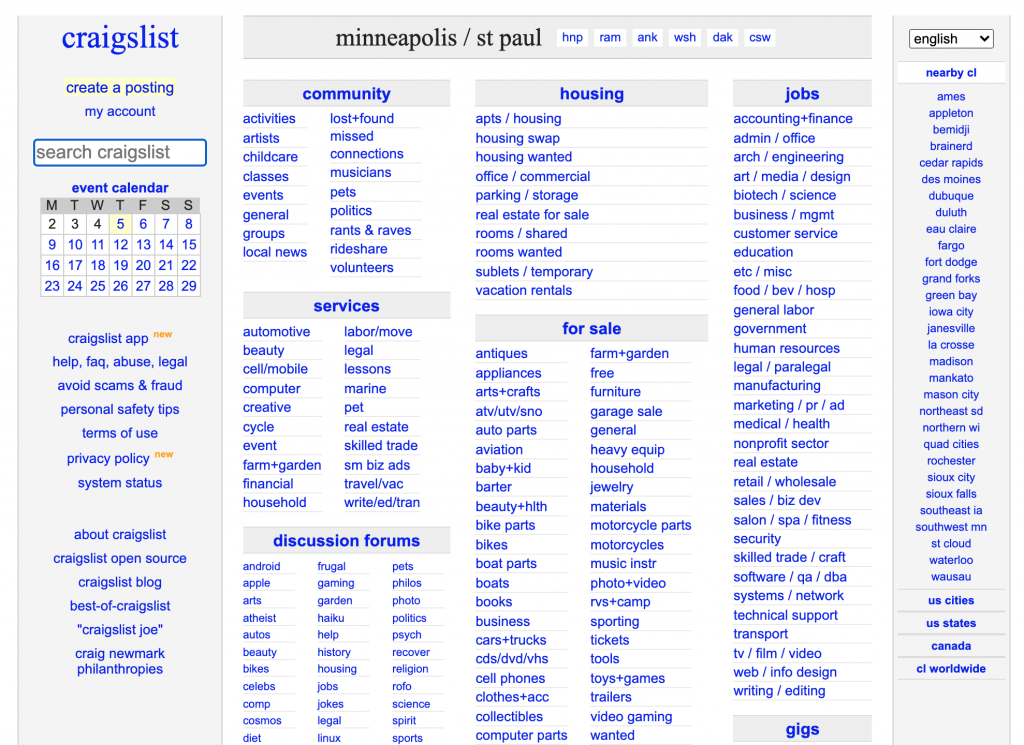
Craigslist is a simple, local-first platform that works best for in-person sales — especially for bulky items, used goods, and anything you don’t want to ship. It’s not fancy, but it can still be effective in many cities.
Craigslist is free for most categories, but there are clear exceptions (for example, certain job posts, apartment rentals in some cities, dealer listings, and a few other categories).
Pros:
- Low barrier to entry. Quick posting, minimal setup.
- Good for local items. Especially bulky products.
Cons:
- No built-in checkout or shipping. You handle the transaction yourself.
- Less safety/protection. You need to be careful with meetups and payments.
Build your own online store with Hostinger Website Builder
Creating your own eCommerce website with a tool like Hostinger Website Builder is a smart way to sell online directly to customers. Unlike with an online marketplace, you remain in full control over your business and can maximize your profits.
Unlike selling on third-party platforms, where fees can quickly add up, a website builder provides a cost-effective solution without any hidden charges. Hostinger Website Builder has various built-in AI tools to help streamline everything from site layout creation to writing product descriptions, creating unique images, and more.
Build and publish your online store in an afternoon from just ₦2900.00/month.
Some of the main reasons for building your own store include the following:
- Complete control. Customize your store’s design, branding, and product pages to ensure your business stands out. You’re not tied to the rules or restrictions of a third-party marketplace.
- No extra fees. Hostinger doesn’t charge listing or commission fees, so every sale you make is more profitable. This can significantly increase your margins compared to platforms that take a cut of your revenue.
- User-friendly setup. With a drag-and-drop website builder, you can quickly set up your store even without prior coding experience. Hostinger Website Builder is designed to be intuitive and straightforward, helping you focus on your business, rather than web development.
Considerations:
- Marketing effort. You need to invest time in marketing to drive traffic to your site, as you won’t have the built-in customer base that large marketplaces offer. A solid digital marketing strategy will be essential to attract and retain customers.

Tips to sell online
Picking the right platform is only the first step. Your results usually come down to the basics — what you sell, how you present it, and how easy you make it for people to buy.
Here are a few practical tips you can apply on any marketplace or on your own online store:
- Match the platform to your product. Etsy works best for handmade and vintage, Poshmark for fashion, and local platforms like Facebook Marketplace and Craigslist for bulky items you don’t want to ship.
- Price with fees in mind. Marketplace commissions and payment processing can cut into margins fast. Before you list, calculate your real profit after fees, shipping, and returns.
- Make your listings easy to trust. Use clear photos, write specific titles, and include the details buyers actually look for — size, condition, materials, shipping time, and return terms.
- Start with a small, repeatable workflow. List a few items, track what sells, then scale what works instead of trying to upload everything at once.
- Build your own “home base” as you grow. Marketplaces help you get discovered, but a store you control lets you build a brand, collect customer emails, and avoid marketplace rule changes.
If you want a step-by-step walkthrough for the next part, check out our how to sell online guide. It covers the full process — from choosing what to sell and validating demand to setting up payments, shipping, and marketing your products.

Matleena is a seasoned Content Writer with 5 years of content marketing experience. She has a particular interest in emerging digital marketing trends, website building, and AI. In her free time, Matleena enjoys cups of good coffee, tends to her balcony garden, and studies Japanese. Follow her on LinkedIn