12 best Bubble alternatives to develop simple web apps
Apr 09, 2026
/
Simon L. & Dainius K.
/
12 min Read

Bubble is a popular no-code platform for building web apps without writing code. It’s flexible and feature-rich, but it comes with a steep learning curve, performance limitations on larger projects, and pricing that can climb quickly as your app scales.
Many users also run into vendor lock-in since Bubble doesn’t offer code export, which makes migrating to another platform a real headache.
The good news? There are plenty of strong Bubble alternatives worth exploring.
Some are better for building native mobile apps with full code export, others are ideal for spinning up data-driven internal tools in minutes. A growing number use AI to generate entire apps from a simple text prompt.
The right choice depends on what you’re building, how technical your team is, and whether you need features like app store publishing, backend flexibility, or ecommerce.
Platform | Best for | Starting price | Ease of use |
Hostinger Horizons | AI-driven web app creation | CA$ 13.99/month | Very easy |
Webflow | Design-focused websites and marketing sites | $14/month | Moderate |
Softr | Data-driven internal tools | $49/month | Very easy |
Glide | Mobile-first business apps | $19/month | Easy |
Base44 | AI-powered full-stack prototyping | $20/month | Very easy |
FlutterFlow | Native mobile apps with code export | $39/month | Moderate |
Wix | Small business websites and simple apps | $17/month | Very easy |
Adalo | Cross-platform mobile and web apps | $36/month | Easy |
Lovable | AI-generated web app prototypes | $25/month | Easy |
Betty Blocks | Enterprise-grade applications | €1,500/month (about $1,700) | Moderate |
Replit | Full development environment with AI | $20/month | Moderate |
Bolt.new | Fast AI-powered app prototyping | $25/month | Easy |
1. Hostinger Horizons
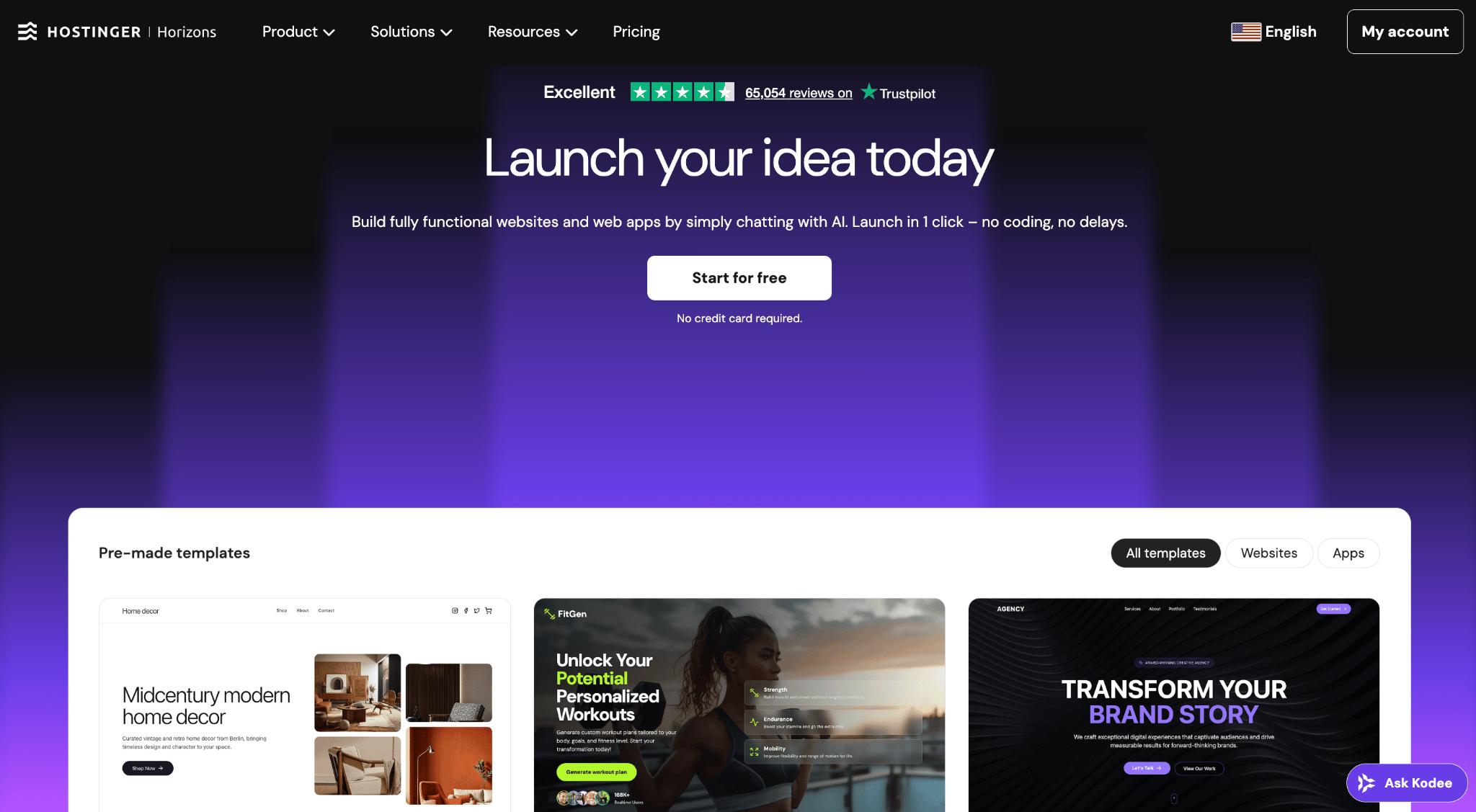
Hostinger Horizons is built for people who want to go from idea to live web app as quickly as possible. Instead of dragging and dropping elements or learning a visual editor, you simply describe your app in plain text and the AI builds it for you.
On the Starter plan and above, you can also upload images or screenshots for visual reference and use voice prompts.
What sets it apart from Bubble is the all-in-one approach. Hosting, a custom domain, an SSL security certificate, a content delivery network for fast loading, and professional email are all bundled into your plan, so you’re not stitching together third-party services.
The AI app builder also catches and fixes errors automatically, which keeps things moving when you’d otherwise be stuck debugging.
The platform includes its own integrated backend database, and also supports Supabase if you prefer an external option. For payments, there’s one-click Stripe setup. You can connect tools like Mailchimp and Zapier through the AI chat as well.
Built-in search engine optimization (SEO) and version control with one-click rollback let you experiment freely without worrying about breaking something.
Pricing starts at CA$ 13.99/month for the Explorer plan. There’s also a free 7-day trial with 5 messages to test it out.
Hostinger Horizons pros:
- Describe your app in natural language and the AI builds it, no coding required.
- Hosting, domain, security certificate, and email all included in one subscription.
- Automatic error detection and one-click version rollback.
- Integrations with Stripe, Supabase, Zapier, and a built-in backend database.
- Most budget-friendly entry price in the AI app builder market.
Hostinger Horizons cons:
- You can’t drop into the source code to fine-tune things manually on lower-tier plans.
- Credit-based system means heavy iteration sessions can eat through your monthly allowance fast.
2. Webflow
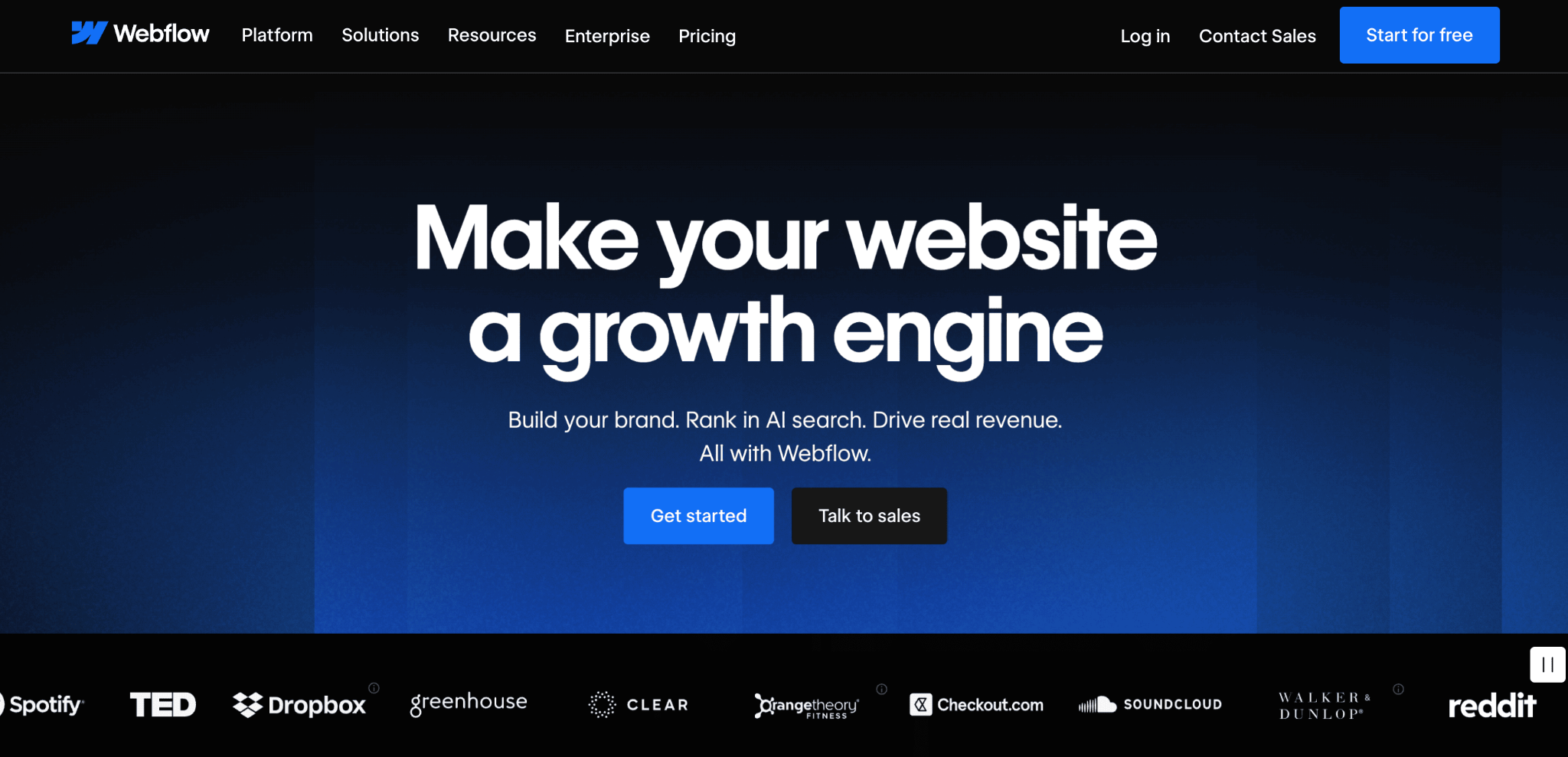
If you care deeply about design and want pixel-perfect control over your website, Webflow is hard to beat. It’s less of a direct Bubble competitor and more of an alternative for people who realized they need a beautiful, responsive website rather than a complex web application.
Webflow gives you a visual builder that generates clean, semantic HTML and CSS behind the scenes. Its content management system (CMS) is genuinely powerful, letting you manage blogs, directories, and other dynamic content without plugins.
The platform also includes built-in ecommerce, SEO tools with auto-generated sitemaps, and real-time team collaboration on all workspace plans.
All plans include Webflow AI, which helps generate page layouts, write copy, and speed up the design process. The platform also supports custom React components on the canvas (CMS plan and above) for developers who want to extend functionality.
Keep in mind that Webflow uses a dual billing system: site plans (from $14/month) cover hosting, while workspace plans (from $19/month) handle team collaboration. This can make pricing feel complex, but there are also several Webflow alternatives worth a look if you’re considering similar options.
Webflow pros:
- Unmatched design control with a visual builder that outputs clean code.
- Strong CMS for blogs, directories, and dynamic content.
- Built-in ecommerce and SEO tools.
- AI features now included on all plans.
Webflow cons:
- You’ll pay twice: a site plan for hosting plus a workspace plan for team features, which adds up if you manage multiple sites.
- Expect a real learning curve. Webflow’s interface is powerful but dense, especially if you’re coming from simpler drag-and-drop builders.
3. Softr
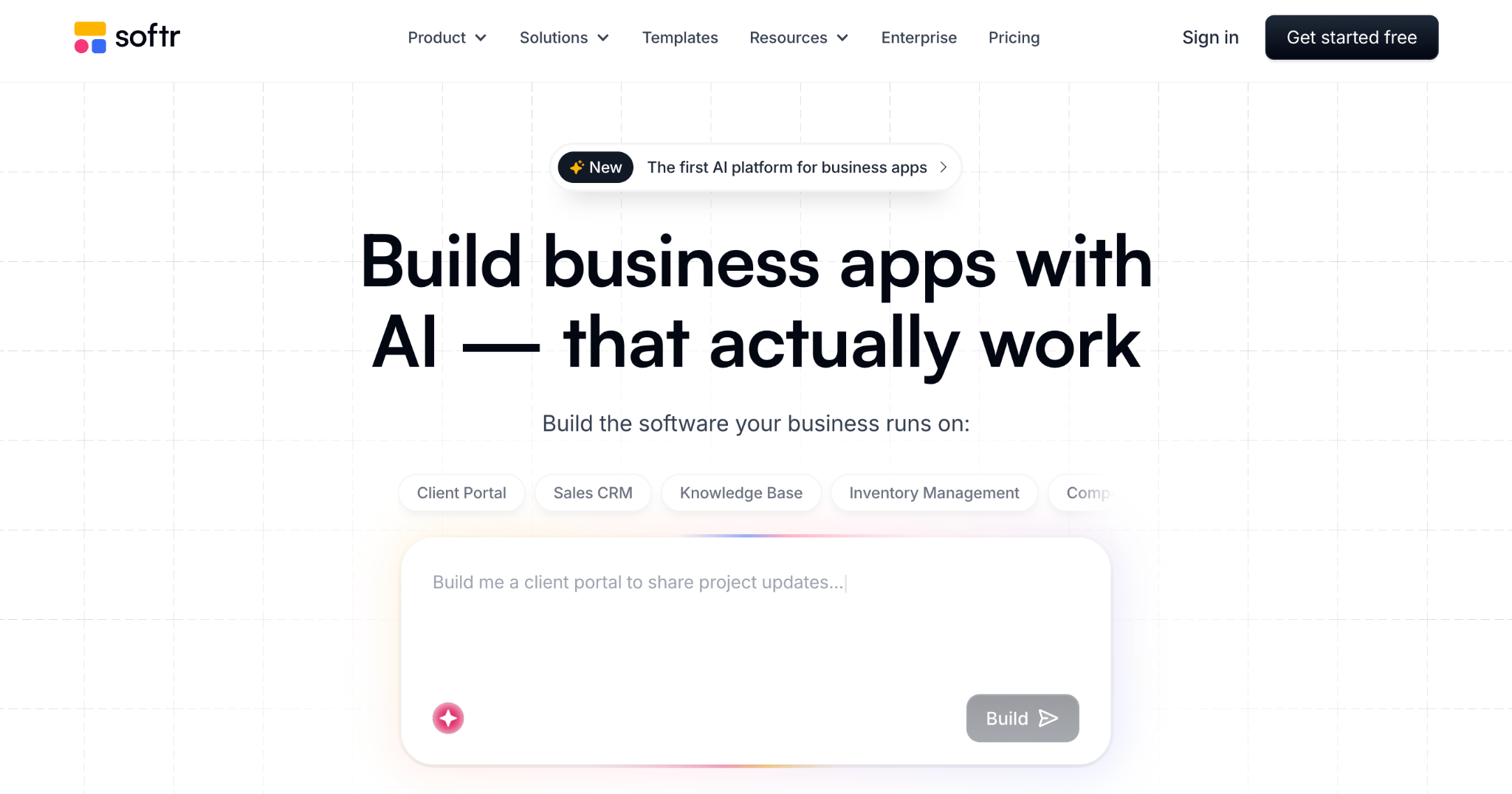
Already have your data in Airtable or Google Sheets? Softr turns it into a working app with almost no effort. Point it at your spreadsheet, pick from pre-built blocks like tables, charts, lists, and forms, and you’ve got a functional client portal or internal dashboard ready to share.
This is the opposite of Bubble’s build-everything-from-scratch philosophy. Softr doesn’t ask you to learn workflows, design databases, or configure API connections. You focus on the frontend, and your existing data does the heavy lifting.
The tradeoff is depth. Softr is purpose-built for data-driven apps, and it excels in that lane. But if your project needs custom backend logic, complex user permissions, or anything beyond basic create-read-update-delete operations, you’ll hit its ceiling quickly. There are plenty of Softr alternatives worth considering if you need something more flexible.
Softr’s free plan works for building small prototypes. Paid plans start at $49/month and unlock custom branding, more templates, and higher usage limits.
Softr pros:
- Connects directly to Airtable and Google Sheets with zero configuration.
- Pre-built blocks get you from data to live app in under an hour.
- Clean, polished output that looks professional without design work.
- Free plan available for testing and small projects.
Softr cons:
- Once you need custom API calls, server-side logic, or multi-step workflows, you’ll need a different tool.
- Design customization is limited to what the pre-built blocks offer, so highly branded experiences are tough to achieve.
4. Glide
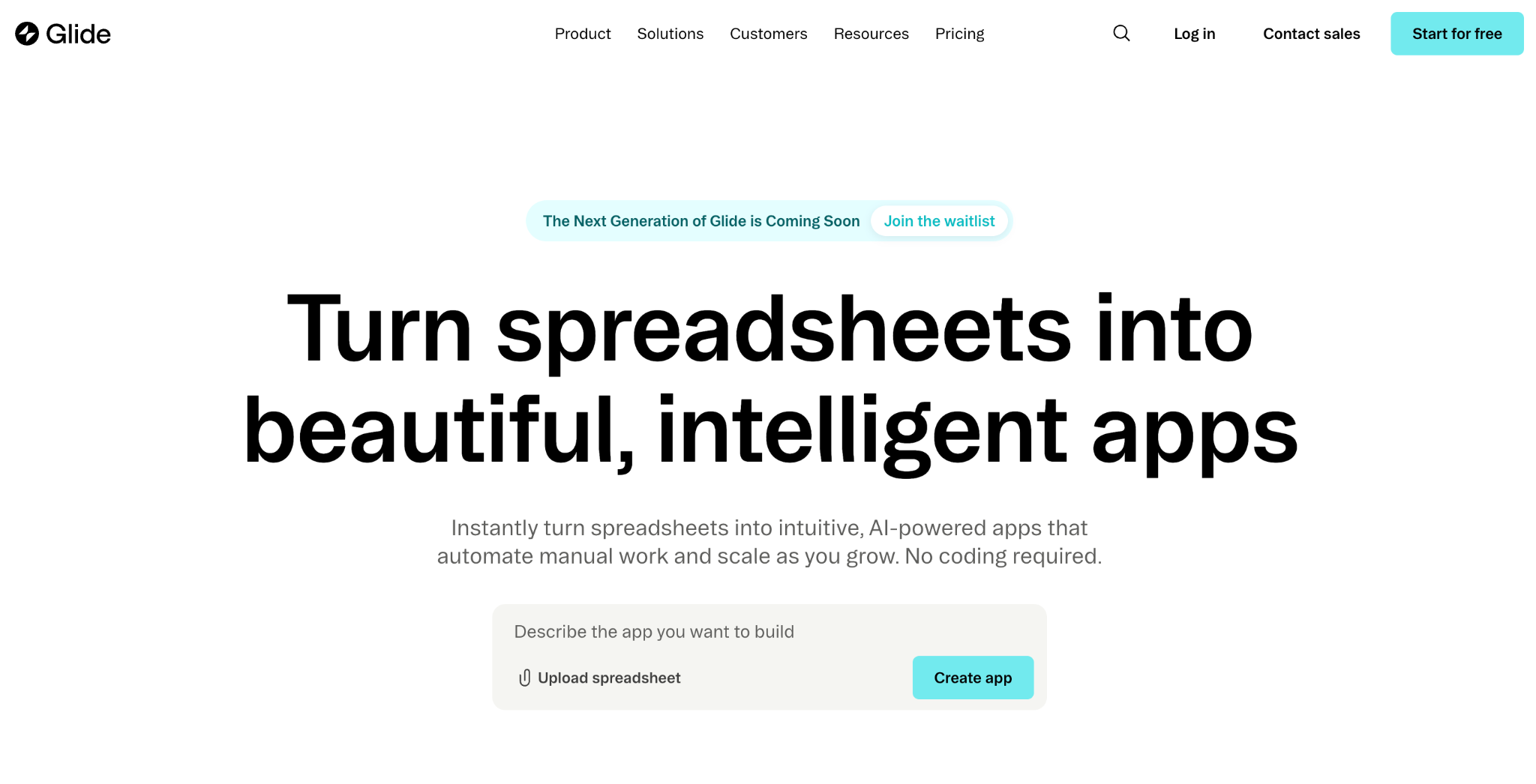
Glide solves a specific problem really well: turning spreadsheet data into apps that feel native on phones. If your team runs on Google Sheets and you need a mobile interface for field workers, sales reps, or inventory tracking, this is the tool to look at first. Bubble’s mobile experience is essentially a responsive web app; Glide apps actually feel like they belong on a phone.
Where Softr focuses on web-based dashboards and portals, Glide optimizes for the smartphone experience. Navigation feels smooth, layouts resize cleanly, and the overall UX is closer to a native app than a responsive website.
You also get features like user authentication, conditional visibility, and role-based access without writing any code.
AI-powered computed columns let you automatically categorize, summarize, or transform data right inside your app. It’s a small feature that saves a surprising amount of manual work.
The free plan lets you experiment with basic apps. Paid plans start at $19/month for simple projects, while higher-tier plans add Google Sheets sync and unlock Airtable and Excel as data sources.
Glide pros:
- Apps look and feel native on mobile, not like a shrunken website.
- Deep integration with Google Sheets as a live data source, with Airtable and Excel available on higher tiers.
- AI-computed columns automatically process and enrich your data.
- Role-based access and conditional visibility built in.
Glide cons:
- Building for desktop is an afterthought. If most of your users are on laptops, Softr or Webflow will serve you better.
- Airtable and Excel sync require the Business plan ($199/month), which is a big jump from the entry-level tiers.
5. Base44
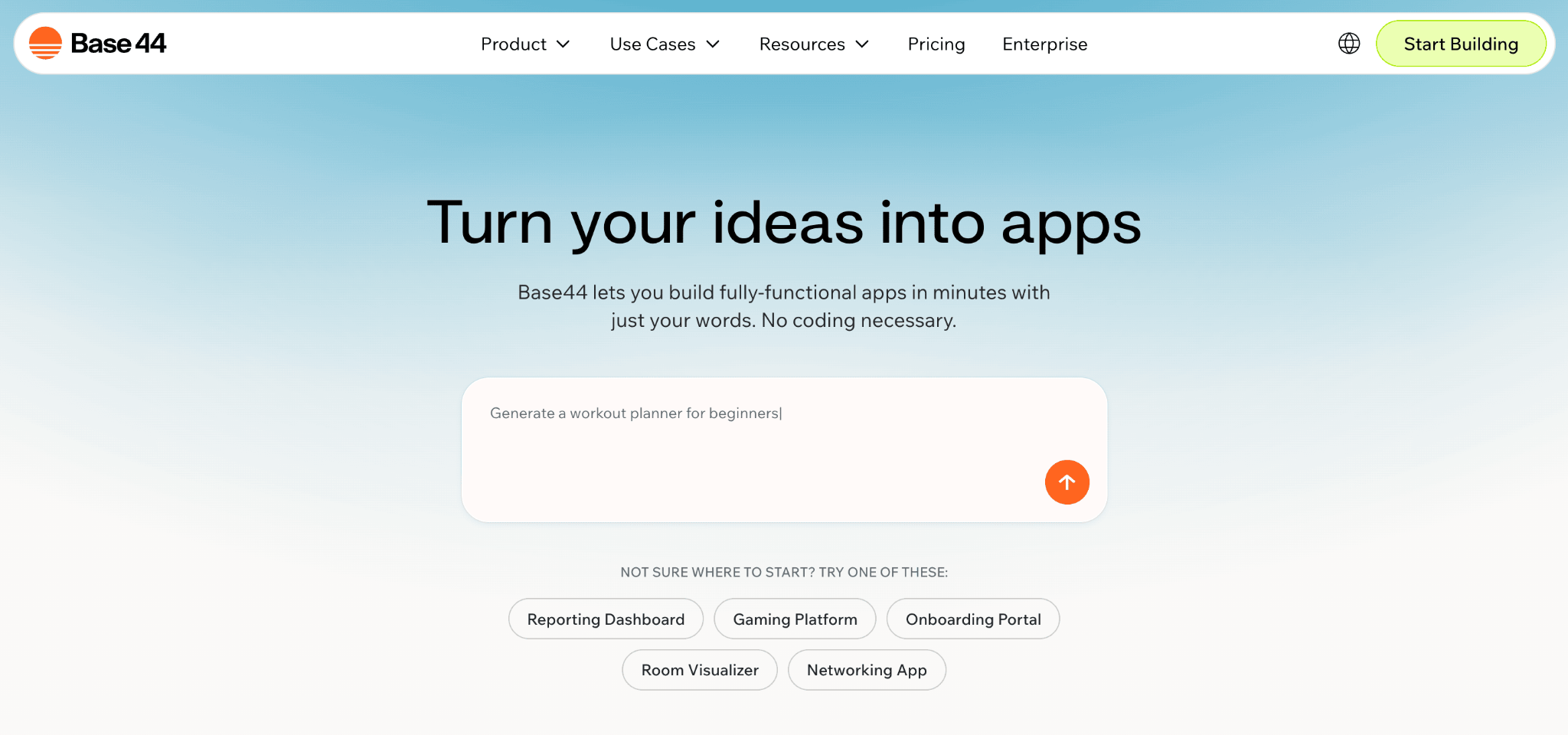
Base44 takes the “describe it and the AI builds it” concept further than most. You type out what you want, and the platform generates a complete app: frontend, database, user authentication, hosting, the works. No separate services to wire up, no infrastructure to manage.
Where Bubble requires you to configure your database, workflows, and hosting separately, Base44 handles all three in a single generation step.
The built-in visual editor lets you tweak designs after generation, and there’s a discussion mode for brainstorming features with the AI before committing to a build. Integrations cover Stripe, Slack, Google Workspace, Salesforce, and about 20 other services.
The free plan gives you 25 credits per month while paid plans start at $20/month. The thing is, every prompt you send costs message credits, and debugging sessions can drain them fast. If this doesn’t sound appealing, there are several Base44 alternatives to consider as well.
Base44 pros:
- Generates a complete full-stack app from a single text description.
- Database, authentication, and hosting are all built in with zero setup.
- 25+ integrations including Stripe, Slack, and Salesforce.
- Discussion mode lets you plan features with the AI before building.
Base44 cons:
- Like most AI builders, complex prompts can take several attempts to get right, and each attempt costs credits. Planning your requests carefully helps stretch your allowance.
- Apps are hosted on Base44’s infrastructure, so self-hosting isn’t an option. Keep this in mind if you think you’ll want to migrate later.
6. FlutterFlow
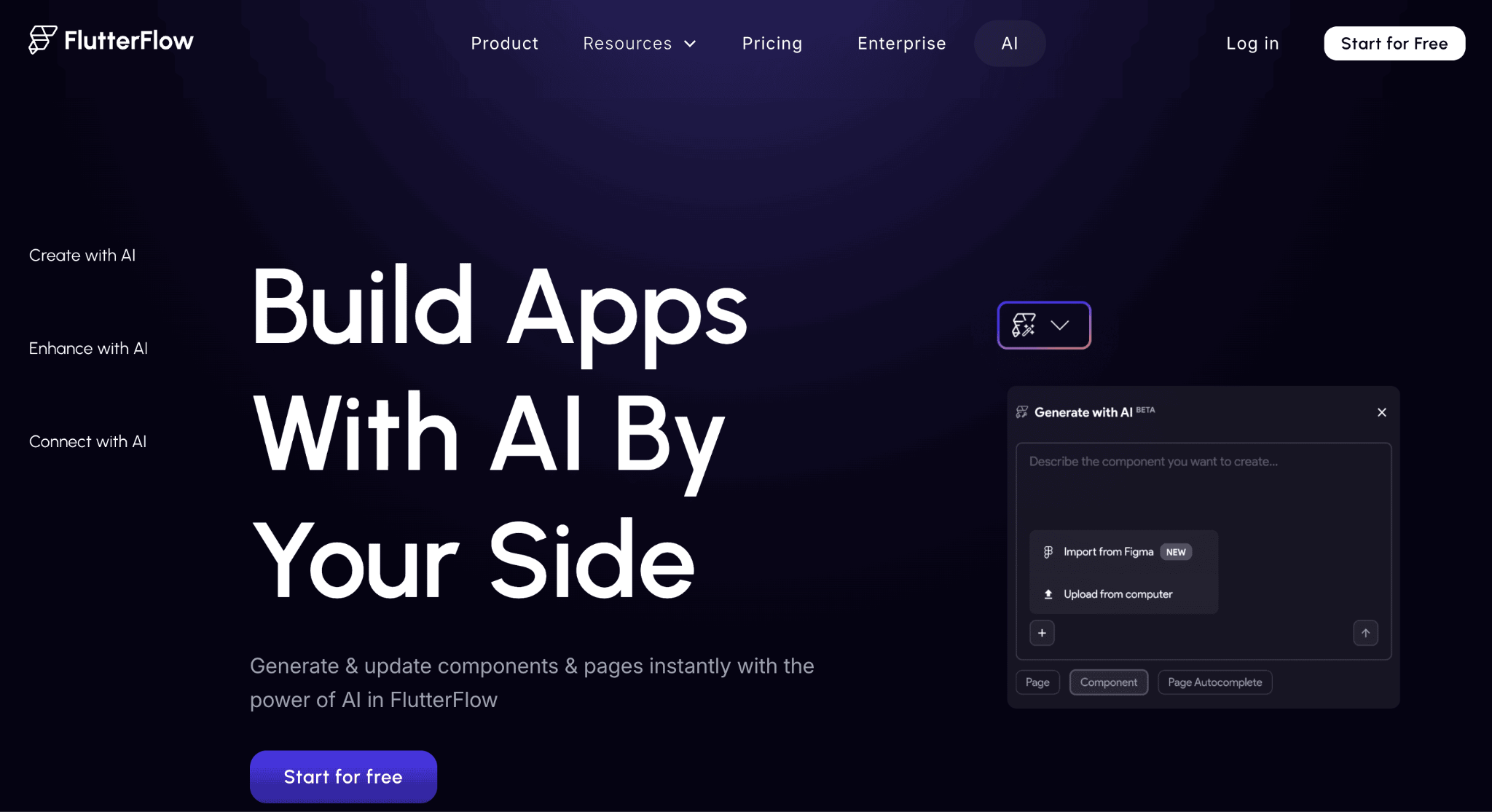
FlutterFlow is a different animal from the other tools on this list. It’s a low-code platform built on Google’s Flutter framework, and the apps it produces compile to actual native code for iOS and Android. Not progressive web apps, not web wrappers. Real native apps.
The biggest draw is code export. You can download your full Flutter/Dart source code at any time and continue development outside the platform. That’s a massive advantage over Bubble, where everything you build stays locked inside the ecosystem.
FlutterFlow supports one-click deployment to both the App Store and Google Play starting from the Basic plan, along with project branching so you can test new features without risking your live app.
Under the hood, you get native Firebase and Supabase integration, 100+ pre-built widgets, AI-powered development through DreamFlow, and built-in localization for multi-language apps.
Figma theme import is available on all plans, while full Figma frame-to-FlutterFlow conversion requires the Business tier. It’s powerful, but it’s aimed at people with at least some technical background.
FlutterFlow’s free plan works for prototyping. The Basic plan at $39/month unlocks code export and app store deployment, while higher-tiers add GitHub integration, team collaboration, and advanced enterprise features.
FlutterFlow pros:
- Full Flutter/Dart code export means zero vendor lock-in.
- Produces true native mobile apps, not web-based approximations.
- One-click publishing to both the App Store and Google Play from the Basic plan.
- Figma theme import on all plans, with full frame conversion on Business.
FlutterFlow cons:
- You’ll need to understand concepts like state management and widget trees to get the most out of it.
- Backend costs (Firebase or Supabase) are billed separately, which can catch you off guard.
- The visual builder is powerful but dense, so complete beginners will struggle.
7. Wix
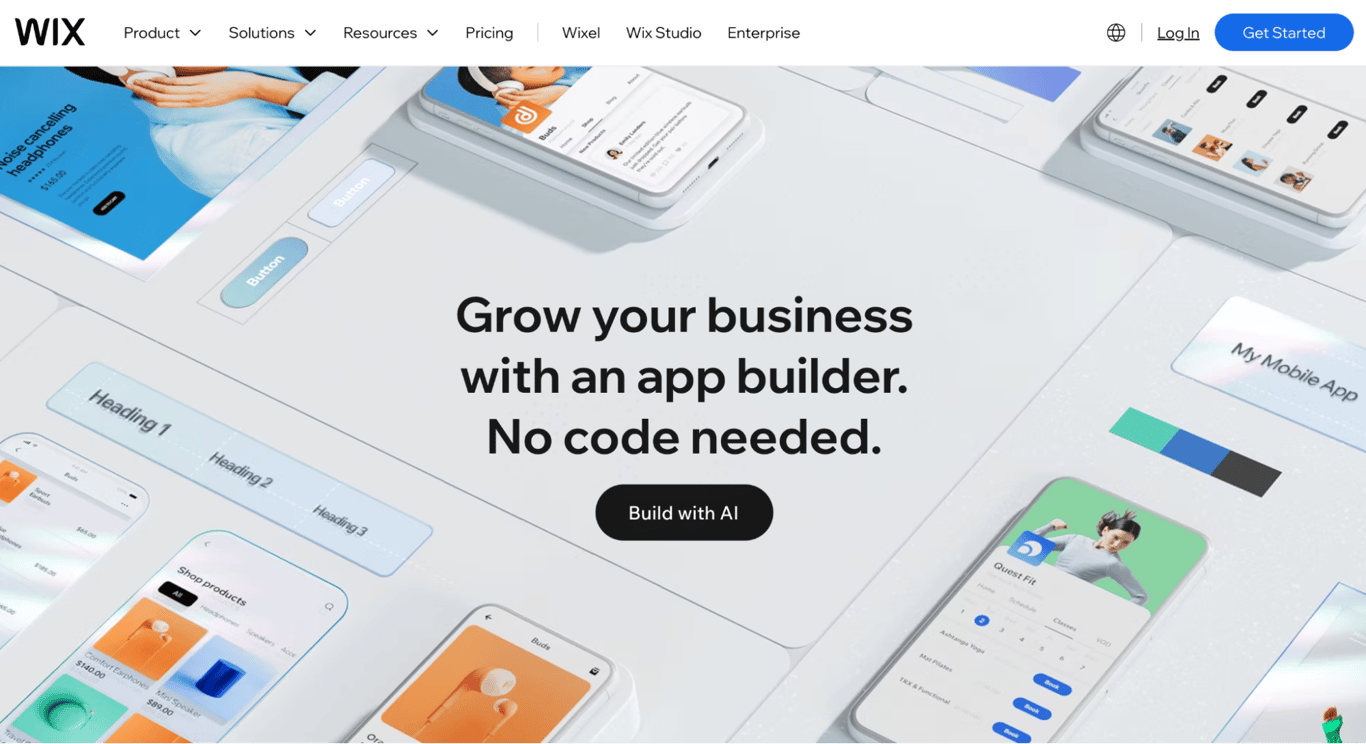
If you came to Bubble looking for a website builder and found it overwhelming, Wix is probably what you actually needed.
Wix’s drag-and-drop builder is one of the most beginner-friendly on the market. The template library is massive, ecommerce is built in, and the app marketplace lets you bolt on booking systems, chat widgets, email marketing, and more. For small businesses, freelancers, and creatives, it covers the basics well.
The ceiling is low, though. Wix is designed for websites, not applications. If you need user-specific dashboards, relational databases, or anything involving custom backend logic, you’re going to outgrow it fast. In that case, these Wix alternatives might be a better fit.
But for straightforward online storefronts, portfolios, and landing pages, Wix is still one of the most reliable options at its price point.
Wix offers a free plan with basic features. Paid plans start from $17/month with custom domains, additional storage, and advanced design options.
Wix pros:
- Genuinely easy to use, even for people who’ve never built a website before.
- Huge template library with designs for almost every industry.
- Built-in ecommerce, booking, and marketing tools.
- Starts at $17/month, which is still hard to beat on value.
Wix cons:
- No relational database, custom API support, or backend logic. Complex app features simply aren’t possible.
- Once you publish with a template, switching to a different one means starting from scratch.
8. Adalo
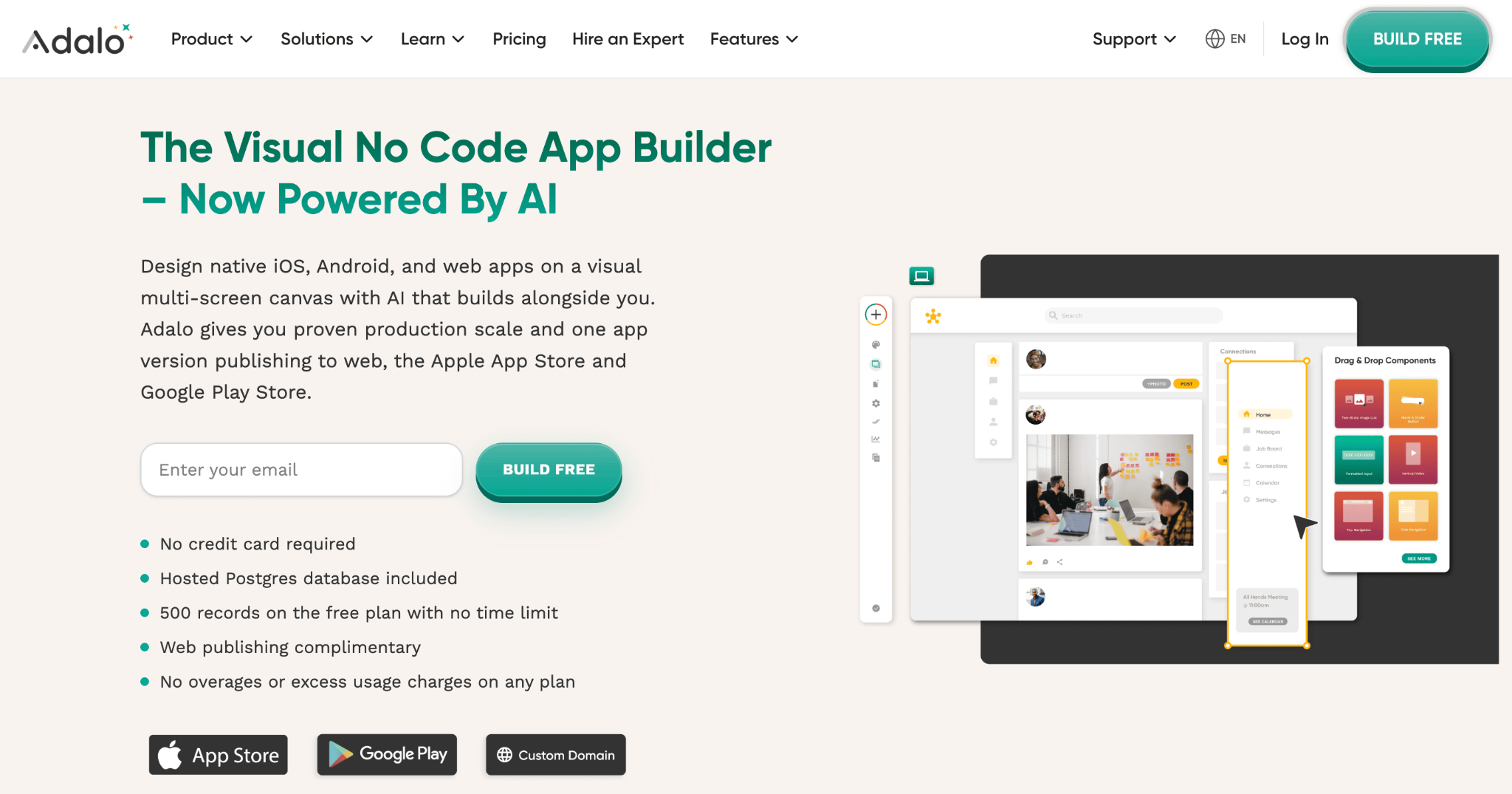
Adalo bridges a gap that most no-code tools ignore: building native mobile apps without coding, and getting them onto the App Store and Google Play without a developer.
Unlike Bubble, which produces web apps that can be wrapped for mobile, Adalo compiles genuine native builds for both app stores. You design once, and Adalo compiles for iOS, Android, and web from the same project.
The drag-and-drop builder uses pre-built components for common mobile patterns, and you can add custom workflows, connect external APIs, and handle user authentication all within the platform.
One detail that sets Adalo apart from credit-based tools: paid plans include unlimited database records with no usage-based charges. You won’t get surprise bills because your app had a busy week.
The free plan lets you build and publish web apps. App store publishing starts at $36/month.
Adalo pros:
- Build native iOS, Android, and web apps from a single project.
- Publish directly to app stores without touching Xcode or Android Studio.
- Unlimited database records on paid plans with no usage-based billing surprises.
- 3.0 update brought major performance and stability improvements.
Adalo cons:
- The component library is solid but rigid. If you want a UI element that doesn’t exist as a pre-built block, you’ll need custom code.
- Performance still lags behind truly native Flutter or Swift apps for graphics-heavy or animation-heavy use cases.
9. Lovable
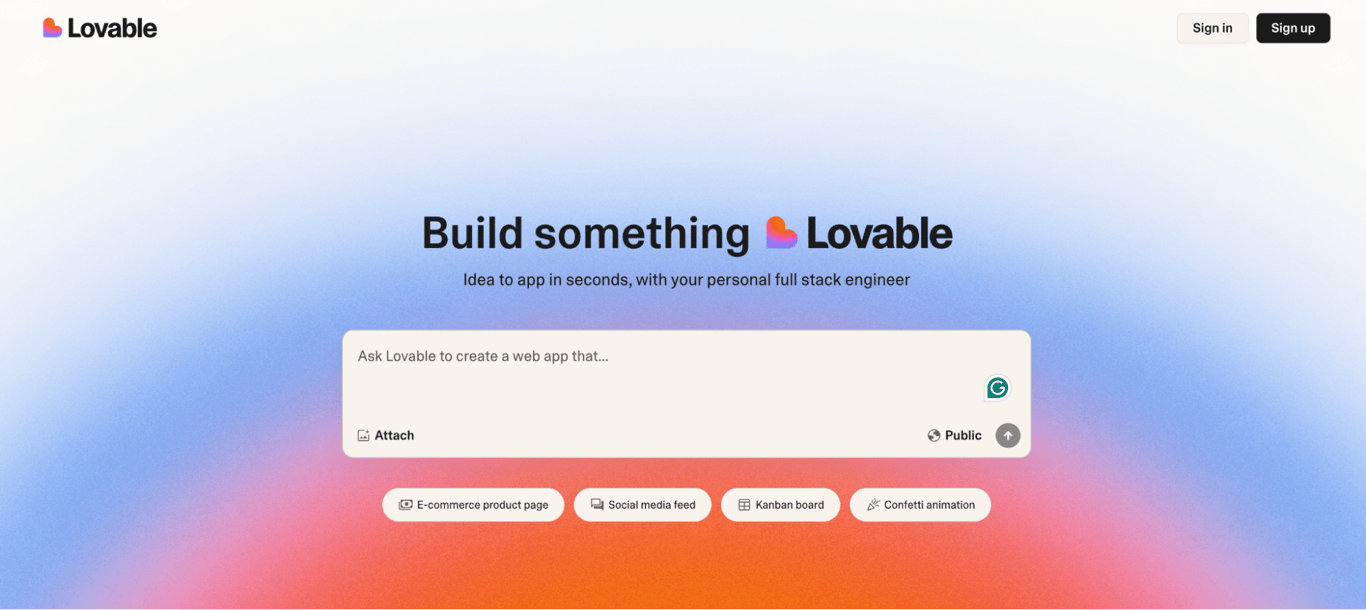
Most AI app builders generate code that a developer would want to rewrite. Lovable is the exception. It outputs clean React and TypeScript that’s genuinely production-quality, which makes it the best option if you want to prototype fast and then hand the codebase to a dev team for refinement.
The platform includes two-way GitHub sync (your changes in Lovable appear in your repo and vice versa), native Supabase integration for databases and auth, and Stripe for payments. You also get a Figma-like visual editor for tweaking layouts without touching code.
It’s more developer-oriented than competitors like Base44, and there are several Lovable alternatives if you want to compare.
Lovable uses a credit system where costs scale with prompt complexity. A simple color change uses about 0.5 credits, while adding something like authentication costs around 1.2.
The free plan gives you 5 daily credits. The Pro plan is $25/month with 100 monthly credits, custom domains, and credit rollover.
Lovable pros:
- Generates clean, well-structured React/TypeScript that developers can actually work with.
- Two-way GitHub sync keeps your repo and Lovable project in lockstep.
- Native Supabase and Stripe integration for databases, auth, and payments.
- Figma-like visual editor for design adjustments without code.
Lovable cons:
- The automated “Try to Fix” feature is handy for simple bugs, but it can use multiple credits on trickier issues. Keeping an eye on your credit balance during debugging sessions is a good habit.
- Non-technical users will still need developer help once they move past the prototype stage.
10. Betty Blocks
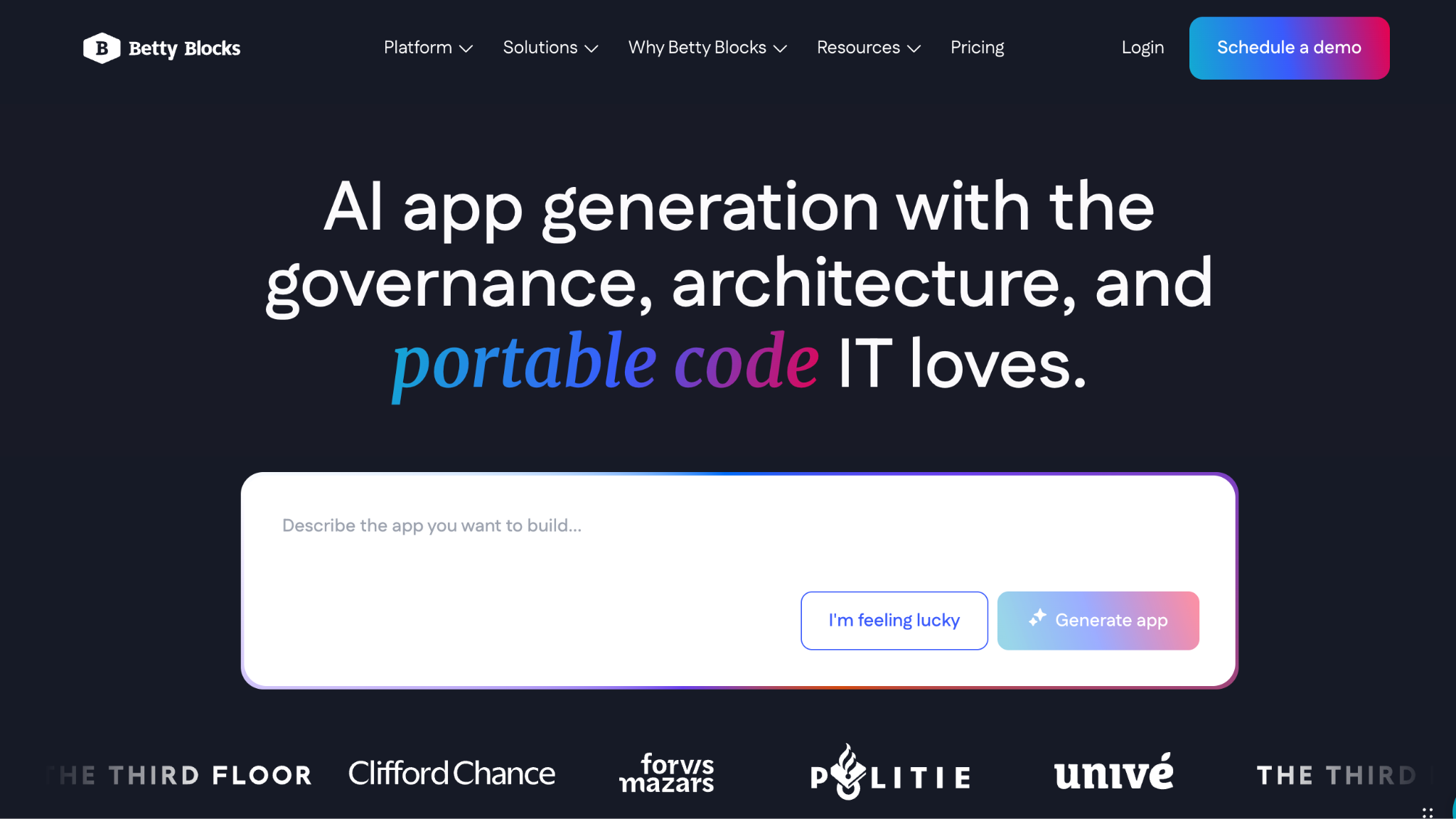
Where Bubble targets startup founders and indie builders, Betty Blocks is designed for organizations managing hundreds of internal users across multiple departments.
It’s built for IT departments and development teams inside large organizations that need to build internal applications without waiting months for traditional development cycles.
The platform offers a full-stack development environment with visual modeling for data, logic, and UI. You get enterprise-grade features like role-based access controls, audit logging, single sign-on, and compliance tooling that meets the highest standards.
For complex workflows involving multi-step approvals, conditional branching, and integration with legacy systems, Betty Blocks can handle what simpler no-code tools can’t.
Betty Blocks has two standard pricing tiers: Create at €1,500/month (about $1,700) and Scale at €3,500/month (about $4,000), both with a €7,500 (about $8,500) onboarding fee. It’s a significant investment, but for organizations replacing months-long traditional development cycles, the cost often pays for itself quickly.
Betty Blocks pros:
- Enterprise security and compliance features including SOC 2 and ISO 27001 support.
- Full-stack visual development with data modeling, business logic, and UI design.
- Supports citizen development programs with governance controls.
- Handles complex multi-step workflows and legacy system integrations.
Betty Blocks cons:
- Pricing starts at €1,500/month plus a €7,500 onboarding fee, which puts it well out of reach for smaller teams or solo founders.
- The platform is designed for internal enterprise tools, not customer-facing SaaS products or consumer apps.
11. Replit
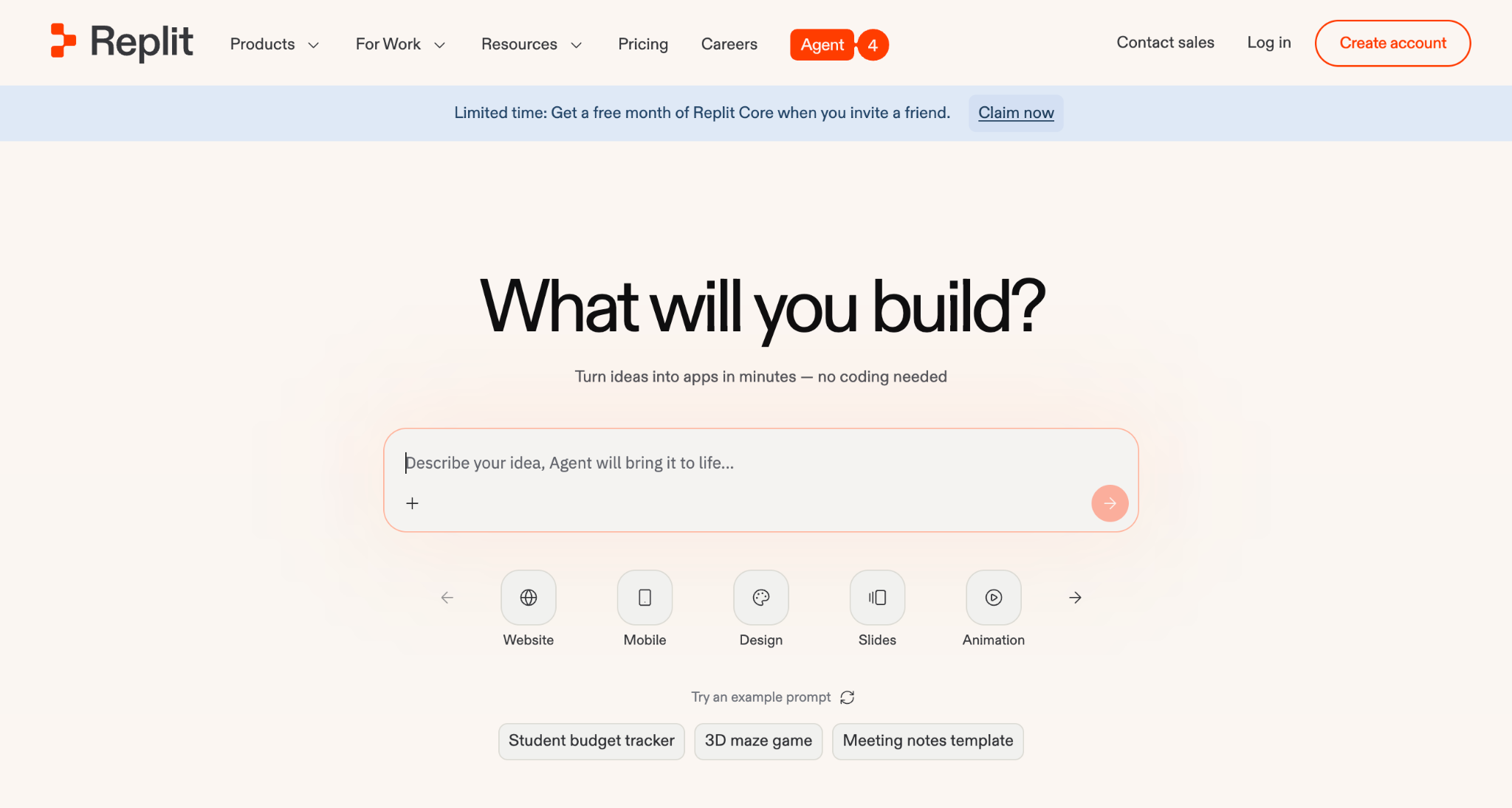
Replit blurs the line between a no-code builder and a full development environment. Bubble keeps you inside a visual editor, but Replit lets you drop into a real terminal and write code whenever the visual layer isn’t enough.
Its AI Agent can build entire apps from a text description, but unlike most AI builders, you also get a real code editor with terminal access, package management, and support for 50+ programming languages.
It autonomously plans architecture, writes code, debugs errors, and runs tests across parallel tasks. Extended thinking mode lets it tackle complex decisions, and you can now invite up to 5 collaborators on the Core plan. Built-in databases and one-click deployment to live URLs round out the package.
The Starter plan is free, while paid plans start at $20/month and offer up to 15 builders with credit rollover and priority support.
Every Agent interaction and deployment costs credits, so your actual monthly spend depends on how much you build. There are several Replit alternatives worth considering if this puts you off.
Replit pros:
- Full code editor with terminal, package management, and 50+ language support.
- AI Agent 4 autonomously builds, debugs, and deploys complete apps with parallel task support.
- Built-in databases and one-click deployment to live URLs, no separate hosting setup needed.
- Supports both AI-driven vibe coding and traditional hand-written code in the same project.
Replit cons:
- Agent interactions are priced per checkpoint, so extended debugging sessions cost more than quick edits. Keeping prompts focused helps manage spend.
- The code editor interface gives you more power but feels more complex than simpler chat-based builders.
- Always-on app hosting adds costs beyond your base subscription, which is worth factoring into your budget.
12. Bolt.new
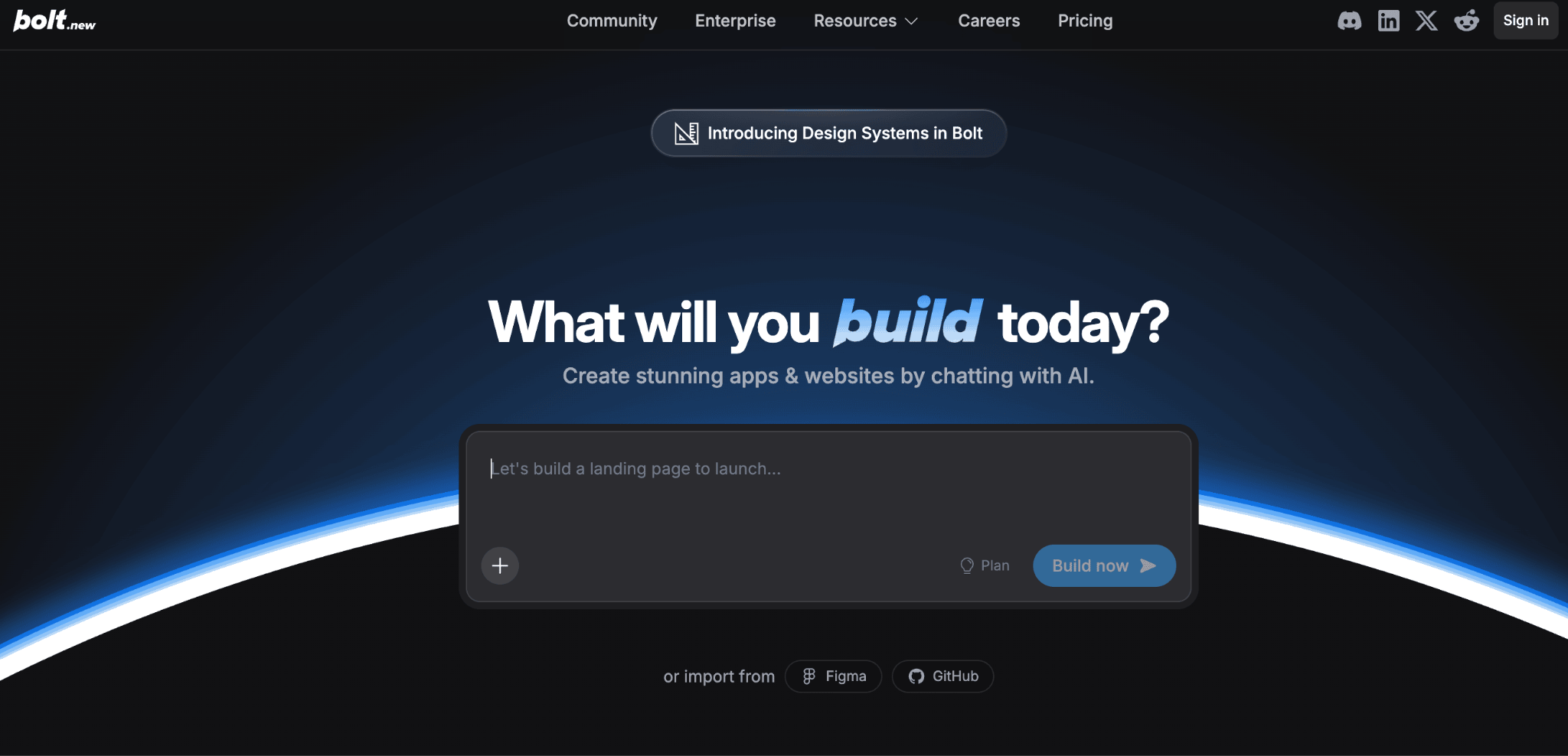
Bolt.new runs a full Node.js development environment inside your browser tab. You describe what you want, the AI generates the code, runs it, and shows you a live preview side by side.
Unlike most Bubble alternatives, Bolt is also open source. Bubble offers no code export and no self-hosting option; Bolt’s open-source fork means you’re never locked into a single platform.
The hosted platform works out of the box, but you can also install Bolt.new locally using the community fork (bolt.diy) if you want full control over your environment, want to use your own API keys, or prefer to self-host.
That flexibility is a big draw for developers, though it does mean Bolt skews more technical than tools like Hostinger Horizons. If you’d rather stick with something fully hosted, several Bolt.new alternatives offer a simpler, browser-only experience.
Built on StackBlitz’s WebContainers technology, Bolt.new uses an agentic approach: the AI doesn’t just generate code on command. It plans the architecture, coordinates changes across files, and attempts to fix errors before you even notice them.
The free plan includes 1 million tokens per month. The Pro plan starts at $25/month with 10 million tokens, token rollover, custom domains, and no Bolt.new branding.
Bolt.new pros:
- Full development environment with zero local setup, including package installation and live previews.
- Agentic AI that plans architecture, builds across multiple files, debugs errors, and deploys autonomously.
- Figma import turns designs into functional code in minutes, cutting out the usual design-to-dev handoff.
- Open-source codebase (bolt.diy) with an active community and support for various AI model providers.
Bolt.new cons:
- Larger projects with lots of iterations can use tokens faster than you’d expect.
- Generated code is great for prototypes and minimum viable products, though production apps usually benefit from a manual review.
- The free tier’s daily token cap means heavy building sessions may hit the limit.
What are the best free no-code web application builders?
Several platforms on this list offer genuinely usable free tiers. Hostinger Horizons provides a 7-day free trial with enough credits to build and preview a basic app. Replit’s Starter plan gives you free daily Agent credits and the ability to publish one app.
Bolt.new’s free plan includes 1 million tokens per month, which is enough for small experiments, while Lovable offers 5 daily credits on its free plan, and Base44 gives you 25 monthly message credits to test the waters.
These are solid options for getting started without spending anything. Just keep in mind that free plans are designed for exploration and prototyping. Once you’re ready to ship something to real users with a custom domain and reliable performance, upgrading to a paid plan is usually the next step.
What can I build using vibe coding tools?
Different vibe coding tools suit different types of software, so it helps to match the tool to the project.
If you want to build a native mobile app and publish it to the App Store, FlutterFlow or Adalo are your best bets. For a polished marketing site or portfolio with full creative control, Webflow gives you the most design flexibility. Need a quick internal dashboard powered by your existing spreadsheets? Softr or Glide will get you there in an afternoon.
AI-powered tools like Hostinger Horizons open up broader possibilities. You could build a customer support portal, a project management tool, a recipe-sharing community, or a booking system for a local business.
The key is writing specific, detailed prompts rather than vague descriptions. Instead of “build me an app,” try “build a booking system where clients pick a service, choose a time slot, and pay with Stripe.” The more context you give the AI, the better the output.
If you’re looking for inspiration, check out these web app ideas to find a project that matches your goals.

Simon is a dynamic Content Writer who loves helping people transform their creative ideas into thriving businesses. With extensive marketing experience, he constantly strives to connect the right message with the right audience. In his spare time, Simon enjoys long runs, nurturing his chilli plants, and hiking through forests. Follow him on LinkedIn.

Dainius Kavoliunas is the Head of Product for Hostinger Horizons, with a passion for building innovative solutions. As an expert in product management, he combines deep expertise in UX, experimentation, and data analysis with a technical background to lead product strategy and build strong teams. He is particularly excited about the practical applications of AI and its potential to transform how we work and live. Follow him on LinkedIn.