7 best WordPress hosting to launch your website
Apr 16, 2026
/
Leonardus N. & Marco C.
/
8 min Read
WordPress hosting is web hosting designed to make WordPress websites run better and easier to manage. It offers features like one-click installation, automatic updates, and specialized support to make it easier for creators, bloggers, and businesses to build and manage their sites.
This kind of hosting typically includes performance enhancements such as server-level caching, scalable resources, and built-in security tools to meet the demands of WordPress users and help their websites run smoothly.
In this article, we’ll explore the best WordPress hosting providers available today:
- Hostinger. A fast and beginner-friendly WordPress hosting provider with affordable plans, AI tools, and a custom-built control panel for easy site management.
- SiteGround. A performance-focused WordPress host known for reliable speed, robust security, and expert support, making it great for growing websites.
- DreamHost. A transparent and flexible WordPress host with affordable plans, unlimited traffic, and automated backups, backed by WordPress.org’s recommendation.
- Bluehost. A WordPress-recommended host offering a smooth onboarding experience, essential features, and 24/7 support – ideal for beginners and small businesses.
- HostGator. An all-in-one WordPress hosting option offering unmetered bandwidth, daily backups, and built-in optimization tools for ease of use.
- Kinsta. A premium WordPress host built on Google Cloud—offering high performance, expert migrations, application monitoring, and multilingual support.
- IONOS. A budget‑friendly WordPress host with free domain/email, web‑design support, unlimited traffic, and intuitive tools for small businesses and beginners.
We’ll compare their pricing, features, and who each one is best suited for – so by the end of the article, you’ll know which provider fits your project’s needs.
1. Hostinger

Hostinger Stats:
- Best for: all types of users and businesses
- Price: starting at CA$ 4.19/month
Hostinger is a top web hosting choice for WordPress websites, offering excellent performance, useful features, and a simple setup process. It’s built for users who want speed, reliability, and responsive support — all at a competitive price.
All managed hosting for WordPress plans include a free domain name valued at $9.99, unlimited databases, Multisite support, and WooCommerce optimization for online stores. Developers also get WP-CLI access and built-in AI tools to streamline site management.
Hostinger uses LiteSpeed Web Server to deliver fast load times, supported by an in-house content delivery network (CDN) that reduces latency worldwide. This setup helps ensure a smooth experience for your visitors, backed by a 99.9% uptime guarantee.
Help is always available through our 24/7 multilingual Customer Success team via live chat or email, ready to assist with any WordPress-related issue, no matter your experience level.
Another advantage of using Hostinger is the WordPress staging tool, which lets you safely test site changes before pushing them live. This feature helps you avoid errors, keep your website stable, and ensure smooth updates.
Here’s a quick overview of what makes Hostinger’s WordPress hosting a strong choice:
Hostinger’s key features:
- Managed hosting features. All plans include free site migration, one-click WordPress installation, and automatic updates, making setup and maintenance simple.
- Powerful hPanel. Hostinger’s custom-built control panel offers an intuitive interface with dedicated tools for managing domains, databases, and FTP accounts.
- Generous resources. Depending on your plan, you can host up to 300 websites and get up to 200 GB of NVMe storage, ideal for high-traffic projects or managing multiple sites.
- Advanced security. Each plan comes with DDoS protection, a web application firewall (WAF), a malware scanner, free SSL certificates, and WHOIS privacy protection for domains.
- Automated backups. Weekly backups are included with the Premium plan, while the Business and Cloud Startup plans provide daily backups to help secure your data.
- Free email hosting. Create up to 100 email addresses to boost brand credibility — included with all WordPress hosting plans.

2. SiteGround

SiteGround Stats:
- Best for: businesses, eCommerce stores, and agencies
- Price: Starting at $2.99/month
SiteGround is a reliable WordPress hosting provider known for its smooth user experience and developer-friendly tools. Its dashboard is clean and easy to navigate, with plenty of tutorials and in-app guidance to support new users.
One standout feature is SiteGround’s collaboration tools. You can add collaborators to manage specific sites, transfer websites between SiteGround accounts, or give clients access to selected areas of their hosting dashboard — ideal for agencies, freelancers, and web developers.
For those on higher-tier plans, SiteGround also offers white-label access. This means you can grant your clients access to the Site Tools area without exposing the SiteGround branding, helping you maintain a professional image.
Another performance-focused feature is SiteGround’s SuperCacher, available on all plans. It’s a custom caching solution designed to boost your WordPress website’s speed and reduce server load.
However, SiteGround does have some limitations. It doesn’t include a free domain name, and its storage is more limited compared to some other hosts. The entry-level plan supports one website and 10 GB of space, which may not be ideal for larger projects.
SiteGround’s key features:
- WordPress Starter plugin. Helps beginners launch their sites with step-by-step theme and plugin recommendations.
- SiteGround Migrator. An in-house plugin to move your WordPress site without downtime or technical hassle.
- eCommerce-ready. Seamless integration with WooCommerce and other online store tools for launching WordPress-based shops.
3. DreamHost

DreamHost Stats:
- Best for: beginners and budget-conscious users
- Price: starting at $2.59/month
DreamHost is a hosting provider known for its affordable pricing, beginner-friendly interface, and solid performance. It’s a great option for users looking to build a WordPress website without spending much up front.
DreamHost offers unmetered bandwidth across all plans, allowing your site to handle large volumes of traffic without worrying about data limits. If you choose a one-year or three-year plan, you’ll also get a free domain name. While there are several WordPress hosting plans available, only the Shared Unlimited plan lets you host multiple websites.
The host also offers VPS WordPress hosting, which is ideal for users who want more control over resources. However, keep in mind that malware protection (DreamShield) costs an extra $3/month. While optional, not using it could leave your site more vulnerable to threats.
DreamHost’s key features:
- One-click staging. Available on DreamPress plans, this feature lets you test updates or design changes safely before going live.
- Automated WordPress migration. Migrate your site easily with DreamHost’s in-house migration plugin – no technical steps required.
- Automatic updates. All plans include automatic updates for WordPress core and security patches, helping to keep your site safe.
4. Bluehost

Bluehost Stats:
- Best for: beginners and eCommerce websites
- Price: starting at $3.95/month
Bluehost is a beginner-friendly WordPress hosting provider with an interface that’s easy to navigate and features tailored for WordPress users. It’s a popular choice for new website owners and small businesses.
All WordPress hosting plans include a free domain name and Content Delivery Network (CDN) integration to improve speed and accessibility. Bluehost also offers a specialized eCommerce plan starting at $6.95/month, which includes premium features like online payment support, product search and filter, and booking tools, valued at around $450 in plugin licenses.
While Bluehost’s introductory pricing is affordable, renewal rates can be significantly higher. The Starter plan starts at $3.95/month for a 36-month term, but it lacks some essentials like domain privacy and malware scanning.
Bluehost’s key features:
- Automatic WordPress installation. A one-click setup process helps beginners launch their sites with minimal effort.
- Free migration. Bluehost offers one free WordPress site migration from another hosting provider.Marketing consultation (paid). Additional services are available for SEO and PPC campaign support, useful for users looking to grow their site traffic or improve visibility.
5. HostGator
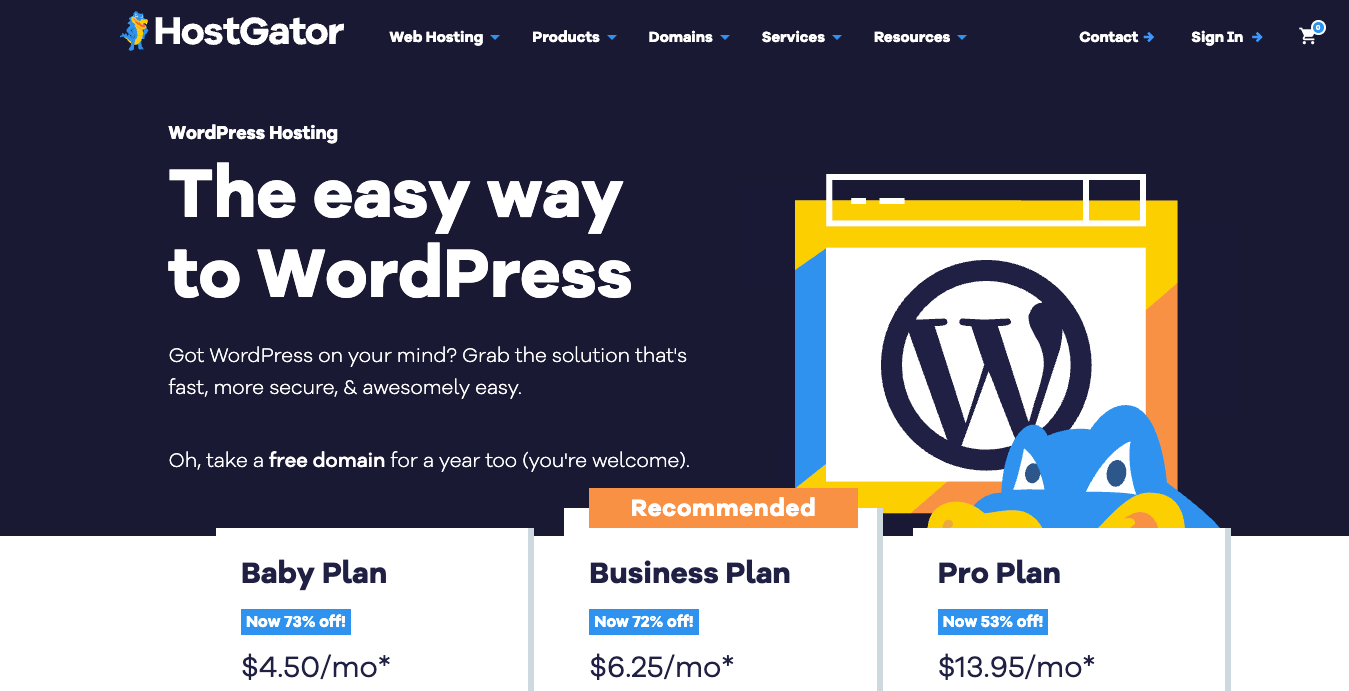
HostGator Stats:
- Best for: larger websites
- Price: starting at $4.5/month
WordPress users with larger or content-heavy websites can opt for HostGator. Its hosting plans come with a straightforward control panel and pre-installed WordPress, making setup quick and hassle-free.
With unlimited bandwidth included on all plans, HostGator can handle high traffic volumes while maintaining smooth site performance. You also get 24/7 customer support to assist with any issues at any time.
Security features include free SSL certificates, SiteLock malware protection, and CodeGuard backups – providing daily automated backups and easy site restoration.
One downside is that HostGator does not offer an in-house staging environment, which some users may find limiting for testing changes. Additionally, the Business plan caps at 50 websites. Renewal prices are also significantly higher, which can affect budget-sensitive users.
HostGator’s key features:
- Free site migration. Easily transfer your WordPress website from another host at no extra cost.
- Free email service. All plans include email hosting with SpamAssassin spam protection to keep your inbox clean.
6. Kinsta

Kinsta Stats:
- Best for: high-traffic websites, enterprises, and agencies
- Price: starting at $30/month
Kinsta is a premium WordPress hosting provider, ideal for high-traffic websites, enterprises, and agencies. It runs exclusively on Google Cloud’s infrastructure, delivering reliable and fast performance through its globally distributed data centers.
Setup is simple with one-click WordPress installation. Kinsta also offers a site cloning tool, perfect for agencies and developers who need to quickly duplicate live or staging sites to build new projects efficiently.
All plans include free premium migrations handled by Kinsta’s expert engineers, though the number of free migrations depends on the chosen plan.
Kinsta’s 24/7 multilingual support covers English, Spanish, French, Italian, and Portuguese, ensuring help is always available regardless of your language.
Kinsta offers a one-month free trial. That said, Kinsta’s starting price of $30/month is higher than many competitors offering similar features. Storage and bandwidth limits apply, and exceeding them will incur additional fees.
Kinsta’s key features:
- MyKinsta dashboard. A powerful, user-friendly control panel where you can manage your sites, use staging and preview tools, and monitor detailed site analytics.
- Application Performance Monitoring (APM). An in-house tool available on all plans that identifies and visualizes performance bottlenecks, helping you troubleshoot issues quickly.
- Flexible storage add-ons. Instead of upgrading plans, you can purchase additional database storage at $10/month per 10 GB, adjustable as your needs grow.
7. IONOS
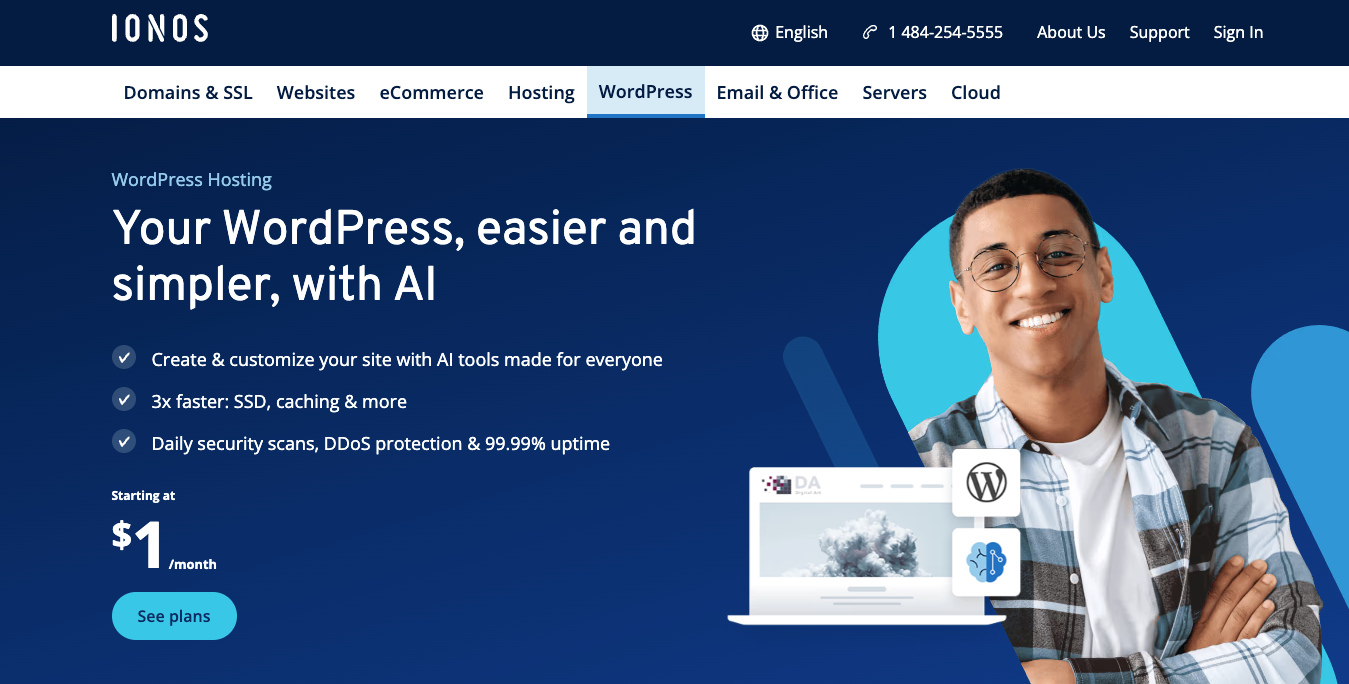
IONOS Stats:
- Best for: beginners and small businesses
- Price: starting at $1/month
IONOS is one of the most affordable WordPress hosting providers, making it an excellent choice for beginners and budget-conscious users.
Starting at just $1/month for the first year, IONOS includes a free domain and email address with 2 GB of storage, plus built-in spam and phishing protection. Some plans also come with Jetpack free for one year, adding tools like daily backups and performance monitoring.
IONOS also offers a professional web development service, helping customers build websites with design and copywriting assistance – a valuable addition for beginners or small businesses without in-house expertise.
All plans support unlimited traffic and include a free Wildcard SSL certificate that secures your domain and its subdomains.
However, IONOS doesn’t include an automatic WordPress migration tool. Moving an existing site requires manual migration or assistance from support.
IONOS’s key features:
- Free Wildcard SSL. Secures your main domain and all its subdomains.
- Jetpack included. Some plans offer a one-year Jetpack license for extra security and performance.
- 24/7 support. Assistance is available via phone, chat, and email around the clock.
How to choose the right WordPress hosting
Now that we have explored the best WordPress web hosting platforms, let’s discuss some key factors to consider when choosing the right hosting option for your website.
- Assess Storage Needs: Evaluate the storage and bandwidth based on your website’s size and content. Choose a plan with enough space, adding a 20% buffer for future growth. Consider WordPress plans with unlimited storage for flexibility.
- Ensure Great Uptime: Uptime is crucial for website accessibility and SEO ranking. Look for hosts with 99.9% uptime guarantees and minimal downtime. Choose a provider with strong infrastructure and backup systems.
- Consider Traffic and Bandwidth: Select a hosting plan with sufficient bandwidth to handle your website’s traffic. Plans with unlimited bandwidth are ideal for content-heavy sites or high traffic. Check if the plan supports multiple sites, if needed.
- Evaluate Setup Process: Choose a hosting provider with a user-friendly control panel for easy WordPress management. Look for auto-installers and simple domain/email setup for smooth onboarding. A straightforward process is key for non-technical users.
- Support and Customer Service: Choose a hosting provider with responsive support channels like live chat, phone, and ticketing. Ensure 24/7 availability, especially in emergencies, to prevent downtime and security breaches. A comprehensive knowledge base is also beneficial.
- Scalability: Select a scalable hosting plan to accommodate future growth in traffic and content. Ensure you can easily upgrade resources or switch to higher-tier plans. For agencies, choose a host that supports multiple WordPress sites on the same plan.
- Security Measures: Prioritize hosts offering strong security features like regular backups, malware scanning, SSL certificates, firewalls, and DDoS protection. Automatic updates and robust security are essential for website safety.
- Pricing and Value: Compare pricing and features to ensure the best value for your investment. Beware of low-cost plans with hidden limitations, and be cautious of price hikes after promotional periods. Consider the long-term value rather than just the initial cost.
Next steps after getting a WordPress hosting plan
Once you’ve picked your WordPress hosting provider, it’s time to bring your website to life. Most hosting services offer a one-click WordPress installation or have it pre-installed. Follow the prompts to get your site up and running in minutes.
From there, choose a WordPress theme that fits your brand or business. WordPress has thousands of free and premium themes available – start with a lightweight one to keep your site fast. You can always customize it later using the built-in editor or a page builder plugin like Elementor.
Next, install essential plugins. Start with a security plugin, a backup tool, and an SEO plugin like Yoast or Rank Math. These will help protect your site, keep it running smoothly, and improve its visibility on search engines.
Finally, start creating content. Write your homepage, about page, and a few blog posts or product pages, depending on your site’s purpose. Publish your content once you’re ready, and remember, you can continually improve it over time.
With your hosting plan in place and WordPress set up, you’re well on your way. Focus on building, learning, and refining as you grow your online presence.

Leo is a Content SEO Specialist and WordPress contributor. Armed with his experience as a WordPress Release Co-Lead and Documentation Team Representative, he loves sharing his knowledge to help people build successful websites. Follow him on LinkedIn.

Marco Chiesi is the Head of WordPress at Hostinger, with over 20 years of experience as a software engineer in the web industry. He specializes in open-source technologies and the WordPress ecosystem, where he has contributed in different areas: Plugin Developer (with over 10 million downloads), WordCamp speaker and organizer, Meetup organizer, Translator, and Core Contributor. He is passionate about leading his team to create innovative solutions for Hostinger's web hosting product, which hosts over 5 million WordPress installations. Follow him on LinkedIn.


