How to Create a Custom GPT with ChatGPT
Mar 30, 2026
/
Matleena S.
/
4 min Read
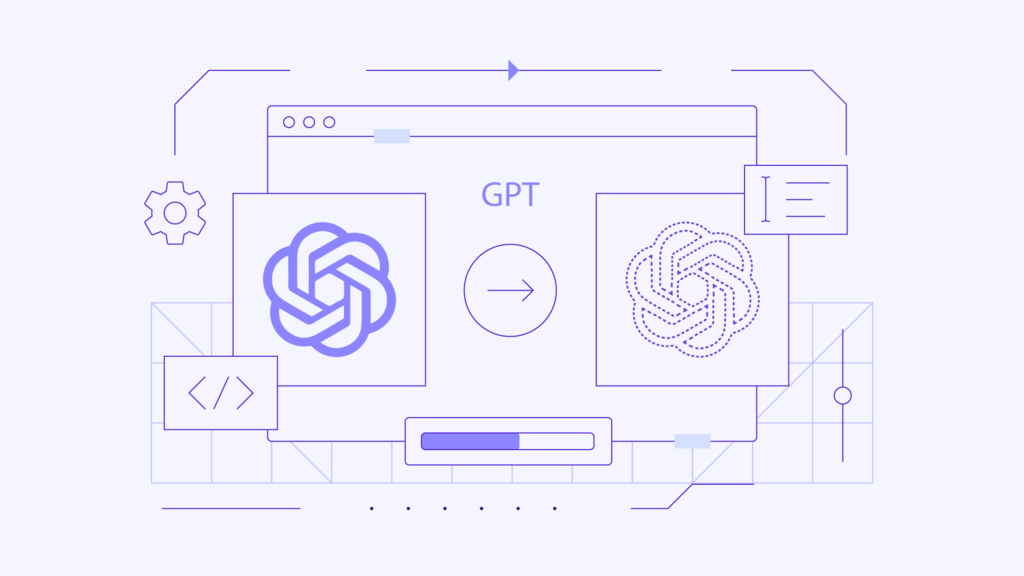
OpenAI’s Custom Generative Pre-Trained Transformer (Custom GPT) allows users to create custom chatbots to help with various tasks.
From assisting customer inquiries to automating content creation and generating website leads, custom ChatGPT models help streamline online workflows for individuals and businesses.
In this guide, we will explain how to set up your own custom chatbot in the GPT builder. We will also share some use case examples for custom GPTs, as well as their best practices.
How to Create a Custom GPT with OpenAI
To create a chatbot with ChatGPT, follow these steps:
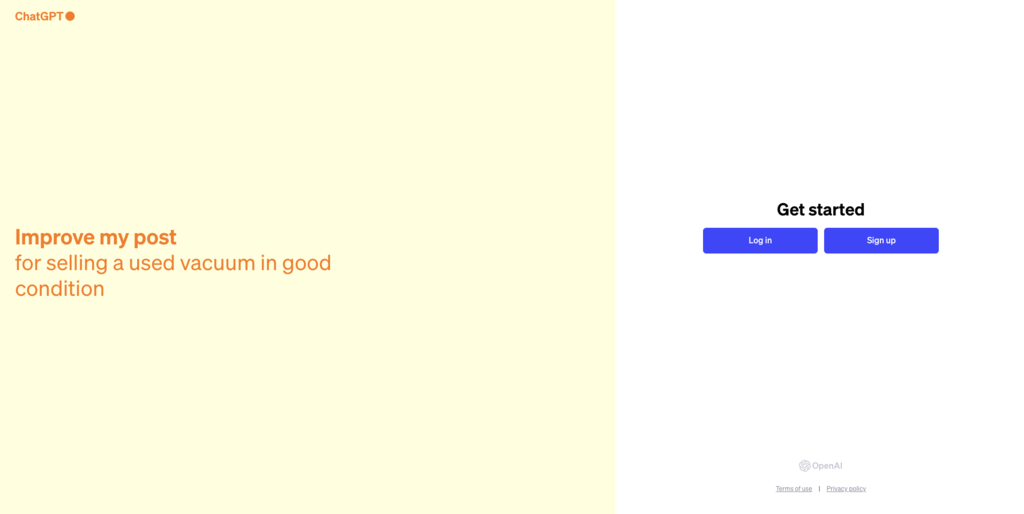
- Sign up for a ChatGPT account. A ChatGPT Plus subscription is required to create a custom GPT.
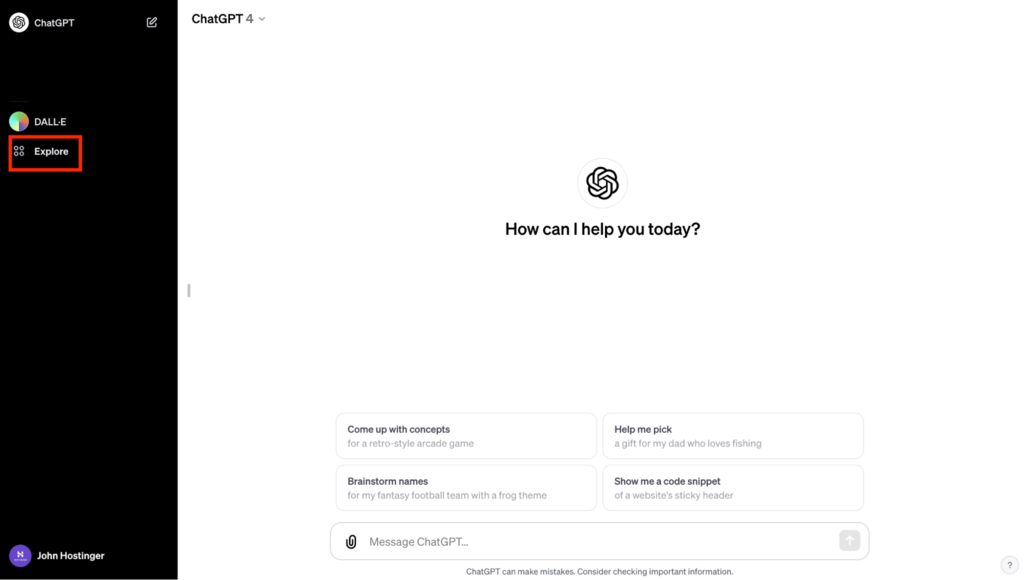
- Once logged in, expand the sidebar and click Explore.
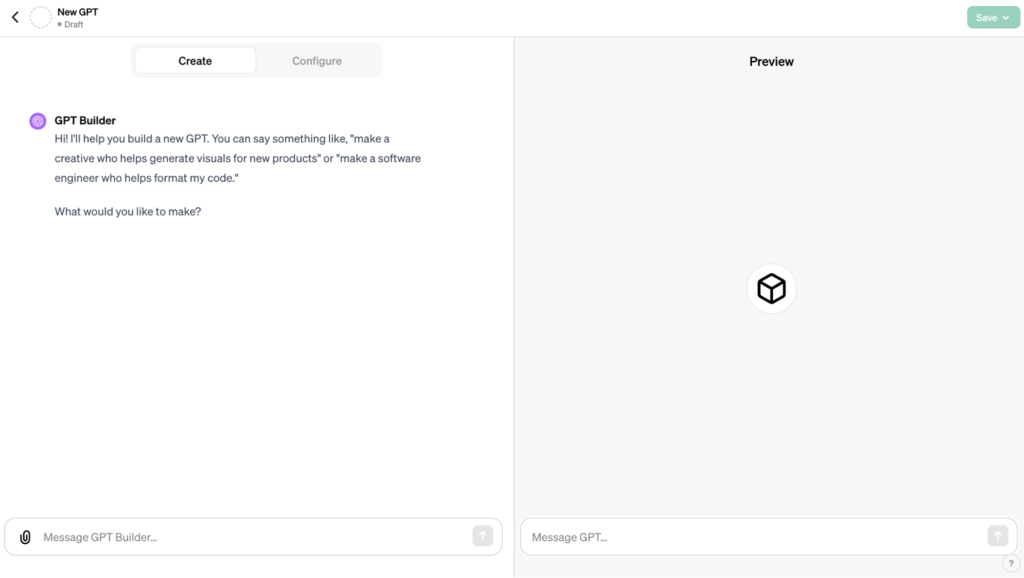
- Under My GPTs, select Create a GPT.

- In the GPT builder, use the Create tab on the left-hand side to describe what tasks the custom GPT should undertake.
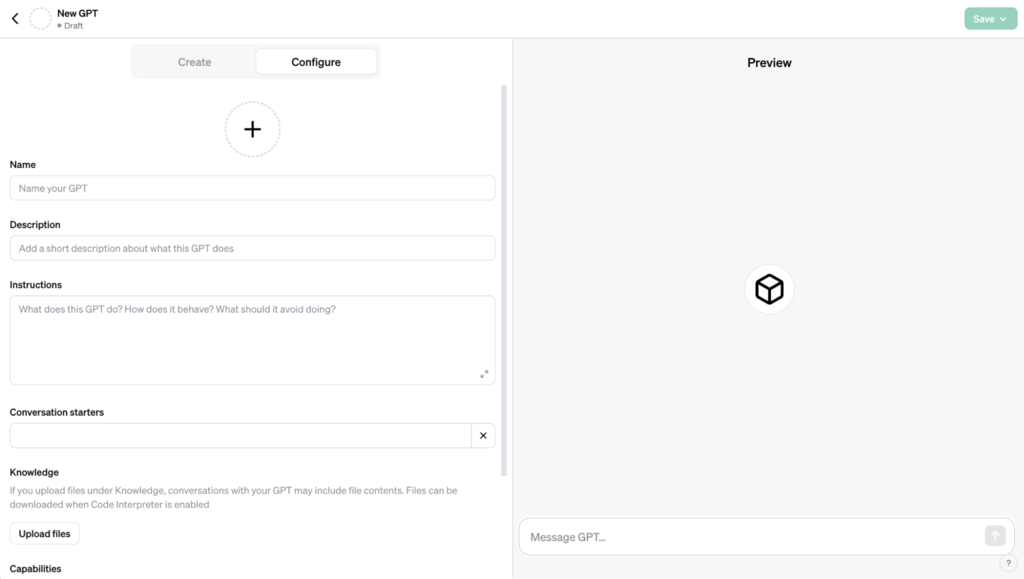
- In the Configure tab, finetune the GPT’s name, description, custom instructions, conversation starters, and other settings.
- Upload files to the Knowledge section for more detailed guidelines and create new actions.
- Use the Preview on the right-hand side of the screen to test your AI chatbot.
- When you’re done configuring and testing your GPT, expand the Save menu and select how you want to publish your chatbot.

- Your published GPT is now visible in the sidebar.
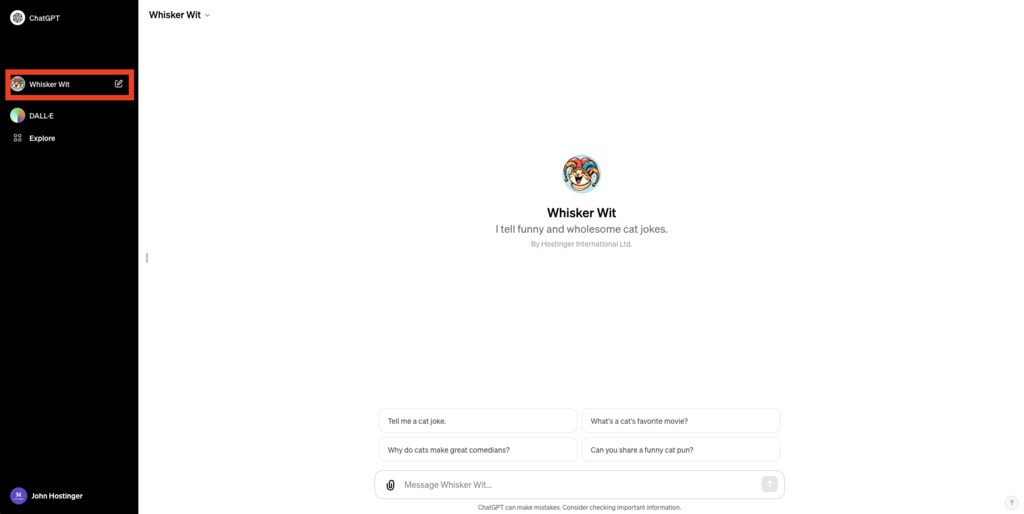
- After publishing your GPT, access its settings by opening your GPT and clicking on the GPT name in the left-hand corner of the screen.

Did You Know?
You can use ChatGPT to build a website. All you have to do is get a quality web hosting plan and a memorable domain name. Hostinger’s generative AI will do the rest.

Examples of Useful Custom GPTs
AI models can be used for virtually anything, from customer support to legal document reviewing and image generation. Here are some examples of useful GPTs:
1. Customer Support GPT
A customer support GPT helps troubleshoot common problems and offers instant answers to frequently asked questions, improving the online customer experience.
Start setting up a customer support ChatGPT by compiling a database of FAQs. This data is used to train the GPT in handling different customer interactions. The trained GPT can be integrated into various customer service platforms like live chats, emails, and social media.
Benefits:
- Faster response times
- Increased customer satisfaction
- Consistent and accurate answers
- Enhanced customer experience
- Improved brand loyalty
2. Content Creation GPT
A GPT for content creation streamlines the production of blog posts, social media updates, and other marketing materials.
In order to achieve the best results, train the GPT using samples of your brand’s content to ensure it replicates your style across formats. Remember to regularly update your content GPT to ensure the output is up-to-date with the latest brand guidelines.
Benefits:
- Efficient content production
- Consistent brand voice and identity
- Rapid generation of high-quality content
- Efficient use of time and resources
3. Legal Document Assistant
This custom GPT simplifies interpreting legal documents, such as privacy policies and agreements.
Training a legal document assistant GPT involves uploading relevant documents to the builder and teaching it to respond to queries in a clear and easy-to-understand way.
Benefits:
- Clear explanations of legal documents
- Enhanced transparency and understanding
- Reduced misinterpretation and non-compliance risks
4. Website Development Assistant
A GPT for web development aids developers with tasks related to coding, troubleshooting, and web design.
To customize a web development GPT, input programming languages and design principles. Set it up to provide tailored advice for web development challenges and enable the code interpreter to get the best results.
Benefits:
- Streamlined web development process
- Reduced troubleshooting time
- Enhanced learning for developers
Things to Bear in Mind When Using Custom GPTs
To get the most out of your custom GPT, consider the following best practices:
Defining Objectives
Identify clear goals for your custom GPT, such as automating customer responses, streamlining content generation, or providing web development assistance. A defined objective guides the setup process and speeds up model training.
Data Collection and Preparation
Collect and organize data relevant to your GPT’s purpose. For customer support, compile FAQs from a support knowledge base and pre-defined responses to certain queries. Meanwhile, for content creation, use existing content samples to maintain style consistency.
Uploading and Integrating Data
Use ChatGPT’s data upload feature to train your GPT with your specific data. This is essential for more personalized interactions, helping your GPT answer questions and execute particular tasks with better accuracy.
Customization of Settings
Adjust the GPT’s settings to fit your desired response style and complexity, aligning with your brand’s identity or specific use case.
Testing and Refinement
Test your GPT extensively and refine its responses based on feedback to improve accuracy and relevance.
Data Security
Regularly update your GPT with new information, such as industry trends and user feedback. Then, adjust its settings to adapt to changing needs. This continuous learning ensures the GPT remains effective and relevant.
Ethical Use
Establish guidelines for the GPT’s usage, especially for sensitive topics. Be transparent about its capabilities and limitations. Ethical use and transparency are essential to maintain user trust and uphold responsible AI usage.
More on AI
Interested in learning more about AI? Speed up your workflows and get the most out of top AI tools by checking out the following tutorials:
Best AI Content Generators
Best Free AI Website Builder
Top AI Web Development Tools
AI for Websites
How to Install Auto-GPT
Conclusion
Creating a custom GPT with ChatGPT enables businesses and individuals to automate repetitive errands, freeing time for more strategic and creative tasks. It’s also a good way to make money online from your custom GPTs.
Set up your own GPT by logging in to ChatGPT, navigating to the Explore menu, and opening the GPT builder. Use the chatbot interface to define your GPT and adjust the various configurations.
By following this guide and considering the critical aspects of data security, continuous learning, and ethical use, you can develop a GPT that meets your specific needs and adds significant value to your digital endeavors.

Matleena is a seasoned Content Writer with 5 years of content marketing experience. She has a particular interest in emerging digital marketing trends, website building, and AI. In her free time, Matleena enjoys cups of good coffee, tends to her balcony garden, and studies Japanese. Follow her on LinkedIn